

The 12 Best Project Management Tools for Freelancers in 2025
As a freelancer, you are not just a creative, a developer, or a consultant; you are the CEO of a one-person business. Juggling clients, deadlines, invoices, and your own sanity requires more than a simple to-do list, it demands a robust system. The right project management tool can be the difference between chaotic burnout and profitable, streamlined success. But with hundreds of options available, determining which one is actually built for the unique challenges of freelancing can feel like a project in itself.
This guide cuts through the noise. We've meticulously analyzed and tested the 12 best project management tools for freelancers, focusing specifically on the features that matter most to your bottom line. We evaluate solo-friendly pricing, intuitive client collaboration portals, integrated time-tracking and invoicing, and the ability to scale as your business grows. This isn't a generic list of features, it's a practical breakdown tailored to the freelancer workflow.
Inside this resource, you will find a comprehensive overview for each tool, including:
- A concise summary of what it does best.
- Honest pros and cons from a freelancer's perspective.
- Clear, up-to-date pricing information.
- "Best for" recommendations to match your specific needs, whether you're a solo creative or managing a small team.
- Screenshots and direct links to help you visualize the platform and get started quickly.
Whether you need an all-in-one business hub like Plutio or a simple, visual task board like Trello, you'll find the perfect fit here. Our goal is to help you find the ideal system to organize your work, impress your clients, and reclaim your time. Let's find the tool that will transform your freelance chaos into structured clarity.
1. ClickUp
ClickUp markets itself as the "one app to replace them all," and for freelancers juggling multiple roles, this isn't far from the truth. It consolidates tasks, documents, chat, goals, and even whiteboards into a single, unified workspace. This all-in-one approach is its biggest differentiator, allowing a solo freelancer to manage client projects, track internal business goals, and draft proposals without constantly switching between different applications. It stands out as one of the best project management tools for freelancers who want robust functionality without paying for multiple subscriptions.
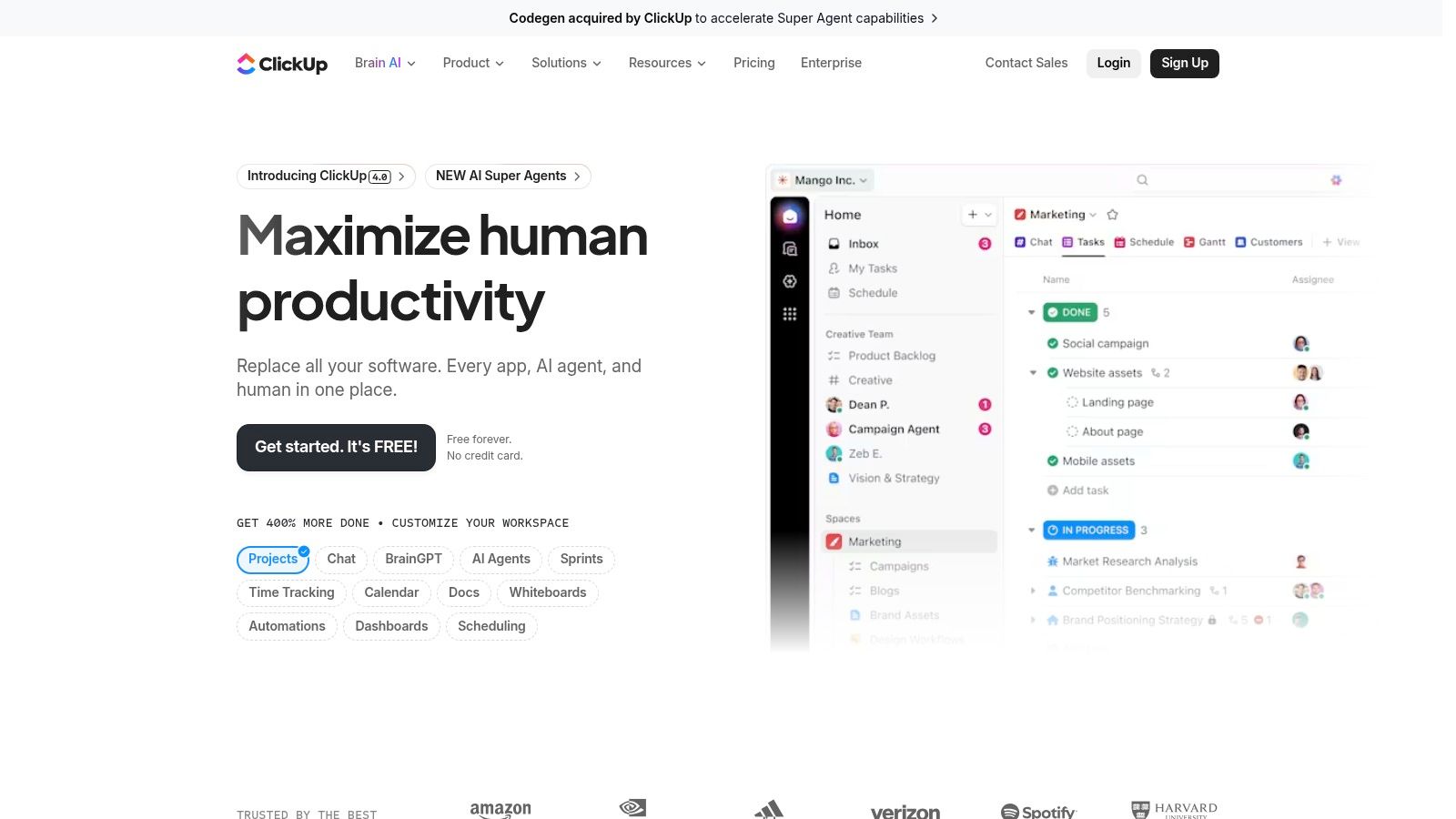
The platform’s strength lies in its extreme customizability. You can view tasks in over 15 ways, including standard List, Board (Kanban), and Calendar views, as well as more advanced Gantt and Mind Map options. This flexibility allows you to tailor workflows precisely to different client needs, from a simple content calendar for one client to a complex development sprint for another.
Key Details & Recommendations
| Best For | Solo freelancers needing an all-in-one hub, small creative teams |
|---|---|
| Pricing | Free Forever: Very generous plan with unlimited tasks. Unlimited: Starts at $7/user/month. |
| Key Pro | Exceptionally feature-rich free plan that covers most solo freelancer needs. |
| Key Con | The sheer number of features can be overwhelming, leading to a steep initial learning curve. |
Setup Tip: Start small. Use a pre-built template for your first project and only activate the "ClickApps" (features like time tracking or custom fields) as you need them to avoid feeling overwhelmed. As you grow, you can explore more advanced remote collaboration tools within the platform to manage team dynamics.
Website: https://clickup.com
2. Trello
Trello is the digital equivalent of a whiteboard with sticky notes, making it one of the most intuitive and visually appealing project management tools for freelancers. Its strength is its simplicity; you create a board for a project, add lists to represent stages (e.g., To-Do, In Progress, Done), and move cards (tasks) across them. This Kanban-style approach is perfect for managing straightforward workflows like content creation pipelines, client onboarding processes, or simple sales funnels without a steep learning curve.
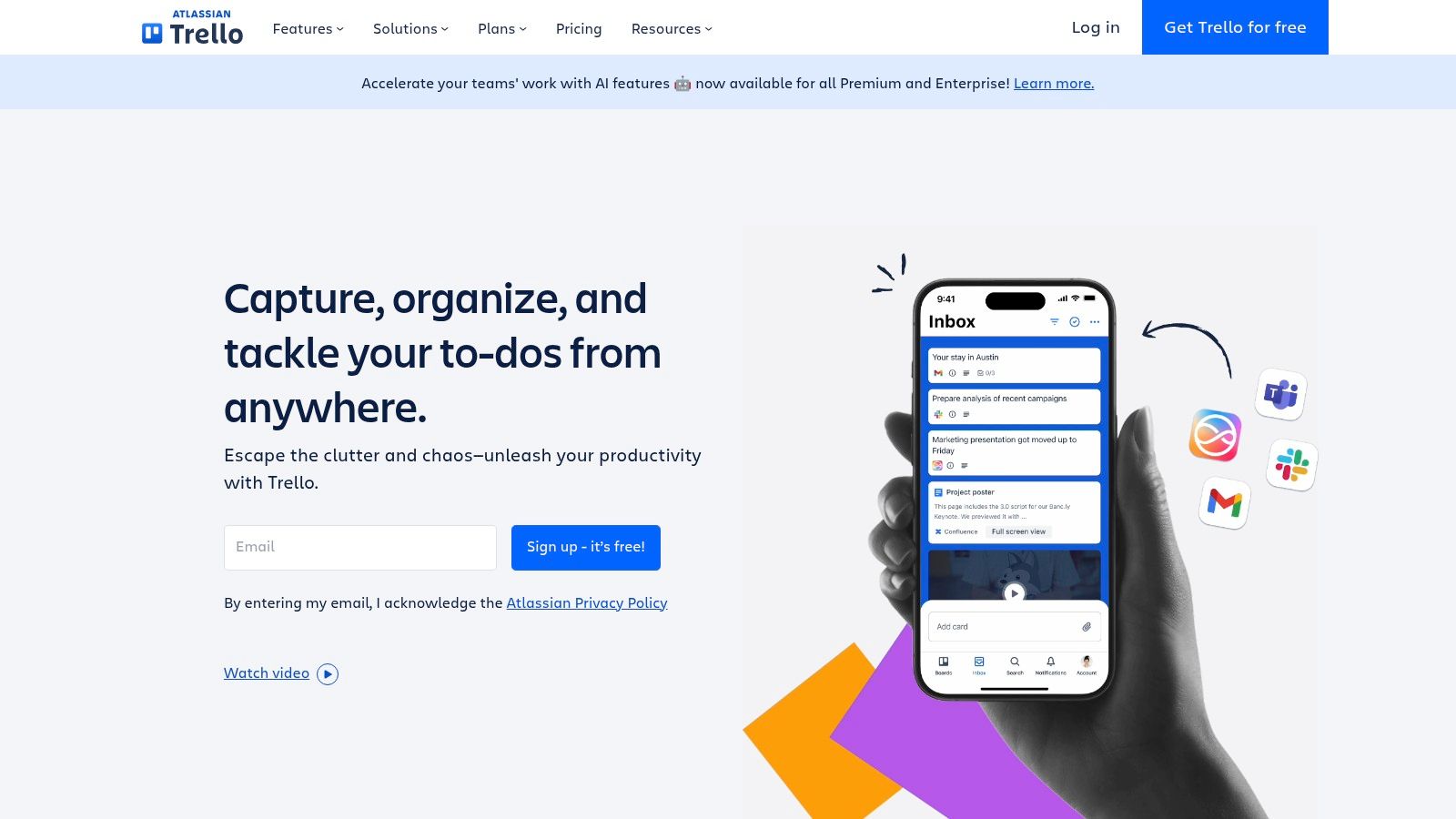
What makes Trello special for freelancers is its "Power-Ups" ecosystem, which allows you to add specific functionalities like calendars, time tracking, or integrations with apps like Slack and Google Drive. The built-in automation tool, Butler, is another key advantage, letting you create rules to automate repetitive actions like moving cards or adding checklists when a due date approaches. This combination of simplicity and optional power makes it a highly adaptable tool that grows with your needs.
Key Details & Recommendations
| Best For | Visual thinkers, freelancers with simple workflows, content creators |
|---|---|
| Pricing | Free: Up to 10 boards per workspace. Standard: Starts at $5/user/month. |
| Key Pro | Extremely easy to learn and use, with a visual interface that is great for at-a-glance project status. |
| Key Con | Can become cluttered on complex projects, and advanced features like Gantt charts require paid plans or Power-Ups. |
Setup Tip: Dedicate one board per client to keep everything organized. Use labels for task priority (e.g., High, Medium, Low) and Butler automation to automatically assign yourself to new cards added to your "To-Do" list. For those on a tight budget, Trello's free plan is often enough, making it a form of cheap project management software for getting started.
Website: https://trello.com
3. Asana
Asana excels at bringing clarity and structure to complex freelance projects, particularly those involving client collaboration. While many tools focus solely on task lists, Asana emphasizes workflows and timelines, helping you visualize the entire project lifecycle from start to finish. Its strength lies in creating organized, repeatable processes, making it one of the best project management tools for freelancers who manage long-term client retainers or multi-stage creative projects. The ability to add unlimited free guests on paid plans is a major perk, allowing seamless client feedback without extra costs.
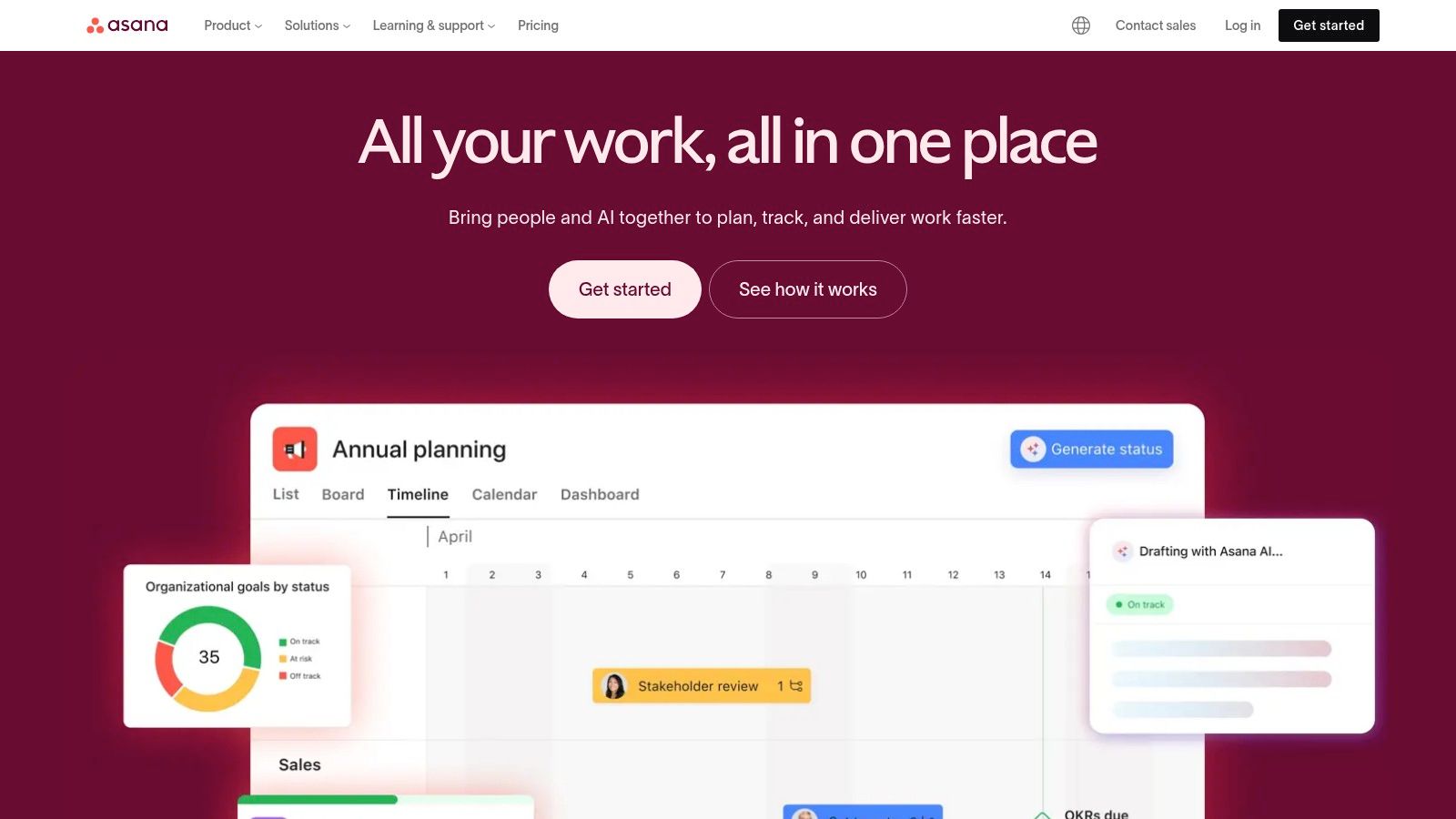
The platform’s Timeline and Gantt chart views are powerful for setting and communicating deadlines, while its form builder is perfect for standardizing client intake or creative briefs. You can automate routine tasks, such as assigning follow-ups or moving completed tasks to a new section, freeing up valuable administrative time. This focus on clear, visual roadmaps and streamlined communication helps prevent scope creep and keeps both you and your clients aligned.
Key Details & Recommendations
| Best For | Freelancers managing complex projects with clients or collaborators |
|---|---|
| Pricing | Basic: Free plan for individuals. Premium: Starts at $10.99/user/month. |
| Key Pro | Powerful workflow automation and timeline views provide excellent project clarity. |
| Key Con | Can be overkill for very simple, one-off gigs; key features are on paid tiers. |
Setup Tip: Use the Forms feature to create a standardized project intake questionnaire for new clients. Map form fields directly to custom fields in your Asana project to automatically populate new tasks with all the essential details, saving you manual data entry. You can explore how Asana supports growing teams by checking out project management tools for startups to see its scalability.
Website: https://asana.com
4. monday.com
monday.com is a highly visual "Work OS" that excels at helping freelancers manage diverse projects in a single, colorful interface. Its strength lies in customizable "boards" that can be adapted for anything from client lead tracking and project pipelines to content calendars and task management. For freelancers who manage different types of workflows simultaneously, this platform provides a flexible, centralized hub that can be molded to fit specific client needs, making it one of the best project management tools for freelancers who prioritize visual organization and process automation.
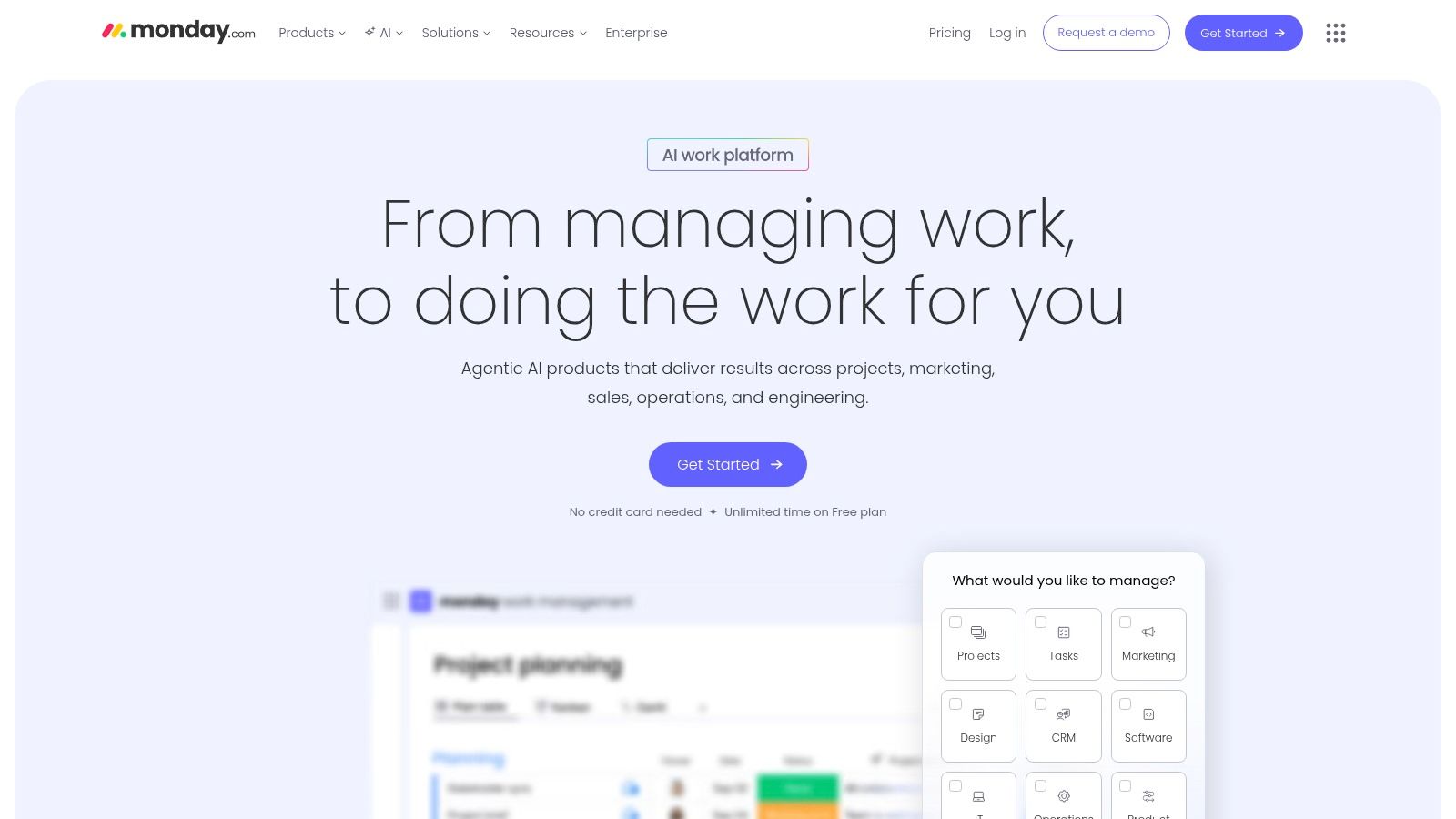
The platform shines with its powerful automations and integrations, allowing you to create "if this, then that" rules to handle repetitive administrative tasks, like notifying a client when a task is completed or moving a project to the next stage. With multiple views like Kanban, Timeline, and Calendar, you can visualize your workload in the way that makes the most sense to you, providing a clear overview of deadlines and dependencies across all your client work.
Key Details & Recommendations
| Best For | Visual-minded freelancers, those managing client pipelines and projects together |
|---|---|
| Pricing | Free: Up to 2 users. Basic: Starts at $9/seat/month, but has a 3-seat minimum. |
| Key Pro | Exceptionally intuitive and visual interface that is highly customizable. |
| Key Con | The minimum seat requirement on paid plans makes it costly for a solo freelancer. |
Setup Tip: Use one of the pre-built templates for a common freelancer workflow, such as "Client Management" or "Content Planning," to get started quickly. Grant clients "Guest Access" to specific boards so they can track progress without seeing your entire workspace, which improves transparency and reduces status update emails.
Website: https://monday.com
5. Notion
Notion is less a project manager and more a digital "second brain," blending documents, databases, and tasks into a single, interconnected workspace. For freelancers, its power lies in its ability to house everything from client project boards and content calendars to personal notes, SOPs, and even public-facing client portals. This all-in-one approach eliminates the need for separate apps for notes, wikis, and task management, making it one of the best project management tools for freelancers who prioritize organization and documentation alongside project execution.
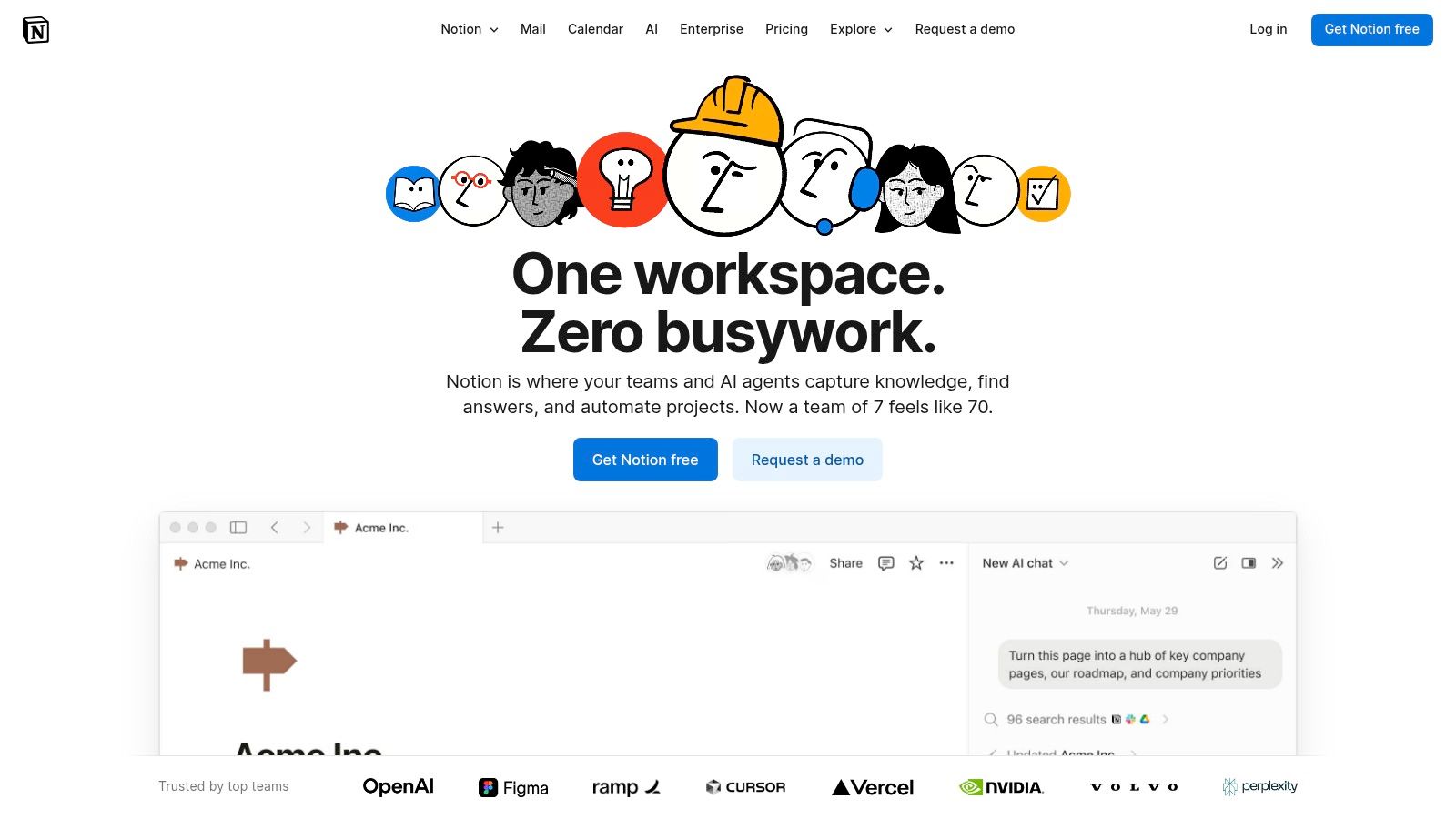
The platform’s strength is its unparalleled flexibility. You start with a blank canvas and build your ideal system using blocks, databases, and templates. A single database can be viewed as a Kanban board, a calendar, a timeline, or a simple list, allowing you to adapt your view to the task at hand. This makes it perfect for creating a central hub for your entire freelance business, from initial client intake forms to final project delivery archives.
Key Details & Recommendations
| Best For | Freelancers who need a combined wiki, doc editor, and task manager; creatives who value documentation. |
|---|---|
| Pricing | Free: Generous plan for individuals. Plus: Starts at $8/user/month. |
| Key Pro | Exceptionally flexible, allowing you to build a completely custom business OS for docs and tasks. |
| Key Con | The "blank canvas" approach requires a significant initial time investment to design your system. |
Setup Tip: Don't start from scratch. Browse Notion's extensive template gallery and find one designed for freelance project management. Customize it slowly, adding properties to your task database like "Client," "Rate," and "Status" as you go. This iterative approach prevents overwhelm while building a system tailored to your needs.
Website: https://www.notion.com
6. Basecamp
Basecamp excels at simplicity, making it one of the best project management tools for freelancers who prioritize clear communication with clients over complex features. It bundles all project-related communication, tasks, files, and schedules into a single, self-contained space. This design philosophy is ideal for managing client projects transparently, as it avoids the feature bloat that can intimidate non-technical clients and stakeholders, ensuring everyone stays on the same page.
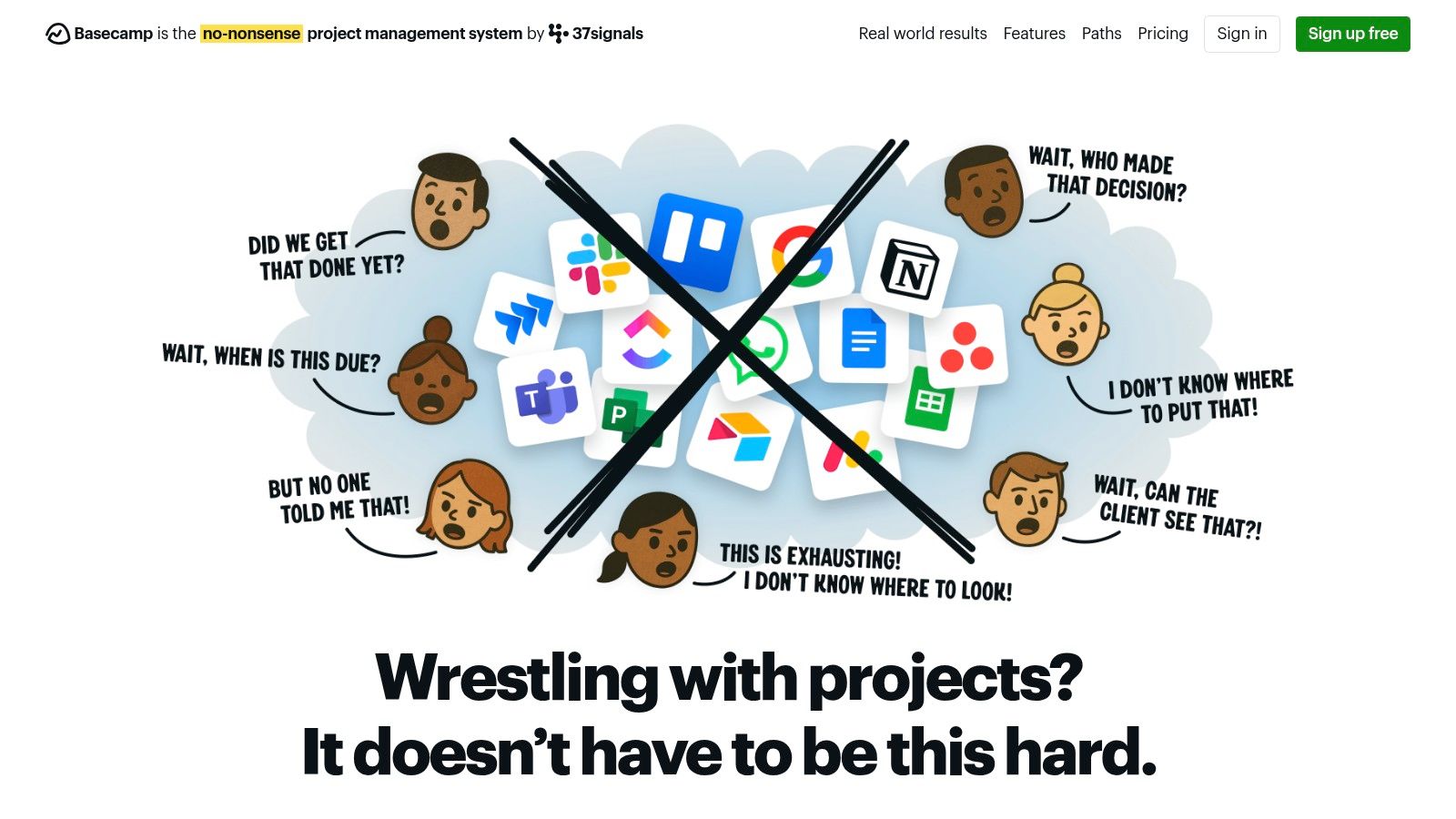
The platform’s core strength is its client-friendliness. Instead of intricate Gantt charts or custom fields, it offers straightforward to-do lists, a message board for threaded discussions, and a simple calendar. The "Card Table" provides a basic Kanban view for task progression, while the "Hill Chart" offers a unique way to visualize progress on a conceptual level. For freelancers who collaborate heavily with clients, Basecamp’s flat-rate pricing for unlimited users is a major advantage, allowing you to give clients full access without incurring extra costs.
Key Details & Recommendations
| Best For | Freelancers managing client-facing projects that require simple, clear communication |
|---|---|
| Pricing | Basecamp: Starts at $15/user/month. Pro Unlimited: $299/month flat fee for unlimited users. |
| Key Pro | Extremely intuitive and easy for clients to adopt, reducing onboarding friction. |
| Key Con | Lacks the advanced reporting, time tracking, and resource management features found in more robust tools. |
Setup Tip: Create a dedicated project for each client and use the built-in templates to standardize your kickoff process. Invite your client directly to the project and guide them to use the Message Board for major updates and To-Dos for specific action items to keep all communication centralized and out of email.
Website: https://basecamp.com
7. Paymo
Paymo is engineered for freelancers who think in terms of billable hours and project profitability. It tightly integrates project management with essential financial tools like time tracking, invoicing, and expense management, making it a cohesive solution for service-based work. Rather than just managing tasks, Paymo helps you understand the financial health of each project, connecting the time you spend directly to the invoices you send. This makes it one of the best project management tools for freelancers who need to ensure every minute tracked translates into revenue.
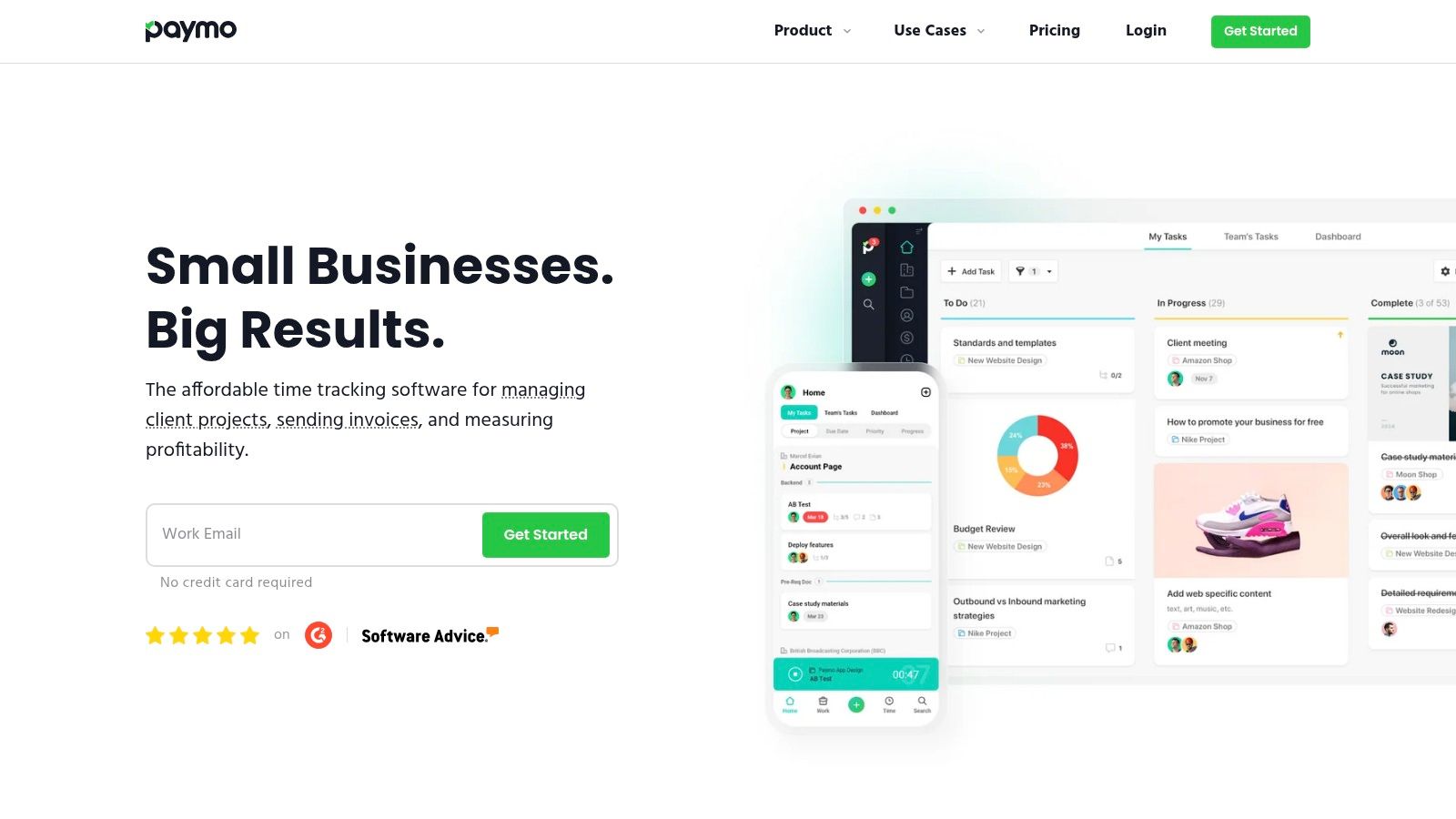
The platform’s standout feature is its end-to-end workflow, from creating an estimate and tracking time to generating an invoice from timesheets and accepting online payments. Beyond tracking projects, tools like Paymo help freelancers streamline their billing processes. For those generating invoices directly from their project management system, it's helpful to understand the specifics of digital invoicing. This comprehensive approach eliminates the need for separate apps, providing a clear line of sight from initial client proposal to final payment.
Key Details & Recommendations
| Best For | Freelance consultants, service-based businesses, and anyone billing hourly |
|---|---|
| Pricing | Free: Up to 1 user, 3 clients. Starter: Begins at $5.90/user/month. Small Office: Starts at $10.90/user/month for more features. |
| Key Pro | Excellent integration of project management with invoicing and time tracking, all in one place. |
| Key Con | The user interface can feel more complex than simpler task managers due to its financial focus. |
Setup Tip: Connect your time tracking directly to tasks from day one. Use the desktop widget or mobile app to capture every billable minute accurately. Configure your invoice templates with your branding early on to create a professional and streamlined billing process for all your clients.
Website: https://www.paymoapp.com
8. Plutio
Plutio is designed from the ground up as an all-in-one business management platform specifically for freelancers. It goes beyond simple task management to include proposals, contracts, invoicing, and client portals, effectively covering the entire client lifecycle. This integrated approach is its key advantage, allowing freelancers to manage projects, secure new work, and get paid without patching together multiple different services. It's one of the best project management tools for freelancers who want a single, cohesive system to run their entire operation.
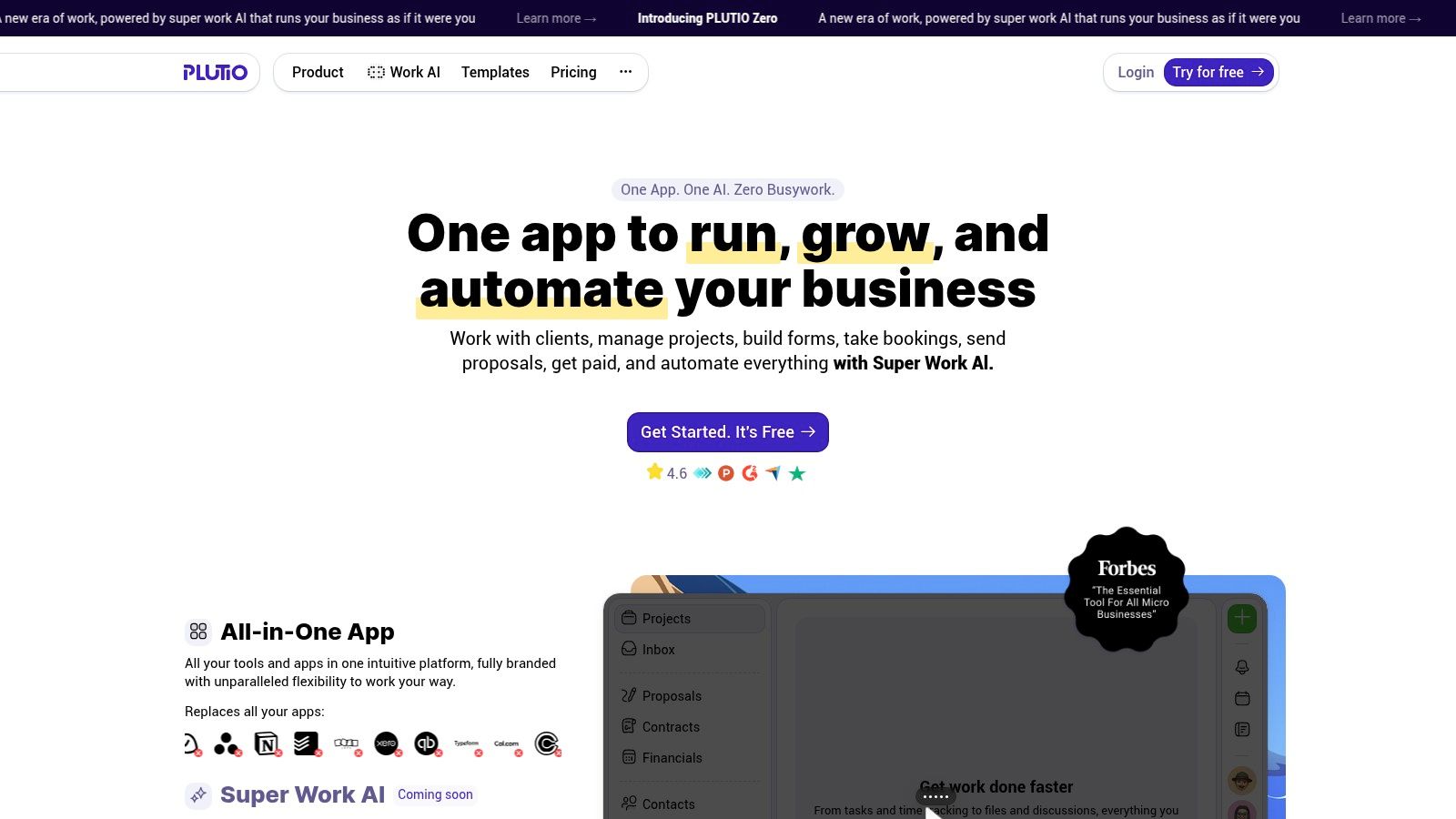
The platform centralizes client communication and project delivery through customizable client portals, which can be white-labeled to match your branding. This creates a highly professional experience for your clients, giving them one place to view project progress, approve documents, and pay invoices. With built-in features like forms and schedulers, Plutio automates much of the administrative work that typically consumes a freelancer's time, freeing you up to focus on billable tasks.
Key Details & Recommendations
| Best For | Freelancers and agencies wanting an end-to-end client management solution |
|---|---|
| Pricing | Solo: Starts at $19/month. Studio: Starts at $39/month. |
| Key Pro | The broad feature set covers the entire client workflow from proposal to payment. |
| Key Con | The ecosystem and integration options are smaller compared to larger, more established platforms. |
Setup Tip: Take full advantage of the proposal and contract templates. Customizing these from the start will streamline your client onboarding process significantly. Also, explore the workflow automations to automatically trigger tasks or send emails when a proposal is signed or an invoice is paid.
Website: https://www.plutio.com
9. Bonsai
Bonsai is designed from the ground up for the business side of freelancing. It goes beyond simple task management, integrating proposals, contracts, invoicing, time tracking, and a client portal into one cohesive system. This holistic approach is its key advantage, allowing a freelancer to manage the entire client lifecycle, from initial pitch to final payment, within a single platform. For freelancers who want to streamline their administrative tasks and present a highly professional image, Bonsai is one of the best project management tools available.
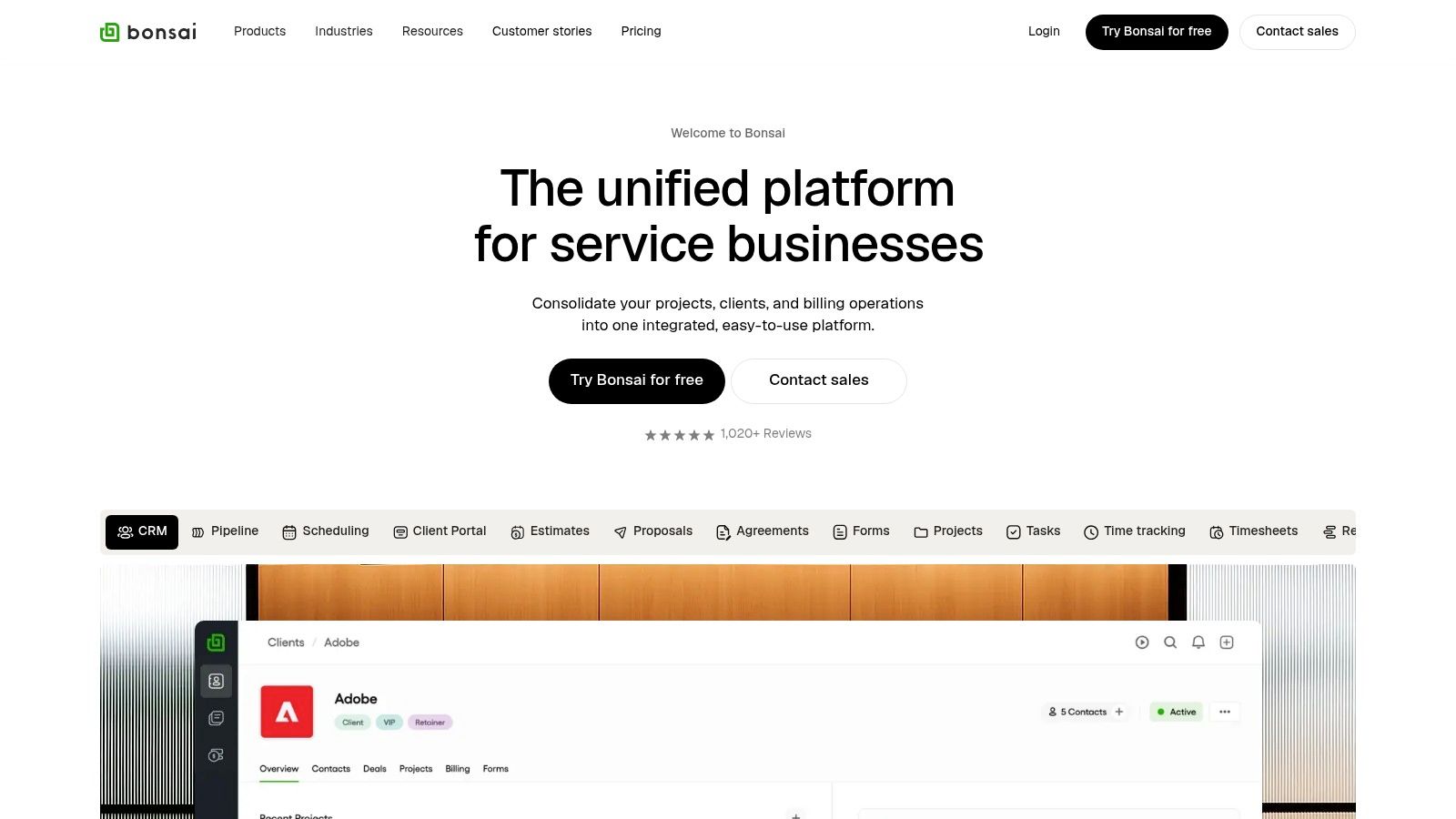
The platform excels at connecting your projects directly to your finances. You can create a project, send a legally-vetted contract from a template, track your time against tasks, and then automatically generate an invoice from that tracked time. Its task management includes Kanban boards, Gantt charts, and workload management views, ensuring you can plan project execution while keeping a close eye on profitability and productivity.
Key Details & Recommendations
| Best For | Freelancers and agencies who want to manage the entire client lifecycle in one place |
|---|---|
| Pricing | Workflow: Starts at $21/month. Workflow Plus: Starts at $32/month. |
| Key Pro | Excellent integration of project tasks with financial tools like proposals, contracts, and invoicing. |
| Key Con | Core project management features are less advanced than dedicated tools; per-user pricing can get expensive. |
Setup Tip: Take full advantage of the templates. Customize a proposal, contract, and invoice template with your branding when you first sign up. This initial setup will save you hours on administrative work for every new client you onboard, streamlining your entire workflow from the start.
Website: https://www.hellobonsai.com
10. TeamGantt
For freelancers managing projects where the timeline is the most critical element, TeamGantt is an exceptionally strong contender. Unlike many tools where Gantt charts are just one of many views, this platform puts them front and center, offering a refreshingly straightforward and intuitive way to plan, schedule, and manage project dependencies. Its clean, drag-and-drop interface makes building complex timelines less intimidating, which is a major advantage for freelancers who need to provide clients with clear, visual roadmaps and progress reports.
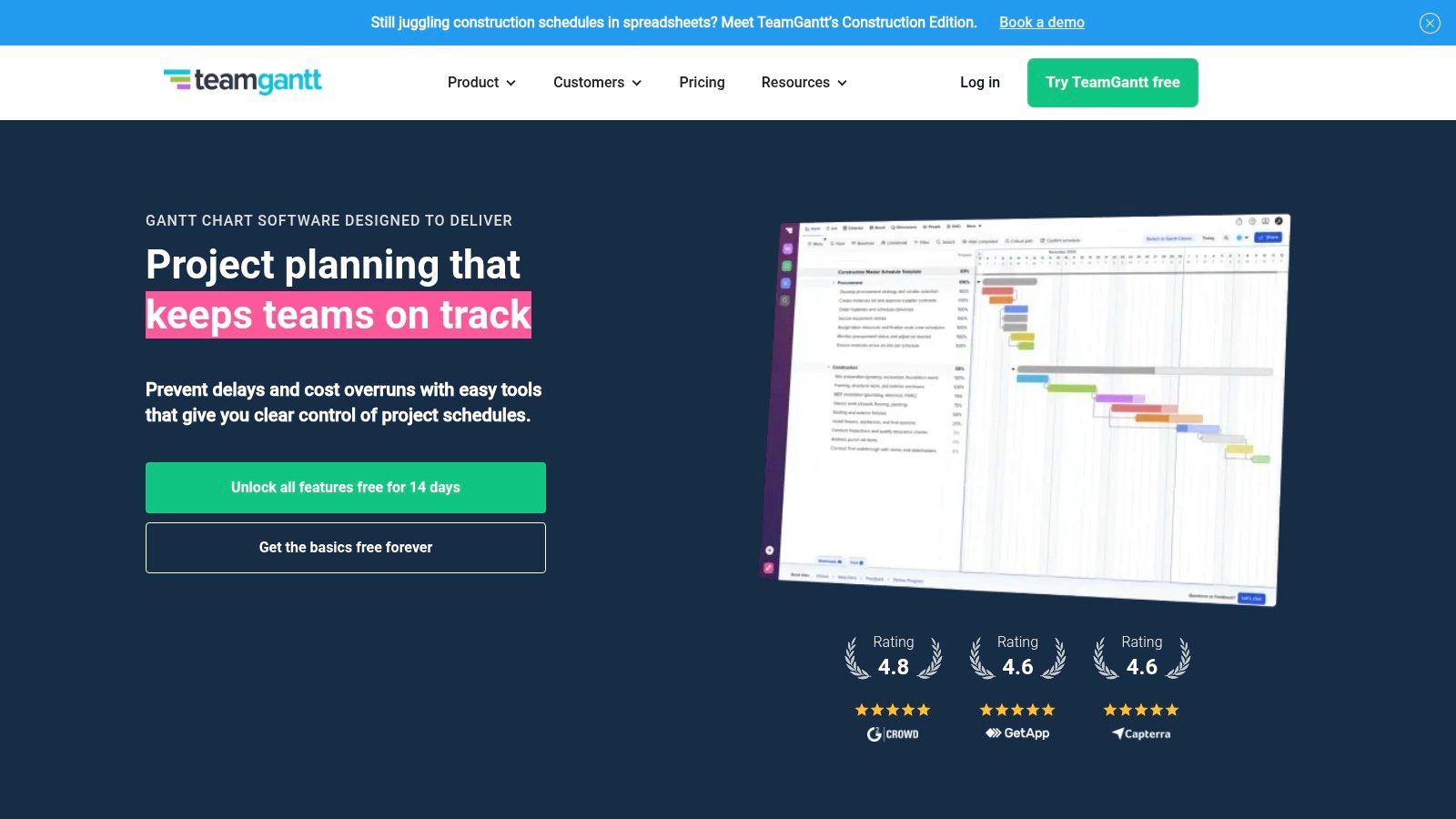
While its focus is on timelines, TeamGantt also supports List, Calendar, and Board views, ensuring you can manage day-to-day tasks effectively. A key feature for freelancers is the Workload management tab, which helps prevent overbooking by showing exactly who is working on what and when. This visibility makes it one of the best project management tools for freelancers who need to balance multiple clients without burning out. The ability to track time and set baselines to monitor progress against the original plan adds another layer of professional project control.
Key Details & Recommendations
| Best For | Freelancers in web development, event planning, and video production; anyone with schedule-heavy projects. |
|---|---|
| Pricing | Free: Up to 3 users and 1 project. Standard: Starts at $19.90/manager/month. |
| Key Pro | An incredibly intuitive and user-friendly Gantt chart interface that simplifies complex scheduling. |
| Key Con | The dedicated Gantt focus can feel like overkill for very simple, task-based projects without dependencies. |
Setup Tip: Use the "Baselines" feature from day one. After setting your initial project plan, create a baseline. As deadlines inevitably shift, you can easily compare the current schedule to the original plan, providing clear, data-backed updates to your clients about project scope creep or delays.
Website: https://www.teamgantt.com
11. Toggl Plan
Toggl Plan is a beautifully simple, visual-first project management tool designed for freelancers who need to manage their workload and availability without getting bogged down in complexity. Its core strength is its clean, color-coded timeline view, which makes it incredibly easy to see who is working on what and when. For freelancers juggling multiple clients, this visual scheduling provides an instant overview of their capacity, preventing overbooking and making it clear when they can take on new work. It’s one of the best project management tools for freelancers who prioritize planning and resource management.
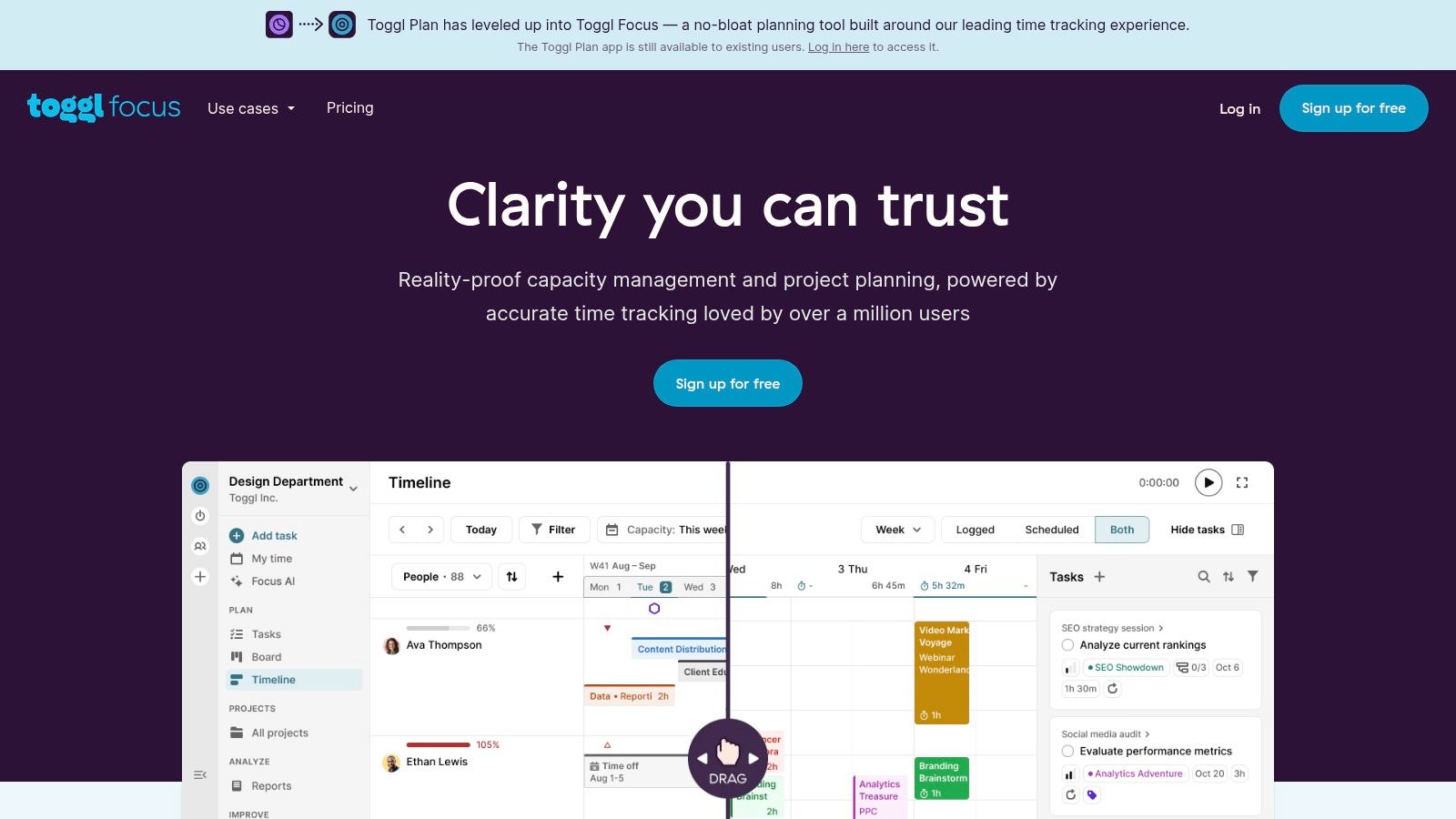
The platform shines with its seamless integration with its sister tool, Toggl Track, creating a powerful duo for planning tasks and then accurately billing for them. You can set up projects with timelines, milestones, and recurring tasks, then share a read-only view with clients to keep them informed. This transparency builds trust and reduces the need for constant status update emails, streamlining client communication significantly.
Key Details & Recommendations
| Best For | Freelancers managing multiple clients, visual planners, those already using Toggl Track |
|---|---|
| Pricing | Free: Up to 5 users. Team: Starts at $8/user/month. |
| Key Pro | Exceptionally clear visual timelines make capacity planning effortless. |
| Key Con | Reporting and exporting features are quite limited on lower-priced plans. |
Setup Tip: Use the "Team timeline" even as a solo freelancer. Create "teams" for each client or project type to color-code your work. This gives you a high-level visual breakdown of how your time is allocated across your entire business at a glance.
Website: https://toggl.com/plan
12. Freedcamp
Freedcamp is a powerful contender for the freelancer who prioritizes functionality over flair, offering an astonishingly generous free plan. It provides unlimited projects, tasks, and users right out of the box, making it a go-to for solo professionals who need a central place for client work without immediate financial commitment. Its core philosophy is to provide essential project management tools, like task lists, milestones, and discussions, without the cost barrier, establishing it as a top-tier project management tool for freelancers on a tight budget.
While the user interface may feel more utilitarian than polished competitors, its strength lies in this simplicity. It's easy to navigate and focuses on getting the job done. Core features like a shared team calendar, file storage, and time tracking are included even on the free tier, which is a rare find. For freelancers collaborating with clients or subcontractors, Freedcamp provides the necessary tools for clear communication and progress tracking without requiring everyone to buy into an expensive ecosystem.
Key Details & Recommendations
| Best For | Freelancers and small teams on a strict budget needing unlimited projects |
|---|---|
| Pricing | Free: Unlimited projects, tasks, and users. Pro: Starts at $2.49/user/month. |
| Key Pro | The free plan is one of the most comprehensive available, covering all core PM needs. |
| Key Con | The user interface feels dated, and it lacks the advanced reporting and automation of premium tools. |
Setup Tip: Start with the core applications like Tasks, Discussions, and Files for your first project. As you need more power, explore the add-ons one by one. You can enable features like Issue Tracking or Wikis on a per-project basis to avoid cluttering your workspace.
Website: https://freedcamp.com
Top 12 Freelance PM Tools — Comparison
| Tool | Core features | UX/Quality ★ | Value/Price 💰 | Target audience 👥 | Unique selling points ✨ |
|---|---|---|---|---|---|
| ClickUp | Tasks, Docs, Time tracking, Automations, Integrations | ★★★★☆ | 💰 Generous free → scalable paid | 👥 Solo freelancers → growing teams | ✨ All‑in‑one hub; deep integrations |
| Trello | Kanban boards, Checklists, Butler automation, Power‑ups | ★★★★☆ | 💰 Strong free tier; paid for advanced views | 👥 Visual workflows & simple projects | ✨ Extremely fast to learn; visual clarity |
| Asana | Timeline/Gantt, Forms, Reporting, Automations | ★★★★☆ | 💰 Free limited; paid for advanced reporting | 👥 Freelancers coordinating with clients | ✨ Powerful cross‑project reporting & templates |
| monday.com | Custom boards, Automations, Multiple views, Docs | ★★★★☆ | 💰 Visual but seat minimum can raise cost | 👥 Teams needing visual/CRM mix | ✨ Highly customizable visual work OS |
| Notion | Docs, Databases, Templates, Lightweight PM, AI | ★★★★☆ | 💰 Free personal; paid for advanced/AI | 👥 Freelancers needing notes + tasks | ✨ Flexible docs+DBs for SOPs & client pages |
| Basecamp | Message boards, To‑dos, Schedules, Chat | ★★★☆☆ | 💰 Simple/fixed pricing option; client‑friendly | 👥 Client‑facing freelancers | ✨ Extremely client‑friendly & simple setup |
| Paymo | Time tracking, Invoicing, Gantt, Profitability reports | ★★★★☆ | 💰 Practical solo plan; billing features strong | 👥 Hourly billers & retainer‑based freelancers | ✨ Built‑in invoicing & profitability insights |
| Plutio | Projects, Invoices, Proposals, Client portals, Schedulers | ★★★★☆ | 💰 Solo‑friendly plans; white‑label options | 👥 Freelancers wanting end‑to‑end ops | ✨ All‑in‑one freelancer suite with client portal |
| Bonsai | Tasks, CRM, Proposals, Contracts, Invoicing, Time | ★★★★☆ | 💰 Freelancer‑centric; Premium unlocks extras | 👥 Solo freelancers & small agencies | ✨ Purpose‑built templates & billing workflows |
| TeamGantt | Gantt, Workloads, Time tracking, Portfolio view | ★★★★☆ | 💰 Affordable collaborators; add‑ons extra | 👥 Schedule‑heavy freelancers | ✨ Clear timeline & resource scheduling |
| Toggl Plan | Timelines, Capacity/availability, Boards, Milestones | ★★★★☆ | 💰 Free up to 5 users; simple pricing | 👥 Freelancers managing availability | ✨ Clean capacity views; Toggl Track integration |
| Freedcamp | Tasks, Calendar, Milestones, Discussions, Time tracking | ★★★☆☆ | 💰 Very generous free plan; low paid tiers | 👥 Budget‑conscious freelancers | ✨ Unlimited projects/users on free tier |
Choosing Your Command Center: Final Thoughts on Freelance PM Tools
Navigating the landscape of project management tools can feel like a project in itself. We've explored a dozen powerful options, from the all-in-one flexibility of ClickUp and Notion to the visual simplicity of Trello and the client-centric workflows of Bonsai and Plutio. The central takeaway is clear: there is no single "best" tool, only the tool that is best for you. Your ideal command center is the one that seamlessly integrates into your unique freelance workflow, reducing administrative headaches rather than adding to them.
The journey to finding the best project management tools for freelancers begins with a clear-eyed assessment of your own business needs. Are you a solo creative who needs a simple, visual way to track tasks? Or are you managing complex, multi-stage projects with multiple client stakeholders? Answering these questions will guide your decision-making process.
From Analysis to Action: Your Next Steps
Before you commit to a subscription, it's crucial to put your top contenders to the test. Don't just read about their features; immerse yourself in their environment.
- Leverage Free Trials: Almost every tool on this list offers a free plan or a trial period. Use this time strategically. Set up a real (or a mock) project from start to finish. Can you easily create tasks, set deadlines, and track your time? Is the interface intuitive, or do you find yourself constantly searching for basic functions?
- Evaluate Your Core Needs: Create a simple checklist of your non-negotiables. Do you need robust time-tracking and invoicing? Is a built-in CRM for client management essential? Does it need to integrate with specific software like Google Drive or Slack? Use this checklist to score each platform objectively.
- Consider Future Growth: The tool that works for you today should also be able to support you tomorrow. Consider its scalability. If you plan to collaborate with other freelancers or eventually hire a small team, does the platform offer the features to support that growth without a prohibitive price jump?
Budgeting for Efficiency: A Smart Investment
The cost of these tools can be a significant barrier for many freelancers, especially those just starting out. While free plans are a great entry point, they often lack the advanced features that truly unlock efficiency, like automation, advanced reporting, or unlimited guest access for clients. This is where a strategic approach to software acquisition becomes a competitive advantage.
Many premium plans are designed for teams, forcing solo entrepreneurs to pay for unused "seats." This inefficiency is a common frustration. However, innovative solutions are emerging that challenge this model. By exploring shared subscription models, you can gain access to enterprise-level functionality at a solopreneur-friendly price point. For a broader perspective and comparison of project management tools, consider exploring this comprehensive guide on the best project management software for freelancers to further inform your decision.
Ultimately, the right project management tool is an investment in your business's sanity and scalability. It's the silent partner that works behind the scenes, organizing chaos so you can focus on what you do best: delivering exceptional work for your clients. Choose wisely, implement thoughtfully, and watch it transform your freelance operation from a daily hustle into a well-oiled machine.
Ready to access premium project management features without the premium price tag? AccountShare helps you legally and securely share subscription costs, unlocking advanced tools from top platforms at a fraction of the cost. Stop paying for empty seats and start investing smarter by visiting AccountShare today.