

Top 12 Best Note Taking Apps for Students in 2025
In the fast-paced world of academia, the right tools can make all the difference between organized success and scattered stress. From lecture halls to late-night study sessions, capturing information effectively is paramount. This guide cuts through the noise to present the 12 best note taking apps for students, tailored to different learning styles and academic needs. We'll explore everything from powerful all-in-one workspaces to minimalist handwriting tools, helping you find the perfect digital companion to conquer your coursework.
This comprehensive resource is designed to help you make an informed choice. Each entry includes a detailed analysis of key features, platform availability, and specific student use cases, complete with screenshots and direct links. We’ll dive into how apps like Notion can build an entire academic dashboard, while tools like Goodnotes excel at transforming a tablet into a digital notebook. Beyond traditional classroom settings, many students benefit from flexible learning environments. You can explore essential note-taking tools for flexible learning that are widely used by remote workers and students alike.
Whether you need to record lectures, annotate PDFs, or build a personal knowledge base, the right application is on this list. Forget messy binders and lost papers; this guide provides the insights you need to upgrade your study game and organize your academic life efficiently.
1. Notion
Notion is far more than a simple note-taking app; it's an all-in-one workspace that has become a favorite among students for its sheer power and versatility. Its unique block-based system allows you to build anything from simple class notes to intricate, interconnected databases for managing syllabi, assignments, and research projects. This makes it one of the best note-taking apps for students who need to organize complex information.
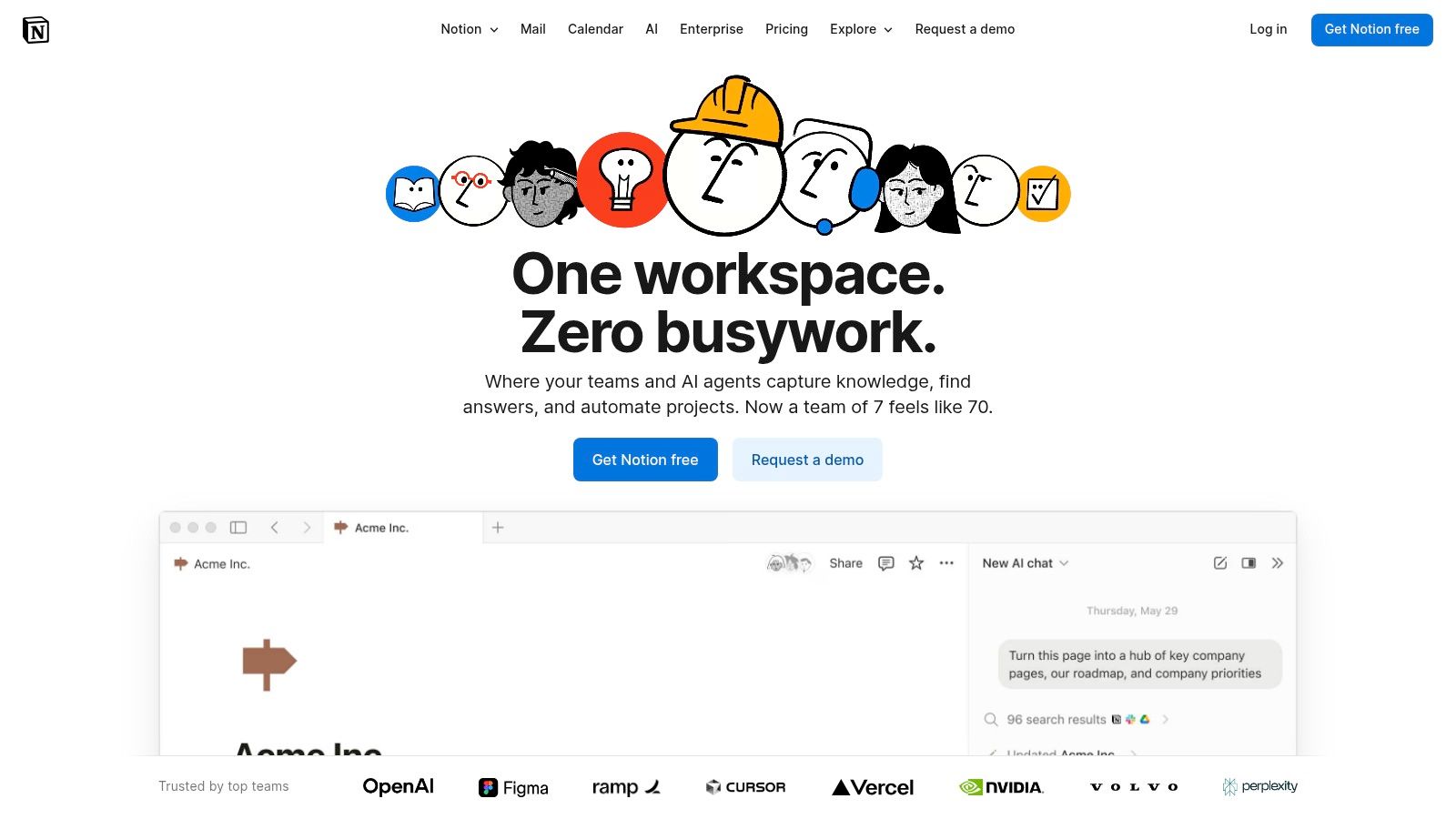
Students can leverage pre-built templates for course schedules or create their own to track grades and revision progress. For group projects, its real-time collaboration features are a standout, allowing teams to work together seamlessly. Once you've chosen Notion, you can explore resources to help you leverage its full power for academic success, including these 10 tips to make the most of Notion.
Key Information
- Best For: Students who need a highly customizable, structured system for organizing all aspects of their academic life.
- Standout Feature: The ability to create linked databases. You can link your class notes directly to your syllabus, assignments, and reading list, creating a powerful "second brain" for your studies. You can also explore student productivity apps to see how Notion fits into a larger digital ecosystem.
- Pricing: The Plus Plan is free for students and educators with a valid school email address. This unlocks unlimited blocks and file uploads.
- Platforms: Web, macOS, Windows, iOS, Android.
- Pros: Exceptionally flexible, powerful collaboration tools, generous free plan for students.
- Cons: Has a steep learning curve; offline access can be unreliable for complex pages.
2. Microsoft OneNote (Microsoft 365)
Microsoft OneNote offers a familiar and powerful digital notebook experience, structured much like a traditional ring binder with sections and pages. Its deep integration with the Microsoft 365 ecosystem makes it an ideal choice for students already using Word, PowerPoint, and Teams. This structure makes it one of the best note-taking apps for students who prefer a straightforward, yet feature-rich, organizational system.
Students can create separate notebooks for each class, using tabs for different topics or modules. Its excellent stylus and ink support is perfect for handwriting equations in STEM courses or annotating lecture slides directly. Features like audio recording with transcription and specialized Class Notebook tools for collaborative assignments further cement its place as a top academic tool.
Key Information
- Best For: Students who are embedded in the Microsoft ecosystem and need strong handwriting support for subjects like math and science.
- Standout Feature: The "freeform canvas" combined with exceptional ink-to-text and pen tools. You can write, draw, type, and add media anywhere on the page, closely mimicking the freedom of a physical notebook while adding digital benefits like searchability. If you want to leverage its full power within the Office suite, you can share a Microsoft 365 Family subscription to access premium features affordably.
- Pricing: The core OneNote application is completely free on all platforms. Access to advanced features like a larger OneDrive storage requires a Microsoft 365 subscription.
- Platforms: Web, macOS, Windows, iOS, Android.
- Pros: Core app is free, excellent integration with Office and Teams, superior stylus support, familiar binder-like structure.
- Cons: The transition away from the legacy OneNote for Windows 10 app (support ends Oct 2025) can be confusing for some users.
3. Evernote
Evernote has long been a staple in the digital note-taking world, positioning itself as a powerful tool for capturing and organizing information from anywhere. For students, its strength lies in its ability to act as a digital filing cabinet for research. It excels at gathering diverse materials, from lecture notes and web clippings to scanned documents and PDFs, making it one of the best note taking apps for students who are research-heavy.
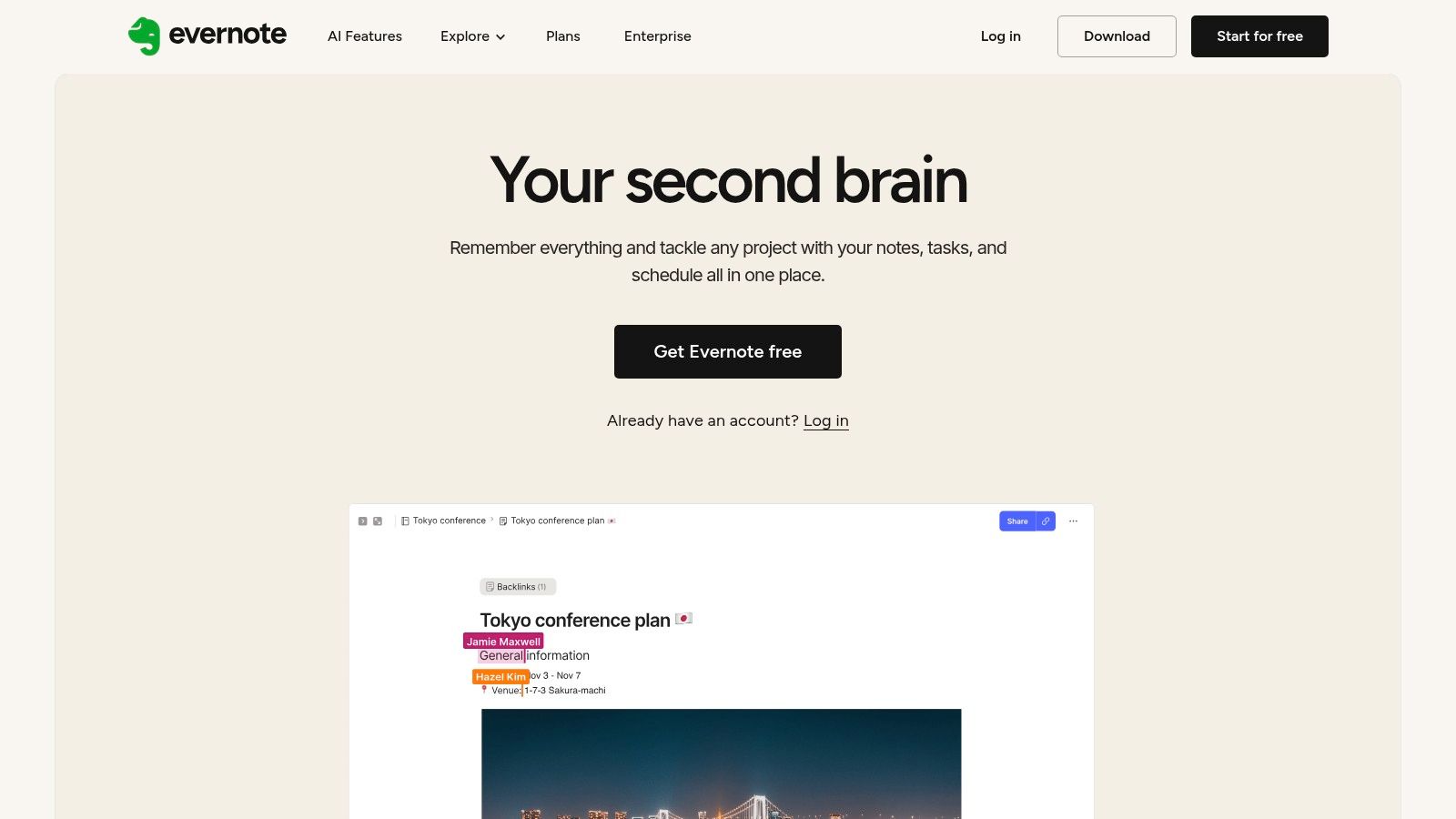
The platform integrates tasks and calendar features, allowing you to link notes directly to deadlines and events in your Google Calendar. This helps in planning study sessions and keeping track of assignment due dates. Its search functionality is particularly robust, capable of finding text even within handwritten notes, images, and attached documents, ensuring you can always locate the information you need when you need it.
Key Information
- Best For: Students focused on collecting research, web content, and documents in one centralized, easily searchable location.
- Standout Feature: The Web Clipper browser extension is unmatched for saving articles, web pages, and PDFs directly into your notebooks. You can highlight text and add annotations before saving, making it an indispensable tool for research projects.
- Pricing: A limited free plan is available. Students can get 40% off Evernote Personal for one year.
- Platforms: Web, macOS, Windows, iOS, Android.
- Pros: Excellent for research clipping and document organization, mature and polished apps across all platforms, powerful search capabilities.
- Cons: Subscriptions are pricier than some student-friendly rivals; many advanced features are gated behind paid tiers.
4. Goodnotes
For students who prefer the tactile feel of handwriting notes but want the power of digital organization, Goodnotes is an unparalleled choice. It transforms an iPad and Apple Pencil into a limitless digital notebook, offering a best-in-class writing experience that mimics real pen on paper. This makes it one of the best note-taking apps for students in lecture-heavy courses where drawing diagrams, annotating slides, or solving equations by hand is essential.
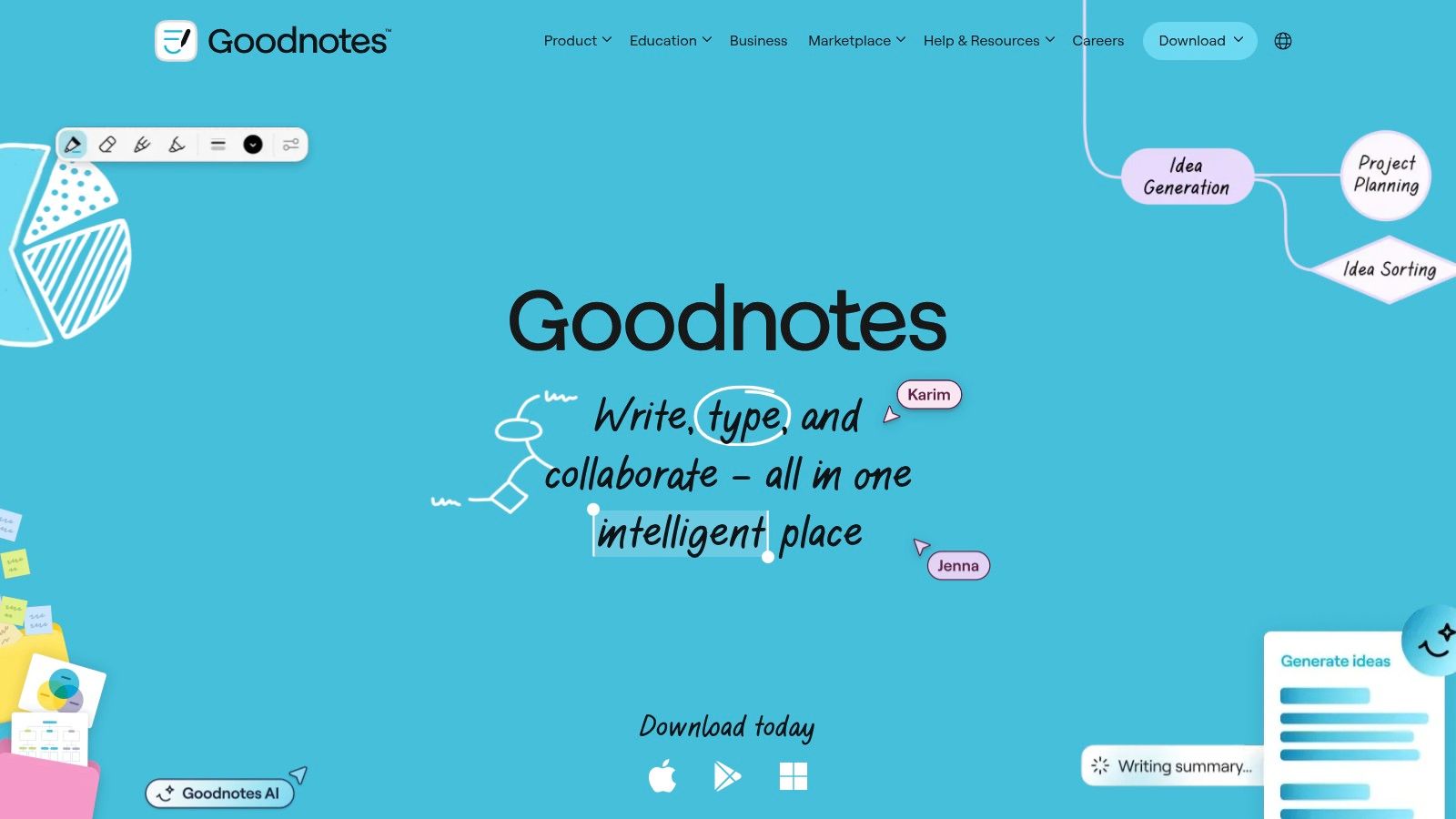
Goodnotes excels at more than just writing; it allows you to import and mark up PDFs, create custom notebooks with various paper templates, and organize everything into a digital library. Its powerful search tool can even read your handwriting, making it easy to find specific notes from months ago. The recent addition of AI-powered study tools and expanded cross-platform syncing further cements its position as a top-tier academic tool.
Key Information
- Best For: Students with an iPad and stylus who take handwritten notes, annotate lecture slides, and work with complex diagrams or mathematical formulas.
- Standout Feature: The time-synced audio recording. You can record a lecture while taking notes, and tapping on a specific word or diagram will play back the exact audio from the moment you wrote it, which is a game-changer for revision.
- Pricing: Free version with limited notebooks. A one-time purchase of $29.99 unlocks the full version on all supported Apple platforms. Cross-platform access (Windows/Android) and AI features may require a subscription.
- Platforms: iOS, iPadOS, macOS, Windows, Android.
- Pros: Exceptional handwriting experience, powerful PDF annotation, one-time purchase option is available for Apple users.
- Cons: Full feature parity for cross-platform sync is still a work in progress; advanced AI features require an additional subscription.
5. Notability
Notability is a top-tier note-taking app, especially for students who use an iPad and Apple Pencil. Its main draw is the ability to record lecture audio that syncs directly with your handwritten or typed notes. This feature allows you to tap on any part of your notes and hear exactly what was being said at that moment, making it an invaluable tool for reviewing complex lectures.
The app excels at PDF annotation, allowing students to mark up slides, textbooks, and articles with ease. Its powerful search function can even read your handwriting, so you never lose track of important information. With recent additions like study tools for creating summaries and flashcards directly from your notes, Notability solidifies its place as one of the best note-taking apps for students who prioritize a digital handwriting experience.
Key Information
- Best For: iPad users who want to combine handwritten notes with time-synced audio recordings from lectures.
- Standout Feature: Time-synced audio recording. Being able to replay the audio tied to a specific note is a game-changer for clarifying confusing concepts and filling in gaps in your understanding after class.
- Pricing: A free starter plan is available with limitations. The Plus plan, which unlocks unlimited editing, handwriting conversion, and other features, is offered annually.
- Platforms: iOS, iPadOS, macOS, and a recently introduced web app.
- Pros: Excellent lecture capture workflow, powerful handwriting search, free starter tier to try core tools.
- Cons: Advanced AI and study features are locked behind the paid tier; desktop options are limited compared to the robust mobile experience.
6. Obsidian
Obsidian takes a unique approach to note-taking, functioning less like a traditional app and more like a powerful, personal knowledge base. It stores your notes as plain text Markdown files locally on your device, giving you complete ownership and privacy over your data. This makes it one of the best note-taking apps for students who want to build a lasting "second brain" that works entirely offline and is independent of any cloud service.
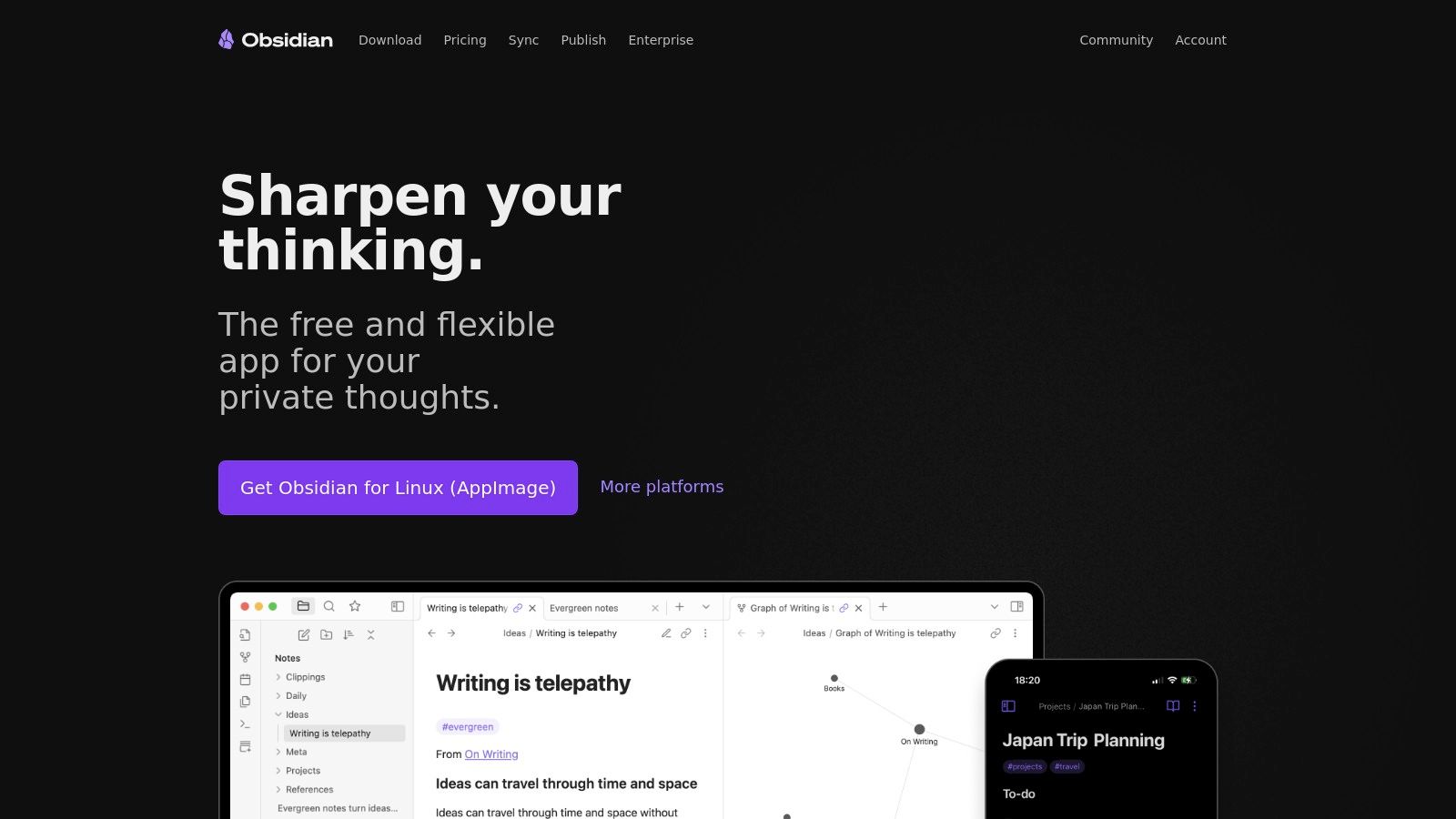
The app's true power lies in its ability to create bidirectional links between notes, allowing you to connect concepts, research papers, and lecture summaries. The visual Graph View provides a stunning map of your knowledge, helping you see how different subjects interrelate. With a vast library of community-built plugins, you can add features like spaced repetition for exam prep or citation management for research papers, tailoring the tool precisely to your academic workflow.
Key Information
- Best For: Research-heavy students and lifelong learners who want to build a deeply interconnected, private, and future-proof knowledge base.
- Standout Feature: The combination of bidirectional linking and the Graph View. This allows you to visually explore the connections between your ideas, fostering deeper understanding and creative insights that are difficult to achieve in linear note-taking apps.
- Pricing: The core app is free for personal use. Paid add-ons like Sync and Publish are available, with a 40% education discount.
- Platforms: Web, macOS, Windows, iOS, Android, Linux.
- Pros: Complete data ownership and works fully offline; powerful linking and graph view for long-term learning.
- Cons: Has a significant learning curve, especially when configuring plugins; collaboration is not a native feature and requires workarounds.
7. Craft
Craft is a beautifully designed document and notes app that feels native to the Apple ecosystem, offering a polished and intuitive experience. It functions as a powerful tool for creating structured, visually appealing class notes, research outlines, and even shareable web pages. Its block-based editor makes organizing information for different subjects straightforward, from simple text notes to complex documents with embedded images, files, and tables.
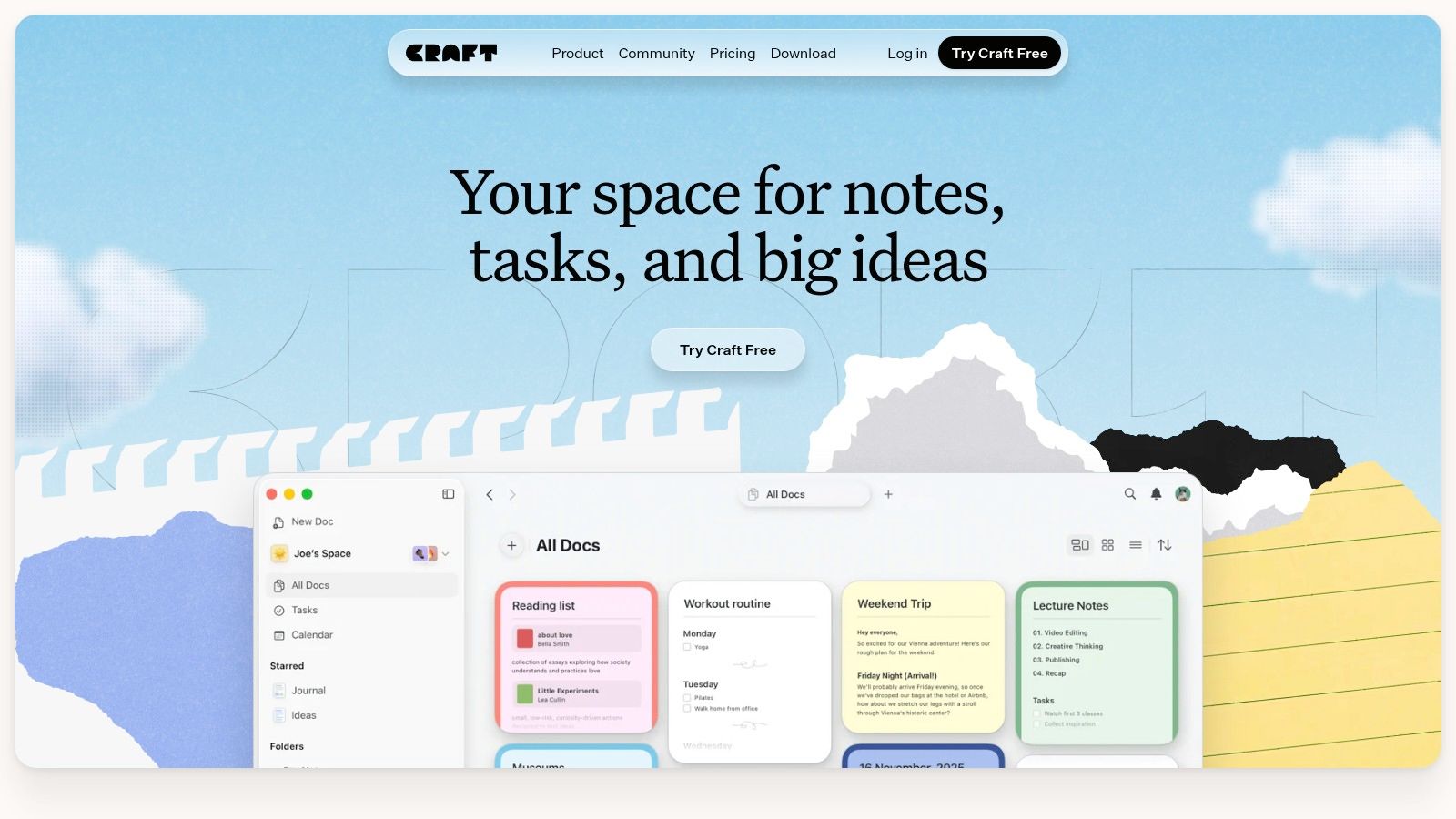
For students, Craft’s ability to turn a set of notes into a polished, public webpage with a single click is a game-changer for sharing group project work or creating a digital portfolio. The app's internal linking feature allows you to build a personal wiki for your studies, connecting concepts across different classes and documents. This makes it one of the best note taking apps for students who value aesthetics and structured, interconnected notes.
Key Information
- Best For: Students primarily using Apple devices who want a visually stunning and fast app for creating structured notes and shareable documents.
- Standout Feature: The ability to instantly publish documents as professional-looking websites. This is ideal for sharing assignments with professors, collaborating on group projects, or publishing research findings in a clean, accessible format.
- Pricing: A generous free Education plan is available for verified students and educators, which includes expanded storage and export options.
- Platforms: Web, macOS, iOS, iPadOS, and Windows.
- Pros: Beautiful and fast user interface, excellent for creating structured documents, generous free plan for students.
- Cons: The best user experience is on Apple devices; team features and pricing can be complex for larger groups.
8. Bear
For students embedded in the Apple ecosystem, Bear offers a beautifully designed, fast, and focused writing experience. It trades the complex databases of apps like Notion for a clean, Markdown-based editor that's perfect for quickly capturing lecture notes, drafting essays, or organizing research with simple, powerful tagging. Its elegant interface gets out of your way, letting you focus purely on your thoughts.
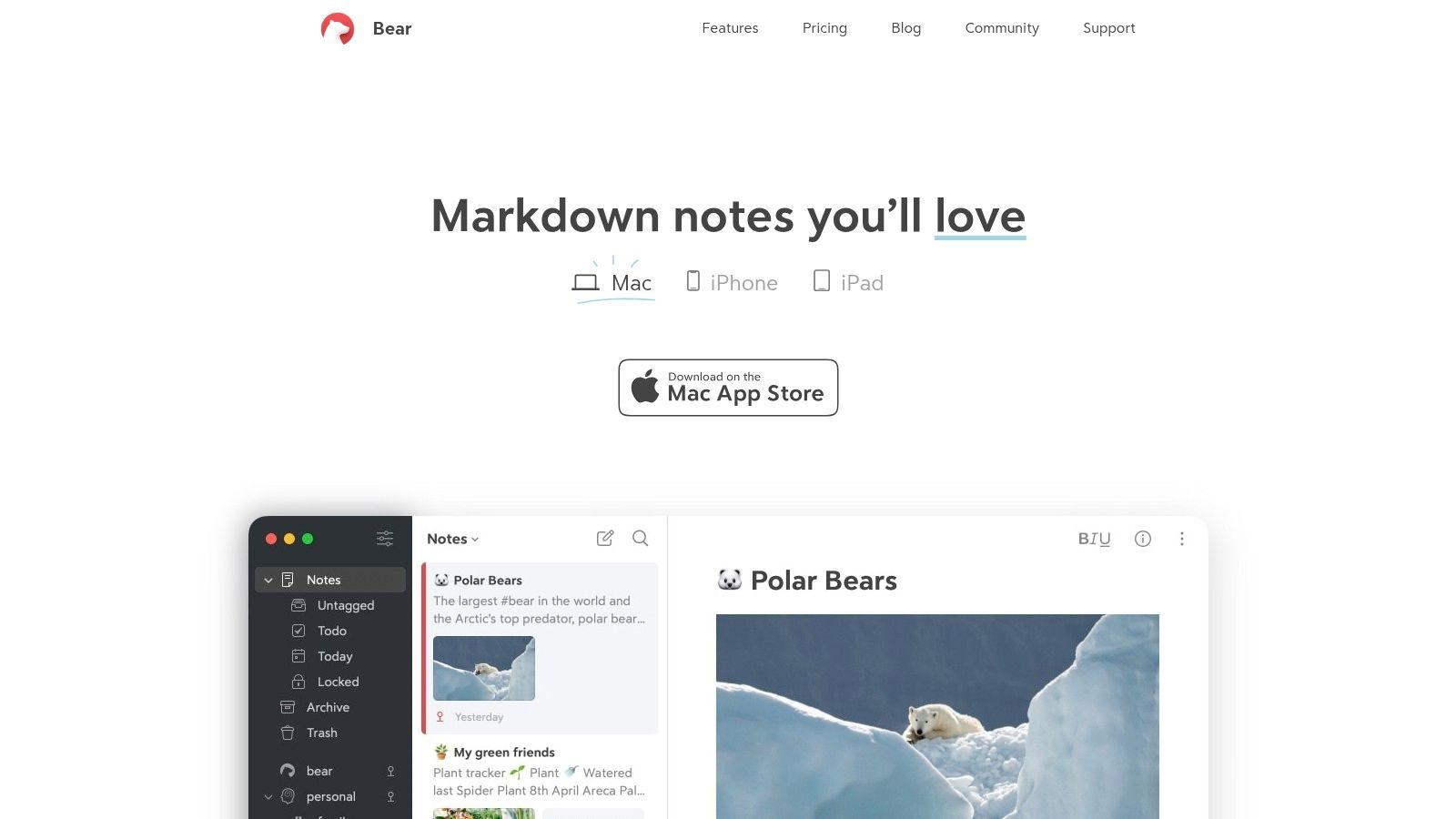
Unlike folder-based systems, Bear uses a flexible hashtag organization method. You can add multiple tags (like #Biology101, #ExamPrep, #Chapter4) to a single note, allowing for powerful cross-referencing and filtering without rigid structures. The Pro version unlocks device sync, numerous export options, and beautiful themes, making it a top contender for the best note taking apps for students who value speed and simplicity on their Apple devices.
Key Information
- Best For: Apple users who want a fast, beautiful, and distraction-free writing environment for notes and long-form writing.
- Standout Feature: The tag-based organization system. By using nested tags (e.g., #classes/biology/lab-notes), students can create a fluid and intuitive organizational structure that's more flexible than traditional folders.
- Pricing: The core app is free. Bear Pro is required for sync and advanced features, costing $2.99/month or $29.99/year.
- Platforms: macOS, iOS, iPadOS (Web app in beta).
- Pros: Elegant, distraction-free interface; powerful and flexible tagging; fast performance.
- Cons: Exclusive to the Apple ecosystem (no native Windows or Android apps); core features like sync require a subscription.
9. Zoho Notebook
Zoho Notebook offers a visually appealing and intuitive approach to note-taking, organizing information into colorful, card-style notes. This design is excellent for students who appreciate a more scrapbook-like feel, allowing them to mix text, checklists, audio recordings, and scanned documents within a single note card. Its straightforward interface makes it one of the best note-taking apps for students who want a simple yet versatile tool without a steep learning curve.
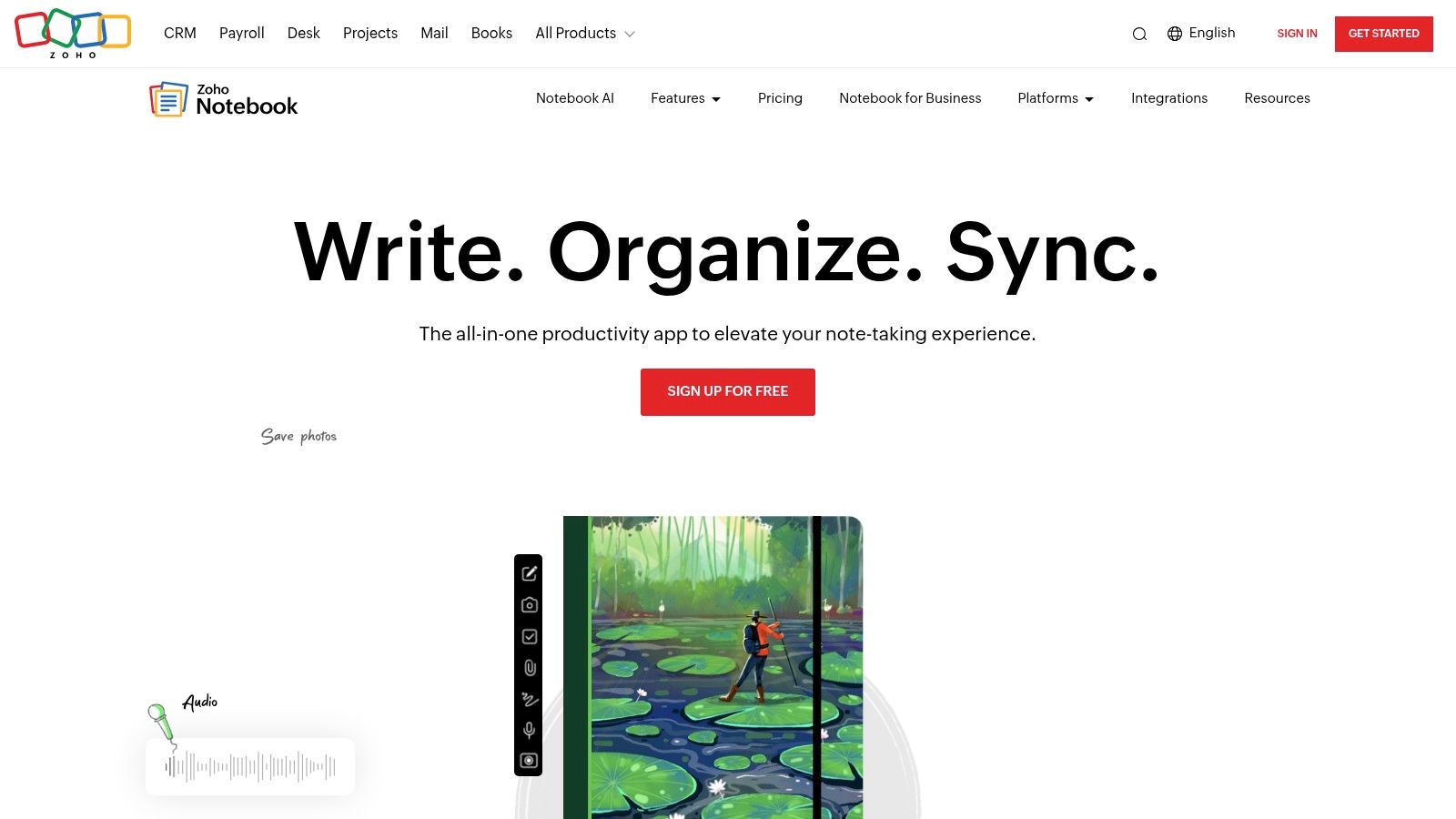
Students can group these note cards into different notebooks for each class, making organization simple and effective. A unique feature is the ability to scan documents like handouts or book pages directly into a note, which is then searchable. While its core features are free, advanced functionalities like AI transcription for audio notes are available as add-ons, allowing users to customize their experience based on their specific needs.
Key Information
- Best For: Visual learners and students who want a simple, beautiful interface for creating mixed-media notes.
- Standout Feature: The "Note Card" concept. Each piece of information is a distinct card that can be individually colored, grouped, and manipulated, making it easy to organize thoughts and lecture notes visually.
- Pricing: A very generous free plan is available. The Notebook Pro plan with more advanced features starts at $1.67/month (billed annually).
- Platforms: Web, macOS, Windows, iOS, Android, Apple Watch.
- Pros: Attractive and intuitive card-style interface, strong free tier with broad device coverage, great for mixed-media notes.
- Cons: Advanced AI features require separate paid add-ons; collaboration tools are less robust than all-in-one suites.
10. Google Keep
For students who need a fast, simple, and free way to capture thoughts, Google Keep is an outstanding choice. It excels at capturing fleeting ideas, creating quick to-do lists for assignments, and saving visual reminders with its sticky note-style interface. Instead of complex databases, Keep offers straightforward organization through color-coding and labels, making it one of the best note-taking apps for students who prefer a minimalist approach.
The app's strength lies in its seamless integration with the Google ecosystem. You can set time or location-based reminders that sync with Google Calendar, dictate notes on the go, and even extract text from images of whiteboards or textbook pages. This focus on speed and simplicity ensures your ideas are captured before they’re lost, without the friction of more feature-heavy applications.
Key Information
- Best For: Capturing quick thoughts, making simple checklists, and setting reminders without a learning curve.
- Standout Feature: Its simplicity and deep integration with Google services. The ability to create a note and have it instantly sync across all devices, or set a reminder that pops up in Google Calendar, is incredibly convenient for a busy student schedule. For more options, explore this list of free software for students.
- Pricing: Completely free with a Google account.
- Platforms: Web, iOS, Android.
- Pros: Zero-cost and instant syncing across devices, great for lightweight list-style study notes and quick reminders.
- Cons: Minimal formatting options make it unsuitable for long, structured lecture notes; wearable support is primarily focused on Android.
11. Apple Notes
For students embedded in the Apple ecosystem, the built-in Notes app has evolved into a surprisingly powerful and convenient tool. It's no longer just for simple text lists; it now supports handwriting with Apple Pencil, document scanning directly into notes, and embedding rich media. This makes it one of the best note-taking apps for students who want a seamless, integrated experience on their iPhone, iPad, and Mac without needing a third-party download.
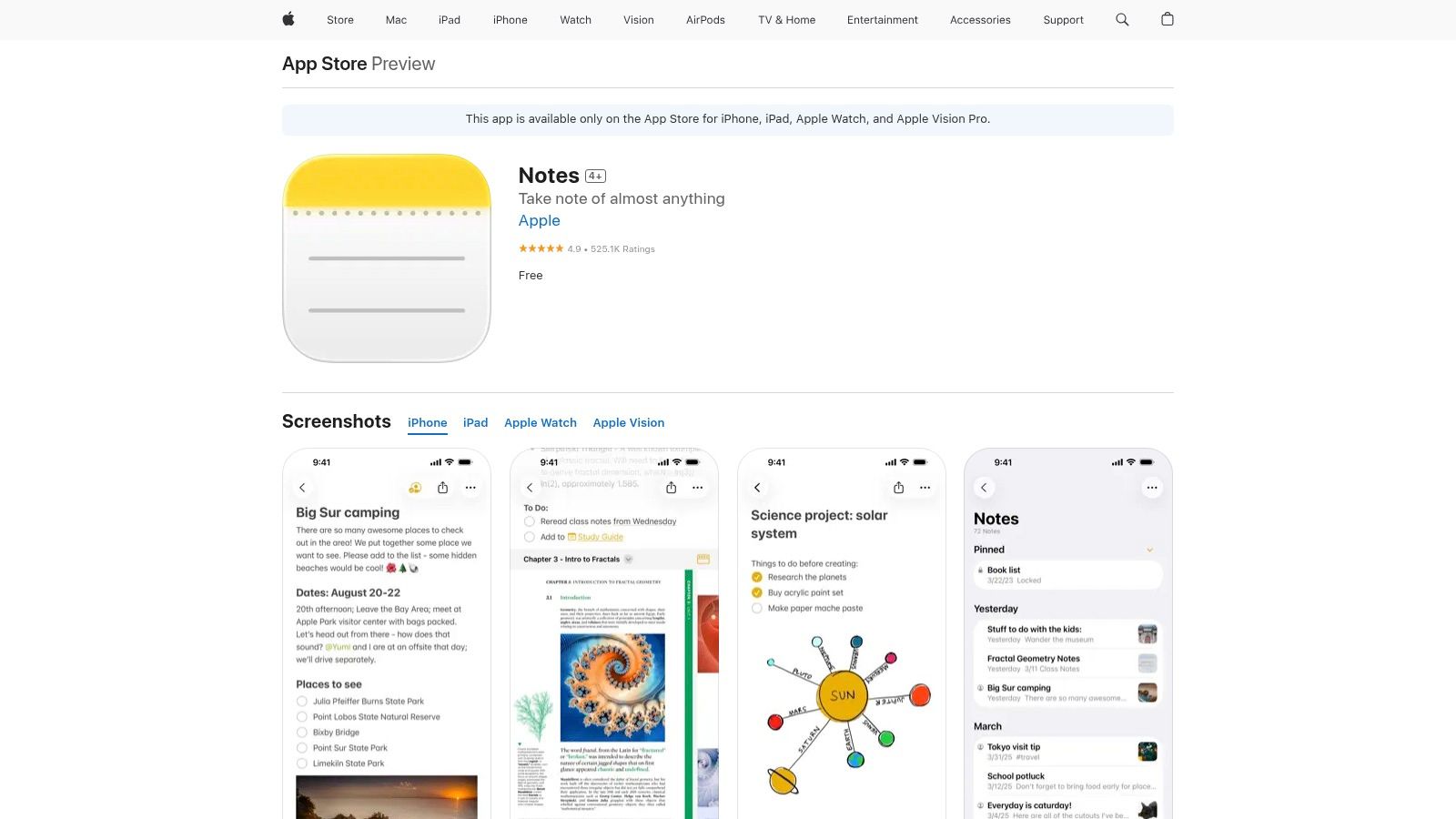
Recent updates have added features that are perfect for academic work, like note linking, tags for organization, and smart folders that automatically group notes based on your criteria. You can annotate PDFs, perform quick calculations within a note, and collaborate with classmates by sharing notes or entire folders via iCloud. It’s a fast, reliable, and completely free option that’s already on your devices.
Key Information
- Best For: Students who primarily use Apple devices and want a free, fast, and deeply integrated note-taking solution.
- Standout Feature: Seamless iCloud synchronization and deep integration with the Apple ecosystem. You can scan a document with your iPhone and it instantly appears in your notes on your Mac, or start a note with Siri while on the go.
- Pricing: Completely free and pre-installed on all Apple devices.
- Platforms: macOS, iOS, iPadOS, and Web (via iCloud.com).
- Pros: Free with no feature limitations, excellent performance and sync, strong privacy controls.
- Cons: Limited functionality outside the Apple ecosystem; lacks the advanced database and structural flexibility of apps like Notion.
12. Google Play Store: Note-taking Apps (Android)
For Android and Chromebook users, the Google Play Store is the essential starting point for finding the best note-taking apps for students. It serves as a centralized marketplace where you can easily compare, download, and manage a vast library of applications tailored for both keyboard-centric and stylus-based note-taking. This makes it an indispensable resource for discovering tools that fit your specific device and study habits.
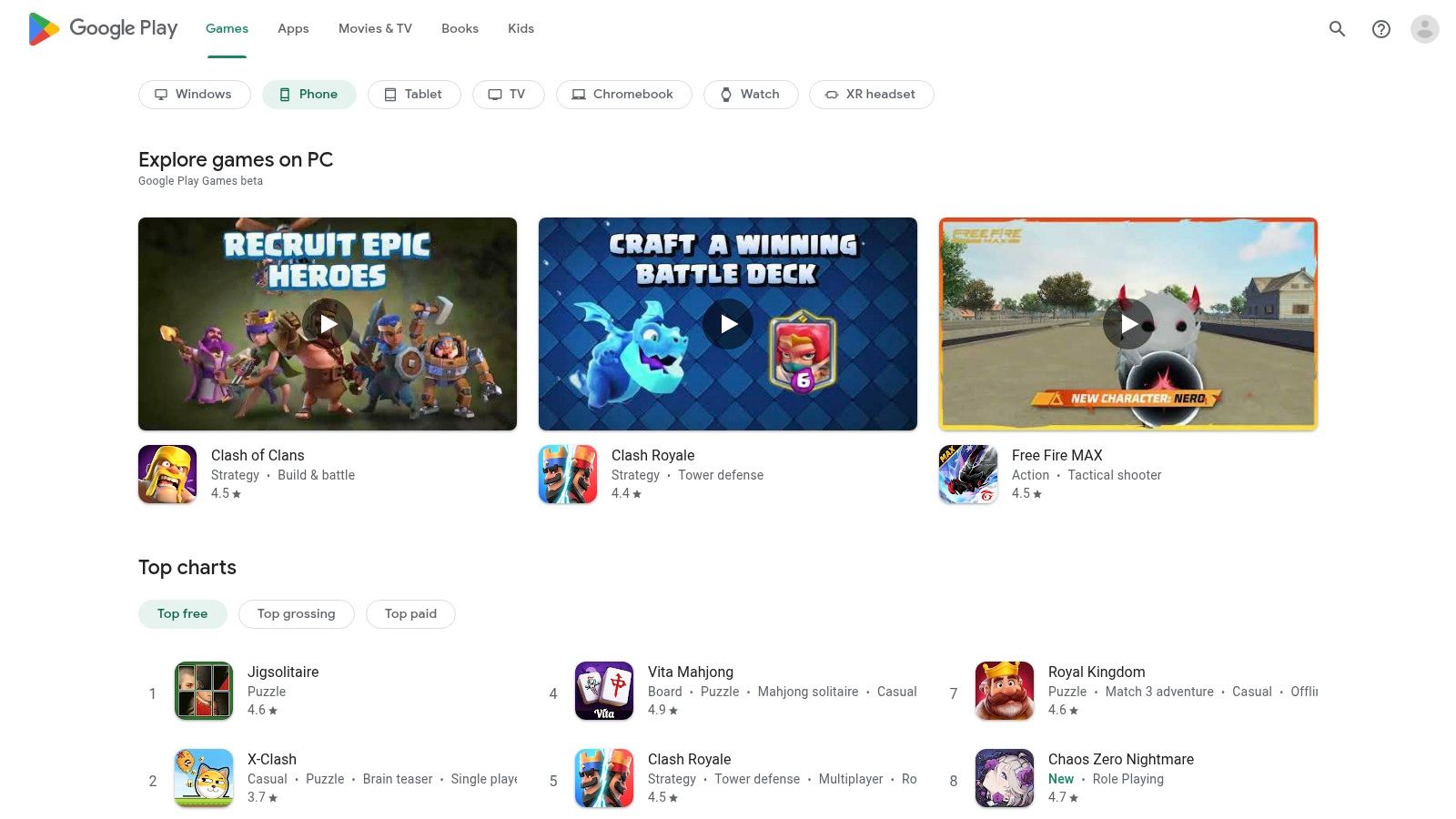
The platform allows you to filter through popular student choices like Squid, Flexcil, and Zoho Notebook, reading user reviews and checking feature lists before committing. You can also see which apps are optimized for tablets and support pressure-sensitive styluses, a key factor for students who prefer handwriting notes. By checking app ratings and update histories, you can make an informed decision on which tool to integrate into your academic workflow.
Key Information
- Best For: Android and Chromebook users looking for a one-stop shop to discover, compare, and install a wide variety of note-taking apps.
- Standout Feature: The ability to browse an extensive and diverse catalog of apps, from simple text editors to advanced digital notebooks. User reviews and ratings provide valuable real-world insight into an app's performance and utility for students.
- Pricing: Varies by app; many offer free versions with optional in-app purchases or subscriptions.
- Platforms: Android, ChromeOS.
- Pros: Massive selection including powerful stylus-optimized apps, easy installation and management of apps, simple refund process for many paid titles.
- Cons: App quality can be inconsistent; some popular iOS-first apps may have delayed feature parity on the Android version.
Top 12 Student Note‑Taking Apps Comparison
| App | Core Features ✨ | Quality ★ | Price & Value 💰 | Target Audience 👥 | Unique Selling Point 🏆 |
|---|---|---|---|---|---|
| Notion | ✨ Databases, templates, real-time collaboration, Notion AI | ★★★★☆ | 💰 Free (edu), paid team tiers | 👥 Students, teams, knowledge workers | 🏆 Flexible all-in-one workspace |
| Microsoft OneNote (Microsoft 365) | ✨ Section-based notebooks, pen/ink, audio transcription, Class tools | ★★★★☆ | 💰 Free core; best with Microsoft 365 | 👥 STEM students, Microsoft ecosystem users | 🏆 Superior stylus & Office integration |
| Evernote | ✨ Web clipper, PDF/scan capture, calendar integration, powerful search | ★★★★☆ | 💰 Subscription; advanced features paid | 👥 Researchers, heavy-clippers | 🏆 Robust clipping & search capabilities |
| Goodnotes | ✨ Pencil-first handwriting, audio sync, templates, handwriting→text | ★★★★★ | 💰 One-time Apple purchase + optional AI pass | 👥 iPad students, handwriting-first users | 🏆 Best-in-class handwriting UX |
| Notability | ✨ Time-synced audio, handwriting search/conversion, study tools | ★★★★★ | 💰 Freemium; premium tiers for AI/tools | 👥 Lecture-focused students, iPad users | 🏆 Exceptional lecture capture workflow |
| Obsidian | ✨ Local Markdown vaults, graph/backlinks, plugin ecosystem, E2EE sync | ★★★★☆ | 💰 Free personal; paid Sync/Publish add-ons | 👥 Researchers, knowledge builders, privacy-focused | 🏆 Data ownership + deep linking/graph view |
| Craft | ✨ Rich block editor, wikilinks, publish pages, education plan | ★★★★☆ | 💰 Free Education; paid Pro plans | 👥 Apple users, course creators | 🏆 Polished editor with easy publishing |
| Bear | ✨ Markdown notes, tag-based org, OCR & export (Pro) | ★★★★☆ | 💰 Affordable Pro subscription | 👥 Apple-only writers & students | 🏆 Clean, distraction-free writing experience |
| Zoho Notebook | ✨ Card-style notes, checklists, audio, scanning, Noteboards | ★★★★ | 💰 Strong free tier; AI add-ons paid | 👥 Mixed-media note takers, cross-platform users | 🏆 Attractive free multimedia cards |
| Google Keep | ✨ Color-coded notes, image text capture, voice-to-text, reminders | ★★★☆☆ | 💰 Free with Google account | 👥 Quick lists, Android-first users | 🏆 Instant lightweight notes & reminders |
| Apple Notes | ✨ Handwriting, scanning, links, smart folders, iCloud sync | ★★★★☆ | 💰 Free on Apple devices | 👥 Apple ecosystem users, casual students | 🏆 Native fast sync with strong privacy defaults |
| Google Play Store: Note-taking Apps (Android) | ✨ Central marketplace, ratings, one-tap installs, update history | ★★★★ | 💰 Free to browse; app pricing varies | 👥 Android students, tablet/stylus users | 🏆 Central hub for finding Android note apps |
Choosing Your Perfect Study Partner and Saving Money
The digital landscape is saturated with tools designed to enhance your academic journey, but navigating this vast ecosystem to find the best note-taking apps for students can feel like a research project in itself. As we’ve explored, the "perfect" app is not a one-size-fits-all solution; it is a deeply personal choice that hinges on your specific field of study, learning style, and organizational preferences. Your ideal study partner is the one that minimizes friction between your thoughts and the digital page, allowing you to focus on learning rather than on the tool itself.
From Powerhouses to Minimalists: Key Takeaways
We've covered a wide spectrum of applications, from the all-in-one "second brain" power of Notion and Obsidian to the unparalleled digital handwriting experience offered by Goodnotes and Notability. For students already embedded in major ecosystems, the seamless integration of Microsoft OneNote and Apple Notes provides a frictionless, zero-cost starting point that is more than sufficient for many. Meanwhile, apps like Evernote continue to excel at web clipping and organization, while minimalist options such as Bear and Google Keep prove that speed and simplicity are often the most effective features.
The crucial takeaway is to align the tool with your primary academic tasks.
- STEM and visual learners should prioritize apps with superior stylus support and canvas flexibility like Goodnotes.
- Humanities and research-heavy students will find immense value in the database and backlinking capabilities of Notion or Obsidian.
- Students who need a simple, cross-platform capture tool for lectures and quick ideas might find their match in OneNote, Google Keep, or Zoho Notebook.
Actionable Steps to Finding Your Fit
Don't let analysis paralysis stop you from getting started. The most effective way to choose your digital study partner is to experiment. Download the free versions or activate the free trials of your top two or three contenders from our list. Dedicate one week to each app, using it exclusively for all your classes. This hands-on trial will quickly reveal which interface feels intuitive and which features genuinely enhance your workflow.
Consider the long-term implications of your choice. Think about how you'll export your notes after graduation and whether the app's ecosystem supports your other devices. While many of the best note-taking apps for students offer robust free tiers, their true power is often unlocked through premium subscriptions. This is where affordability becomes a critical factor. Don't let a price tag be the sole barrier to accessing a tool that could revolutionize your studies. Solutions that facilitate subscription sharing can make these powerful premium features significantly more accessible on a student budget. Ultimately, investing time now to find the right app will pay dividends in improved organization, reduced stress, and greater academic success.
Ready to unlock premium features without the premium price? Many top-tier academic tools, including Microsoft 365 with OneNote, offer family or group plans. With AccountShare, you can securely join a sharing group to access these powerful subscriptions at a fraction of the cost, making the best educational software affordable for every student. Visit AccountShare to start saving today.