

12 Best Student Productivity Apps for 2025
Juggling lectures, research papers, and group projects demands more than just good time management; it requires a powerful digital toolkit. The right software can mean the difference between feeling overwhelmed and being in complete control of your academic responsibilities. This comprehensive guide is designed to help you navigate the vast market of student productivity apps and find the perfect tools to streamline your workflow, enhance your focus, and improve your academic performance.
We’ve moved beyond generic descriptions to provide you with a detailed breakdown of each application. Inside, you'll find an analysis of essential features, practical use case scenarios for your courses, and a transparent look at pricing tiers. We will explore everything from sophisticated note-taking platforms like Notion and Evernote to focused task managers like Todoist and unique concentration aids like Forest. Each entry includes direct links and screenshots to give you a clear picture of its interface and functionality.
Beyond standalone applications, your browser itself can be a hub for efficiency. To further enhance your digital toolkit, students can also leverage browser extensions to boost productivity, such as exploring the 13 Best Chrome Extensions for Students in 2025. Moreover, a significant focus of this guide is on affordability. We'll show you how to access premium software subscriptions at a fraction of the standard cost through student-specific deals like the GitHub Student Developer Pack and innovative platforms like AccountShare. This ensures you can build a first-class productivity system without straining your budget. Let's dive in and find the tools that will help you master your coursework.
1. AccountShare
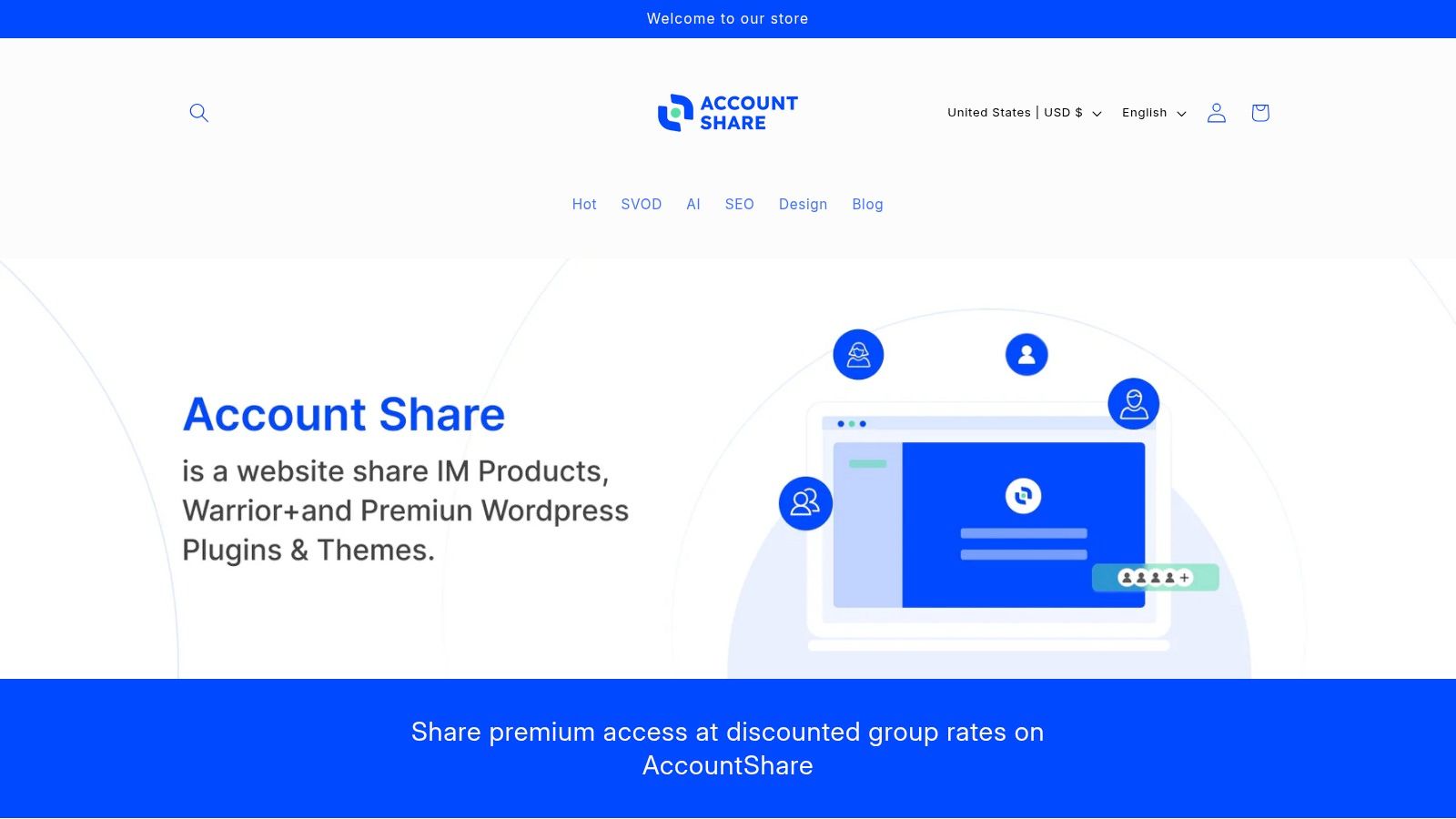
While not a conventional productivity app itself, AccountShare serves as an indispensable gateway, making a vast suite of premium student productivity apps and tools financially accessible. It’s a revolutionary platform built on a simple yet powerful concept: group purchasing for digital subscriptions. For students on a tight budget, this model is a game-changer, transforming high-cost software from a luxury into a readily available asset for academic success.
AccountShare facilitates shared access to essential tools like ChatGPT Plus, Claude Pro, MidJourney, and Canva Pro. Instead of bearing the full monthly cost, students can join a group and pay a fraction of the price, typically around $10 per subscription. This immediately removes financial barriers, allowing students to leverage advanced AI for research and writing, create professional-grade presentations with premium design assets, and streamline their entire academic workflow without compromise.
Why It Stands Out
What elevates AccountShare beyond a simple cost-saving tool is its robust framework designed for security, stability, and ease of use. The platform isn't just about sharing a password; it provides a managed, secure environment.
- Priority Access & Stability: Shared accounts often grant priority access, ensuring service availability even during peak usage times. This is crucial for students facing tight deadlines who can't afford downtime with their critical tools.
- Robust Security Protocols: AccountShare manages credentials securely, offering customizable permissions and secure sharing options. This eliminates the risks associated with informally sharing login details with strangers.
- Immediate & Seamless Experience: Users receive account credentials instantly upon purchase, and the customer support is notably responsive, addressing any access issues swiftly.
This structured approach ensures a reliable and professional experience, far superior to informal sharing groups. Students can confidently integrate these powerful tools into their daily routines. To dive deeper into optimizing your digital tools, you can explore how to revamp your subscription management workflow on AccountShare's blog.
Pros and Cons
| Pros | Cons |
|---|---|
| Drastic cost reduction on essential premium subscriptions like AI assistants and design tools. | Service availability is limited to the platform's current offerings. |
| Ensures stable access during high-demand periods, avoiding service interruptions. | Shared access may require coordination among users to respect simultaneous use limits. |
| Strong security features with managed credentials and customizable permissions. | |
| Instant delivery of account details and highly responsive customer support. |
Ultimately, AccountShare empowers students by democratizing access to the very best digital productivity tools on the market.
Website: https://accountshare.ai
2. Apple App Store
The Apple App Store is the official digital marketplace for over 1.8 million apps, making it an essential starting point for any student with an iPhone, iPad, or Mac. More than just a distribution platform, it serves as a highly curated and secure ecosystem for discovering powerful student productivity apps. Its strength lies in its rigorous app review process and human-curated collections, which often spotlight innovative tools for focus, note-taking, and project management that might otherwise be missed.
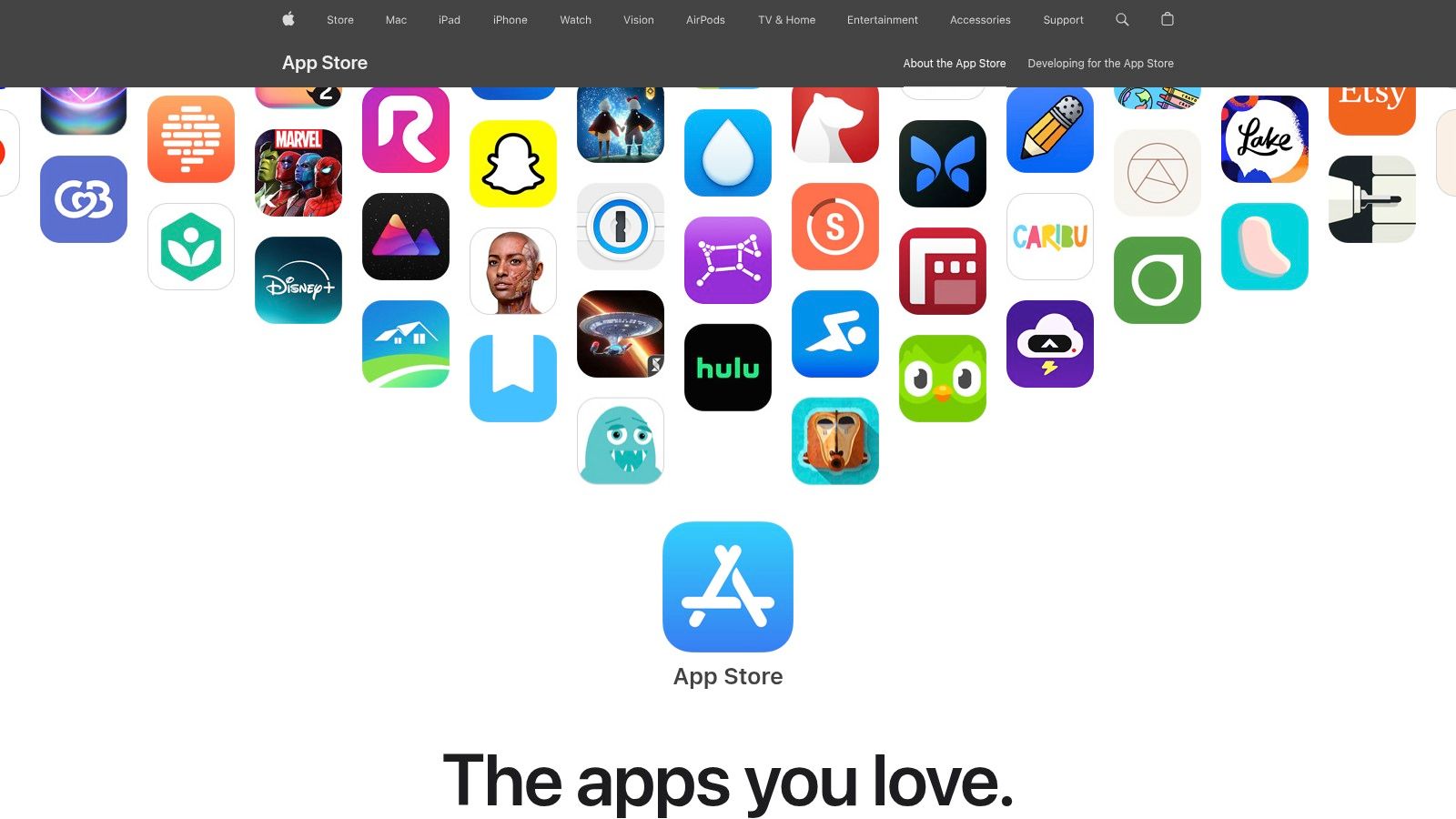
The platform’s detailed product pages are a key advantage, providing transparent privacy labels, user ratings, and clear information on in-app purchases. This helps students make informed decisions before downloading.
Why It Stands Out
What makes the App Store unique is its combination of security and discovery. Unlike other platforms, Apple’s human editors create daily stories and thematic lists, such as "Apps for Finals Week" or "Top Note-Taking Tools," guiding students to high-quality, relevant applications. The integrated ecosystem also allows for seamless syncing across Apple devices, a huge plus for students who switch between a laptop and tablet for different tasks.
Practical Tips for Students
- Utilize the 'Today' Tab: Check this tab daily for curated stories and app collections. It’s an excellent way to find new student productivity apps recommended by editors.
- Check for Educational Bundles: Developers often bundle multiple apps together at a discounted price, which can be a cost-effective way to get a full suite of productivity tools.
- Leverage Family Sharing: Use Apple's Family Sharing to share eligible paid app purchases with up to five other family members, significantly cutting down on costs.
| Feature | Details |
|---|---|
| Platform | iOS, iPadOS, macOS |
| Pricing | Varies by app; many offer free versions with optional subscriptions or one-time purchases |
| Key Advantage | High security standards and human-curated app discovery |
Website: https://apps.apple.com/
3. Google Play Store
The Google Play Store is the primary digital marketplace for Android users, boasting an enormous catalog of over 2.5 million apps. For students with Android phones, tablets, or Chromebooks, it is the go-to source for an incredible variety of student productivity apps, from simple to-do lists to advanced project management suites. Its key strength is its sheer volume and accessibility, offering tools for every possible study habit and workflow.
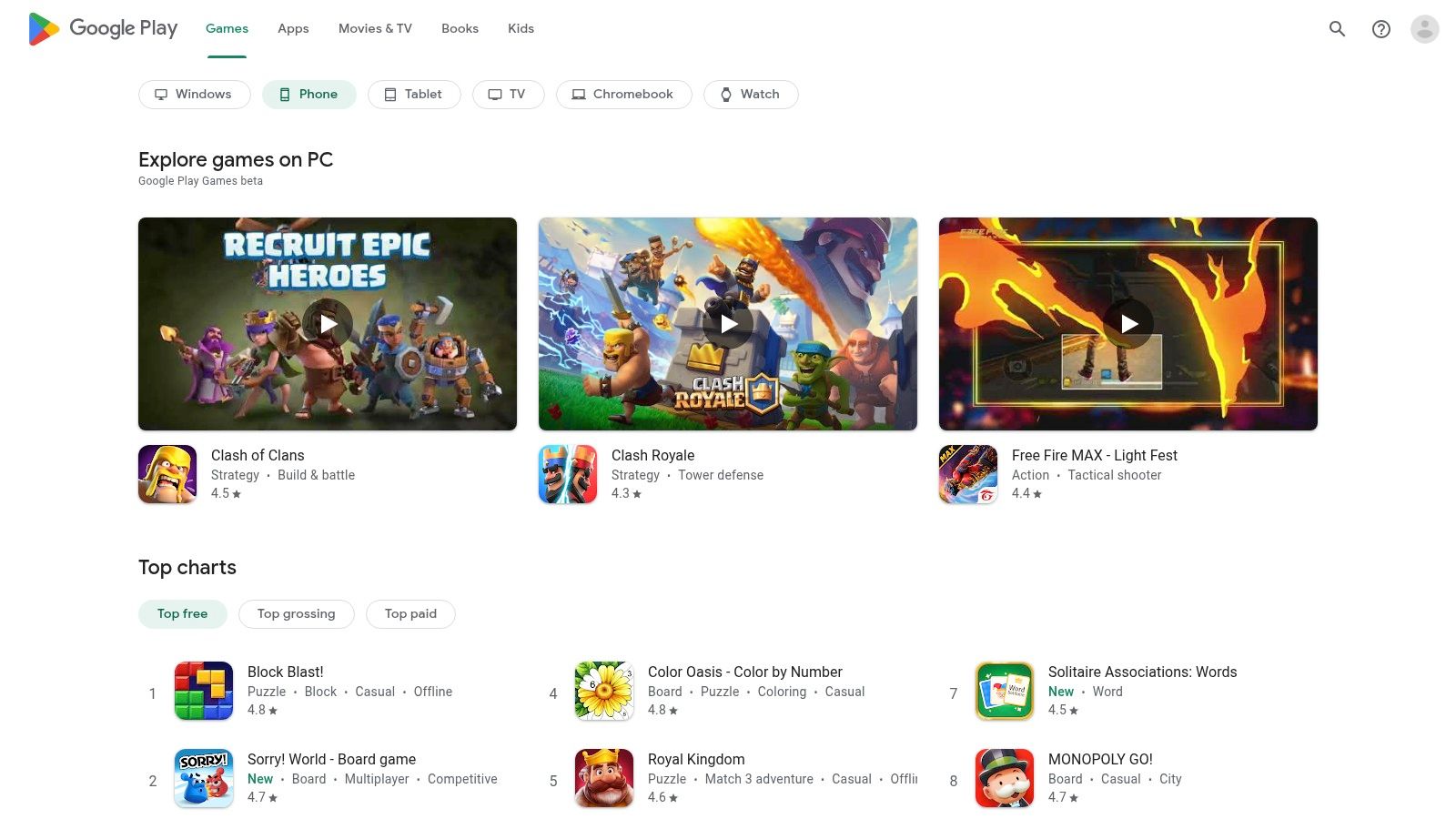
The platform's robust search and user review system helps students sift through the vast options. Detailed app pages with user ratings, download counts, and developer responses provide crucial insights before installation, helping to separate high-quality tools from the less reliable ones.
Why It Stands Out
The Play Store's standout feature is its combination of openness and value. Unlike more closed ecosystems, its less restrictive policies encourage a wider range of developers, leading to innovative and niche student productivity apps. The Google Play Pass subscription is a particularly compelling offer, providing access to a curated library of hundreds of premium apps and games, completely free of ads and in-app purchases, for a single monthly fee.
Practical Tips for Students
- Explore Google Play Pass: Sign up for the free trial to test-drive premium productivity apps without ads or in-app purchases. It's a cost-effective way to find powerful tools.
- Read Recent Reviews: Sort reviews by "Most recent" to get a current picture of an app's performance and stability, as updates can significantly change the user experience.
- Use the Wishlist Feature: Save promising apps to your wishlist to track their prices. You'll be notified if they go on sale, helping you save money on one-time purchases.
| Feature | Details |
|---|---|
| Platform | Android, ChromeOS |
| Pricing | Varies by app; many free and freemium options. Google Play Pass available for a monthly/annual subscription. |
| Key Advantage | Massive app selection and the cost-effective Google Play Pass subscription for premium apps. |
Website: https://play.google.com/store
4. Microsoft Store (Windows)
The Microsoft Store is the official digital marketplace for Windows users, serving as a secure and centralized hub for discovering a wide range of applications. For students, it provides a trusted environment to find everything from advanced PDF editors and note-taking software to focus timers and project management tools. Its primary strength is its seamless integration with the Windows operating system, ensuring that apps are verified for security and that installations and updates are managed efficiently.
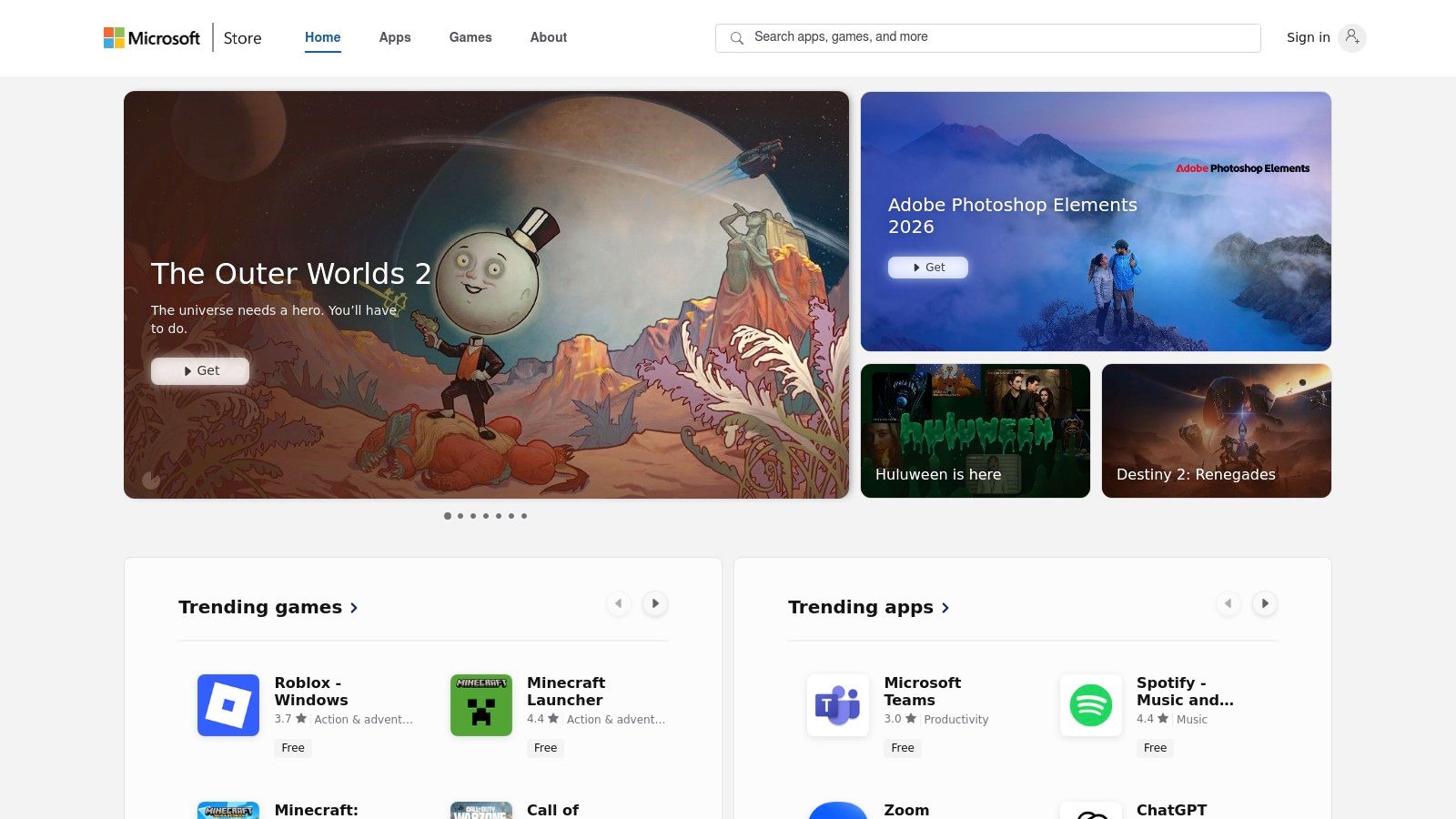
This centralized system simplifies app management significantly. Instead of searching across the web for individual downloads, students can access a curated collection of student productivity apps, read user reviews, and handle all purchases and reinstalls through their Microsoft account.
Why It Stands Out
What makes the Microsoft Store particularly useful is its combination of integration and convenience. All purchased apps are linked to your Microsoft account, making it incredibly easy to reinstall your essential tools on a new PC without hunting down license keys. The platform’s focus on verified publishers provides an added layer of security, reducing the risk of downloading malicious software. This curated approach ensures a safer and more reliable experience for finding and managing study utilities.
Practical Tips for Students
- Browse the 'Deals' Section: Regularly check the "Deals" or "App Specials" section in the store for significant discounts on premium student productivity apps.
- Check App Compatibility: Before purchasing, always confirm that the app is compatible with your version of Windows (e.g., Windows 10 or 11 in S Mode).
- Use Your Microsoft Account: Link all your app purchases to your primary Microsoft account. This ensures you can easily restore your favorite tools on any Windows device you use.
| Feature | Details |
|---|---|
| Platform | Windows |
| Pricing | Varies by app; many free, ad-supported, and premium options are available |
| Key Advantage | Secure, centralized app management and easy reinstallation across devices |
Website: https://apps.microsoft.com/
5. Setapp (Mac + iOS app subscription)
Setapp is a subscription service that offers a curated collection of over 240 premium Mac and iOS applications for a single monthly fee. It's like a Netflix for apps, making it an incredible resource for students who need a variety of powerful tools without purchasing each one individually. The platform includes everything from advanced writing aids and focus timers to mind-mapping software and task managers, providing a complete suite of student productivity apps.
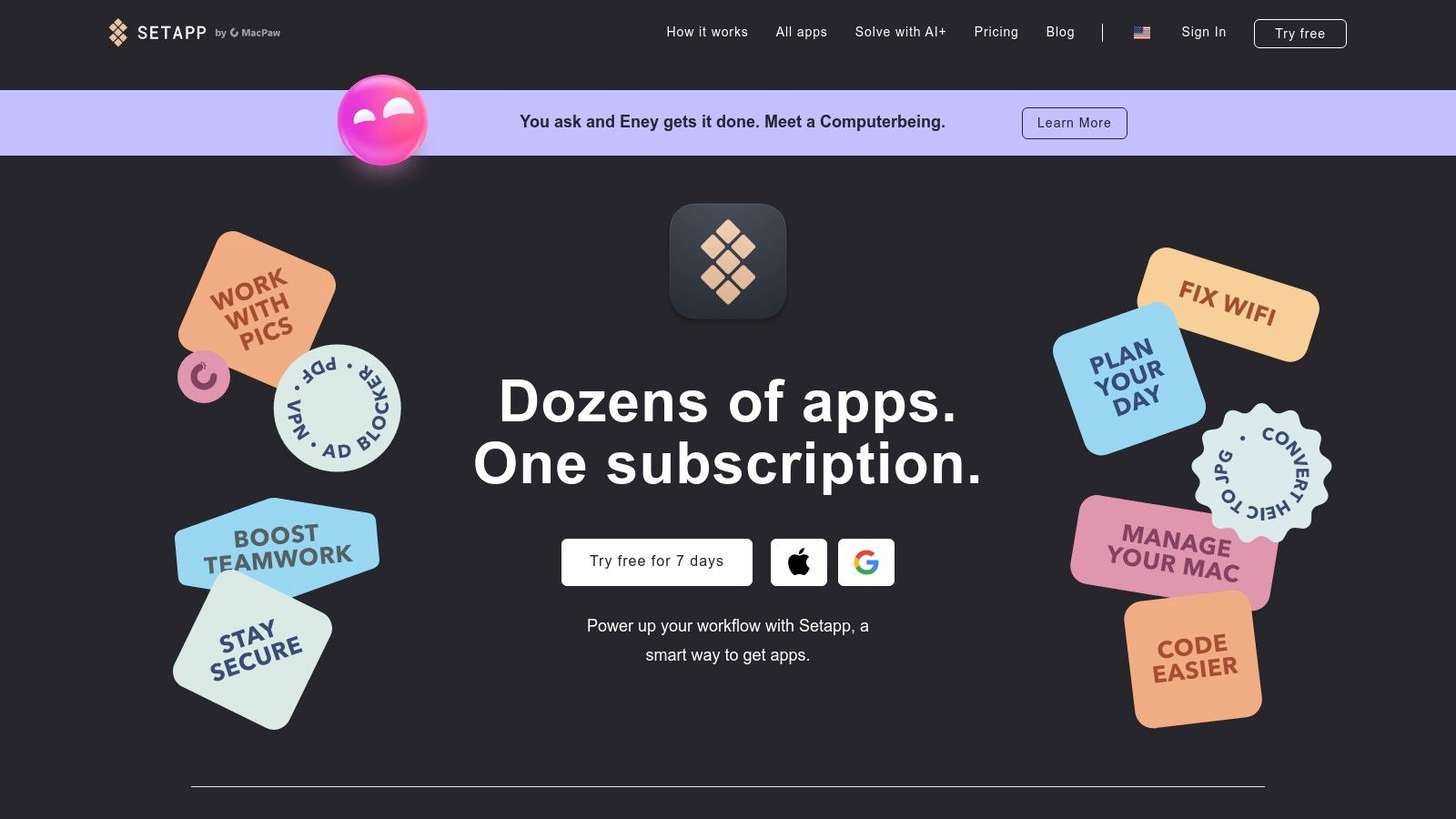
This model allows students to experiment with professional-grade software that would otherwise be prohibitively expensive, ensuring they find the perfect tool for every academic challenge. New apps are added regularly at no extra cost.
Why It Stands Out
Setapp’s unique value is its all-in-one access and cost-effectiveness. Instead of paying for multiple app subscriptions, students get a vast, high-quality library for one predictable price. This eliminates the risk of buying an app only to find it doesn't fit your workflow. The curation is another key advantage; every app is vetted for quality and usefulness, saving you the time and effort of sifting through thousands of options on the App Store.
Practical Tips for Students
- Take Advantage of the Educational Discount: Setapp offers a significant discount for students and educators. Make sure to apply with your student email to cut your subscription cost.
- Use the 7-Day Free Trial: Fully explore the app collection during the free trial period. Install and test different tools for note-taking, project planning, and writing to see which ones boost your productivity most.
- Explore App Collections: Use Setapp’s pre-made collections like "Get It Done" or "Study & Research" to quickly discover apps tailored to specific academic tasks.
| Feature | Details |
|---|---|
| Platform | macOS, iOS |
| Pricing | Monthly subscription; offers a 50% educational discount. |
| Key Advantage | Access to a large, curated library of premium apps for a single, affordable subscription fee. |
Website: https://setapp.com/
6. Notion (official site)
Notion has redefined the landscape of student productivity apps by offering an all-in-one workspace that adapts to any need. It combines notes, tasks, wikis, and databases into a single, highly customizable platform. Students use it to build comprehensive dashboards for their classes, track assignments with Kanban boards, manage reading lists, and collaborate on group projects, all within a clean and intuitive interface.
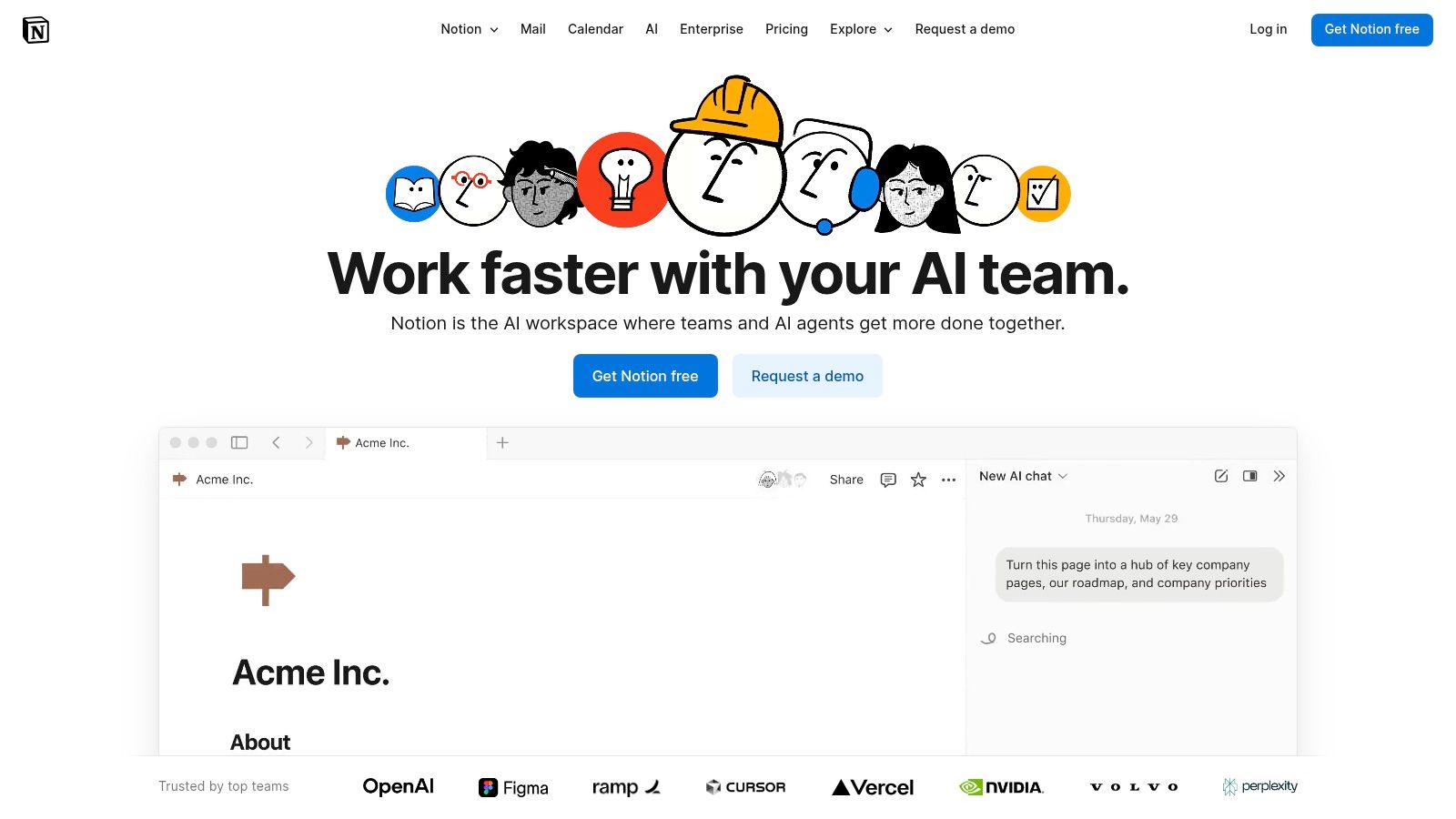
Its modular, block-based system allows users to construct pages with incredible flexibility, making it equally powerful for simple to-do lists and complex personal knowledge management systems. This versatility is why it has become a staple for students worldwide.
Why It Stands Out
Notion's key differentiator is its unmatched customizability and powerful database features. Unlike traditional note-taking apps, Notion allows you to link pages, create relational databases, and view your information in multiple formats like calendars, timelines, or galleries. This enables students to build a truly interconnected "second brain" where all their academic information lives and relates to each other, a significant step up from siloed documents.
Practical Tips for Students
- Claim Your Free Education Plan: Verify your student status with a school email address to get the Plus Plan for free, which unlocks more features like a longer version history and larger file uploads.
- Explore the Template Gallery: Don't start from scratch. Notion’s extensive template gallery has pre-built setups for class notes, assignment trackers, and internship applications designed by the community.
- Use Database Views: Create a single master task list and use different filtered views for each class. This helps you see all your deadlines in one place or focus on one subject at a time.
| Feature | Details |
|---|---|
| Platform | Web, macOS, Windows, iOS, Android |
| Pricing | Free personal plan; Plus Plan is free for verified students |
| Key Advantage | Highly flexible all-in-one workspace with powerful database and customization capabilities |
Website: https://www.notion.so/
7. Todoist (official site)
Todoist is a premier task management app that has become a staple for students seeking to organize their academic and personal lives. It excels at turning chaotic to-do lists into clear, manageable workflows across all devices. The platform’s clean interface and powerful features help students track assignments, set reminders for deadlines, and break down large projects into smaller, actionable steps, making it one of the most effective student productivity apps available.
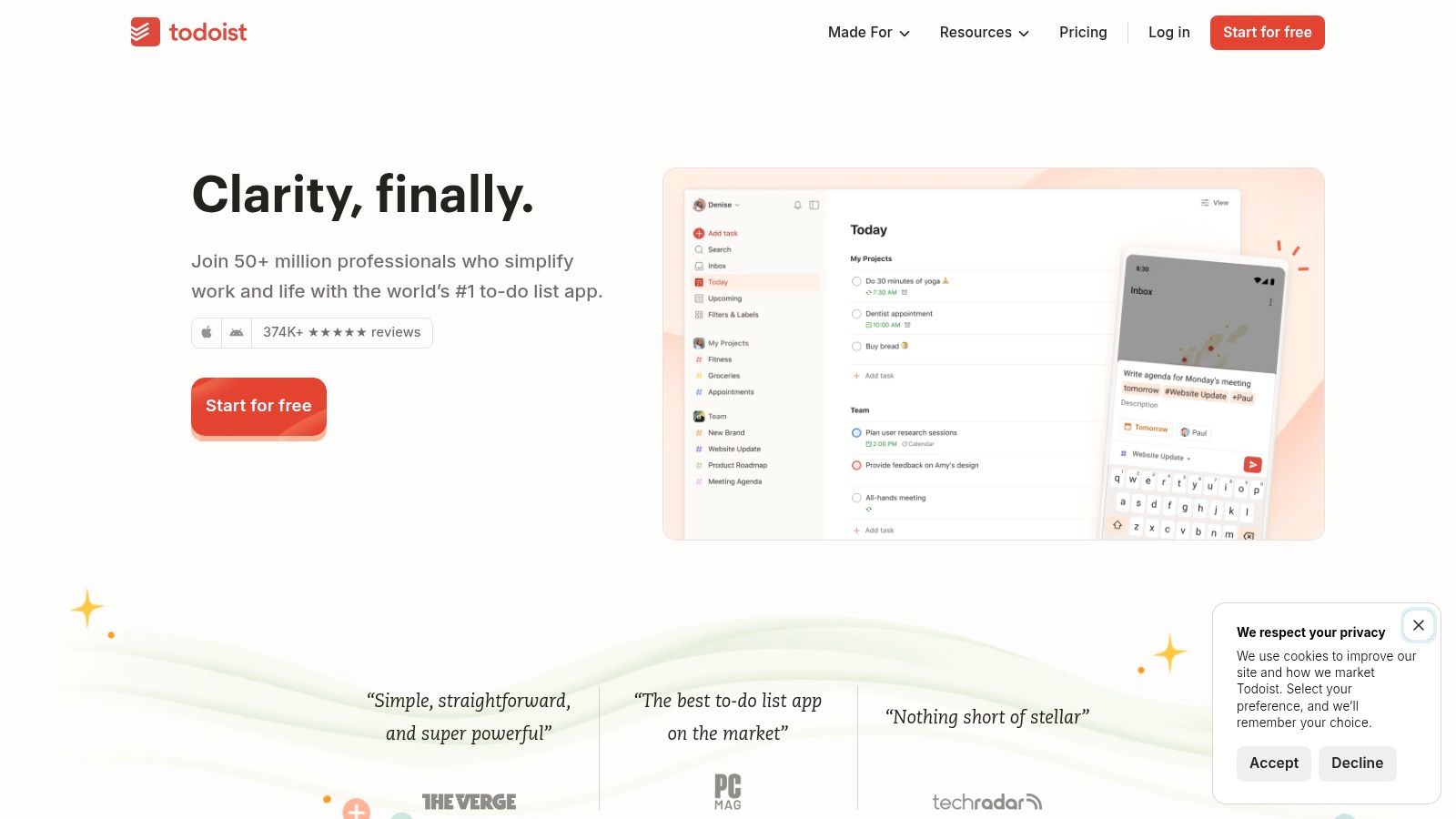
Its core strength is its natural language input. Students can simply type "Submit history essay next Friday at 5 pm" and Todoist automatically schedules the task with the correct due date and time. This intuitive functionality removes friction and makes capturing tasks effortless.
Why It Stands Out
Todoist stands out for its perfect balance of simplicity and power. While easy enough for a beginner to pick up in minutes, its advanced features like labels, filters, and priority levels offer deep customization for power users. Unlike many other to-do apps, its cross-platform synchronization is flawless, ensuring your task list is always up-to-date whether you’re on your phone, laptop, or tablet. For group projects, its collaborative workspaces are invaluable. Learn more about how Todoist compares to other team collaboration tools for effective teamwork.
Practical Tips for Students
- Use Projects for Courses: Create a separate project for each class (e.g., "CHEM 101," "ENGL 203") to keep all related assignments, readings, and exam dates organized.
-
Leverage Labels and Filters: Use labels like
@urgentor@studyto categorize tasks. Then, create custom filters to view specific lists, such as "all assignments due this week." - Integrate Your Calendar: Connect Todoist with your Google Calendar or Outlook Calendar to see your tasks and deadlines alongside your class schedule.
| Feature | Details |
|---|---|
| Platform | Web, Windows, macOS, iOS, Android |
| Pricing | Free plan available; Pro plan at $4/month (billed annually) for advanced features like reminders and unlimited projects |
| Key Advantage | Intuitive natural language input and seamless cross-platform syncing |
Website: https://todoist.com/
8. Evernote (official site)
Evernote is a veteran in the digital note-taking space, functioning as a comprehensive digital filing cabinet for your entire academic life. It excels at capturing, organizing, and retrieving information, from lecture notes and web clippings to scanned documents and handwritten annotations. For students managing heavy research loads, its ability to centralize diverse materials into structured notebooks makes it one of the most reliable student productivity apps available.
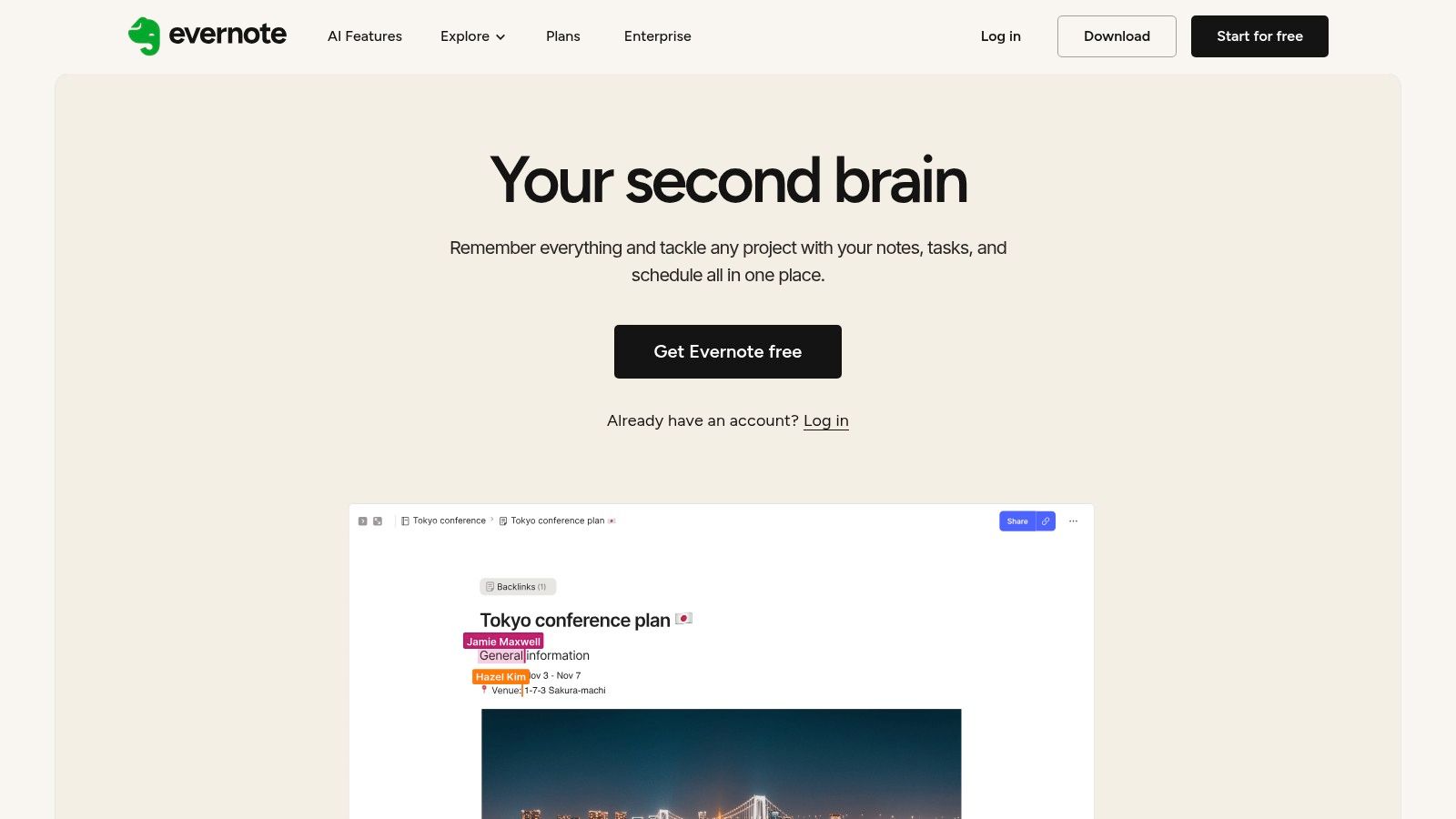
The platform’s powerful search function is a key differentiator, capable of finding text within PDFs, documents, and even images. This transforms your collection of notes from a simple archive into a searchable knowledge base, perfect for exam preparation and essay writing.
Why It Stands Out
Evernote’s strength lies in its robust information capture and organization. The Web Clipper browser extension is unmatched for saving articles and research sources, preserving them in a clean, readable format. Unlike simpler note apps, Evernote is built to handle complex projects, allowing students to create dedicated notebooks for each class, add tags for specific topics, and link related notes together for a cohesive study system.
Practical Tips for Students
- Use the Web Clipper: Install the browser extension to save research articles, academic papers, and reference material directly to relevant notebooks, stripping away ads and clutter.
-
Create a Notebook for Each Course: Organize your academic life by creating a separate notebook for every class. Use tags like
#exam,#assignment, or#readingto filter notes quickly. - Scan Documents with Your Phone: Use the Evernote mobile app to scan and digitize handouts, whiteboard notes, and book pages. The app’s OCR makes the text within these scans searchable.
| Feature | Details |
|---|---|
| Platform | Web, Windows, macOS, iOS, Android |
| Pricing | Free plan available; Personal plan at $14.99/month. Students can get 50% off a one-year subscription. |
| Key Advantage | Powerful cross-platform information capture and advanced search within documents and images. |
Website: https://evernote.com/
9. Grammarly (official site)
Grammarly is an AI-powered writing assistant that goes far beyond basic spell-checking to become an indispensable tool for academic success. It provides real-time feedback on grammar, spelling, punctuation, clarity, and tone directly within the apps and websites students use most, from Google Docs to their email client. This makes it one of the most effective student productivity apps for elevating the quality of essays, reports, and professional communications.
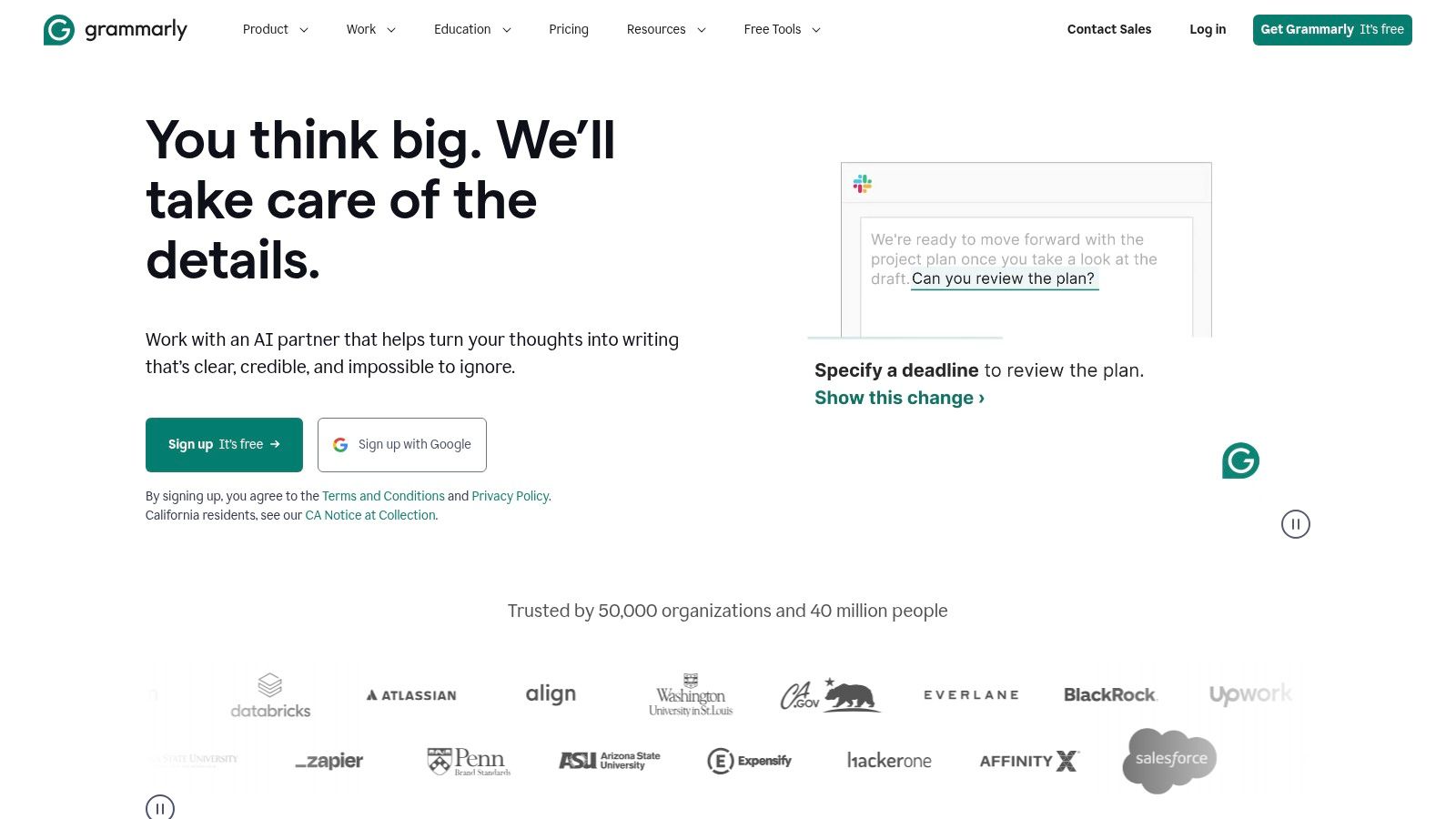
The platform’s strength lies in its comprehensive writing support, which includes a robust plagiarism checker and citation assistance tools in its premium versions. This helps students maintain academic integrity and properly format their sources, saving significant time and stress during the research process.
Why It Stands Out
What makes Grammarly unique for students is its evolution from a simple proofreader into a comprehensive writing partner. The recent integration of AI agents directly into Google Docs allows users to get structured assistance for brainstorming, outlining, and refining drafts. Its suggestions are educational, explaining the "why" behind corrections, which helps students improve their writing skills over time rather than just fixing mistakes.
Practical Tips for Students
- Install the Browser Extension: The free browser extension is the easiest way to get real-time suggestions across most websites, including your university's online learning portal.
- Look for Student Discounts: Grammarly often runs promotional campaigns offering significant discounts on its premium plans, so check its website periodically, especially near the start of a semester.
- Use the Plagiarism Checker Before Submitting: For major assignments, run your final draft through the premium plagiarism checker to catch any unintentional similarities and ensure your citations are correct.
| Feature | Details |
|---|---|
| Platform | Web, Browser Extensions, Windows, macOS, iOS, Android |
| Pricing | Free version available; Premium plans offered via monthly or annual subscriptions |
| Key Advantage | Real-time, AI-driven writing assistance and robust academic tools like plagiarism detection |
Website: https://www.grammarly.com/
10. Forest (official site + app stores)
Forest is an innovative focus timer that gamifies productivity, making it one of the most unique student productivity apps available. The concept is simple: when you need to focus, you plant a virtual tree. The tree grows while you work, but if you leave the app to get distracted by your phone, the tree withers and dies. This powerful visual metaphor helps students build better study habits and stay present during timed work sessions.
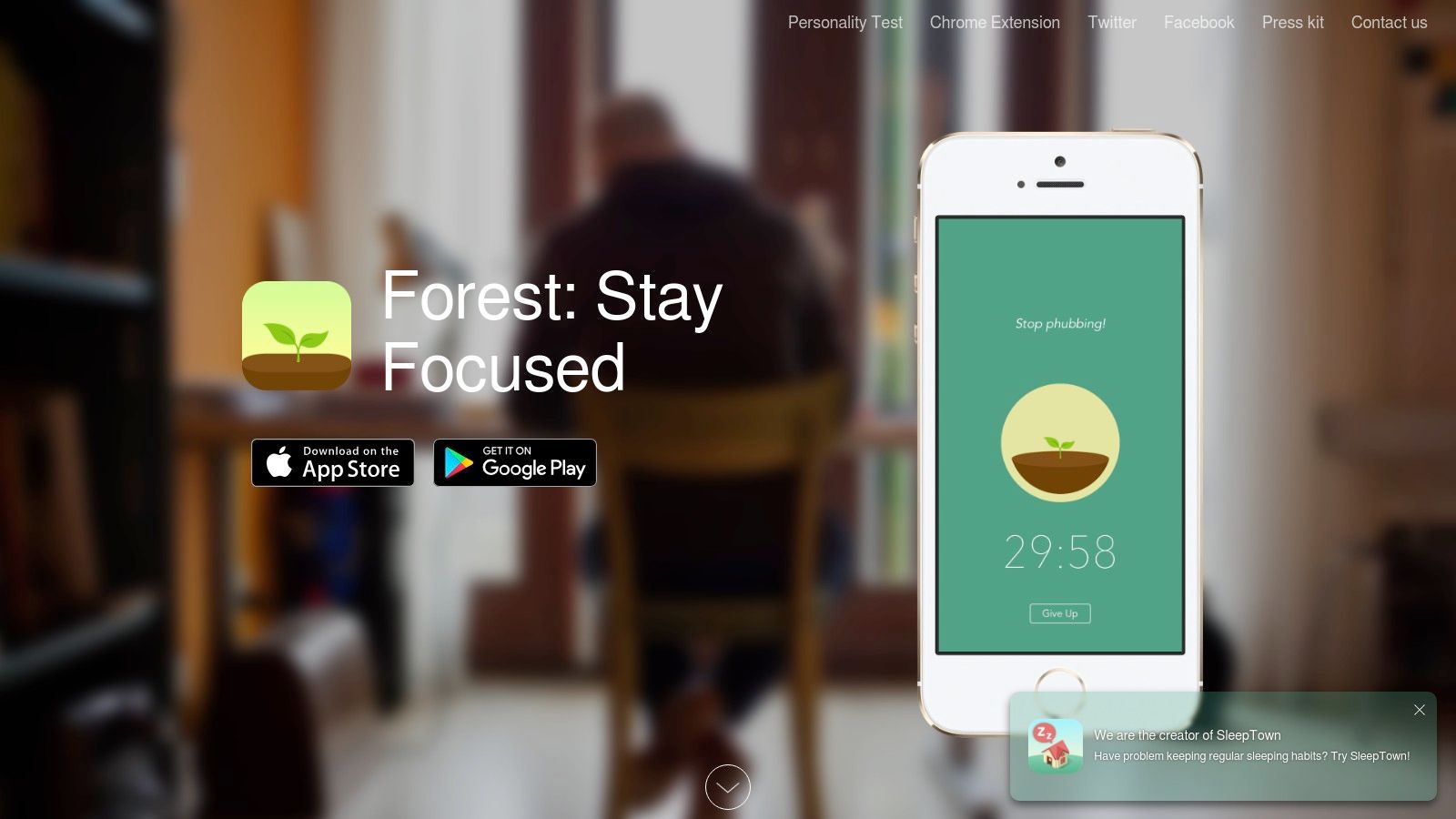
Over time, each successful focus session adds a new tree to your personal forest, creating a tangible record of your hard work. The app also includes browser extensions to block distracting websites, extending its focus-enhancing benefits beyond just your mobile device.
Why It Stands Out
What makes Forest exceptional is its blend of psychological motivation and simplicity. Unlike complex task managers, its goal is singular: to keep you off your phone. The gamified approach of earning coins, unlocking new tree species, and even contributing to planting real trees through a partnership with Trees for the Future, provides a compelling incentive to stay on task. It transforms the often-dreaded task of studying into a rewarding and visually satisfying game.
Practical Tips for Students
- Use the Whitelist Feature: If you need to use specific apps for your studies (like a dictionary or calculator), add them to the whitelist so accessing them won't kill your tree.
- Sync Across Devices: Install the browser extension to block distracting sites like social media during study sessions on your computer, ensuring a unified focus environment.
- Study with Friends: Use the "Plant Together" feature to create a shared focus session where if one person gives in to distraction, everyone's tree withers. This adds a layer of social accountability.
| Feature | Details |
|---|---|
| Platform | iOS, Android, Chrome, Firefox |
| Pricing | One-time purchase on iOS (around $3.99); Free with ads on Android (Pro version available); Browser extensions are free |
| Key Advantage | Gamified visual motivation that effectively discourages phone-based distractions |
Website: https://www.forestapp.cc/
11. OnTheHub (academic software webstores powered by Kivuto)
OnTheHub is a network of university-affiliated webstores that provide students with heavily discounted or free academic software licenses. By partnering directly with educational institutions, it offers legitimate access to a wide range of professional-grade applications, including powerful student productivity apps, statistical software, and creative tools that would otherwise be prohibitively expensive. Its core function is to verify student status and unlock exclusive academic pricing.

The platform centralizes these offers, allowing students to log in with their school credentials and browse a catalog tailored specifically to their institution's agreements. This makes it a one-stop shop for essential course-related software.
Why It Stands Out
What makes OnTheHub unique is its role as an official academic software distributor. Unlike general retailers, it leverages direct partnerships with both universities and software developers like Adobe, Microsoft, and IBM. This results in exclusive deals, such as free Windows OS licenses or deep discounts on data analysis tools like SPSS, which are often required for specific courses. The verification process ensures only eligible students can access these offers.
Practical Tips for Students
- Check Early and Often: Visit your school's OnTheHub portal at the beginning of each semester to see what new software has been added or what licenses you are eligible for.
- Look for Perpetual Licenses: Some offers are for one-time purchase perpetual licenses rather than subscriptions, offering incredible long-term value.
- Verify Requirements: Always double-check system requirements and license terms (e.g., duration, number of installations) before acquiring any software.
| Feature | Details |
|---|---|
| Platform | Web |
| Pricing | Varies by institution; many free downloads and deep discounts (50-90% off) |
| Key Advantage | Official, institution-verified access to exclusive academic software discounts |
Website: https://onthehub.com/
12. GitHub Student Developer Pack
The GitHub Student Developer Pack is a massive free bundle of premium developer and productivity tools available to verified students. It goes far beyond coding, offering access to dozens of powerful services that can streamline any student’s workflow, from project management to data analysis. This pack essentially unlocks a treasure trove of software that would otherwise cost hundreds or thousands of dollars, making it one of the most valuable resources for students.
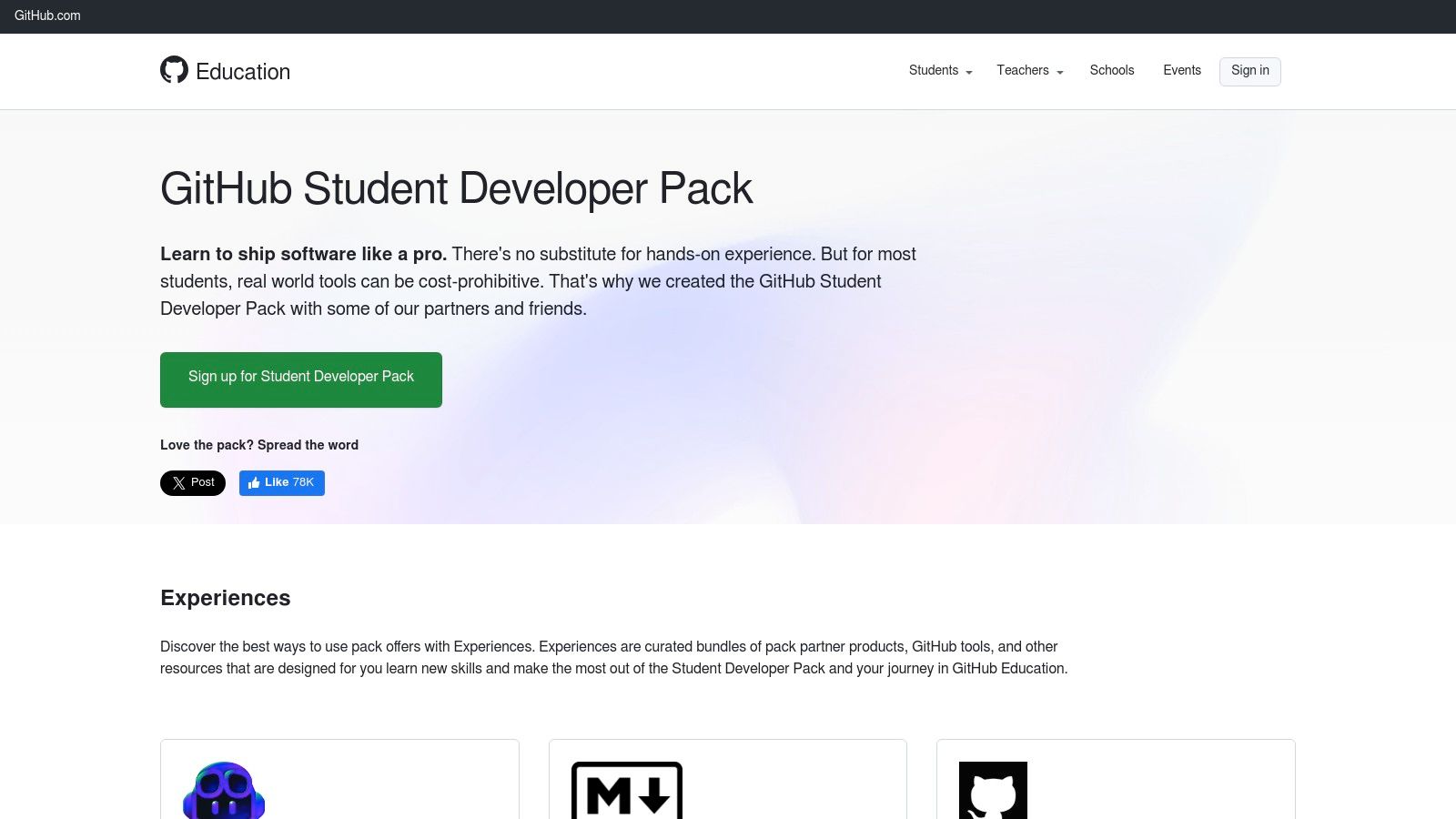
The offering includes a free GitHub Pro account, Notion's education plan with AI features, cloud computing credits, password managers, and access to exclusive learning platforms. This collection of student productivity apps is an unparalleled starting point for both technical and non-technical majors. Learn more about how the GitHub Student Developer Pack compares to other student software deals to maximize your savings.
Why It Stands Out
What makes the Student Developer Pack unique is its sheer breadth and value. Rather than a single app, it’s a curated ecosystem of tools from various partners, all unlocked with a single student verification. For computer science students, the benefits are obvious, but for others, it provides free access to premium versions of tools like Notion for note-taking and project planning, which are useful across all disciplines.
Practical Tips for Students
- Explore Beyond Your Major: Don't assume the pack is only for coders. Look for tools related to design, data visualization, and project management that can benefit any academic field.
- Check Offer Terms: Be aware that some partner offers are limited-time trials, while others last for the duration of your student status. Read the details for each tool you activate.
- Renew Annually: You must re-verify your student status periodically (usually annually) to maintain access, so set a reminder to avoid losing your benefits.
| Feature | Details |
|---|---|
| Platform | Web-based verification; individual tool platforms vary |
| Pricing | Completely free for verified students |
| Key Advantage | Unlocks a massive bundle of diverse premium software and services with a single, free student account |
Website: https://education.github.com/pack/
Top 12 Student Productivity Apps Comparison
| Platform | Core Features/Value 💰 | User Experience/Quality ★★★★☆ | Target Audience 👥 | Unique Selling Points ✨ | Price Points 💰 |
|---|---|---|---|---|---|
| 🏆 AccountShare | Shared premium subscriptions (streaming, AI, software) | Stable accounts, fast response, priority access | Tech-savvy, families, students, SMBs | Robust security, customizable permissions, instant delivery | ~$10 per shared subscription |
| Apple App Store | Curated apps, Family Sharing, privacy labels | Trusted ecosystem, detailed app info | iOS/macOS users, students | Daily curated collections, secure payments | Varies per app/subscription |
| Google Play Store | Large catalog, Play Pass subscription | Wide device support, mixed app quality | Android users, broad audience | Play Pass ad-free curated app access | Varies; Play Pass subscription |
| Microsoft Store (Windows) | Verified apps, app deals, centralized updates | Streamlined updates, reliable on Windows devices | Windows users | Regular app discounts | Varies per app |
| Setapp (Mac + iOS) | Single subscription unlocks 240+ premium apps | Seamless app switching, 7-day trial | Mac/iOS users, students | Curated suite, educational discounts | $10+ monthly (annual billed) |
| Notion | All-in-one workspace, templates, AI integration | Highly customizable, free Plus for students | Students, educators, teams | Flexible databases, student plans | Free (Plus plan for students); paid tiers |
| Todoist | Cross-platform to-do app, collaboration | Simple yet powerful, affordable Pro tier | Individuals, teams | Natural language tasks input, team workspaces | Free; Pro ~$4/month |
| Evernote | Note/document organizer, AI search, scans | Established, clear org structure | Researchers, students | Cross-platform syncing, periodic student promos | Free; paid from $7.99/month |
| Grammarly | Writing assistant, grammar & citation tools | Broad platform support, real-time suggestions | Students, writers | AI agents in Google Docs, plagiarism detection | Free; Premium $12+/month |
| Forest | Pomodoro focus timer, cross-platform sync | Motivating, simple visual metaphor | Students, professionals | Plant-growing gamification | One-time $1-4 per platform |
| OnTheHub | Discounted/free academic software licenses | Varies by institution, centralized access | Verified students | Deep academic discounts, .edu verification | 50%-90% off typical prices |
| GitHub Student Developer Pack | Free premium dev & productivity tools | High value, includes multiple partners | Verified students (CS & others) | Free GitHub Pro; AI-enhanced Notion; cloud credits | Free with student verification |
Choosing the Right Tools for Your Academic Journey
Navigating the vast landscape of student productivity apps can feel as challenging as tackling a final exam. We've explored a wide array of tools, from comprehensive subscription services like Setapp to specialized powerhouses like Todoist and Grammarly. The core takeaway isn't that one single app will solve all your problems; rather, it's about building a personalized, interconnected system that aligns with your unique study habits, learning style, and academic goals. Your ideal toolkit is one that reduces friction, not adds another layer of complexity to your already busy life.
The journey to academic efficiency begins with self-assessment. Are you a visual learner who thrives on mind maps and Kanban boards? A tool like Notion might be your command center. Do you struggle with procrastination and need a gamified approach to stay on task? The Forest app offers a unique, compelling solution. By understanding your own weaknesses and strengths, you can select applications that amplify your abilities and support you where you need it most.
From Exploration to Implementation
The most powerful app is the one you actually use consistently. Moving from simply knowing about these tools to integrating them into your daily routine is the critical next step. Don't try to adopt everything at once. Instead, follow a structured approach to build your digital toolkit for success.
- Start Small and Prioritize: Identify your single biggest productivity bottleneck. Is it disorganization, poor time management, or unfocused study sessions? Choose one app from our list that directly addresses that primary pain point and commit to using it for two weeks.
- Leverage Free Tiers and Trials: Nearly every premium app offers a free version or a trial period. Use this opportunity to test the core functionality and user interface. Does it feel intuitive? Does it genuinely make your workflow smoother? This trial phase is crucial for avoiding buyer's remorse.
- Embrace Student-Specific Resources: Never underestimate the power of your student status. Resources like the GitHub Student Developer Pack and OnTheHub provide access to professional-grade software for free or at a steep discount. These aren't just minor perks; they are significant assets that can give you a competitive edge without straining your budget.
Making Premium Tools Affordable
While free tools offer incredible value, the advanced features found in premium subscriptions often provide the critical boost needed to excel. Features like unlimited cloud storage in Evernote, advanced grammar checks in Grammarly, or powerful integrations in Todoist can be game-changers for serious students. However, the cumulative cost of these subscriptions can be a significant barrier.
This is where strategic thinking comes in. You don't have to choose between powerful tools and your budget. By leveraging group purchasing platforms like AccountShare, you can gain access to these essential premium student productivity apps at a fraction of the retail price. This approach democratizes access to the best software, ensuring you have the resources you need to perform at your peak. Furthermore, for students in research-heavy fields or those who need to transcribe lectures, exploring modern AI Audio Transcription solutions can be a massive time-saver, turning hours of audio into searchable, editable text.
Ultimately, the right combination of student productivity apps acts as a digital exoskeleton, supporting your academic efforts and helping you reach your full potential. Experiment, be patient with the learning curve, and build a system that works for you. Your future self will thank you for the organized, focused, and efficient foundation you build today.
Ready to build your ultimate, budget-friendly toolkit? Stop paying full price for individual subscriptions and unlock premium features affordably. Visit AccountShare to join group purchases on the essential student productivity apps you need to succeed this semester.