

Accounting Software Comparison Small Business Guide
When you're hunting for the right accounting software, you’ll quickly find yourself staring down three industry giants: QuickBooks, Xero, and FreshBooks. The choice really boils down to your business model. If you're planning to grow, QuickBooks offers the most comprehensive, scalable feature set. On the other hand, Xero shines with its beautiful, easy-to-use interface and powerful integrations. And for freelancers or service-based businesses, FreshBooks is tough to beat for its dead-simple invoicing.
How to Choose Your Next Accounting Software
Picking an accounting platform is a core business decision, one that ripples through everything you do. It’s about more than just comparing feature lists. This guide is designed to give you a real-world look at how these tools actually function day-to-day, moving past the marketing jargon.
We'll walk through the decision-making process step by step, zeroing in on what really impacts your operations:
- Scalability for future growth: Will this software grow with you, or will you outgrow it in a year?
- Seamless integrations with existing tools: How well does it play with the apps you already rely on?
- An interface your team can adopt easily: Can your team get up and running quickly, or will it require extensive training?
The goal is to help you assess each option against your specific needs, whether that's handling daily invoicing or mapping out long-term financial forecasts. For a more detailed look at making smart purchasing decisions, check out our guide on software procurement best practices. Remember, you're not just buying another subscription; you're choosing a partner for your company's financial health.
The Shifting World of Accounting Tech
Accounting software isn't just about digital ledgers anymore. Let's be honest, it hasn't been for a while. We've moved into an era driven by smart automation, AI, and an insatiable need for up-to-the-minute financial data. This shift has turned what used to be a reactive chore—bean counting—into a genuine strategic advantage for businesses.
Think about it: features like AI-powered expense categorization and predictive cash flow analysis are quickly becoming the norm, not the exception. These aren't just flashy add-ons; they give businesses the foresight to operate with a level of efficiency we could only dream of a decade ago. The market's growth backs this up completely. The global accounting software market is expected to rocket from USD 17.7 billion in 2025 to a staggering USD 44.2 billion by 2035. That's a huge leap, signaling that we're truly in a new age of financial management. For a deeper dive into these numbers, check out the analysis from Future Market Insights.
When you're picking software today, you're really betting on its future. A platform's ability to adapt to tomorrow's technology is just as crucial as the features it offers right now.
Head-To-Head Accounting Software Feature Comparison
Alright, let’s cut through the marketing noise and get down to what really matters. When you’re choosing accounting software, you need to know how each platform handles the day-to-day tasks that keep your business running. This is a real-world look at how the heavyweights—QuickBooks, Xero, and FreshBooks—stack up.
I’ll be breaking down their performance in four critical areas that will make or break your workflow:
- Invoicing and Payments: How flexible are the invoices? Do they chase late payments for you? What are the payment options?
- Expense Tracking: We'll look at how well their mobile apps capture receipts and whether they can intelligently categorize your spending. For a more detailed breakdown, check out our guide to small business expense tracking software.
- Financial Reporting: It's not just about getting reports; it's about getting the right reports. We’ll compare standard reporting with the ability to create custom analytics.
- Integration Ecosystem: Does the software play nice with the other tools you already use? A seamless tech stack is non-negotiable.
The accounting software market is exploding, and for good reason. Businesses everywhere are realizing that solid financial tools are essential for growth.
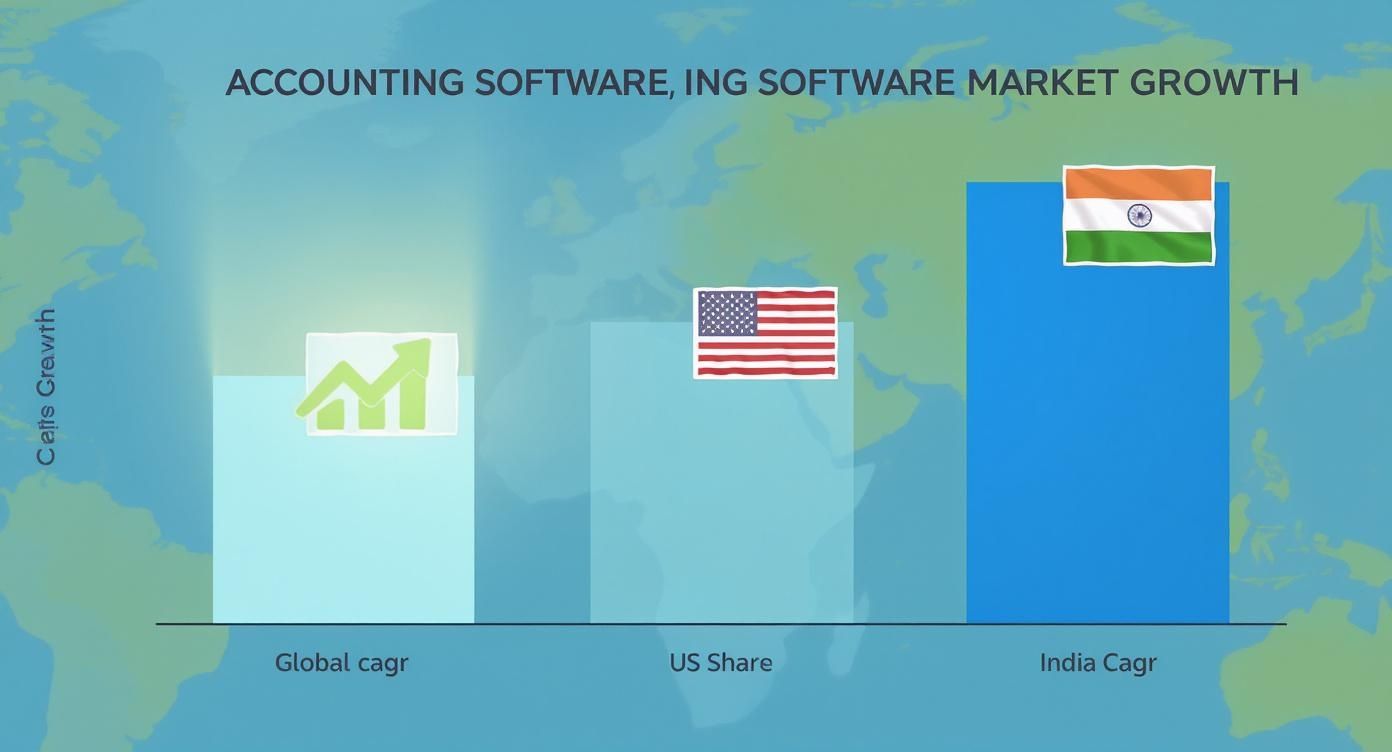
This chart really drives home the point: the demand for powerful, connected financial software isn’t just a trend; it's the new standard for doing business.
Core Feature Showdown: QuickBooks vs. Xero vs. FreshBooks
To get a clearer picture, let's put these platforms side-by-side. This table focuses on the core functions that you'll be using every single day. The small differences here can have a big impact on your efficiency.
| Core Function | QuickBooks Online | Xero | FreshBooks |
|---|---|---|---|
| Invoicing | Highly customizable templates, progress invoicing, and automated reminders. | Unlimited, customizable invoices with robust automation and recurring billing. | Excellent, user-friendly invoice creation, but less customization than others. |
| Expense Tracking | Advanced receipt scanning, auto-categorization, and bill management. | Solid receipt capture via Hubdoc, good bank reconciliation. | Simple expense tracking, but best suited for freelancers and service businesses. |
| Reporting | 65+ detailed, industry-specific reports with deep customization options. | Strong financial health reports, but custom report building can be less intuitive. | 30+ core reports, focused on project profitability and client payments. |
| App Integrations | 750+ native integrations, making it the most connected platform by far. | 1,000+ integrations via its marketplace, but fewer are deeply embedded. | 100+ integrations, focusing on project management and communication tools. |
| Inventory Management | Built-in inventory tracking available in Plus and Advanced plans. | Included in all plans, making it a great value for product-based businesses. | Basic inventory tracking, not ideal for businesses with complex stock needs. |
As you can see, the "best" choice really depends on what your business prioritizes. QuickBooks offers unmatched reporting depth, Xero shines with its inclusive inventory management, and FreshBooks keeps things incredibly simple and user-friendly for service-based work.
Decoding Pricing Tiers And Hidden Costs

Let's be honest: software pricing is designed to be confusing. A clear-eyed accounting software comparison, however, can cut through the noise and show you the true cost of ownership. That attractive monthly price you see on the homepage? That’s just the starting point.
In my experience, the features you actually need—like multi-currency support, extra user seats, or decent project management—are almost always locked away in more expensive plans. It's a classic upsell strategy that catches many people off guard.
But it doesn't stop with the subscription fee. Those hidden costs are what really inflate your budget. We're talking about things like mandatory payroll add-ons, extra transaction fees for payment processing, or surprise charges for the reporting tools that provide real insight. Looking at how other software categories break this down, like in this a comprehensive feature and pricing comparison of BI tools, can give you a good framework for what to watch out for.
The key is to map out your specific needs first and then calculate the total annual cost for your business scenario. Whether you're a freelancer or a growing agency, this is the only way to budget with real confidence. For more on this, check out our top strategies to reduce software costs.
Finding the Right Accounting Software for Your Business
Features are just lines on a spec sheet until you see how they work in the real world. That's what this comparison is all about—we're taking these accounting platforms and dropping them into actual business scenarios to help you see which one truly fits your needs. Our goal is to give you clear, practical advice, not just another list of features.
If you're starting from scratch, checking out the best accounting software for small business is a great way to get your bearings.
Think about it this way: a freelance consultant lives and dies by their time tracking, which makes a platform like FreshBooks an immediate front-runner. But for a growing retail shop, the game is all about inventory management and e-commerce integrations, which pushes QuickBooks or Xero to the top of the list. Then you have a service agency, where understanding project profitability is everything, pointing them toward more advanced, specialized systems.
We’re going to break down these exact kinds of use cases. You'll walk away with a solid recommendation, not just another generic list of pros and cons.
So, Which One Is It?
Alright, we've walked through the nitty-gritty of each platform. Now it's time to pull it all together and make a choice you feel good about. It really boils down to what your business actually does day in and day out.
For businesses that need all the bells and whistles—deep reporting, robust inventory, and the ability to scale—QuickBooks is still the heavyweight champion. If you're looking for something a bit more intuitive with a cleaner interface and a massive app marketplace, Xero is a fantastic choice, especially for growing teams. And for freelancers or service-based businesses, FreshBooks is hard to beat; its invoicing and client management tools are simply top-notch.
To cut through the noise, just ask yourself this: Is my business built around selling products, managing complex projects, or sending simple invoices? Your answer is the clearest signpost pointing you to the right software for the long haul.
Frequently Asked Questions
Is It a Headache to Migrate My Financial Data?
Honestly, it depends. Most major platforms, like QuickBooks and Xero, have built-in tools or partner services designed to pull your data from spreadsheets or other accounting systems. It’s a pretty standard process for them.
FreshBooks is a bit different; it’s really built for businesses just starting out, so its import functions are simpler. The real variable is the complexity and cleanliness of your existing data. If your books are a mess, it'll take longer. Plan for anything from a few hours to a full day to get everything moved over correctly.
Which Software Is Best If I'm a Complete Beginner?
If you're just starting and the thought of debits and credits makes your head spin, FreshBooks and Xero are usually the friendliest entry points. Xero, in particular, gets a lot of praise for its clean, modern interface that just makes sense, even if you’ve never touched accounting software before.
That said, don't count QuickBooks out. While it can feel a bit more intimidating at first, its massive user community and endless stream of tutorials mean you’re never more than a Google search away from an answer. It offers a different kind of support that many newcomers find invaluable.
A key thing to remember when comparing accounting software is usability. The most powerful features in the world are useless if your team can't figure out how to use them without getting frustrated.
How Secure Is My Data With Cloud-Based Accounting Software?
It’s incredibly secure—far more so than keeping records on a local computer. The leading platforms use bank-level security as their baseline. We're talking about multi-factor authentication and robust data encryption protecting your financial information around the clock.
Frankly, they have security protocols that are more advanced than what most small businesses could ever implement on their own.
Ready to get premium accounting software without paying the premium price? With AccountShare, you can join a group and split the subscription costs, making top-tier tools like QuickBooks and Xero more affordable than ever. Stop overpaying and start saving today at https://accountshare.ai.