

Youtube Premium Cost Family - youtube premium cost family insights
If you're tired of ads interrupting your family’s favorite YouTube videos, the Premium Family plan is likely on your radar. So, how much does it actually cost?
In the United States, the YouTube Premium Family plan is priced at $22.99 per month. This single subscription lets you share all the premium perks with up to five other family members living in the same household.
Your Quick Guide to the Family Plan Cost

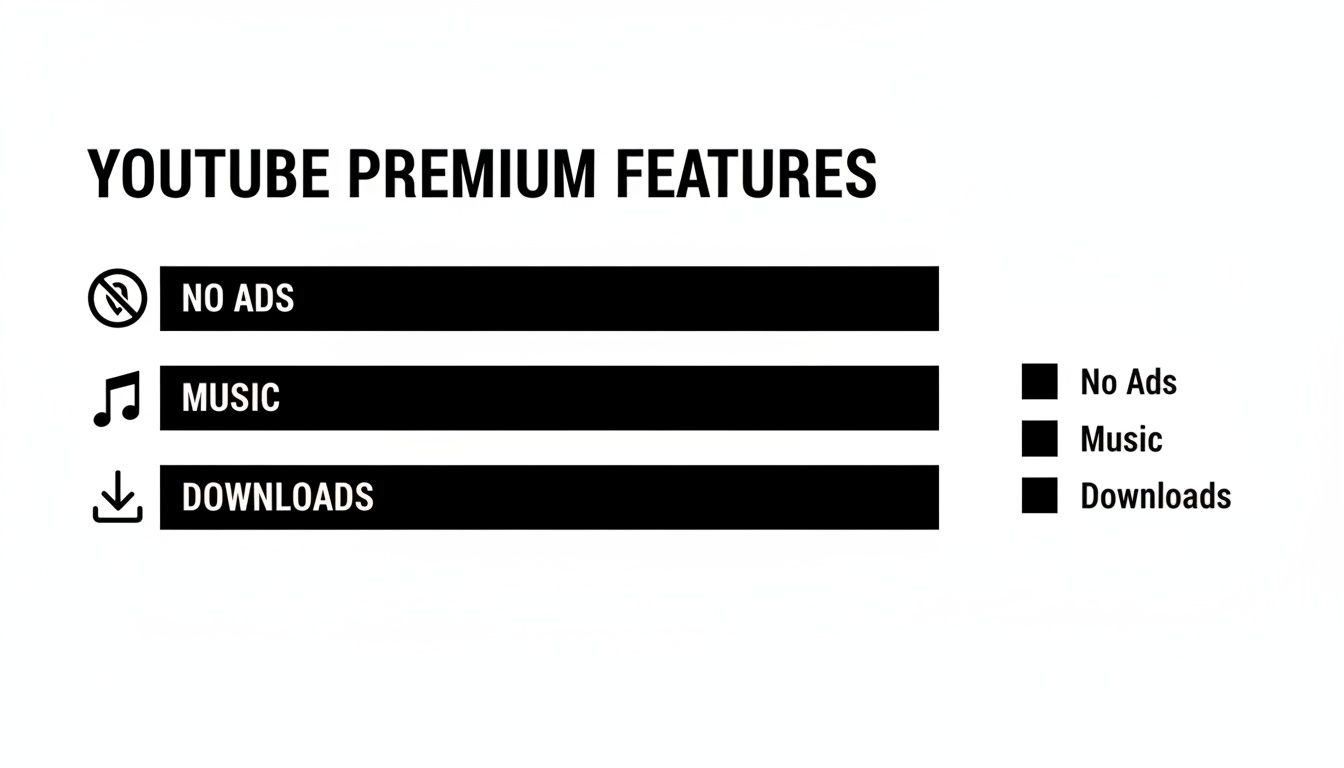
The real magic of the family plan is its simplicity: one flat fee covers everyone. Think of it less like buying individual tickets and more like getting an all-access pass for your entire crew, unlocking ad-free videos, YouTube Music, and offline downloads for everybody.
Of course, this price hasn't always been the same. Back in November 2022, YouTube bumped the price up by a significant 28%, from $17.99 to the current $22.99 per month in the US. This move reflected the growing value and demand for shared, all-in-one entertainment subscriptions. You can dive deeper into pricing history in our guide on how much YouTube Premium costs. News outlets like Music Business Worldwide also covered the adjustment when it happened.
Family Vs. Individual Plan At a Glance
So, when does the Family Plan actually start saving you money? Let's break it down side-by-side.
YouTube Premium Family Plan At a Glance
The table below gives you a clear snapshot of how the two plans stack up. It really highlights the per-person savings you get by bundling everyone together.
| Feature | Family Plan Details | Individual Plan Details |
|---|---|---|
| Monthly Fee (US) | $22.99 | $13.99 |
| Number of Members | 6 (1 manager + 5 members) | 1 |
| Cost Per Person | As low as $3.83 with 6 members | $13.99 |
As you can see, the moment you have more than one person who wants YouTube Premium, the Family Plan starts to look incredibly appealing. With a full house of six people, the cost per person drops to a fraction of the individual price, making it a no-brainer for most families or households.
What You Actually Get With a Family Subscription
When you're weighing the cost of a YouTube Premium Family plan, it’s easy to just think about skipping ads. And yes, that's a huge part of it. But the plan is so much more than a fancy ad-blocker.
Think of it as an all-access pass to the entire YouTube universe for your whole crew—up to six people. One single payment unlocks a ton of useful features across YouTube, YouTube Music, and even YouTube Kids. No more interruptions during a great playlist or your kid's favorite cartoon. It just works.
Core Features for Every Family Member
This is where the real value kicks in, especially for a busy family. Everyone on the plan gets two game-changing features:
- Background Play: Ever wanted to listen to a video while you check your email or lock your phone? This is it. Perfect for podcasts, long interviews, or just keeping the music going while you do other things.
- Offline Downloads: You can save videos right to your phone or tablet. This is a lifesaver for flights, road trips, or anywhere the Wi-Fi is sketchy.
The family plan is so popular because it combines ad-free viewing with these genuinely useful convenience features. It turns YouTube from just a video site into a go-to entertainment hub for everyone in the house.
And the numbers back it up. This shared model is a big reason why YouTube Premium is expected to hit 125 million users by late 2025, growing at a 25% year-over-year clip. At the U.S. price of $22.99 a month, splitting it with five others drops the cost to just $3.83 per person. That kind of value is hard to beat. You can even check out the historical pricing trends on the YouTube Premium price timeline on pricetimeline.com.
All these perks add up to a much better, more flexible YouTube experience for everyone. To see everything you get, check out all the advantages of a YouTube Premium subscription in our detailed guide.
When you look at the numbers, the real genius of the YouTube Premium Family Plan becomes obvious. It’s not just a nice-to-have; it's a smart way to manage your household's entertainment budget. Let's dig into how those savings really stack up as you add people to your plan.
In the U.S., a solo Premium subscription runs $13.99 a month. If just two people in your house have their own accounts, you're already paying close to $28. That’s more than the $22.99 Family Plan, which covers up to six people. The math is simple: as soon as you have two users, you’re already saving money.
This plan gives every single member the full Premium experience—no ads, background play, and millions of songs on YouTube Music.
How Each New Member Boosts Your Savings
The real magic happens when you start filling up those slots. A full house with six members is where the Family Plan truly shines. Instead of six separate subscriptions totaling a staggering $83.94, you’re paying one simple fee of $22.99.
Let's put the savings into perspective with a quick cost comparison.
YouTube Premium Plan Cost Comparison
This table clearly shows how the cost per person plummets when you share a Family Plan.
| Plan Type | Total Monthly Cost (US) | Number of Users | Cost Per Person (Minimum) | Cost Per Person (Maximum Users) |
|---|---|---|---|---|
| Individual | $13.99 | 1 | $13.99 | $13.99 |
| Family | $22.99 | 6 | $11.50 (with 2 users) | $3.83 (with 6 users) |
As you can see, the value proposition is hard to ignore.
By maxing out the plan, the cost per person drops to an incredible $3.83 per month. That's a huge 72% savings compared to what each person would pay for their own individual plan.
Suddenly, YouTube Premium goes from being a personal splurge to an affordable utility for the entire family. The more people who join, the cheaper it gets for everyone. To get a handle on all your subscriptions and make sure you're getting the best deal, try running a household Subscription Detective CFO activity. It’s a great way to make sure your entertainment budget is working as hard as you do.
The Ground Rules for Sharing Your Plan
The YouTube Premium Family plan is a fantastic deal, but it does come with a few important rules to make sure everyone plays fair. Getting a handle on these before you jump in will save you any headaches later on.
The biggest rule you need to know is the "same household" requirement. Basically, everyone in your family group has to live at the same physical address. Think of it like a digital Netflix night—everyone's on the same couch, or at least in the same house.
This setup is perfect for, well, a family living together, or even a group of roommates. It's not designed for sharing with your cousin across the country or your best friend in another city. YouTube does check locations from time to time to make sure everyone is under the same roof.
Age Limits and a Lock-in Period
Besides the address rule, there are a couple of other straightforward limits in place. These help keep the system from being abused and ensure the right person is managing the account.
- Who can sign up? The person running the show—the family manager—needs to be at least 18 years old. Anyone they invite to join must be at least 13.
- No group hopping: You can only switch to a different family group once every 12 months. This is to stop people from jumping from one friend's plan to another's all the time.
The takeaway is pretty simple: if you all live together and aren't planning on swapping groups frequently, you're in the clear. Following these rules keeps the ad-free music and videos flowing for everyone.
Sticking to these guidelines is the key to a smooth experience. For a deeper dive into the nitty-gritty, check out our complete guide on how YouTube Premium sharing works, which walks through even more specific situations. Playing by the rules ensures everyone gets to enjoy the lower YouTube Premium cost that the family plan offers.
How to Set Up Your Family Group in Minutes
Ready to get everyone on board with an ad-free YouTube? The good news is that setting up a Premium Family Plan is incredibly straightforward. You can go from signing up to sending out invites in just a few minutes.
First thing’s first: one person needs to be the designated family manager. This is the person who will handle the subscription and billing, so choose wisely! Once they’ve subscribed, they’ll have access to a simple dashboard to manage everything. Think of it as the control panel for your family's plan.
Inviting Your First Family Member
With the plan active, it's time to share the love. YouTube made the invitation process quick and painless so everyone can start enjoying the perks right away.
- Head to Settings: The family manager just needs to open their YouTube app, tap on their profile picture, and go to "Purchases and memberships."
- Find Family Sharing: Inside, they’ll see the family sharing settings with an option to "Invite family members."
- Send the Invite: From there, just type in the email address or phone number of the person you want to add. YouTube will send them a unique invitation link to join the group.
When your family member gets the link, all they have to do is click it and confirm they want to join. They will need to verify they live at the same address as the manager, and that’s it. Their account instantly gets all the Premium benefits.
The real beauty of the system is the management dashboard. You can easily see who has accepted an invite, how many of your 5 available slots are left, and add or remove people with just a click. It keeps everything neat and tidy.
Need to make a change down the line? No problem. The family manager can remove a member from the same dashboard, which immediately frees up a spot for someone else. This flexibility makes it easy to ensure your youtube premium cost family plan always matches your current household.
How to Get the Most Value from Your YouTube Premium Family Plan
So, you've signed up for the Family Plan. Great! But just signing up is only half the battle. To really squeeze every drop of value out of it, you need to think like a savvy subscriber.
The absolute key is filling all six of those member slots. Every empty spot is wasted money, plain and simple. It's like buying a six-pack of soda and only drinking four—you paid for the whole thing, so why let it go to waste? Leaving spots open just means everyone else is paying a higher share.
Get a group chat going with your family or housemates (remember, they need to live at the same address). A quick message is all it takes to see who wants in. When you fill all six slots, that $22.99 monthly fee breaks down to just $3.83 per person. Now that's a deal.
Managing Your Family Group Without the Headache
Being the "family manager" for the account sounds official, but it doesn't have to be a chore. A little bit of organization upfront can save you a lot of hassle later on.
Here are a couple of practical tips to keep everything running smoothly:
- Agree on Payments: Figure out how everyone will chip in for the monthly bill before you add them. A quick chat about using a payment app or just handing over cash can prevent any awkwardness down the road.
- Keep Your Own Account Secure: Remember, everyone logs in with their own Google account, so you're not sharing passwords. Still, as the manager, it's smart to use a good password manager for your own account just to be safe.
Think of the family manager as the captain of the ship. You're not steering everyone's individual boats, but you are making sure the main vessel is running smoothly and everyone is happily on board for an ad-free ride.
Got Questions About the YouTube Premium Family Plan?
Alright, even after laying it all out, you probably still have a few lingering questions. That's totally normal. Let's dig into some of the most common things people ask about how the family plan actually works in practice.
One of the biggest concerns people have is privacy. Will my teenager see the cheesy 80s music videos I watch? The short answer is no. Everyone joins the plan using their own individual Google account.
This means your library, your recommendations, and your viewing history are yours and yours alone. Your viewing habits stay completely separate from everyone else's.
Answering the Nitty-Gritty Details
So, what about the rules? What happens when life changes, like when a college kid moves into a dorm?
YouTube's terms are pretty clear on this: all members are supposed to live in the same household. Technically, if someone moves out, they're no longer eligible for your family plan and you should probably find a different arrangement to stay within the rules.
Here are a few other common questions I hear all the time:
- Can we switch who pays the bill? Unfortunately, no. Whoever first creates the family group is the permanent family manager. They're the one responsible for the monthly payment, and this can't be changed later.
- Can the family manager see what I watch? Not a chance. Each person's account is completely private. The manager can see who is in the group, but they have zero access to anyone's viewing history or recommendations.
- What if I already pay for YouTube Premium myself? If you have your own individual plan, you'll need to cancel that subscription first. Once it's canceled, you can then accept an invitation to join the family group.
The whole system is built around giving everyone a private, personalized experience while bundling it all into one simple payment. You get the full Premium perks without ever having to share your account or mix up your recommendations.
Ready to manage your subscriptions more efficiently? AccountShare makes it easy to handle shared digital services securely and affordably. Learn more about managing shared accounts.