
Family Plan Streaming: The Complete Household Guide
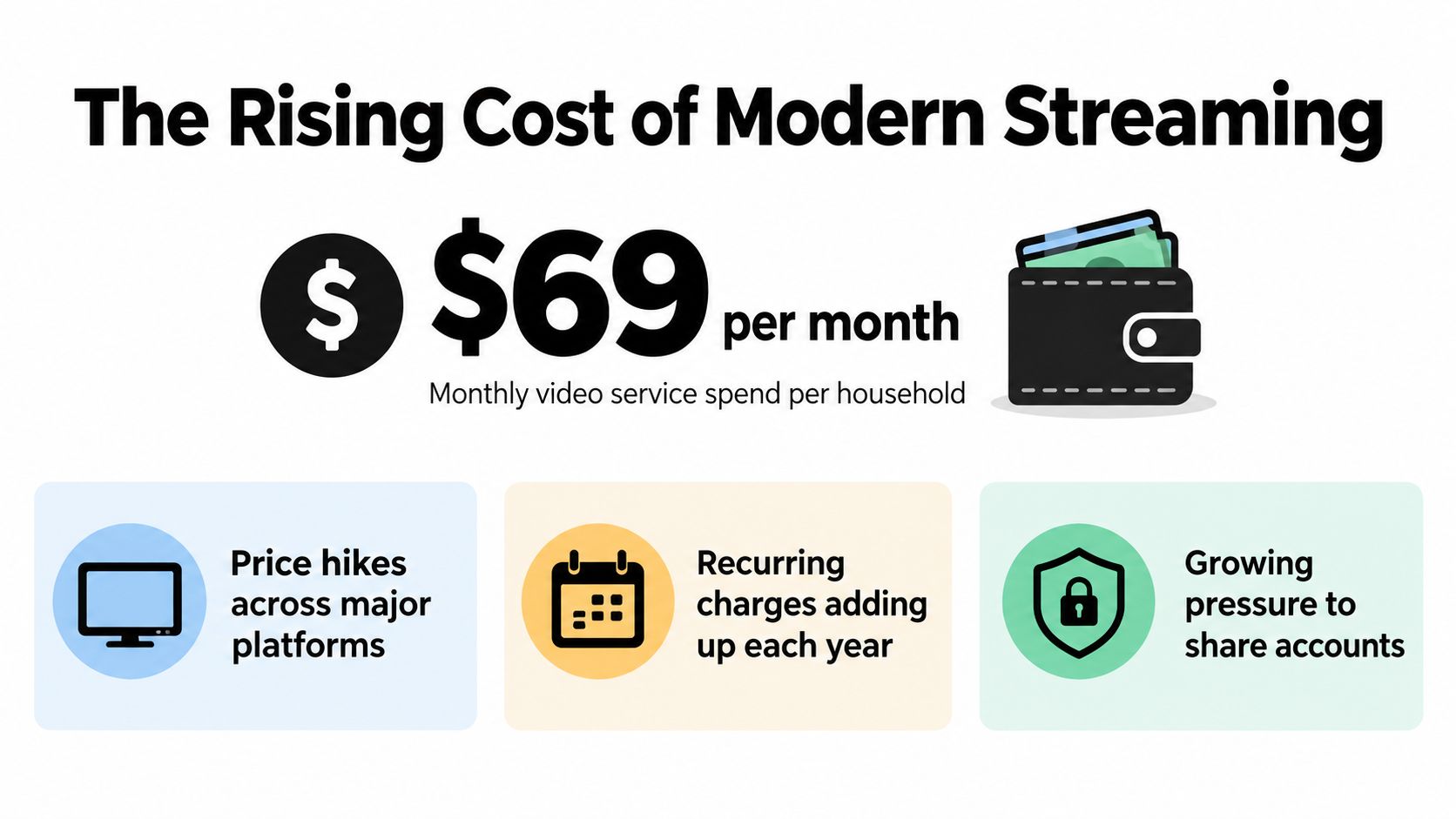
The average U.S. household spent about $69 per month on subscription video services in 2025, so effective family plan streaming requires more than finding the lowest headline price. You also need to understand household limits, device rules, travel, and the point where sharing stops being financially sensible.
A family plan can lower the effective cost per viewer, but it can also create lockouts, privacy problems, unused seats, and subscriptions nobody remembers to cancel. The smart approach treats streaming as a household budget and an access system, not just a shared password.
The Rising Cost of Modern Streaming
Streaming used to feel like the cheaper alternative to traditional television. Now, many households manage several recurring services, each with its own renewal date, profile system, device policy, and content library. Deloitte reported that the average subscribing U.S. household spent about $69 monthly on subscription video services in 2025, while coverage of the same cost-conscious market found that 47% of subscribers felt they were paying too much. The ABC15 coverage of streaming costs puts the pressure in practical terms: the problem isn't one expensive service, but the accumulation of several charges.
Consider a household with two adults and children who watch different shows on different devices. One person wants a film on the television, another is watching a series on a tablet, and a child is using a phone. The plan's value depends on whether those viewers can watch at the same time, whether the account permits those devices, and whether every member actually uses the service often enough to justify keeping it.
The budget problem is recurring
A family plan feels efficient because one payment replaces several individual subscriptions. That benefit disappears when the account owner keeps paying for a service after the household has moved on, or when an extra tier is maintained only for occasional use. The monthly bill may look manageable in isolation, but recurring entertainment costs deserve the same review as mobile plans, software, and insurance.
The right question isn't “How many people can use this account?” It's “How many active viewers receive enough value to justify this specific tier?” A plan with unused profiles is not automatically a bargain.
Budget rule: Review every streaming subscription by actual viewing, not by the number of people who could theoretically use it.
Start with a simple audit. List each service, the person who uses it, the devices involved, the renewal date, and the reason it remains active. Mark services watched weekly, services used occasionally, and services nobody has opened recently. That list will reveal whether you need a larger family tier, a cheaper ad-supported option, a rotation strategy, or a cancellation.
How Family Plans Actually Work
A family plan has several separate layers, and confusing them causes most sharing problems. The first is concurrent-session capacity, meaning how many viewers can watch at once. The second is household eligibility, meaning who the provider considers part of the permitted household. A plan may allow multiple simultaneous streams while still restricting use to members of one residence, as explained in research on streaming access controls and account sharing.
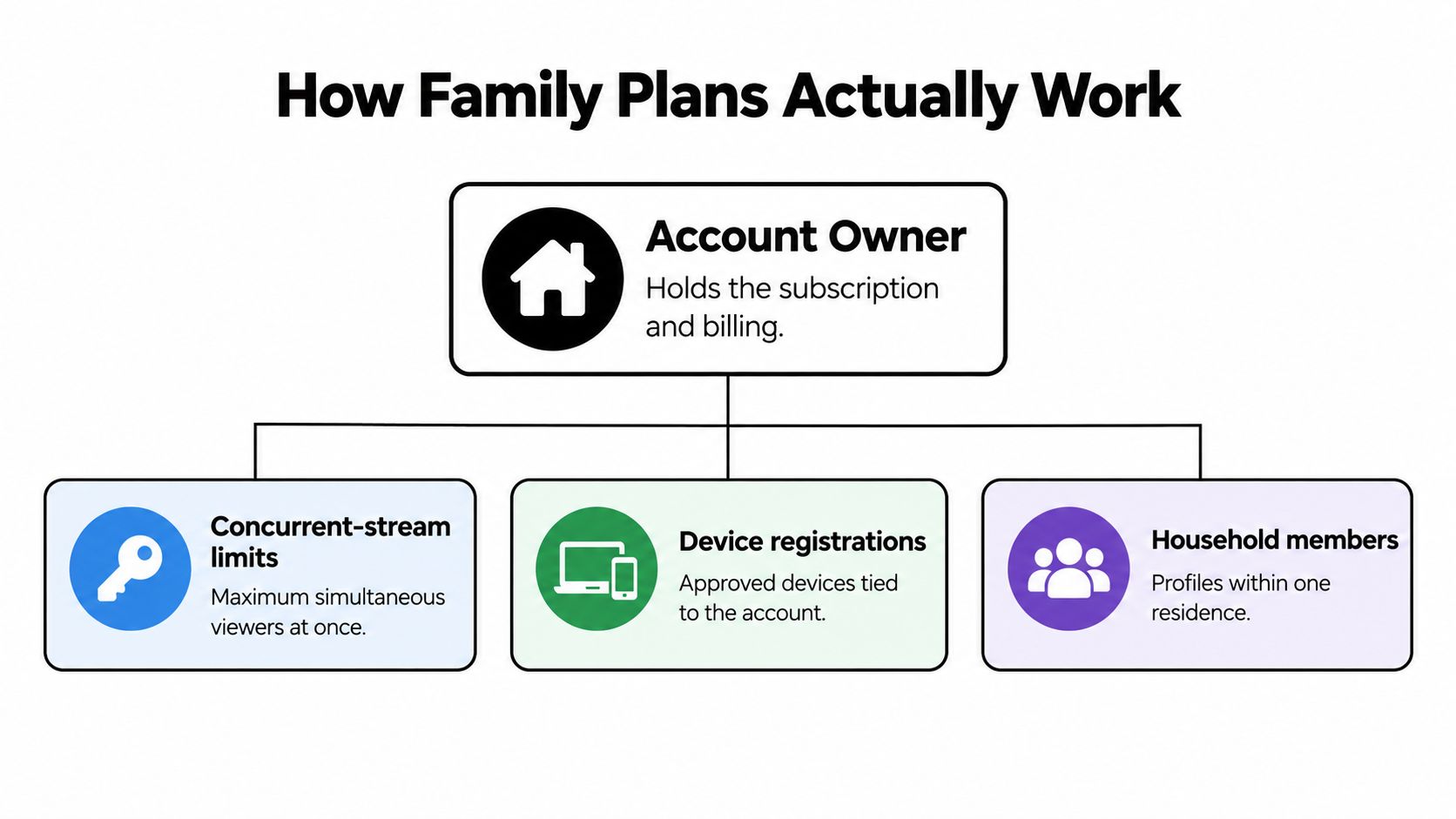
Think of entitlement as a combination of four factors:
- Household identity: The residence associated with normal use.
- Authorized profile: The personal viewing space assigned to a member.
- Device state: The phones, televisions, tablets, and computers connected to the account.
- Active-session count: The number of streams running at the same time.
A password only proves that someone can attempt to sign in. It doesn't explain whether the person is authorized under the provider's terms, whether the device is recognized, or whether another viewer has already used the available session.
Why legitimate users still get interrupted
Session caps can inconvenience real families. A television may remain active in the background, a tablet may still count as connected, or a traveling family member may trigger an eligibility check from a different location. Limits also don't perfectly identify misuse because different people can access the same account at different times.
That means you shouldn't solve every problem by buying the largest plan. First identify the failure. If viewers are being interrupted at the same time, the issue may be concurrent capacity. If a traveler or student can't access the service from another residence, the issue may be household eligibility. If devices repeatedly require verification, review registered devices and account security.
For a practical overview of billing ownership, payment responsibility, and family-plan administration, the Gini Help billing overview is a useful reference. Keep the billing account under one trusted adult, and don't treat the ability to share credentials as proof that every arrangement is allowed.
Household Sharing versus Distributed Access
Household sharing means people who live together use one subscription under the provider's intended family structure. Distributed access means the account or cost extends across residences, such as a student living away from home, divorced parents, a former roommate, or friends pooling expenses. The two arrangements can look identical at login, but they carry different contractual, technical, and privacy risks.
The behavior is widespread. Deloitte reported in 2023 that 35% of people with access to a subscription-video-on-demand service shared at least one subscription with people outside their household, and 25% shared the cost of a platform with another household. Coverage of Deloitte's account-sharing findings shows why consumers often view distributed access as a normal cost-sharing practice, even when a provider's household definition is narrower.
Compare the arrangement, not just the price
| Situation | Main advantage | Main risk | Sensible approach |
|---|---|---|---|
| People living together | Stable household access | Too many simultaneous viewers | Use separate profiles and track active devices |
| Student living elsewhere | Continuity for a family member | Household verification or access limits | Check the provider's current terms before sharing |
| Divorced or separated parents | Shared access for children | Billing, privacy, and residence disputes | Assign clear account ownership and permissions |
| Former roommate or friend group | Lower individual cost | Sudden lockout or difficult exit | Use an arrangement with explicit rules and an easy removal process |
Don't assume that a successful login means the arrangement is permitted. A provider may allow travel while restricting ongoing use from another residence. It may also change enforcement without changing the plan's advertised stream capacity.
Before adding someone who lives elsewhere, decide who controls the email address, payment method, recovery options, and profiles. Agree on what happens if someone stops paying, moves, or wants their watch history removed. A written agreement in a shared message is enough. The point is to avoid an argument after access disappears.
For broader guidance on the practical differences between household use and distributed subscriptions, see this guide to shared subscriptions. The useful principle is simple: treat people outside your residence as a separate access category, not as ordinary household members.
Setting Up Profiles for Maximum Efficiency
A shared account works best when every regular viewer has a distinct profile. Profiles preserve watch histories, recommendations, age settings, and viewing preferences. They also make the account owner able to see which seats are active instead of guessing from a single mixed queue.
Set up the account in this order:
- Create one profile per regular viewer. Use recognizable names rather than vague labels such as “Family” or “User 2.” Children should have age-appropriate profiles with parental settings enabled where the service supports them.
- Reserve shared profiles for genuinely shared viewing. A household movie profile can be useful for films watched together, but don't use it as the default for everyone. Mixed histories make recommendations less useful and make it harder to see who actually uses the subscription.
- Audit devices deliberately. Remove old televisions, borrowed tablets, former phones, and devices belonging to people who no longer share the account. A clean device list reduces confusion when a provider asks for verification.
- Protect the billing identity. The account owner should keep control of the email address, recovery method, payment details, and security settings. Other viewers can use their profiles without receiving access to financial information.
Prevent the peak-time fight
Write down the plan's simultaneous-use limit and match it to the household's routine. If three people regularly watch during the same evening window, a plan that technically supports only a smaller number of concurrent sessions will create predictable conflict. Don't wait for the error message to discover the limit.
Travel requires its own rule. A phone used occasionally away from home is different from a television installed permanently in another residence. Tell family members which devices are for travel, and remove access promptly when a relationship or living arrangement changes.
The family sharing settings guide can help you organize permissions and household access. Use it as a checklist, then verify the current rules inside the streaming service itself because providers can change eligibility requirements.
Hidden Costs and Value Misconceptions
The cheapest family plan isn't always the best value. A lower tier may include advertisements, fewer viewing options, weaker offline functionality, or restrictions that force the household to keep another service active. A larger plan may also waste money if the extra seats, quality level, or simultaneous streams go unused.
Recent data puts the waste into perspective. U.S. households spent nearly $1,100 annually on subscriptions, and about $200 of that amount went toward subscriptions they forgot about or didn't use, according to EY's research on cost-conscious streaming subscribers. The lesson isn't to cancel everything. It's to measure use before upgrading or renewing.
Calculate value per active viewer
Use this quick test for each service:
- Active viewers: Count people who watched recently enough that they'd notice cancellation.
- Shared utility: Identify whether the service serves children, sports fans, film viewers, or only one occasional user.
- Friction cost: Record ads, download restrictions, login problems, household checks, and simultaneous-use conflicts.
- Exit difficulty: Check whether cancellation is simple and whether you can restart the service when a desired show returns.
A plan may look inexpensive per seat but expensive per active viewer. If four profiles exist and only one person watches, the unused profiles don't create savings. If everyone watches but never at the same time, paying for extra concurrency may also be unnecessary.
The subscription audit
Review the account before each renewal rather than waiting for a vague sense that the bill is too high. Check the last watched titles, upcoming releases, duplicate content across services, and any add-ons attached to the account. Cancel services with no clear viewing purpose, then rotate them back only when the household has a specific reason to do so.
For a side-by-side way to examine recurring costs, use this streaming services cost comparison. Keep the analysis household-specific. A sports-heavy home, a family with young children, and a household that watches only a few series each year shouldn't use the same subscription mix.
Choosing the Right Plan for Your Household
Choose the plan around behavior, not the label “family.” First identify where people live, then count regular viewers, simultaneous viewing periods, devices, privacy needs, and content priorities. Only after that should you compare tiers.
Match the plan to the household
A family living together usually benefits from separate profiles, reliable television access, parental controls, and enough simultaneous capacity for the household's busiest viewing period. Don't pay for premium picture quality if the main screens and internet connection can't use it consistently.
A household with a student away from home needs a policy decision before a technical one. Confirm whether the provider permits that pattern, then consider whether travel access, offline downloads, or a separate individual subscription creates fewer disruptions than trying to maintain one household identity.
A group of friends should be especially cautious. Friends may share costs successfully, but they don't automatically meet a provider's household definition. Assign one billing owner, collect contributions before renewal, and document how profiles, payment details, and exit requests will be handled.
Make the content test
Ask each person to name the content they need from the service. If one viewer wants a specific sports package, another wants children's programming, and everyone else watches a different catalog, a broad family tier may be less efficient than a rotating combination of focused services. A bundle can improve convenience while preserving subscriptions the household might otherwise cancel, so convenience isn't the same as savings.
Device planning matters too. If children watch mainly on phones or tablets, focus on dependable mobile access and parental controls rather than paying for features nobody uses. If you're also trying to provide affordable devices for younger viewers, this guide to comparing budget smartphones for kids can help separate the cost of access from the cost of hardware.
Decision test: Choose the smallest plan that supports your real household, real devices, and real viewing schedule. Upgrade only when a repeated problem proves the need.
Review the arrangement after a move, a separation, a child leaving for school, or a major change in viewing habits. Family plan streaming should adapt to the household, not lock you into a tier designed for a family you no longer have.
Simplifying Management with AccountShare
Some households need more than a reminder to cancel. They need a clear way to organize shared access, contributions, permissions, and account responsibilities without passing the same password through a long chain of people. That matters most when several services have different users, devices, and renewal dates.
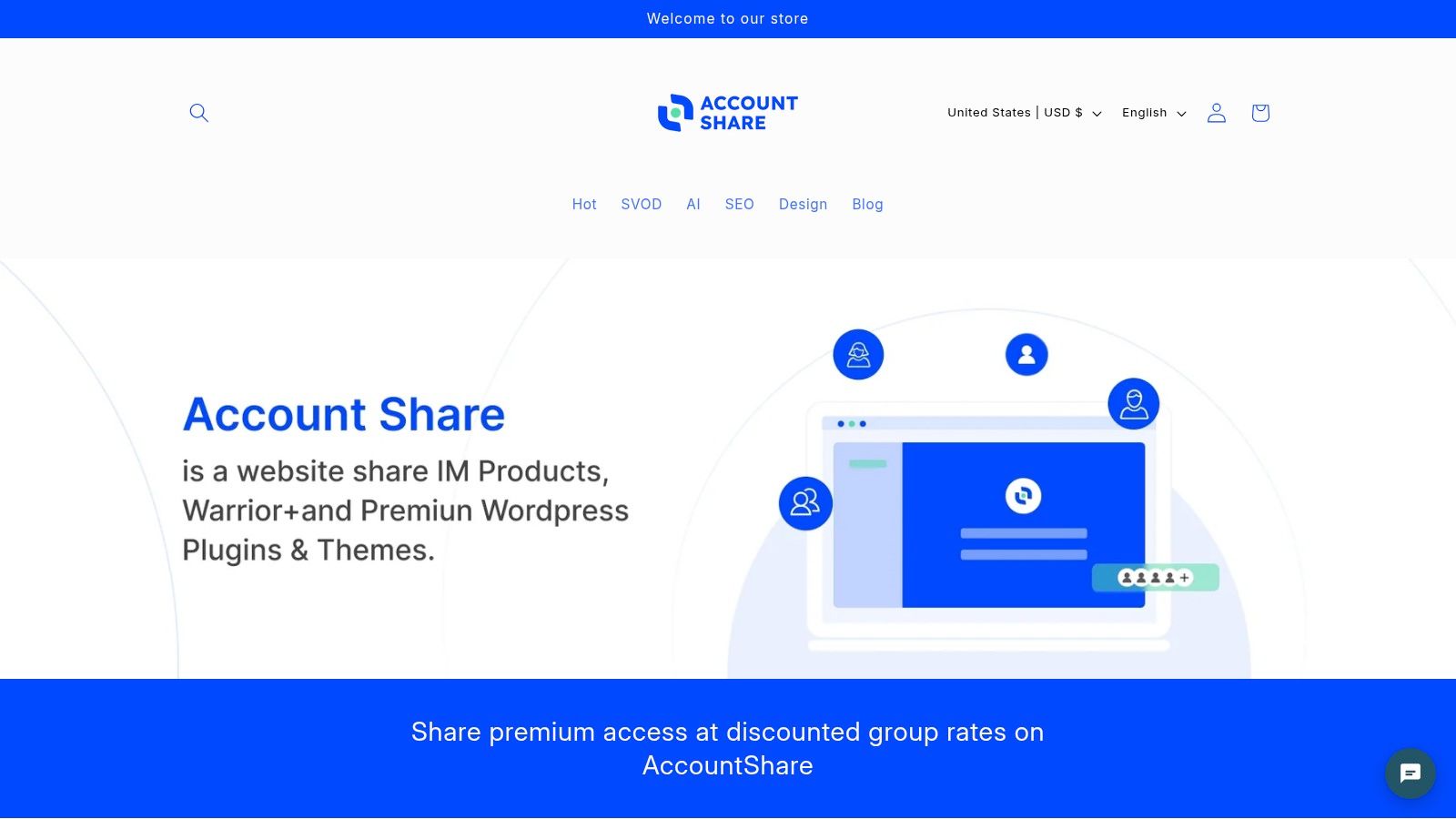
AccountShare offers group purchasing and shared access for premium services, including streaming subscriptions, so participants can join an available group and share the subscription cost. Its model is relevant when the main problem is coordination rather than just finding a cheaper headline price. Features described for the platform include shared-account management, password-sharing options, customizable permissions, and security controls.
Use a management layer responsibly
A management platform doesn't override a streaming provider's household rules. Before joining any group, check the service's current terms, understand who owns the account, and confirm what happens if a participant leaves. You should also know whether your profile, watch history, payment information, and recovery details remain separated from other users.
For a household, the practical benefit is organization. You can define who receives access, reduce informal password forwarding, and make contributions and removals easier to track. For a distributed group, the same controls can expose the arrangement's limitations, which is useful information before money or personal data changes hands.
The best system is the one that makes responsibility visible. One person should own billing, participants should know their access conditions, and everyone should have an exit path. If those basics aren't clear, a family plan can create more administrative work than it removes.
AccountShare offers group purchasing and managed shared access for premium subscriptions, including streaming, with tools for permissions and account coordination. If your household is struggling with unused seats, scattered payments, or unclear access rules, visit AccountShare and review whether its shared subscription model fits your setup.