

10 Best App Builder Software Platforms in 2026
The popular advice is to choose the app builder with the longest feature list. That's backwards. The best app builder software depends first on what you're shipping: a native iOS or Android product, an installable web experience, an internal operations tool, a design-led launch, or a developer-controlled application whose source code must remain portable.
That distinction changes the shortlist. Native publishing matters for consumer apps, while permissions, offline behavior, and data capture matter more for field operations. A startup may value code export and GitHub workflows, whereas a restaurant may get further with vertical templates and payment modules. Buyers also need to examine integrations, authentication, publishing support, pricing structure, team fit, and the operational constraints that appear after launch.
The category itself is expanding beyond hobby projects. The Business Research Company's app builder software market report places the market at $3.76 billion in 2025, projects $4.37 billion in 2026, and forecasts $7.24 billion by 2030, with a projected 13.5% CAGR. That growth makes careful selection more important, not less.
A subscription-management use case such as AccountShare also shows why feature checklists fall short. Shared access requires thoughtful permissions, secure account workflows, and reliable administration. Advice from a product demo video agency can help communicate a product, but the builder still has to support the product's real operating model.
1. FlutterFlow
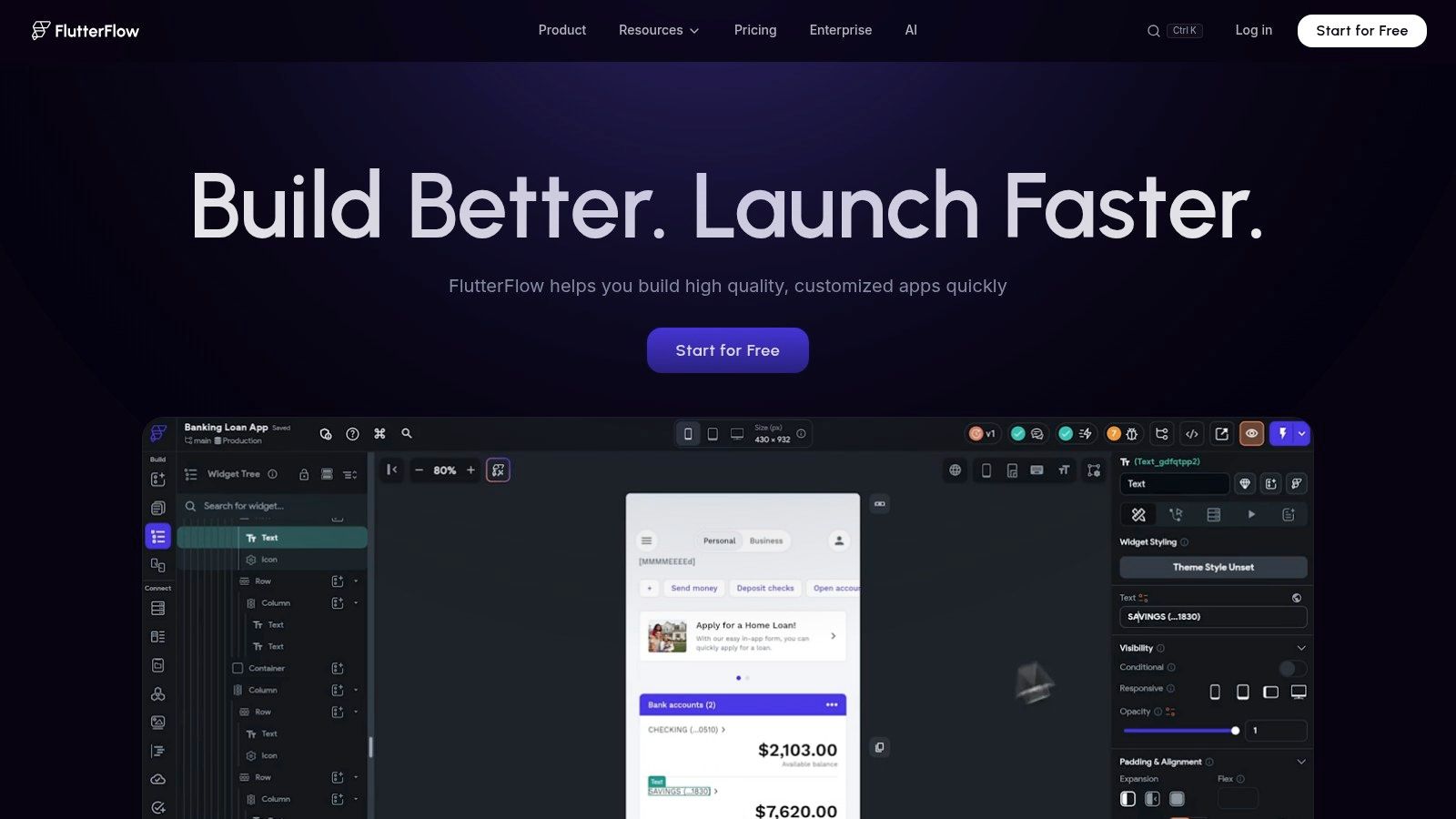
FlutterFlow is a strong choice for teams that need visual development speed while keeping a credible route to source ownership. It generates Flutter code for iOS, Android, and web, distinguishing it from builders that keep the finished product inside a proprietary runtime.
The editor handles interface composition, application logic, state management, and common backend connections. Firebase and Supabase provide practical options for authentication and data. Stripe, push notifications, and other native-service integrations can reduce custom setup for an MVP. Teams can export code, push work to GitHub, download an APK, and use workflows aimed at the App Store and Google Play.
That combination fits a startup building a customer-facing mobile product whose first release must ship quickly but may later require engineers. It also suits an SMB that wants a cross-platform foundation rather than a disposable prototype. FlutterFlow is less suitable when a product only needs a simple browser workflow or when nontechnical staff must maintain every part independently.
Where FlutterFlow preserves control
Its main advantage is the handoff to conventional engineering. Branching, team seats, automated testing, and GitHub push support collaboration beyond a single visual editor. Exported code also gives a team more flexibility if platform limits become a problem after launch, although engineers still need to assess the generated structure before taking ownership.
Practical rule: Choose FlutterFlow when the first release is visual, but the next phase may involve engineers, custom code, or a more independent deployment process.
The trade-off is complexity. Users unfamiliar with data models, application state, or asynchronous logic may find it harder to configure than a pure no-code tool. Seat-based pricing can become a procurement issue as the team grows. Before launch, test authentication, data permissions, generated code quality, and the handoff process to engineering. Teams handling shared subscriptions should also review mobile app security best practices before treating a fast prototype as a production system.
2. Adalo
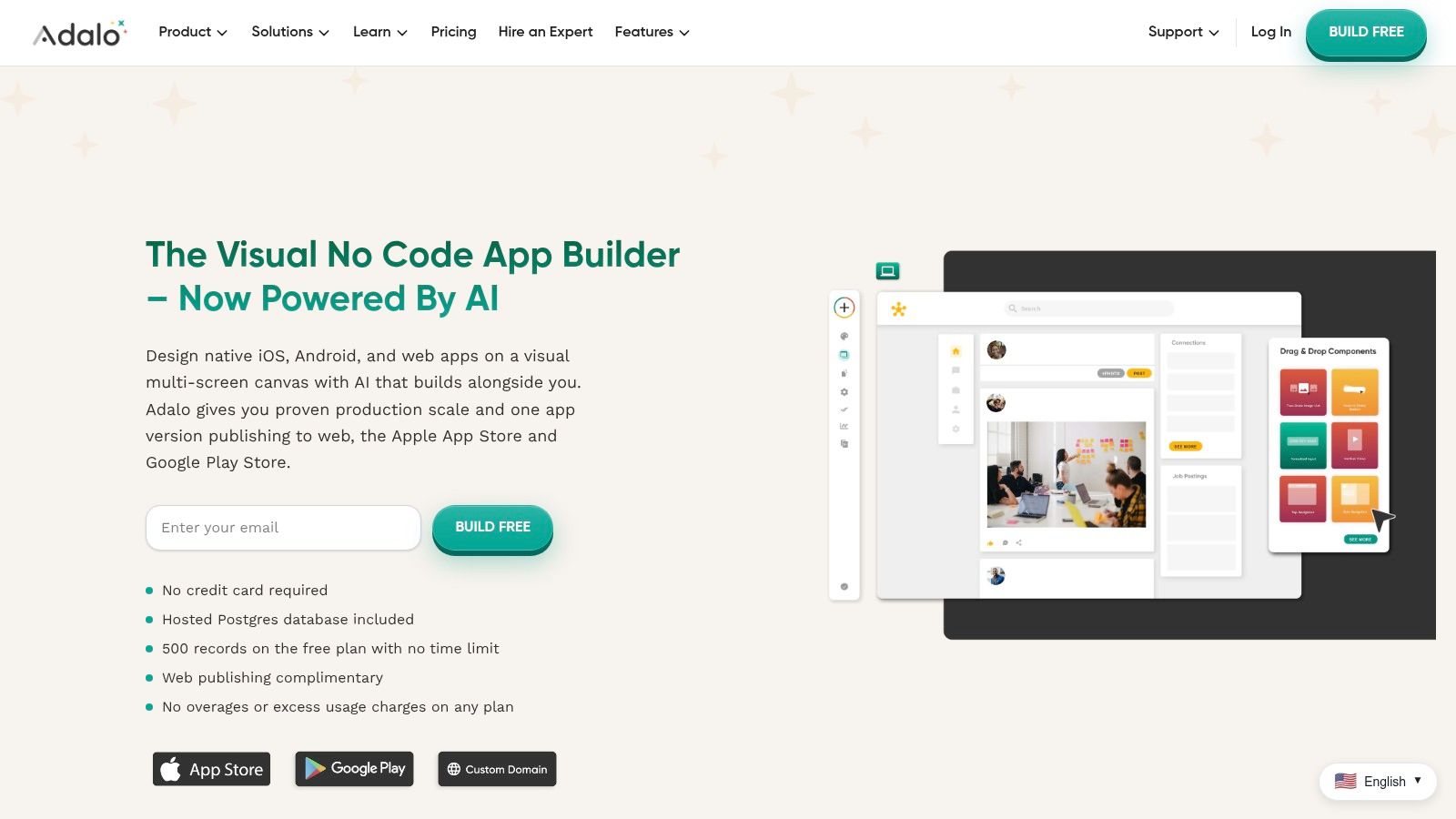
Adalo is built for teams that want to turn structured data into a usable product without adopting a developer-oriented mental model. Its visual, multi-screen canvas and built-in Postgres database make it a natural fit for database-driven consumer apps, marketplaces, directories, and smaller internal tools.
The platform can publish one project to iOS, Android, and the web, which simplifies the early distribution decision. A solo founder can design screens, connect records, add forms, and create account-based experiences without maintaining separate projects for each device category. Stripe, Xano, Zapier, and external collections extend the platform when the built-in data layer or workflow model isn't enough. Adalo also includes its AI assistant, Ada, across its plans according to the supplied product brief.
The best use case is structured, not technically exotic
Adalo works particularly well when the product's core behavior is familiar: users browse records, create profiles, submit listings, make payments, or manage straightforward account activity. That makes it attractive for a marketplace MVP where launch speed matters more than deep backend specialization.
Its fixed-price approach avoids the kind of usage metering that can make early budgeting unpredictable. That clarity helps small teams estimate the cost of keeping a product online while they validate demand.
The limitation is control. Adalo doesn't offer the same low-level ownership as FlutterFlow or Draftbit, so teams with unusual performance requirements, complex business rules, or a strong engineering roadmap may eventually need external services such as Xano. That doesn't make Adalo a weak platform. It means buyers should decide whether the database and workflow model will remain adequate after the initial release.
Adalo is a sensible choice when the app's value comes from organizing interactions around data, not from inventing a highly specialized technical architecture.
Review external collections, authentication, payment flows, and the migration path before committing. If the hardest workflow already depends on several external services, build that workflow first rather than judging the platform from a polished template.
3. Glide
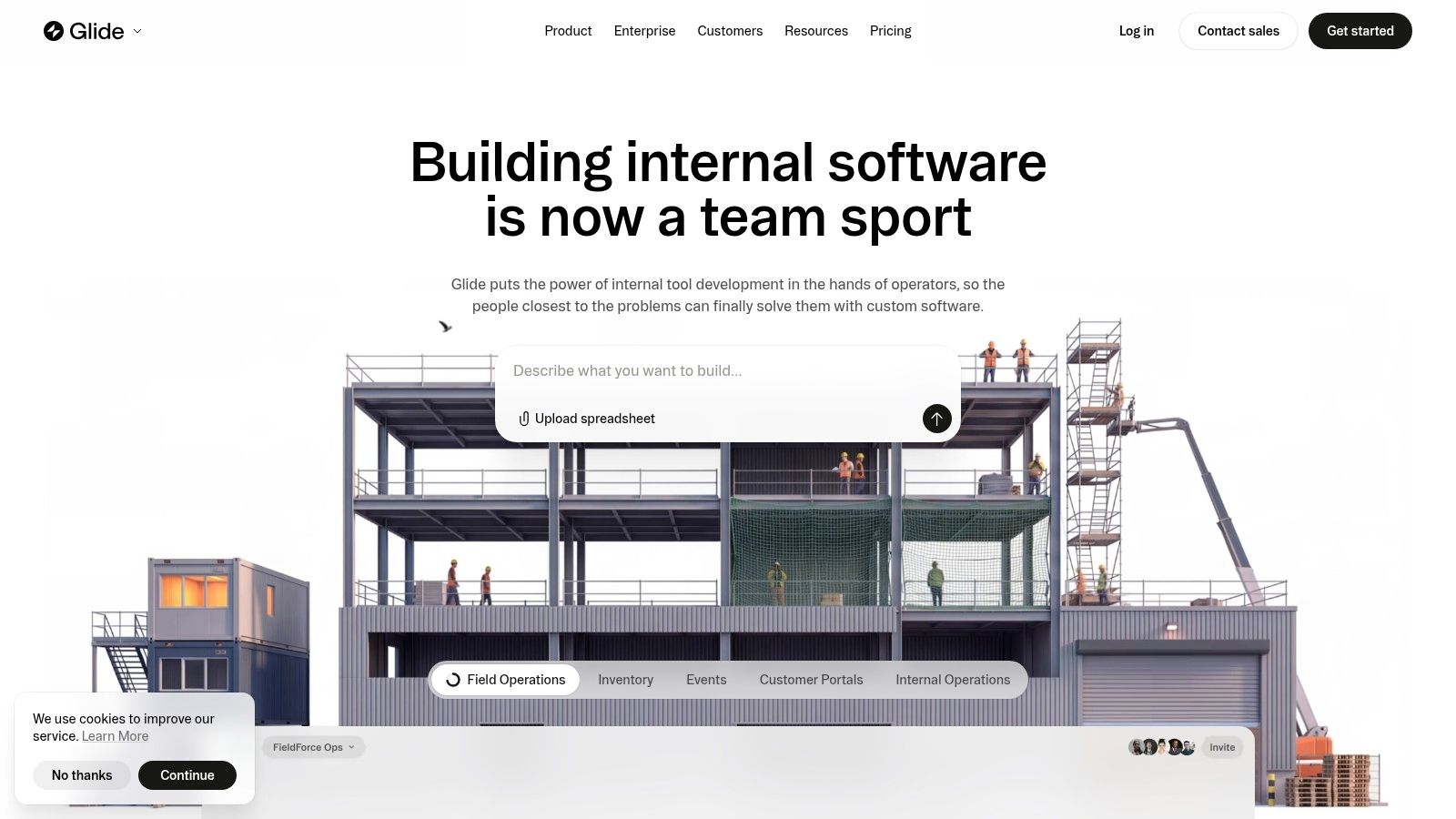
Glide is a strong choice for internal tools, team portals, directories, and lightweight operational apps. It converts Sheets, files, and databases into responsive web applications that work across devices. Its best use case is structured information with defined roles and actions, rather than a product whose differentiation depends on custom interface behavior.
The deployment model sets the main constraint. Glide produces web apps and installable web experiences, not conventional native applications for the App Store or Google Play. That suits an employee portal, inventory view, approval dashboard, or partner directory, where store distribution adds little value. A consumer product that relies on app-store discovery may need a different builder.
Fast delivery with governance attached
Glide shortens the path from business data to a usable interface. Roles, permissions, collaboration tools, and organization-level governance on higher tiers support controlled business deployments. GlideOS adds AI agents, workflows, and enterprise integrations. Its automation system uses credits, so operating costs depend partly on workflow activity rather than the subscription alone.
A sales team can manage a shared pipeline, an operations group can process requests, and a membership organization can offer a restricted portal without maintaining a native mobile stack. These scenarios benefit from quick iteration and centralized data management.
The trade-off is reduced control over unusual interaction design, device-specific native features, and complex transactional behavior. Teams building a consumer-facing product, a high-performance mobile experience, or a workflow with demanding backend rules should test those requirements before committing. Code export is also not the core path, so a buyer expecting to take over the generated application in a conventional development workflow should assess the migration options early.
Review permission behavior, data refresh requirements, automation credits, and phone access during a real workflow test. This best free app builder guide can help with initial comparisons, but a free entry point should not determine an operational purchase. Forecast usage under realistic activity, including the automations users will trigger after launch.
4. Google AppSheet
Google AppSheet targets data-driven business processes rather than polished consumer products. It fits field inspections, logistics, approvals, inventory, and operational forms, particularly for organizations already using Google Workspace.
Offline operation and background synchronization matter when staff work beyond reliable connectivity. Connectors for Google services, Microsoft, Dropbox, Box, and Airtable broaden data access. AppSheet Database gives teams a governed place to store application data and apply security controls.
A practical choice for distributed operations
AppSheet is well suited to employees who capture information in the field, follow approval steps, or update records through a standardized interface. Enterprise authentication and SSO let IT manage access when an app handles operational or customer data.
Publisher Pro supports unlimited-user public apps, yet AppSheet remains oriented toward internal business software. A buyer seeking a highly branded consumer experience may find its conventions restrictive. Its main workflow also centers on business deployment rather than native app-store publishing, so teams that need prominent iOS or Android distribution should verify that requirement early.
The platform's strength is governable utility. A logistics group may gain more from reliable forms, offline capture, role controls, and automation than from elaborate animation or unusual navigation. AppSheet therefore suits internal tools with structured data and repeatable processes better than consumer products that depend on distinctive interaction design.
Start with the process most likely to fail after launch. Test offline edits, conflict handling, authentication, connector permissions, and approval notifications under realistic conditions. Review how much control remains over the interface, data model, and operational rules. If those requirements hold, accepting the platform's design limits may be a sensible trade for faster internal deployment.
5. Thunkable
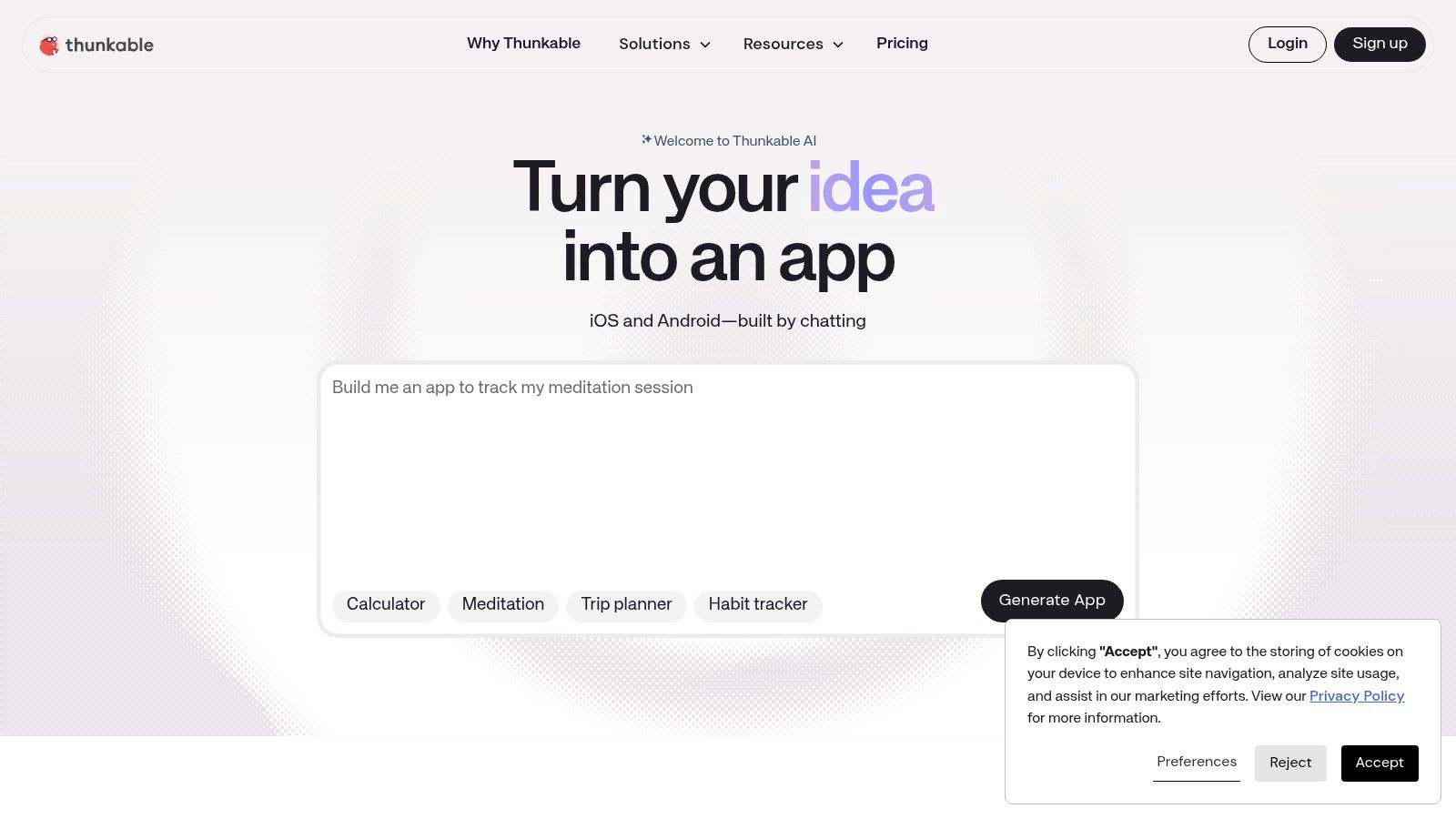
Thunkable takes a friendly, block-based route to native iOS and Android applications. Its drag-and-drop interface and visual logic blocks make it approachable for students, educators, solo makers, and small teams that need store distribution without learning a full programming language.
The product is well matched to straightforward mobile experiences. A prototype, educational app, simple utility, or modest consumer product can move from screen design to device testing without the user confronting the complete complexity of native development. Paid tiers support direct publishing to the App Store and Google Play, with publishing structures that distinguish between a single app and broader app needs.
Good for learning, less comfortable under heavy complexity
Thunkable's accessibility is its main strength. Documentation and community support give new builders a way to solve common problems, and visual blocks make event-driven behavior easier to understand than raw code. Branding controls and tiered support options also help a small team present a more finished product.
The same abstraction becomes a constraint when the app needs advanced integrations, unusual data models, or demanding interfaces. Heavier UIs may expose performance limitations, and teams should not assume that a block-based prototype will automatically support a complex production roadmap.
A school building a companion app for a course may find Thunkable's learning curve appropriate. A startup building a data-intensive mobile platform should test its most demanding screens and integrations before choosing it.
Build-test discipline matters: connect the real backend, test on target devices, and verify the complete store submission path before you design the entire product around Thunkable.
AI token allotments per plan add another budgeting detail for teams using assisted creation. Treat those allowances as part of the operating model, not as a substitute for testing the generated logic.
6. Draftbit
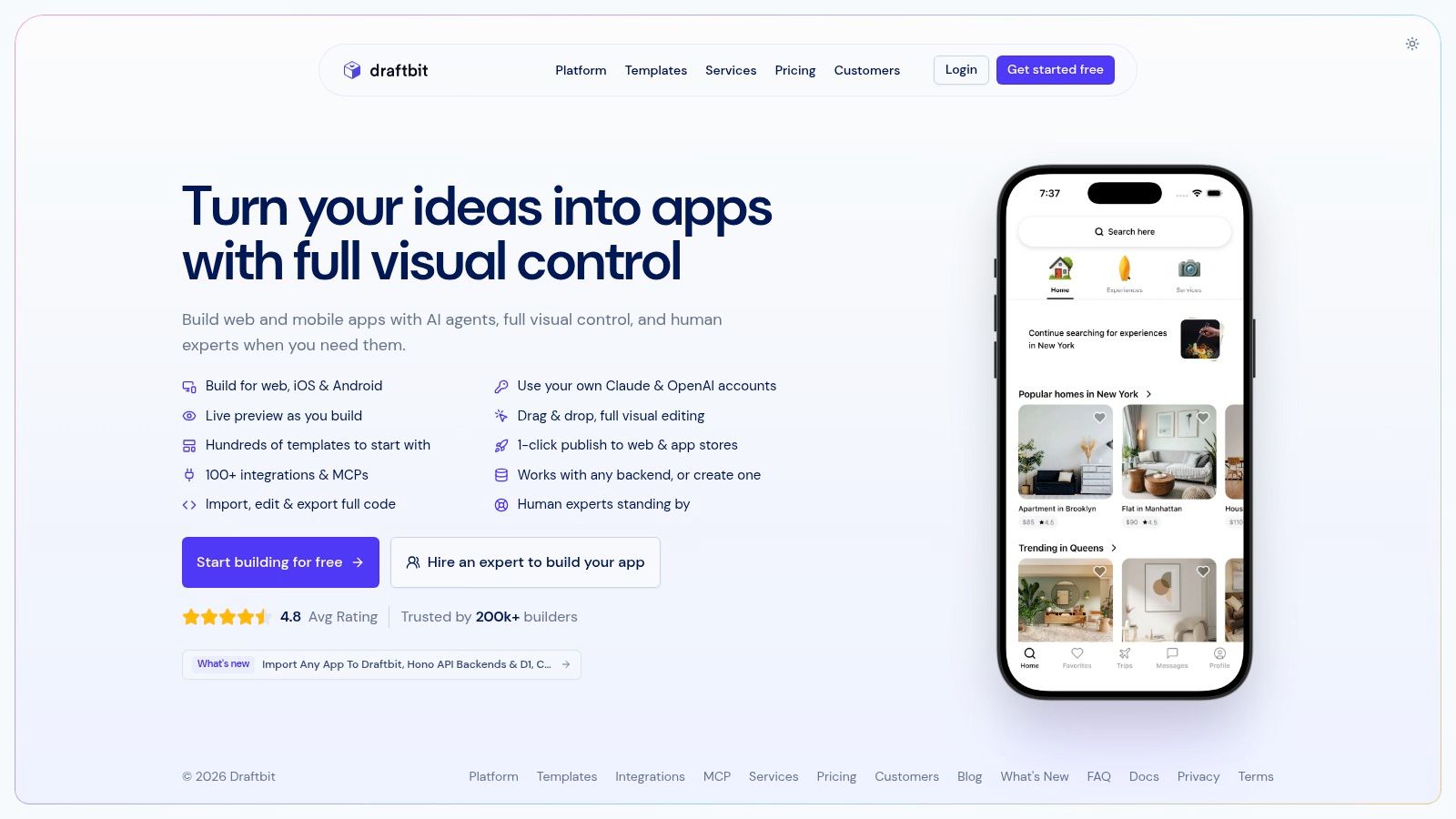
Draftbit targets teams that want visual development without giving up developer ownership. It supports mobile apps, web apps, and sites through React Native, with full code export and GitHub integration. A founder can shape screens and workflows visually, then hand selected parts to engineers instead of rebuilding the product later.
The platform offers AI-assisted editing, REST integrations, and built-in or beta Supabase support. That combination suits products that depend on external services, authentication, and data workflows. It is less relevant for a simple brochure site or a small internal tool whose requirements will remain stable.
A bridge for teams with technical ambitions
Draftbit's main advantage is control after the prototype stage. Teams can validate an interface and core workflow, retain source code, and move toward code review, repository management, and a conventional release process. Code export also reduces dependence on a proprietary runtime, although the exported project still needs technical ownership.
That control comes with a steeper operating model. Users seeking pure point-and-click creation may find React Native concepts, integrations, and code handoff more demanding than Adalo or Thunkable. AI-assisted editing can involve credits, so frequent use belongs in the project budget.
Draftbit fits a product team that understands APIs, authentication, repositories, and release management. It is a weaker choice for a nontechnical owner who expects the platform to absorb every technical decision indefinitely.
Before launch, build the exported project in its intended environment. Check that integrations remain understandable outside the editor, dependencies can be maintained, and a developer can change a critical screen without returning to the visual builder. This test distinguishes a portable workflow from an editor that merely advertises export.
Cross-device products should treat cross-platform compatibility as a delivery requirement. Shared code does not remove device testing, platform-specific behavior, or separate publishing responsibilities.
7. Bravo Studio
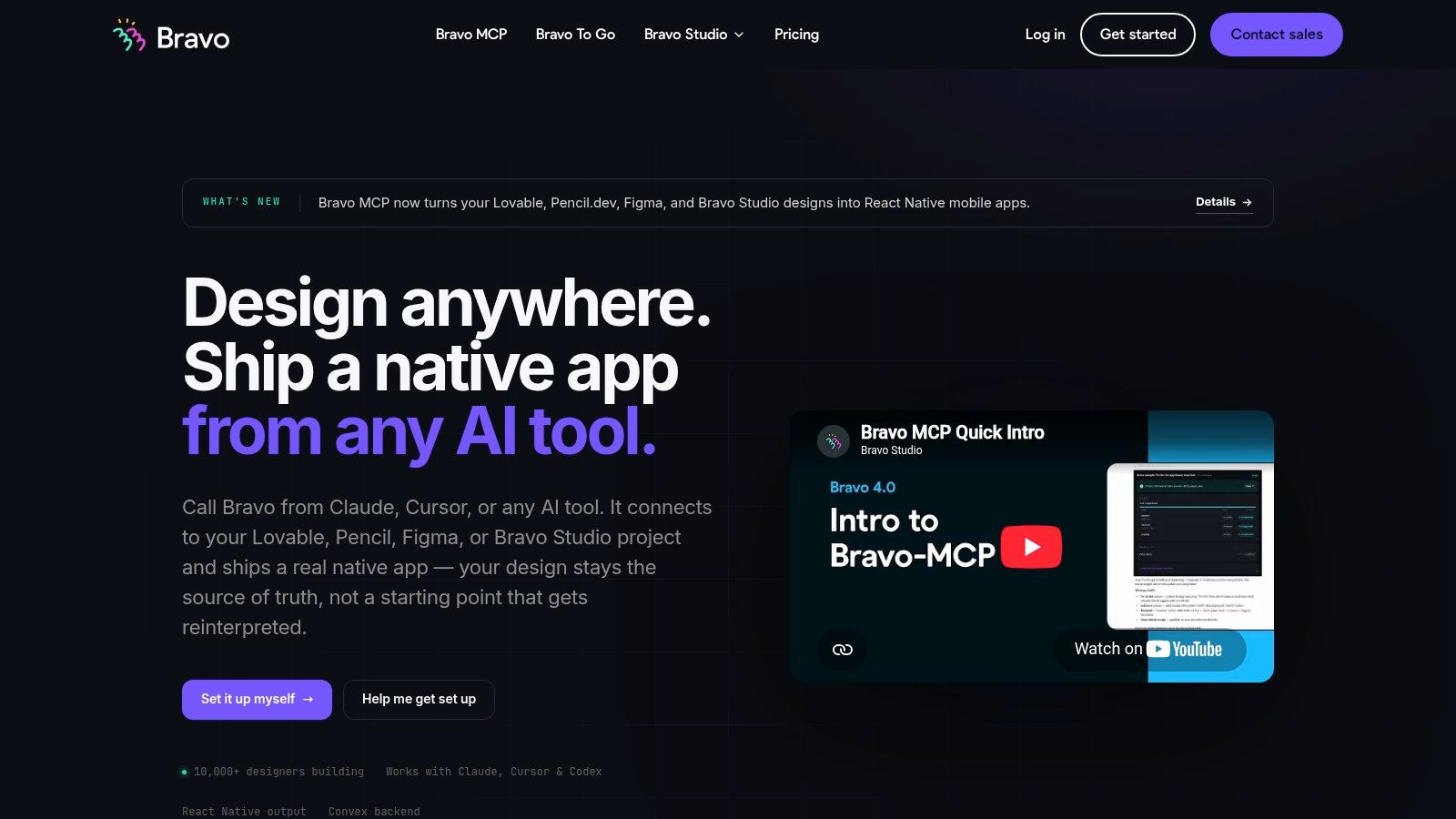
Bravo Studio suits teams that start in Figma and treat visual fidelity as a product requirement. Its Figma-to-native workflow turns high-fidelity designs into iOS and Android apps, while Bravo Vision lets teams preview the experience during development.
The workflow is most useful for designers, agencies, and brand teams with an established Figma system. They can move toward a store-ready app without recreating every screen in a separate visual editor. API collections, OAuth, Firebase authentication, deep links, Stripe, and OneSignal connect the designed interface to real product functions.
Presentation comes before source portability
Bravo works well for campaign apps, event experiences, branded membership products, and customer journeys where the interface carries much of the product's value. It preserves the design team's control over presentation while reducing the screen-building work required by general-purpose app builders.
The trade-off is long-term ownership. Standard plans do not provide source export, leaving ongoing changes and maintenance tied to Bravo's environment. Tier-based screen limits also mean that a small proof of concept may not reflect the cost or practicality of a larger product.
Paid plans support store builds and in-app add-ons. According to the supplied product brief, AI-assisted workflows through MCP are included in the Solo plan. These capabilities can shorten the route to launch, but teams still need to test data access, authentication, deep links, and app-store review requirements.
Choose Bravo when speed and presentation outweigh deep customization. It is a weaker fit for software whose long-term value depends on owning every implementation layer or supporting unusual product logic. Prototype the most complex screen, authentication path, and post-launch update process before approving a design-heavy build.
8. GoodBarber
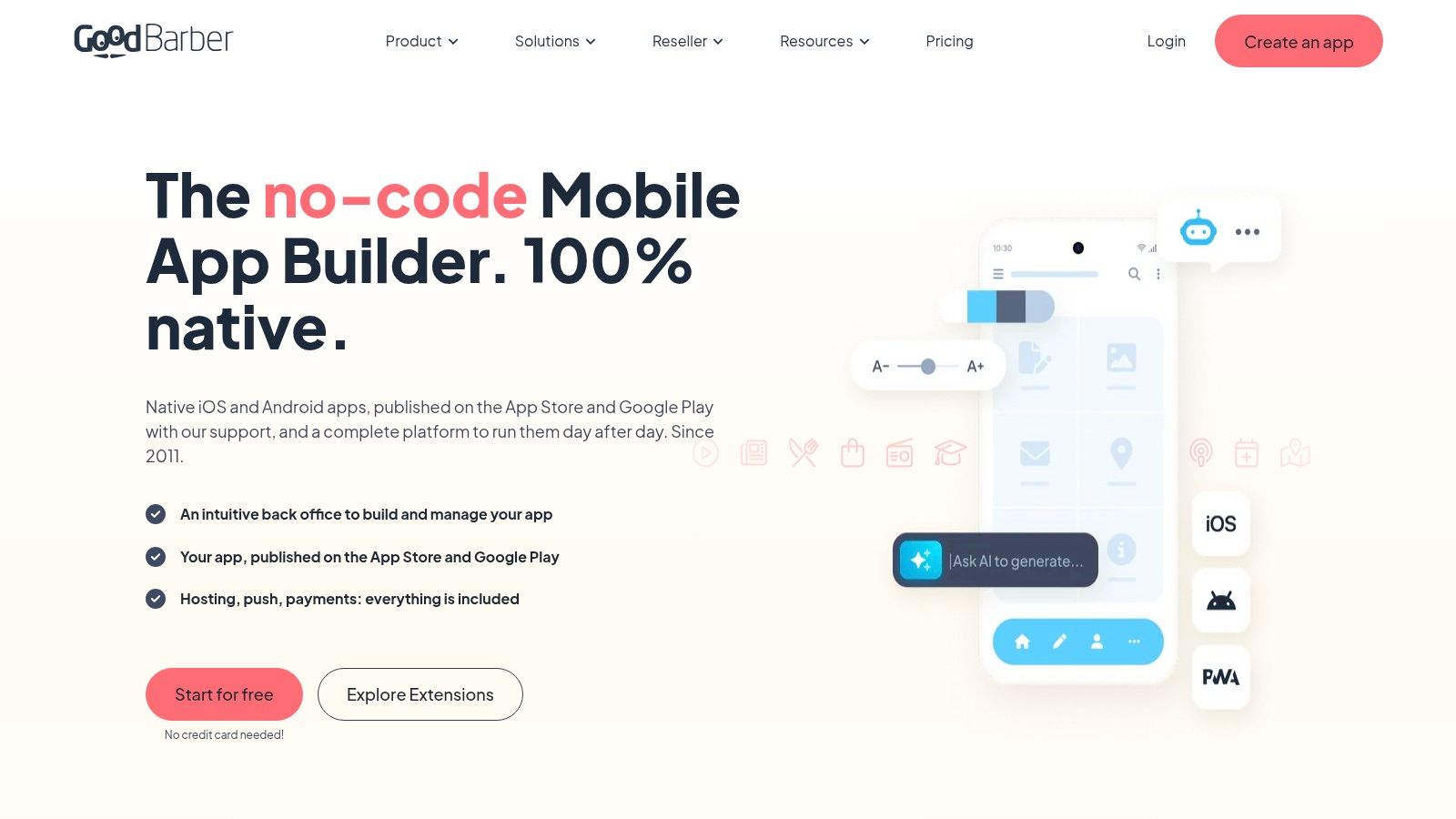
GoodBarber is a verticalized builder for businesses whose app fits an established category. It supports native iOS and Android apps alongside PWAs, with modules for e-commerce, content, radio and podcasts, and events.
That focus suits retailers, restaurants, media publishers, tourism operators, creators, and other SMBs with familiar product structures. Payment options include Stripe, PayPal, Apple Pay, Google Pay, Klarna, and regional gateways, reducing integration work for commerce-led launches.
Templates can provide operational advantage
A restaurant app may require menus, ordering, payments, notifications, and branded content. A media business may need publishing, subscriptions, and audience updates. GoodBarber addresses these patterns through dedicated modules, allowing teams to configure content and customer journeys instead of building basic infrastructure from scratch.
The platform also offers reseller and white-label options for agencies. Its mobile commerce model includes 0% commission on mobile commerce, and every plan includes a 30-day free trial, according to the supplied product brief. These terms affect the commercial case, but they do not show whether GoodBarber can support a distinctive workflow.
GoodBarber is a weaker fit for complex SaaS products, unusual business logic, or heavily customized navigation. Once a requirement falls outside the available modules, buyers may need workarounds, external services, or a different platform.
Template fit is a product decision: the closer your workflow is to GoodBarber's built-in verticals, the more value the platform can deliver.
Use the trial to test the full operating model, including the catalog, payment path, content structure, and notification lifecycle. A polished home screen proves little. The back office, update process, and handling of exceptions determine whether the template remains useful after launch.
9. BuildFire
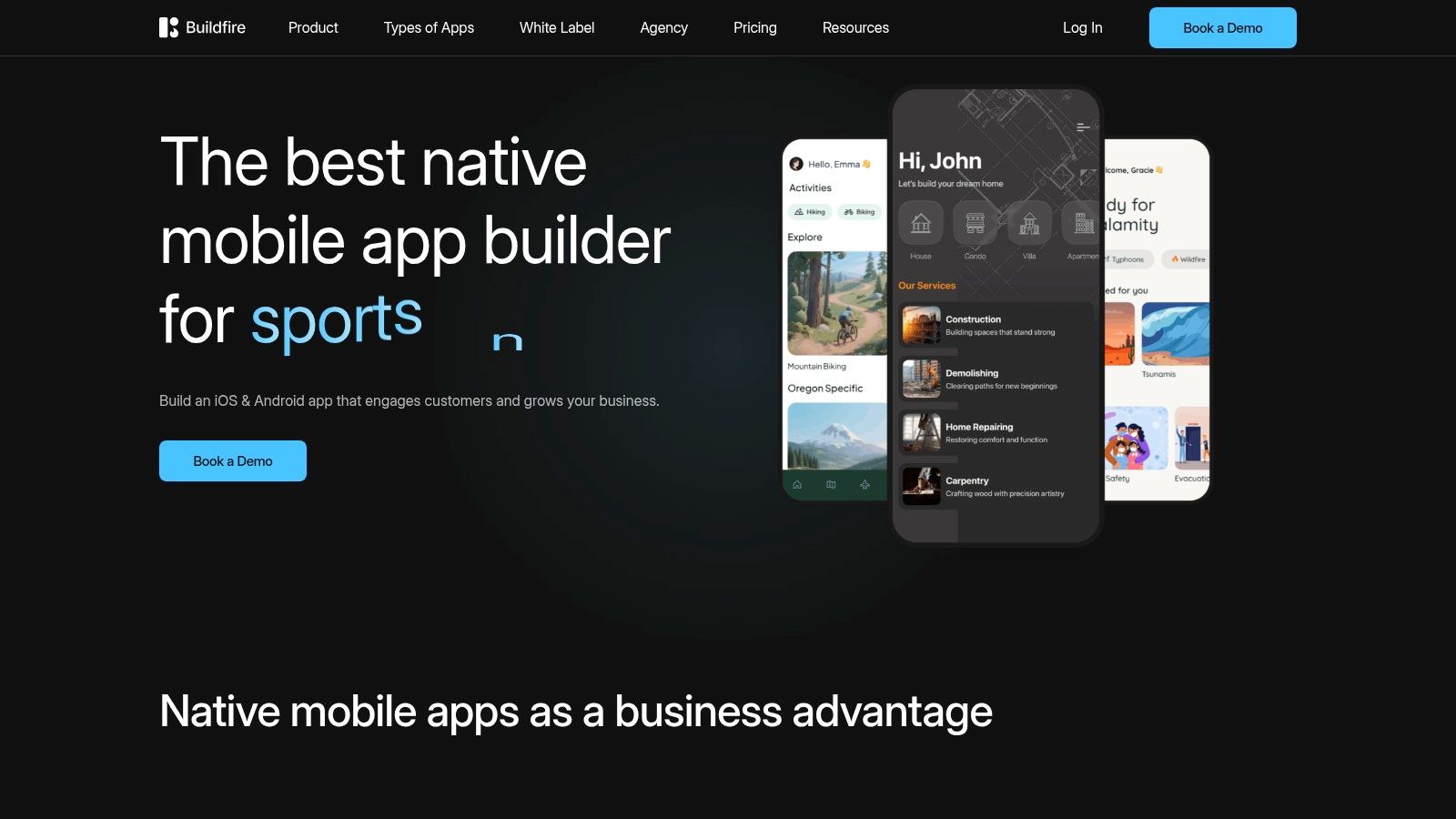
BuildFire is aimed at SMBs that want native iOS and Android publishing now, but may need custom functionality later. Its plugin marketplace provides ready-made capabilities, while the BuildFire SDK creates a more explicit route to custom extensions and professional services.
That staged model is its key distinction. A small business can start with a no-code configuration, publish with support included in the plan, and bring in developers or an agency when the product needs behavior outside the standard plugins. This is more realistic for an organization that expects its requirements to evolve than a platform that presents customization as an all-or-nothing decision.
The upgrade path matters more than the editor
BuildFire fits membership apps, employee apps, content products, event experiences, and other SMB use cases where native distribution and managed publishing are important. In-app purchases and the plugin ecosystem can cover common needs without forcing the team to build every integration independently.
The downside is cost and dependence on specialist help. BuildFire is priced higher than many DIY builders according to the supplied product brief, and custom logic typically requires the SDK or developer assistance. That may be a fair exchange for support, but buyers should model it before launch.
Ask three practical questions. Which required features exist as maintained plugins? What happens when a plugin's behavior doesn't match the workflow? How will the team own and maintain SDK extensions?
A business that has no technical resources may appreciate the account management and publishing support. A product company that requires complete source ownership may prefer FlutterFlow or Draftbit instead.
10. Shoutem
Shoutem is designed for creators, local businesses, communities, media brands, event organizers, and commerce operators that need a branded native app without building its foundation from code. Its drag-and-drop editor supports push notifications and analytics. Integrations with WordPress, Shopify, YouTube, Vimeo, and social platforms let teams bring existing content channels into the app.
Templates are Shoutem's clearest advantage. A local publisher can connect content sources, configure notifications, and publish a mobile product without designing each backend component. Publishing assistance and PRO services also reduce the operational burden of store submissions, although they create more dependence on the platform or paid support.
A useful fit for content and community products
Shoutem fits products with established structures, including content feeds, events, communities, media, and e-commerce. White-label and reseller options extend that fit to agencies managing apps for multiple clients. These are native-app use cases, not a general solution for internal tools or highly customized SaaS products.
Control narrows when the product needs complex workflows, unusual permissions, or backend behavior that differs from Shoutem's supported patterns. Plan limits and add-ons can affect operating costs and administration as usage expands. Buyers should test content updates, notification management, analytics access, user administration, and store-release responsibilities with a realistic post-launch workflow.
Shoutem can deliver a polished launch within its target categories. The purchase decision depends on whether the team values templates and publishing support more than code-level control and a custom backend.
Top 10 App Builder Comparison
| Platform | Core features | UX (★) | Price / Value (💰) | Target (👥) | USP (✨ / 🏆) |
|---|---|---|---|---|---|
| FlutterFlow | Drag‑drop UI, real Flutter code export, Firebase/Supabase, 1‑click deploy | ★★★★☆ | 💰 Mid, seat-based (scales) | 👥 Startups & SMB dev teams | ✨ Code export + native Flutter; 🏆 production-ready code ownership |
| Adalo | Visual multi‑screen canvas, built‑in Postgres, store publishing | ★★★★ | 💰 Low‑mid, flat‑fee plans | 👥 Solo founders & non‑technical teams | ✨ Simple store publishing; templates for quick launch |
| Glide | Sheet/database apps, automations, roles/permissions, GlideOS AI | ★★★★ | 💰 Predictable tiered pricing | 👥 SMBs & ops teams building internal tools | ✨ Fast spreadsheet→app workflows; team governance |
| Google AppSheet | Google ecosystem connectors, offline sync, automation, governance | ★★★★ | 💰 Per‑user (often bundled with Workspace) | 👥 Enterprises & field/logistics teams | ✨ Strong connectors + offline/sync; 🏆 enterprise security |
| Thunkable | Block‑based logic, native iOS/Android publishing, branding controls | ★★★☆ | 💰 Mid, tiered publishing | 👥 Education, prototypes, small teams | ✨ Easy block logic for beginners; clear publish paths |
| Draftbit | Visual React Native builder, full code export, GitHub integration | ★★★★ | 💰 Low entry, scalable team plans | 👥 Dev teams wanting no‑code speed + code control | ✨ True React Native export; 🏆 developer‑friendly |
| Bravo Studio | Figma→native pipeline, API collections, Bravo Vision previewer | ★★★★ | 💰 Low cost to publish | 👥 Designers & UI‑centric teams | ✨ Pixel‑perfect Figma conversion; unlimited builds (paid) |
| GoodBarber | Native apps + PWA, e‑commerce & content modules, payments | ★★★★ | 💰 SMB pricing, value for verticals | 👥 Retailers, restaurants, media creators | ✨ Vertical templates & payment integrations; 🏆 0% commerce commission |
| BuildFire | Native publishing, large plugin marketplace, SDK & pro services | ★★★★ | 💰 Higher, pro/agency focus | 👥 SMBs needing custom extensions/agencies | ✨ Extensible plugin/SDK ecosystem; publishing + support included |
| Shoutem | Template library, integrations (WP/Shopify), push & analytics, PRO services | ★★★ | 💰 Mid, templates + add‑ons | 👥 Local businesses, creators & communities | ✨ Ready templates + publishing assistance |
Use the Buyer's Checklist Before You Commit
Start with distribution. If users must find the product in the Apple App Store or Google Play, shortlist platforms with a direct native publishing workflow, such as FlutterFlow, Adalo, Thunkable, Draftbit, Bravo Studio, GoodBarber, BuildFire, or Shoutem. If employees need a browser-based portal, operational dashboard, or installable web experience, Glide may be more appropriate. AppSheet is particularly practical for data capture and field workflows inside organizations that already use connected business systems.
Next, map the data before choosing the interface. List the systems the app must read from and write to, then test the hardest integration rather than a simple form. Firebase, Supabase, Postgres, REST services, Stripe, content platforms, and external collections don't provide interchangeable experiences. A builder that handles your first screen beautifully may still create friction around synchronization, error handling, permissions, or background jobs.
Authentication deserves its own test. Confirm how the platform handles roles, team access, public users, password resets, SSO, and administrative permissions. For a shared subscription product, that review should include account sharing rules, password handling, access revocation, and audit responsibilities. AccountShare's operational model makes this especially relevant because subscription access is a permissions problem as much as a purchasing problem.
Match control to the product roadmap
Choose FlutterFlow or Draftbit when source ownership, GitHub workflows, and future engineering control matter. Choose Glide or Google AppSheet for internal operations where structured data, governance, and fast deployment outweigh consumer-grade interface freedom. Choose Bravo Studio, GoodBarber, or Shoutem when design, templates, content, or vertical features justify a managed environment.
Adalo, Thunkable, and BuildFire sit between those groups. They can be excellent for practical native apps, but their suitability depends on whether the product's logic remains within their intended boundaries. The low-code market's expansion reinforces the need for that discipline. One market estimate puts low-code development platforms at US$49.8 billion in 2026, with a projection of US$238.8 billion by 2033 and a projected 25.1% CAGR in the same source, AppBuilderGuides' state of app building report. Buyers should therefore evaluate extensibility and governance, not just the speed of the first build.
Model the operating cost after launch
Review seat pricing, publishing fees, automation credits, AI allowances, data limits, support tiers, and add-ons. A plan that looks inexpensive during prototyping can become difficult to forecast when every automation, AI action, editor, or external update consumes a metered allowance. The supplied industry compilation reports that 87% of enterprise developers use low-code platforms for at least some work, while 88% of adopting organizations report meeting or exceeding productivity goals, Dataintelo's no-code app builder market report. Those figures describe broad adoption, but they don't remove the need to test your own workload.
Build the hardest workflow before paying. Run authentication, failed payments, offline edits, role changes, external API errors, store publishing, and data export where relevant. Then ask who will maintain the app when the original builder leaves, a connector changes, or the product needs a feature outside the template.
For apps built with Capacitor, deployment and update workflows deserve similar scrutiny. Review guidance on live updates for Capacitor apps alongside the builder's own release process before you promise rapid post-launch changes.
The best app builder software isn't the platform with the most buttons. It's the one whose deployment model, control level, data architecture, and ongoing responsibilities match the product you can realistically operate.
AccountShare helps people access premium subscriptions and digital services through group purchasing, with account management features that support secure sharing and customizable permissions. If you're evaluating software for a subscription-heavy workflow or looking for a more cost-effective way to manage premium access, visit AccountShare and explore how the platform fits your needs.