

12 Best Analytics Tools for Digital Marketing in 2025
In digital marketing, data is the compass that guides every successful campaign. Without the right analytics, marketers are navigating blind, making decisions based on guesswork rather than concrete evidence. The primary challenge isn't a lack of data, but rather the overwhelming task of harnessing it effectively to extract meaningful, actionable insights. Making the wrong choice can lead to wasted budget, missed opportunities, and a fundamental misunderstanding of your audience.
This guide cuts through the noise. We will provide a practical, in-depth breakdown of the 12 best analytics tools for digital marketing, moving beyond generic feature lists. We'll explore each platform's core strengths, specific use cases, and honest limitations to give you a clear picture of its real-world application.
You will find a detailed analysis of each tool, complete with screenshots and direct links, to help you make an informed decision. Whether you're a small business owner tracking website traffic with Google Analytics, a product manager analyzing user behavior in Mixpanel, or an enterprise marketer measuring complex campaign ROI with Adobe Analytics, this curated list will equip you to select the precise tools needed to drive strategic growth. Let’s dive in and find the right solution for your needs.
1. Google Analytics (GA4) and Analytics 360
As the industry standard, Google Analytics (GA4) is an indispensable platform for understanding website and app performance. It provides a robust, event-based model that tracks user interactions across devices, offering a holistic view of the customer journey. Its biggest advantage lies in its deep, native integration with the Google ecosystem, allowing seamless data flow between Google Ads, Search Console, and other marketing tools. This makes it one of the most powerful free analytics tools for digital marketing available.
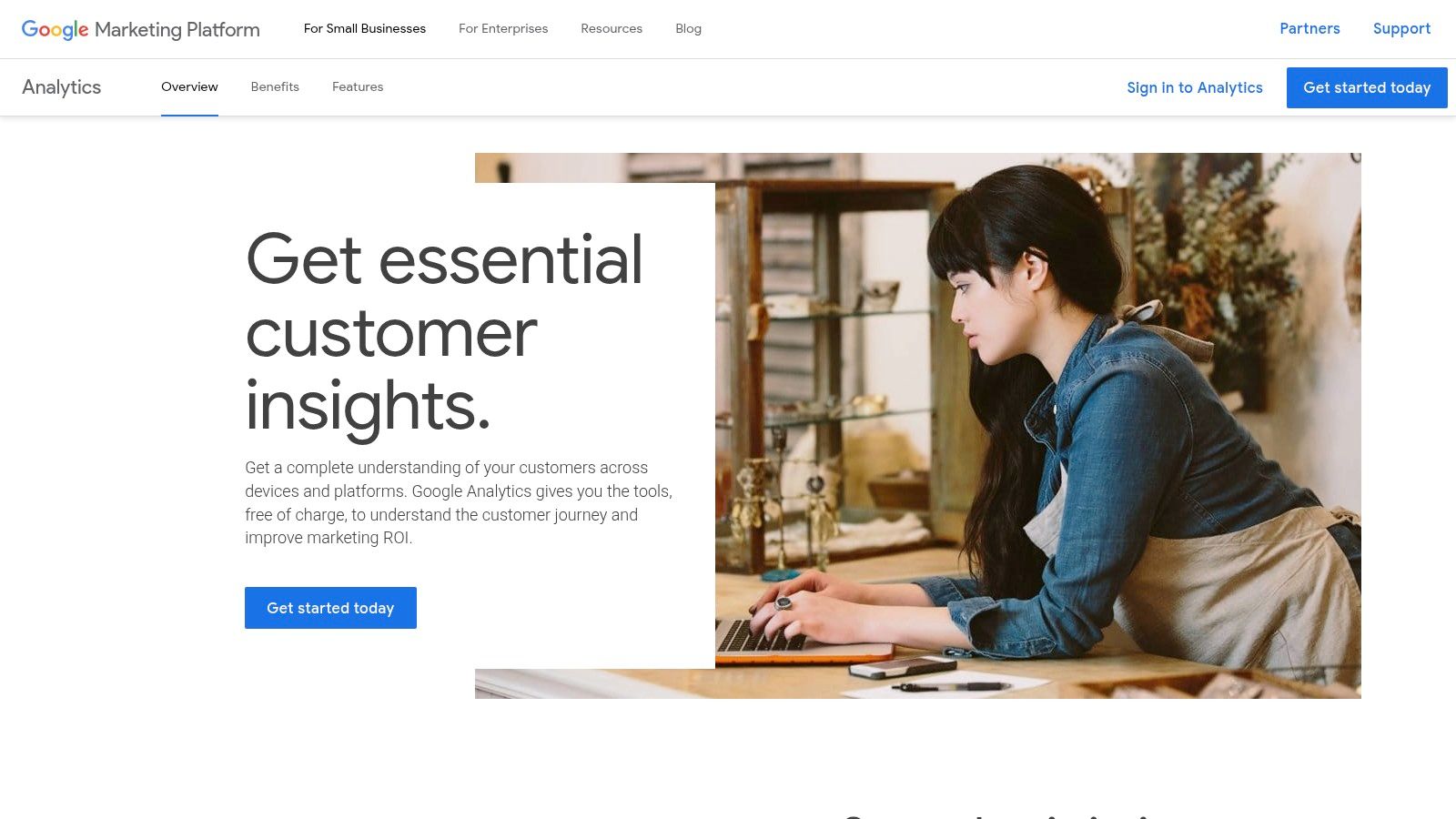
For enterprise-level needs, Analytics 360 extends GA4's capabilities with higher data limits, unsampled reporting, and advanced features. The native BigQuery export in both versions is a key differentiator, enabling marketers to run complex SQL queries on raw data for custom attribution modeling and deep analysis. While the standard GA4 is free and sufficient for most small to medium-sized businesses, the quote-based pricing for Analytics 360 can be a significant investment.
Website: https://marketingplatform.google.com/about/analytics/
| Feature | Best For | Pricing |
|---|---|---|
| GA4 | SMBs, startups, individual creators | Free |
| Analytics 360 | Enterprise, large e-commerce, global brands | Quote-based |
2. Adobe Analytics (Adobe Experience Cloud)
Positioned as an enterprise-grade solution, Adobe Analytics excels at providing a unified view of the customer journey across multiple channels. It moves beyond simple website metrics to offer deep, real-time insights into how users interact with web, mobile, and offline touchpoints. Its key strength is its seamless integration within the Adobe Experience Cloud, allowing marketers to activate audience segments directly in tools like Adobe Target or Adobe Experience Manager. This makes it one of the premier analytics tools for digital marketing for large organizations already invested in the Adobe ecosystem.
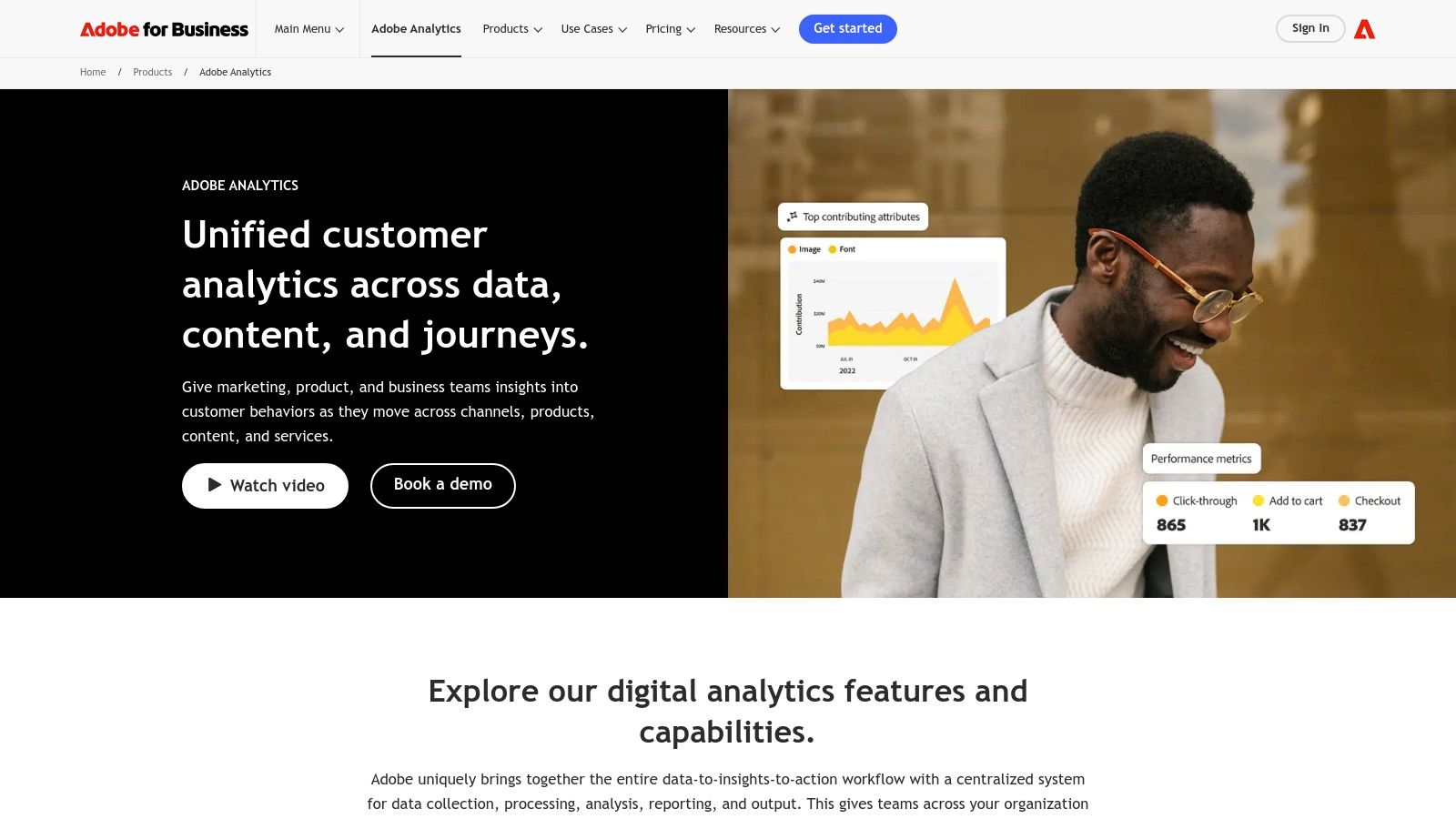
Adobe's Analysis Workspace provides a powerful drag-and-drop interface for building custom reports, funnels, and cohort analyses without needing to write SQL. While this flexibility is a major advantage for complex data governance and workflows, the platform's power comes with a steep learning curve and significant implementation costs. The implementation and ongoing management typically require specialized expertise, making it less suitable for smaller businesses or those without dedicated analytics teams.
Website: https://business.adobe.com/products/analytics/adobe-analytics.html
| Feature | Best For | Pricing |
|---|---|---|
| Unified Customer Profiles | Organizations with complex, multi-channel customer journeys | Quote-based |
| Suite-wide Integration | Enterprises heavily invested in the Adobe Experience Cloud | Quote-based |
3. Mixpanel
Mixpanel stands out as a powerful product analytics platform specifically designed for understanding user behavior at a granular level. It excels at tracking events to reveal how users engage with features, progress through conversion funnels, and what leads to long-term retention. Unlike general-purpose web analytics, its focus on product interactions makes it one of the best analytics tools for digital marketing teams focused on growth, product-led marketing, and campaign performance tied directly to user actions.
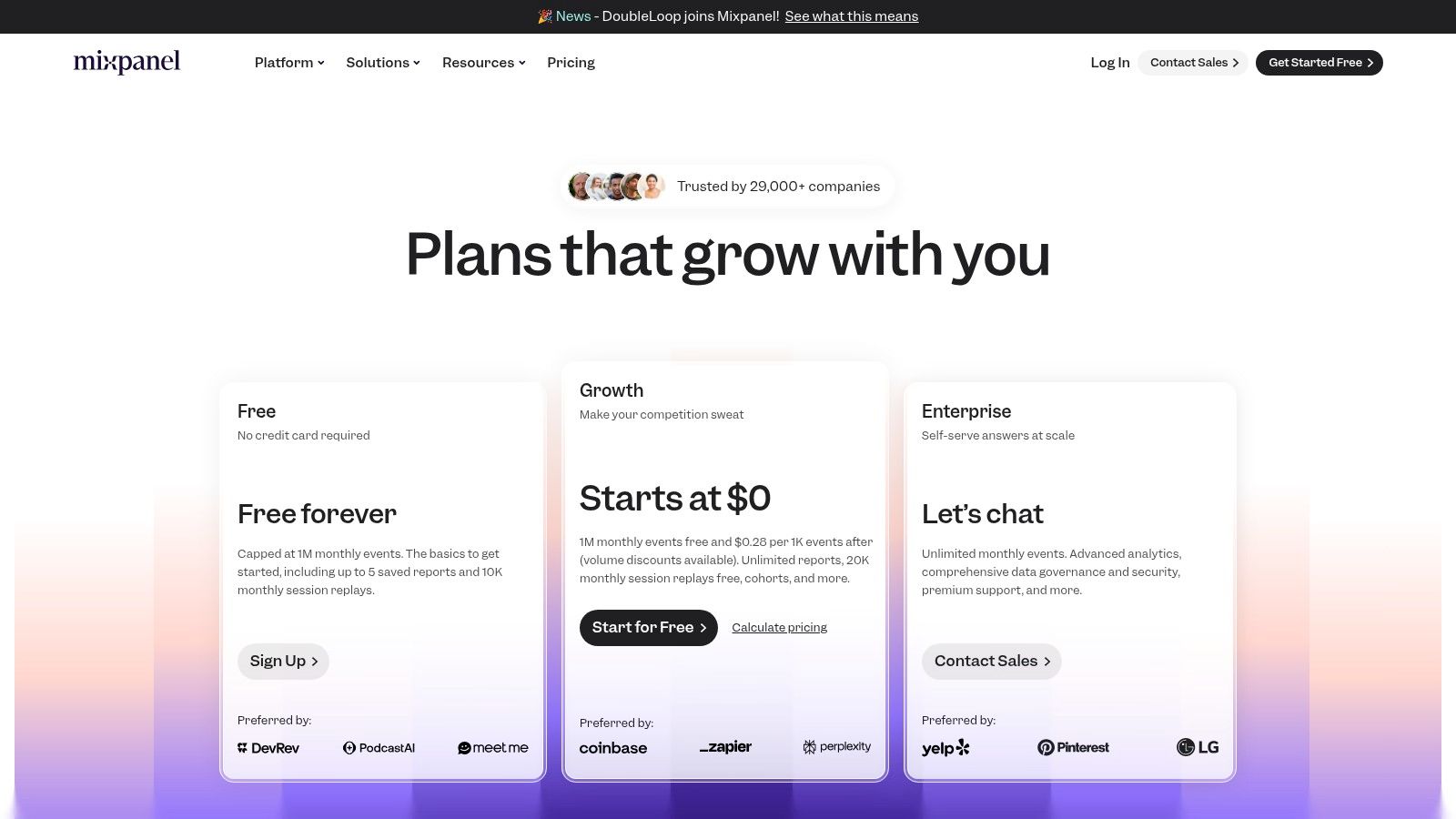
The platform’s key strengths are its intuitive funnel and retention analysis reports, which offer a fast time-to-value for teams needing to answer complex questions without writing SQL. Its transparent, event-based pricing model, complete with a generous free tier and self-serve plans, makes it accessible for startups and scalable for enterprises. While advanced features like data pipelines for warehouse connectivity are available as add-ons, the core offering provides deep insights into behavioral cohorts and segmentation.
Website: https://mixpanel.com/pricing/
| Feature | Best For | Pricing |
|---|---|---|
| Free Plan | Startups, small projects, learning the platform | Free (up to 20M events/month) |
| Growth & Enterprise | SMBs, growth-focused marketing teams, large product teams | Starts at $20/month (Usage-based) |
4. Amplitude Analytics
Amplitude is a product analytics platform designed to help teams understand user behavior and optimize the customer experience. It goes beyond traditional web analytics by combining event tracking, A/B testing, and feature flagging into a single, unified system. This integrated approach allows growth and marketing teams to not only analyze user funnels and retention but also to immediately act on insights by deploying experiments and new features directly from the same platform. Its strength lies in its user-centric model, which makes it one of the most powerful analytics tools for digital marketing for product-led growth.
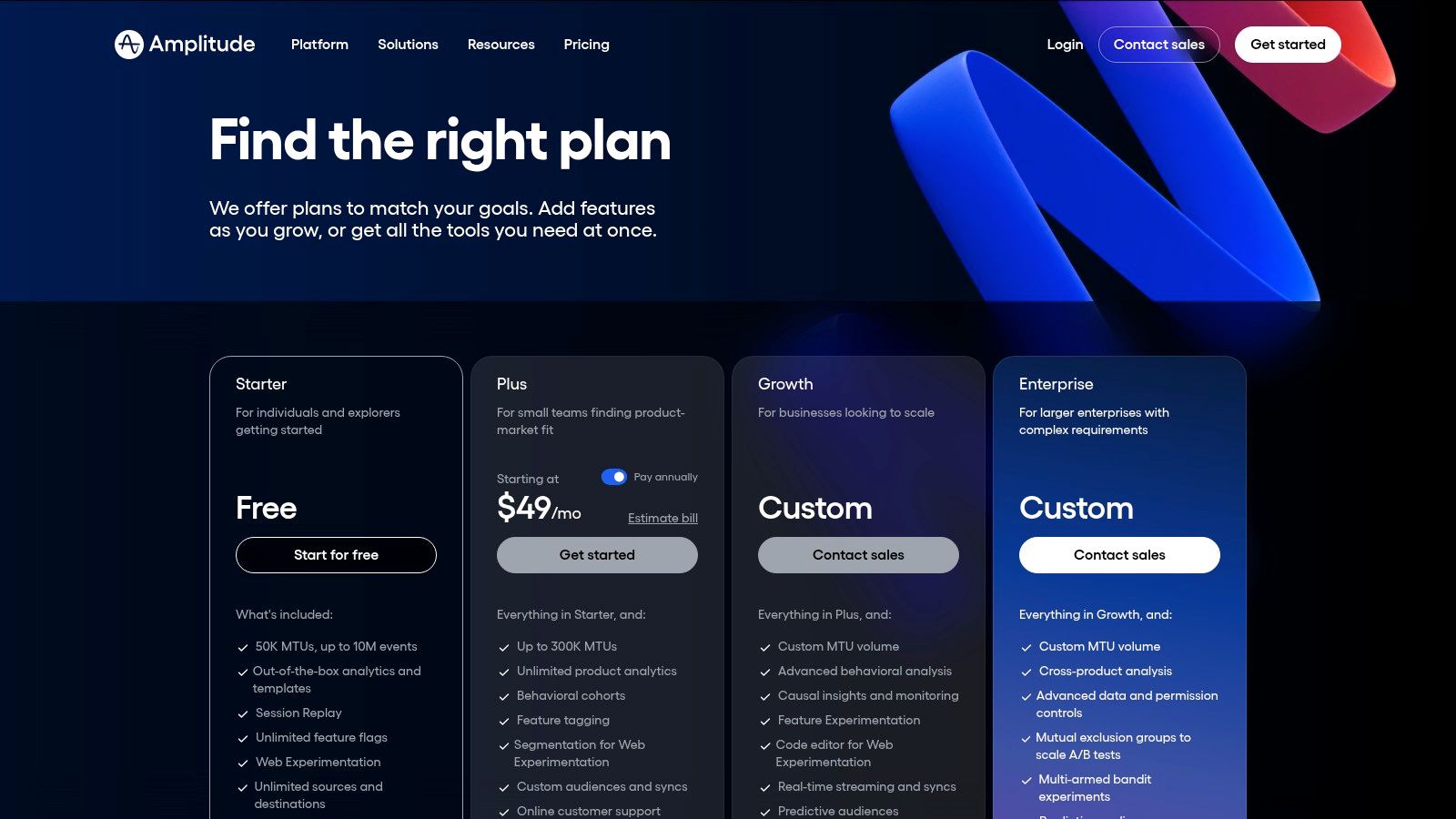
The platform is particularly valuable for its out-of-the-box templates and playbooks that guide teams through complex analyses like cohort retention and conversion drivers. The generous free Starter tier allows small teams to access core features, while paid plans add advanced capabilities like session replay, forecasting, and deeper experimentation tools. However, businesses must carefully manage their Monthly Tracked User (MTU) count, as exceeding limits can lead to unexpected costs, and pricing for higher tiers requires direct sales engagement.
Website: https://amplitude.com/pricing
| Feature | Best For | Pricing |
|---|---|---|
| Starter Tier | Startups, small product teams | Free |
| Plus, Growth, Enterprise | Growth-stage companies, large enterprises | Quote-based |
5. HubSpot Marketing Hub (Analytics & Attribution)
For teams that need analytics tightly integrated with sales and service data, HubSpot Marketing Hub offers a compelling all-in-one solution. Its strength lies in connecting marketing campaigns directly to CRM data, providing a full-funnel view from first touch to final sale. This closed-loop reporting allows marketers to demonstrate direct revenue impact, moving beyond simple traffic and lead metrics. The platform is one of the most comprehensive analytics tools for digital marketing for businesses invested in the HubSpot ecosystem.
Higher-tier plans like Professional and Enterprise unlock powerful multi-touch revenue attribution and customer journey analytics, clarifying which channels and assets contribute most to conversions. While the entry-level tools are accessible, the true power requires a significant investment in both cost and setup. The platform's main advantage is eliminating data silos between marketing, sales, and service, offering a single source of truth for customer-facing analytics. However, costs can escalate quickly as contact lists and user seats grow.
Website: https://www.hubspot.com/products/marketing/marketing-analytics
| Feature | Best For | Pricing |
|---|---|---|
| Starter | Small businesses needing basic campaign analytics | Starts at $18/month (billed annually) |
| Professional/Enterprise | Mid-market to enterprise teams needing full-funnel attribution and journey analytics | Starts at $800/month (Professional) |
6. Semrush
While many tools analyze your own website traffic, Semrush excels at providing competitive intelligence and market analysis. It functions as an all-in-one suite for SEO, SEM, and content marketing, allowing you to dissect your competitors' strategies. You can uncover their top organic keywords, analyze their backlink profiles, and even peek into their advertising copy and spending. This external focus makes it one of the most vital analytics tools for digital marketing for informing strategy before you even launch a campaign.
Semrush’s true power lies in its comprehensive toolkits that support both organic and paid initiatives. You can conduct deep keyword research, perform technical site audits, and track SERP positions, all within a single platform. While it doesn't replace on-site analytics, it provides the crucial "why" behind performance trends by contextualizing your data within the broader market landscape. For a clearer understanding of their distinct roles, a comparison of Semrush vs Google Analytics can help clarify which tool fits your immediate needs. The platform's extensive resources and integration capabilities, like with Looker Studio, make it a valuable hub for any marketing team.
Website: https://www.semrush.com/prices/
| Feature | Best For | Pricing |
|---|---|---|
| SEO & SEM Toolkits | SEO professionals, PPC managers, content marketers | Starts at $129.95/mo |
| Competitive Analysis | Market researchers, digital strategists | Included in all plans |
| API & Integrations | Agencies, enterprise teams needing custom dashboards | Higher-tier plans |
7. Ahrefs
While not a traditional web analytics platform, Ahrefs is an indispensable SEO suite that provides deep competitive and backlink analysis. Its strength lies in its massive web crawler and one of the industry's most comprehensive backlink indexes. This allows marketers to deconstruct competitor strategies, uncover high-value keywords, and identify link-building opportunities with unparalleled precision, making it one of the most powerful specialized analytics tools for digital marketing.
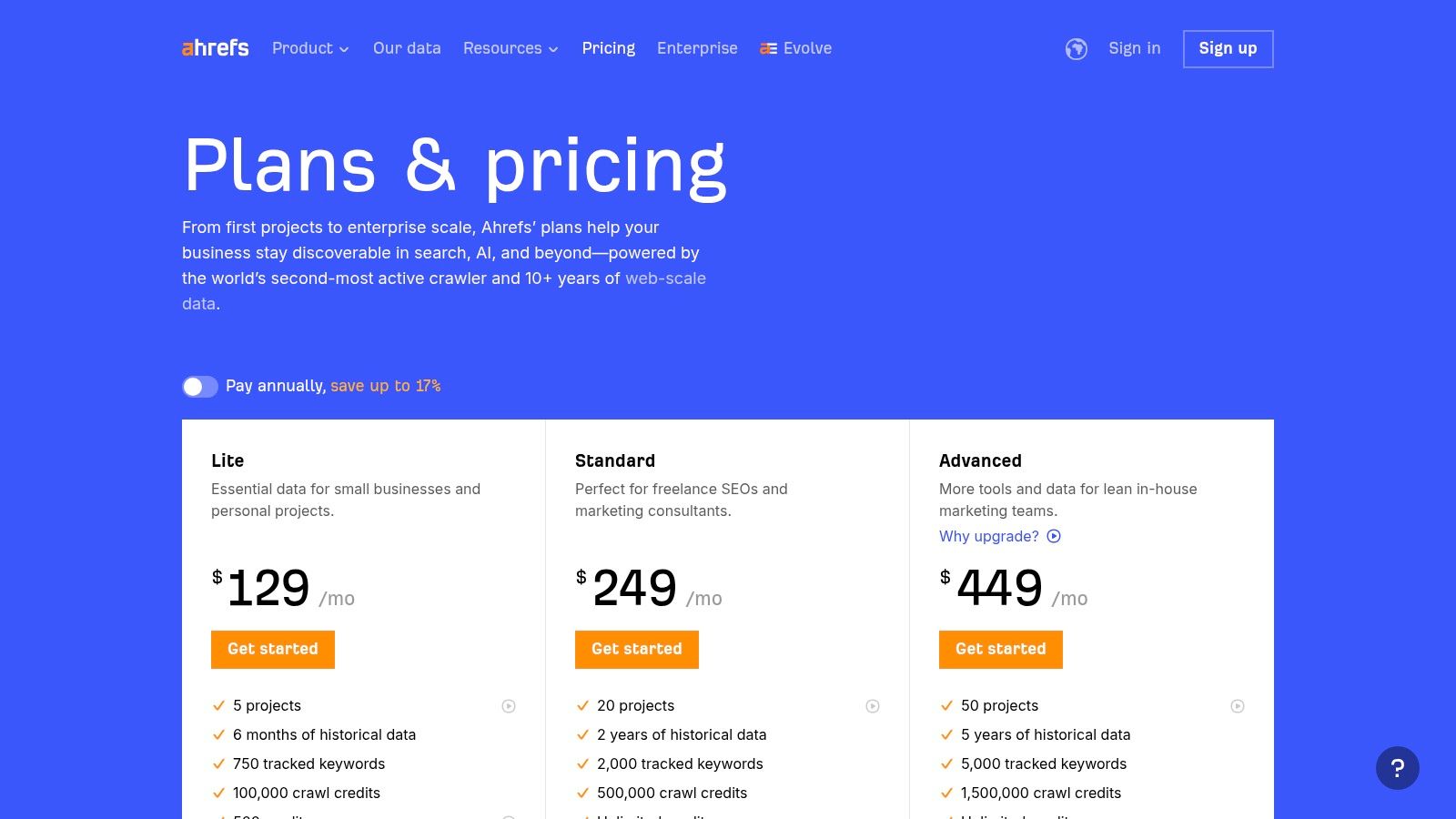
Ahrefs excels at providing actionable data for organic growth through its Site Explorer, Keywords Explorer, and Site Audit tools. While its pricing is tiered and can become costly as teams grow due to user seat and credit limits, the quality of its data is widely respected. For teams looking to manage these costs, learning how to share an Ahrefs account can be a practical solution for collaboration. Its clear, project-based interface makes tracking keyword rankings and monitoring site health straightforward for SEO professionals at all levels.
Website: https://ahrefs.com/pricing
| Feature | Best For | Pricing |
|---|---|---|
| Site Explorer & Keyword Research | SEO specialists, content marketers, agencies | Starts at $99/month |
| Rank Tracker & Site Audit | Website owners, in-house SEO teams | Included in all plans |
| API Access | Enterprise teams, developers | Quote-based (Advanced plans) |
8. Looker Studio (formerly Google Data Studio)
Looker Studio excels at transforming raw data into beautiful, easy-to-understand dashboards and reports. Its primary strength is its ability to visualize information from a vast array of sources, making it a central hub for marketing performance analysis. The platform provides native connectors to the entire Google Marketing Platform, including Google Ads, Analytics, and Search Console, allowing marketers to blend paid, organic, and website data into a single, cohesive view. This makes it one of the most accessible and powerful free analytics tools for digital marketing for creating shareable insights.
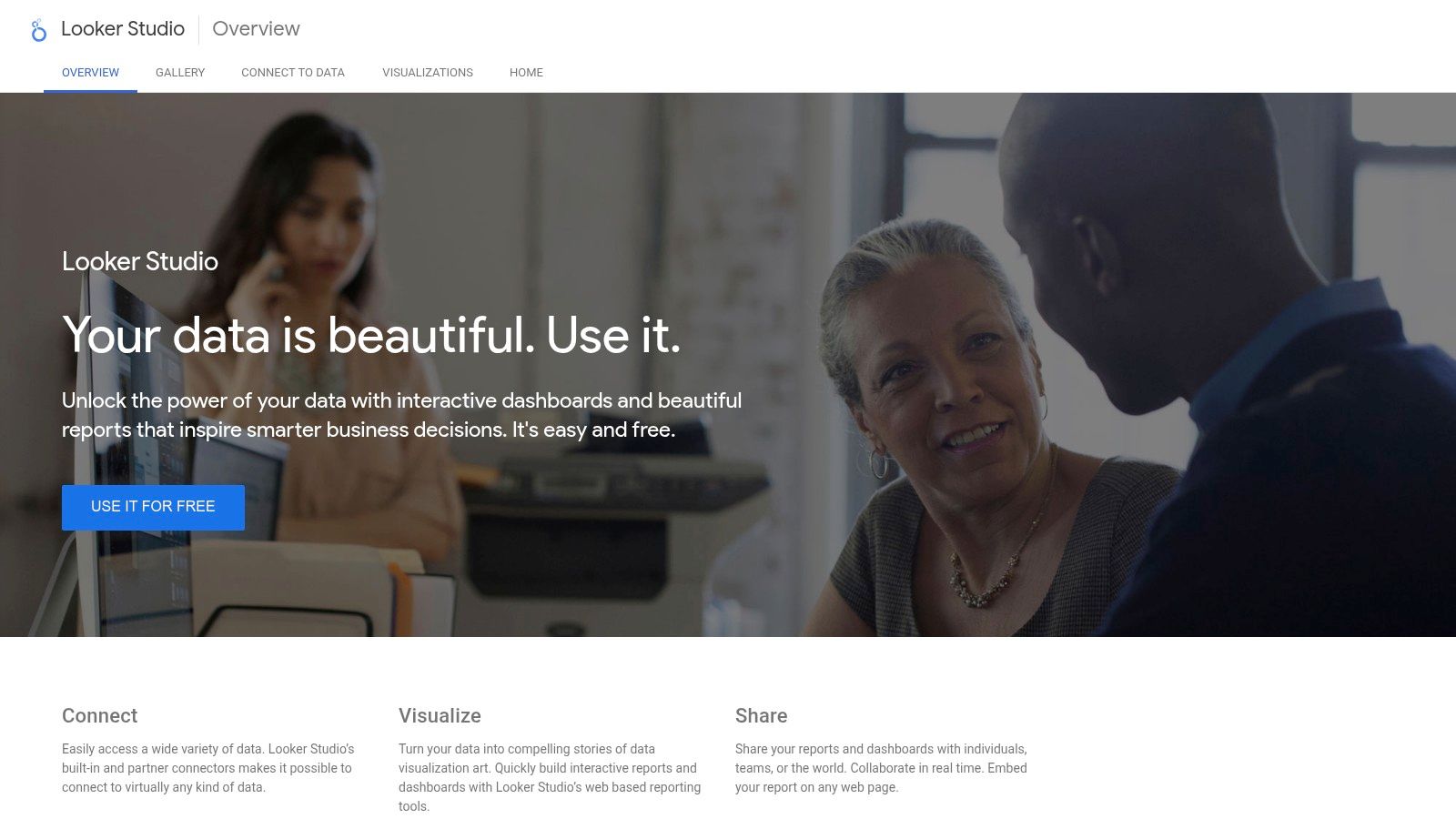
While the core Looker Studio is free, its capabilities are extended through both free and paid third-party connectors, enabling connections to databases, social media platforms, and other marketing software. This flexibility allows for comprehensive reporting, though dashboard performance can depend on the speed of the underlying data sources. For larger organizations needing advanced governance and support, Looker Studio Pro offers enterprise-level features. The platform is ideal for marketers who need to create and share dynamic, real-time reports with stakeholders without requiring deep technical expertise.
Website: https://lookerstudio.google.com/
| Feature | Best For | Pricing |
|---|---|---|
| Looker Studio | SMBs, marketing agencies, data analysts | Free |
| Looker Studio Pro | Enterprise teams needing asset management & support | Quote-based |
9. Meta Ads Manager (Facebook & Instagram)
For any team running paid social campaigns on Facebook or Instagram, Meta Ads Manager is the non-negotiable, foundational analytics platform. It provides the deepest and most direct reporting on campaign, ad set, and ad-level performance, offering granular breakdowns by audience, placement, and creative. Its primary strength is its native integration; the data comes directly from the ad delivery system, providing real-time insights into metrics like reach, frequency, and cost-per-result that third-party tools can only estimate.
While essential, the platform is not without its quirks. Marketers often experience data reporting delays and interface inconsistencies, and its attribution data may differ from what is seen in other analytics tools for digital marketing like Google Analytics. However, for optimizing campaigns directly within the Meta ecosystem, its detailed reporting is unparalleled. The platform is free to use, with costs tied only to the actual ad spend, making it accessible to advertisers of all sizes, from individual creators to large enterprises.
Website: https://adsmanager.facebook.com/
| Feature | Best For | Pricing |
|---|---|---|
| Direct Campaign Analytics | Advertisers on Facebook & Instagram | Free to use (cost is ad spend) |
| Granular Reporting | Paid social media managers, performance marketers | Free to use (cost is ad spend) |
10. Hotjar (now part of Contentsquare)
Where quantitative tools like GA4 tell you what users are doing, Hotjar excels at revealing why. It provides a suite of visual behavior analytics and feedback tools, including heatmaps, session recordings, and on-site surveys, to help marketers understand the user experience on a deeper, more qualitative level. Its primary strength is in translating raw numbers into actionable insights by showing you exactly how users click, scroll, and navigate through your pages.
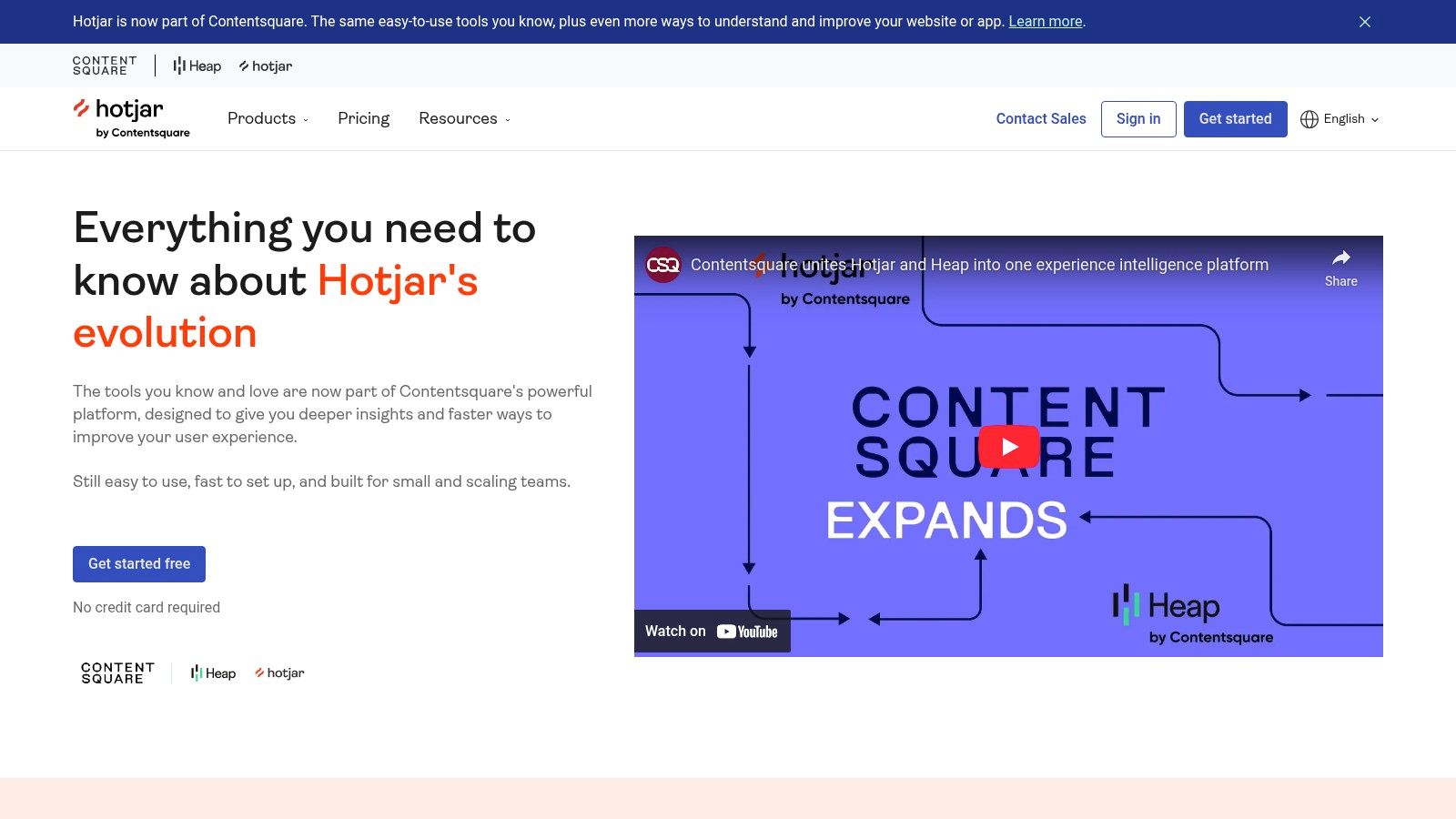
Now part of the Contentsquare family, Hotjar remains one of the most accessible analytics tools for digital marketing focused on user behavior. It complements traditional analytics platforms perfectly, allowing you to watch recordings of user sessions that led to drop-offs in your conversion funnel or use heatmaps to identify underperforming CTAs. While its deeper quantitative analysis is limited, its ability to quickly diagnose usability issues and gather direct user feedback is invaluable for conversion rate optimization.
Website: https://www.hotjar.com/pricing/
| Feature | Best For | Pricing |
|---|---|---|
| Observe (Heatmaps & Recordings) | CRO specialists, UX/UI designers | Free plan available; Paid plans from $32/month |
| Ask (Surveys & Feedback) | Product managers, marketers | Free plan available; Paid plans from $48/month |
| Engage (User Interviews) | Researchers, enterprise teams | Starts at $79/session |
11. Microsoft Clarity
Microsoft Clarity offers an entirely free way to understand how users actually experience your website through qualitative data. It focuses on visual evidence, providing automatic heatmaps and session recordings to show you exactly where users click, scroll, and struggle. This makes it an invaluable tool for diagnosing user experience (UX) issues, improving conversion funnels, and understanding on-page behavior without the high costs associated with similar platforms.
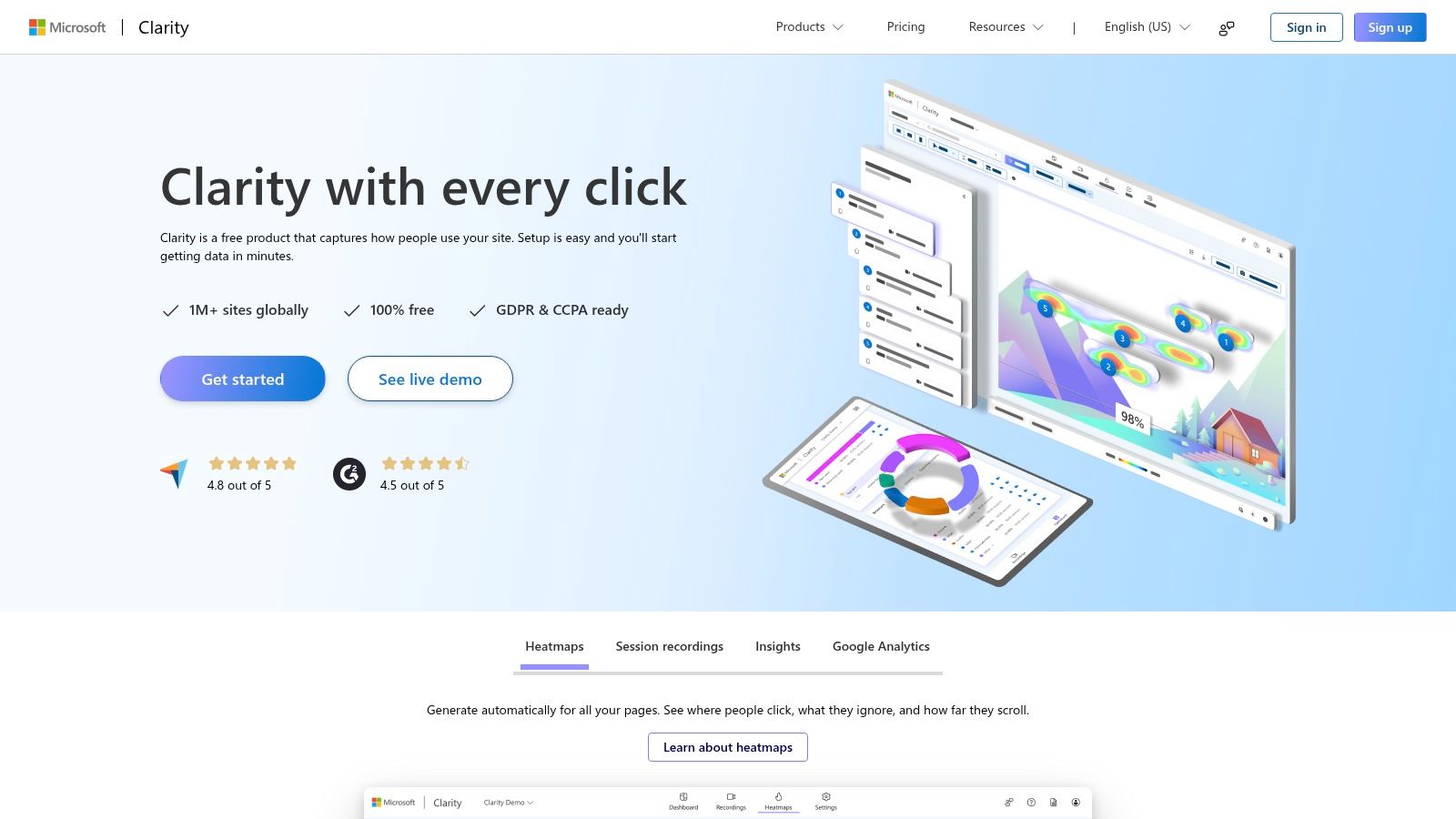
Its standout features, like "rage click" and "dead click" tracking, instantly highlight points of friction for visitors. Clarity is not a replacement for quantitative tools like Google Analytics, but it serves as an essential complement, providing the "why" behind the "what" in your data. Because it's free with no traffic limits and designed to be GDPR/CCPA-ready, it is one of the most accessible analytics tools for digital marketing for teams of any size looking to gain deep UX insights.
Website: https://clarity.microsoft.com/
| Feature | Best For | Pricing |
|---|---|---|
| Heatmaps | Visualizing on-page user engagement | Free |
| Session Replays | Diagnosing individual user journey issues | Free |
| UX Insights | Marketers, UX designers, CRO specialists | Free |
12. AWS Marketplace (Marketing Analytics solutions)
For organizations deeply integrated into the Amazon Web Services ecosystem, the AWS Marketplace offers a streamlined way to discover, purchase, and deploy third-party analytics software. It acts as a digital catalog where companies can find and subscribe to a wide range of marketing measurement, attribution, and data pipeline tools. The primary advantage is consolidated billing and procurement, allowing businesses to manage their analytics subscriptions directly through their existing AWS account, simplifying compliance and vendor management.
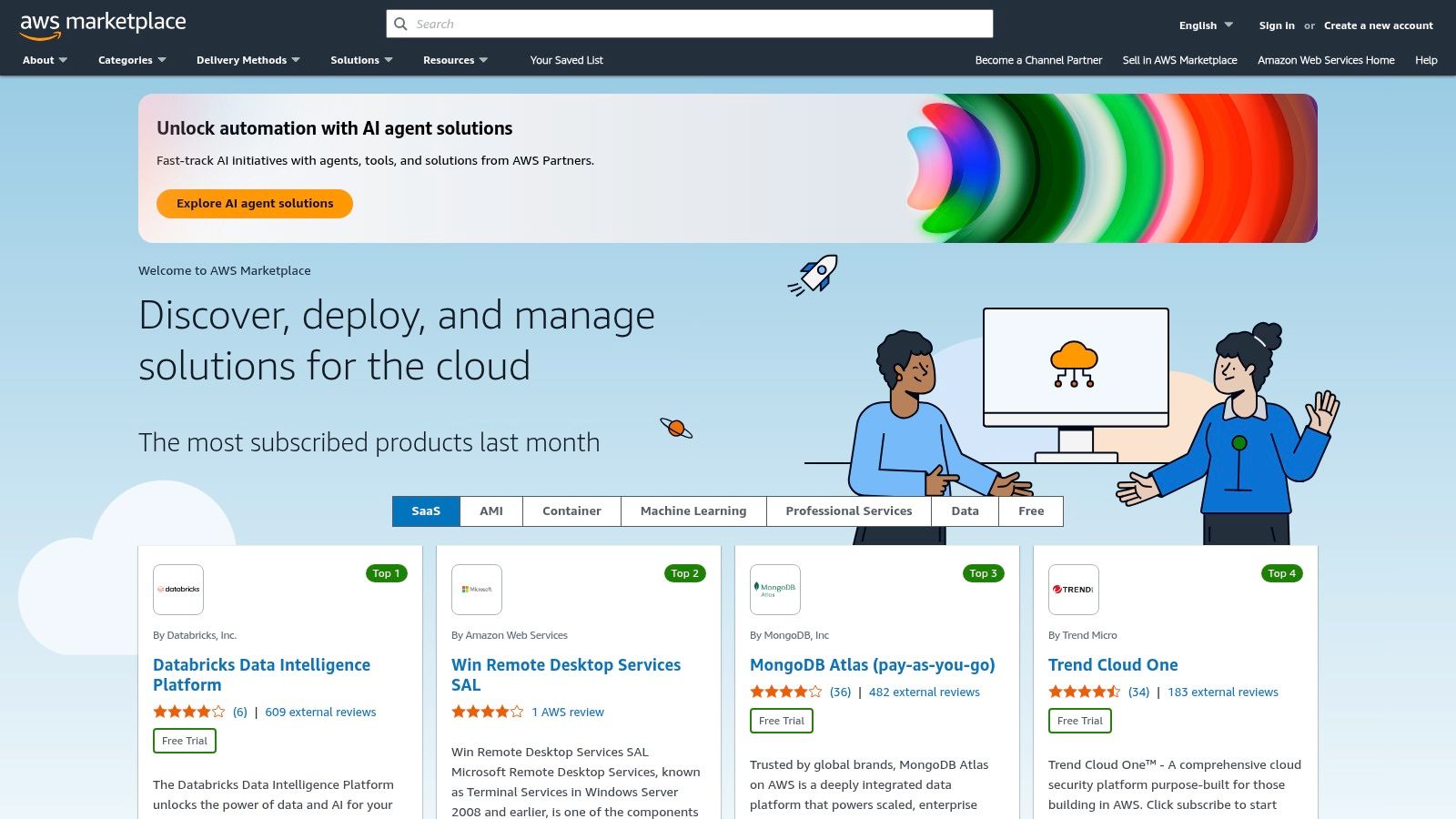
This platform is particularly useful for mid-market and enterprise teams whose procurement processes are already tied to AWS. Instead of navigating separate vendor contracts, teams can leverage their AWS agreements for faster deployment. While this simplifies the buying process for many powerful analytics tools for digital marketing, the selection and pricing are determined by individual vendors. Additionally, purchasing and deploying these solutions often require coordination with an AWS administrator, adding an extra step for marketing teams.
Website: https://aws.amazon.com/marketplace/
| Feature | Best For | Pricing |
|---|---|---|
| SaaS Subscriptions | Teams using AWS for infrastructure and billing | Varies by vendor |
| Deployment-Ready Tools | Enterprise procurement and compliance teams | Varies by vendor |
Top 12 Digital Marketing Analytics Tools Comparison
| Product | Core features | UX / Quality | Value & Pricing | Target audience | Unique selling point |
|---|---|---|---|---|---|
| Google Analytics (GA4) & Analytics 360 | Cross‑platform event tracking, BigQuery export, Google Ads connectors | GA4 ★★★★ / 360 ★★★★★ | 💰 GA4 Free · 360 Quote-based | 👥 SMBs → Enterprise advertisers | ✨ Deep Google ecosystem & raw‑data export · 🏆 |
| Adobe Analytics (Experience Cloud) | Real‑time ingestion, unified profiles, journey analysis, activation | ★★★★ | 💰 Quote-based (enterprise) | 👥 Enterprise marketing & CX teams | ✨ Suite-wide governance & activation · 🏆 |
| Mixpanel | Funnels, retention, behavioral cohorts, data pipelines add‑on | ★★★★ | 💰 Usage‑based with free tier | 👥 Growth & product teams | ✨ Fast funnel/retention UX; transparent pricing |
| Amplitude Analytics | Funnels, cohorts, feature flags, experimentation, session replay | ★★★★ | 💰 Free → Paid tiers (usage limits) | 👥 Product & growth teams | ✨ Unified analytics + experimentation |
| HubSpot Marketing Hub | Attribution, journey analytics, CRM‑linked reporting, dashboards | ★★★★ | 💰 Tiers scale with contacts & seats | 👥 SMB → Mid‑market marketers | ✨ Revenue‑linked campaign analytics |
| Semrush | SEO/SEM toolkits, keyword & backlink research, site audits | ★★★★ | 💰 Tiered plans + add‑ons | 👥 SEO/SEM & content teams | ✨ All‑in‑one competitive research toolkit |
| Ahrefs | Large crawler, backlink index, rank tracking, site audits | ★★★★ | 💰 Tier limits (credits/seats) | 👥 SEO specialists & agencies | 🏆 Best‑in‑class backlink & competitive data ✨ |
| Looker Studio (Google Data Studio) | Free dashboards, connectors (Ads, GA, BigQuery), collaboration | ★★★★ | 💰 Free (Pro for enterprise governance) | 👥 Marketers & analysts | ✨ Free cross‑channel reporting & templates |
| Meta Ads Manager | Campaign/ad reporting, attribution settings, audience controls | ★★★ | 💰 No tool fee (ad spend only) | 👥 Paid social advertisers | ✨ Deep native Meta delivery analytics |
| Hotjar (Contentsquare) | Heatmaps, session recordings, funnels, surveys/feedback widgets | ★★★★ | 💰 Free → per‑site plans (scales by sessions) | 👥 CRO & UX teams | ✨ Fast qualitative insights to explain behavior |
| Microsoft Clarity | Heatmaps, session replays, rage‑click & scroll insights, privacy ready | ★★★★ | 💰 Completely free | 👥 Marketers & UX teams | ✨ Free unlimited qualitative analytics |
| AWS Marketplace (Marketing Analytics) | Click‑to‑subscribe SaaS, consolidated billing, procurement workflows | ★★★ | 💰 Varies by vendor; AWS consolidated billing | 👥 Enterprise procurement & IT teams | ✨ Streamlined procurement + compliance via AWS |
Choosing Your Ideal Marketing Analytics Stack
Navigating the vast landscape of analytics tools for digital marketing can feel overwhelming, but the perfect solution isn't about finding a single, magical tool. Instead, the goal is to build a customized analytics stack that aligns perfectly with your business objectives, technical capabilities, and budget. As we've explored, the ideal setup often involves a strategic combination of platforms.
For instance, a foundational tool like Google Analytics 4 provides an unparalleled, comprehensive view of your website and app traffic. However, pairing it with a behavior analytics tool like Hotjar or Microsoft Clarity adds a crucial layer of qualitative insight, helping you understand the "why" behind the "what" in your data. This combination transforms raw numbers into actionable stories about user experience.
Key Takeaways for Building Your Stack
Remember, your analytics strategy is a living system that should evolve with your business. The tools you choose today might need to be augmented or replaced as your team grows, your marketing channels diversify, and your data needs become more complex. Keep the following principles in mind:
- Start with Your Goals: Don't choose a tool for its features; choose it for its ability to answer your most critical business questions. Are you focused on acquisition, conversion optimization, or customer retention? Let your objectives guide your selection.
- Integration is Non-Negotiable: The true power of a modern analytics stack lies in how well its components work together. A siloed tool is a data dead-end. Prioritize platforms that offer robust integrations and APIs to ensure a unified view of your marketing performance.
- Balance Quantitative and Qualitative: Numbers tell you what happened, while user behavior insights tell you why. A powerful stack includes both. Use quantitative tools like Adobe Analytics or Mixpanel for broad trend analysis and qualitative tools like Hotjar to dive deep into specific user interactions.
Actionable Next Steps
To move forward, begin by auditing your current analytics capabilities. Identify the gaps between the data you have and the insights you need. Are you blind to your SEO competitors? A tool like Semrush or Ahrefs is essential. Do you struggle to visualize your disparate data sources? Looker Studio can be your central dashboarding solution.
When designing a robust marketing analytics stack, understanding the various analytics connectors available is crucial for seamless data flow and integration between these powerful platforms. This ensures your data isn't just collected but is also accessible and unified where you need it most.
Ultimately, the best analytics tools for digital marketing are the ones that empower your team to make smarter, data-driven decisions confidently. The journey from data collection to actionable insight is the core of modern marketing success. Choose wisely, integrate thoughtfully, and never stop asking questions of your data.
Managing subscriptions for your new analytics stack can get expensive. AccountShare helps you and your team access premium marketing and business tools affordably by facilitating secure and legal account sharing. Start building your ideal, cost-effective toolset today with AccountShare.