

7 Best alternative to spotify You Should Know
Spotify has long dominated the music streaming landscape, but its one-size-fits-all approach isn't for everyone. Whether you're an audiophile demanding high-fidelity audio, a family looking for a more affordable shared plan, or simply someone seeking a better user interface and music discovery algorithm, a wealth of excellent services are competing for your attention. Finding the best alternative to Spotify depends entirely on your specific priorities, from sound quality and library size to exclusive content and integration with your existing devices.
This guide is designed to cut through the noise and provide a comprehensive comparison of the top contenders. We will explore each platform's unique strengths and weaknesses, helping you make an informed decision without the guesswork. Choosing the right platform can be crucial, as different music streaming platforms offer unique features and pricing models that can significantly impact your listening experience.
Inside this detailed roundup, you will find:
- In-depth analysis of seven leading Spotify alternatives: Apple Music, YouTube Music, Amazon Music Unlimited, TIDAL, Deezer, Qobuz, and Pandora.
- Direct comparisons of pricing tiers, including individual, family, and student plans.
- Feature breakdowns, complete with screenshots, highlighting everything from audio quality options to playlist curation tools.
- Actionable pros and cons for each service to help you weigh your options.
- "Best for" recommendations to quickly identify the ideal service for audiophiles, families, budget-conscious users, and more.
We will provide all the necessary details, including direct links to each service, so you can easily explore the platform that best fits your needs. Our goal is to equip you with the information required to confidently switch and upgrade your daily music listening.
1. Apple Music
For those deeply embedded in the Apple ecosystem, Apple Music presents itself as the most seamless and high-quality best alternative to Spotify. It leverages its native integration with iPhones, iPads, Macs, and HomePods to create a fluid user experience that competitors struggle to match. The service boasts a massive library of over 100 million songs, all available ad-free with a standard subscription.
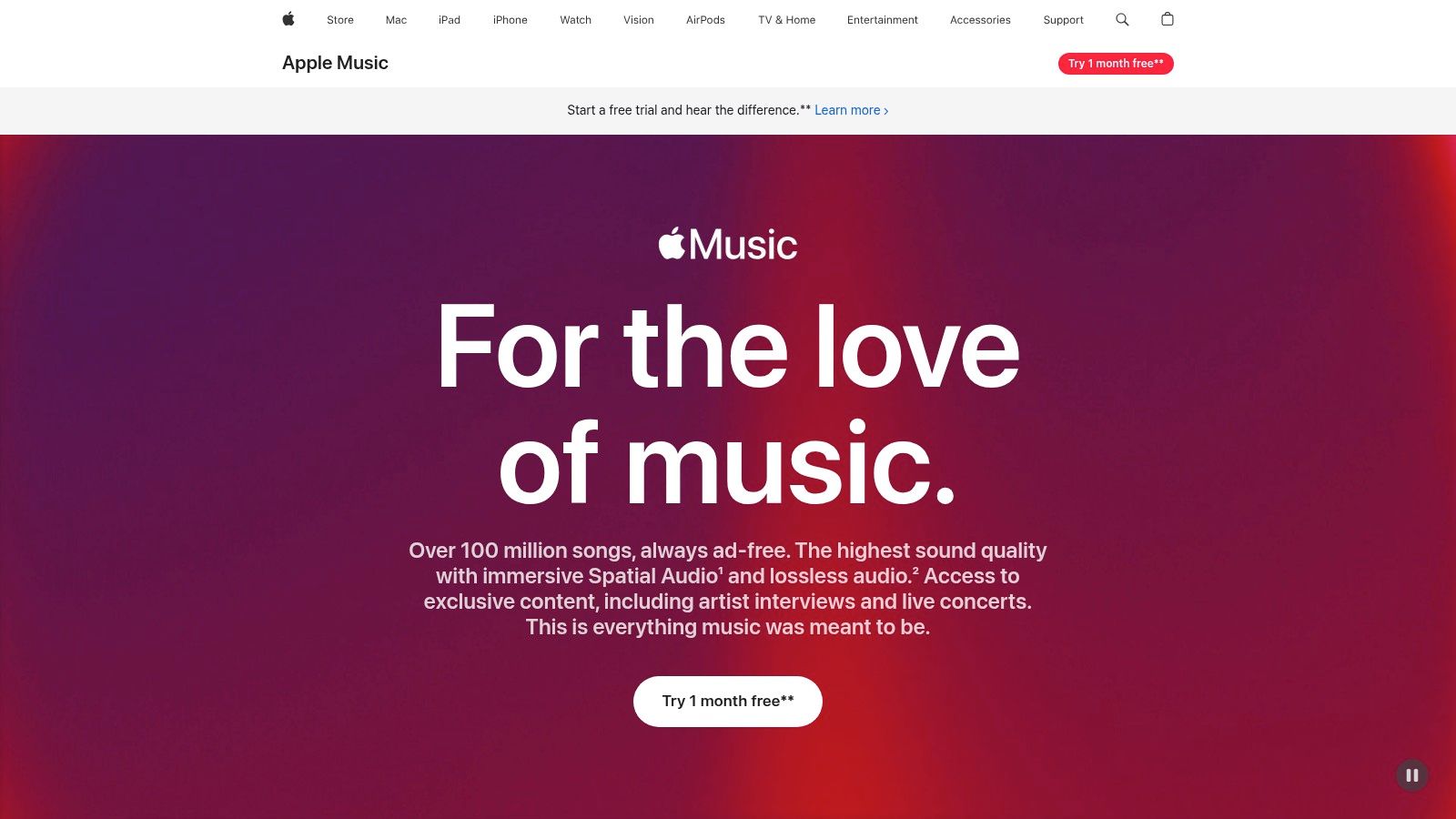
What truly sets Apple Music apart is its commitment to audio quality at no extra cost. While Spotify reserves its highest fidelity streams for premium tiers, Apple Music includes Lossless Audio and Spatial Audio with Dolby Atmos in its standard plans. This makes immersive, high-resolution listening accessible to all subscribers, a significant value proposition for audiophiles.
Key Features and User Experience
Apple Music’s strength lies in its human-curated playlists and radio stations, including the flagship Apple Music 1. The interface is clean and visually driven, though some users find the desktop app for Mac less intuitive than its mobile counterpart. A standout feature is the inclusion of the separate Apple Music Classical app, a dedicated experience for classical music lovers with a superior metadata and search system tailored for the genre.
Pricing and Plans
Apple Music offers several tiers designed for different users. The Individual plan is competitively priced, while the Student plan includes access to Apple TV+. The Family plan is where the value truly shines, allowing up to six people their own separate accounts.
Here is a breakdown of the primary plans:
| Plan | Monthly Price (USD) | Key Features |
|---|---|---|
| Individual | $10.99 | Full access, Lossless & Spatial Audio, offline listening |
| Family | $16.99 | All Individual features for up to 6 people, separate libraries |
| Student | $5.99 | All Individual features plus free Apple TV+ |
Pros and Cons
Pros:
- Superior Audio Quality: Lossless and Spatial Audio are included in the base price.
- Ecosystem Integration: Works flawlessly with Apple Watch, CarPlay, and HomePod.
- Excellent Value for Families: The Family plan provides a cost-effective solution for multiple users. You can learn more about how to set up cost-saving features with this guide to Apple Family Sharing.
Cons:
- Desktop App Experience: The macOS app has faced user complaints regarding stability and user interface design.
- Less Social Focus: Community features and collaborative playlists are not as developed as Spotify's.
Website: https://www.apple.com/apple-music/
2. YouTube Music (YouTube Music Premium)
For those who live and breathe the YouTube ecosystem, YouTube Music emerges as a powerful and unique best alternative to Spotify. Its primary advantage is leveraging YouTube's colossal video library, seamlessly integrating official songs and albums with a vast, unmatched catalog of live performances, fan covers, remixes, and music videos. This creates a rich, multimedia-driven listening experience that goes far beyond traditional audio streaming.
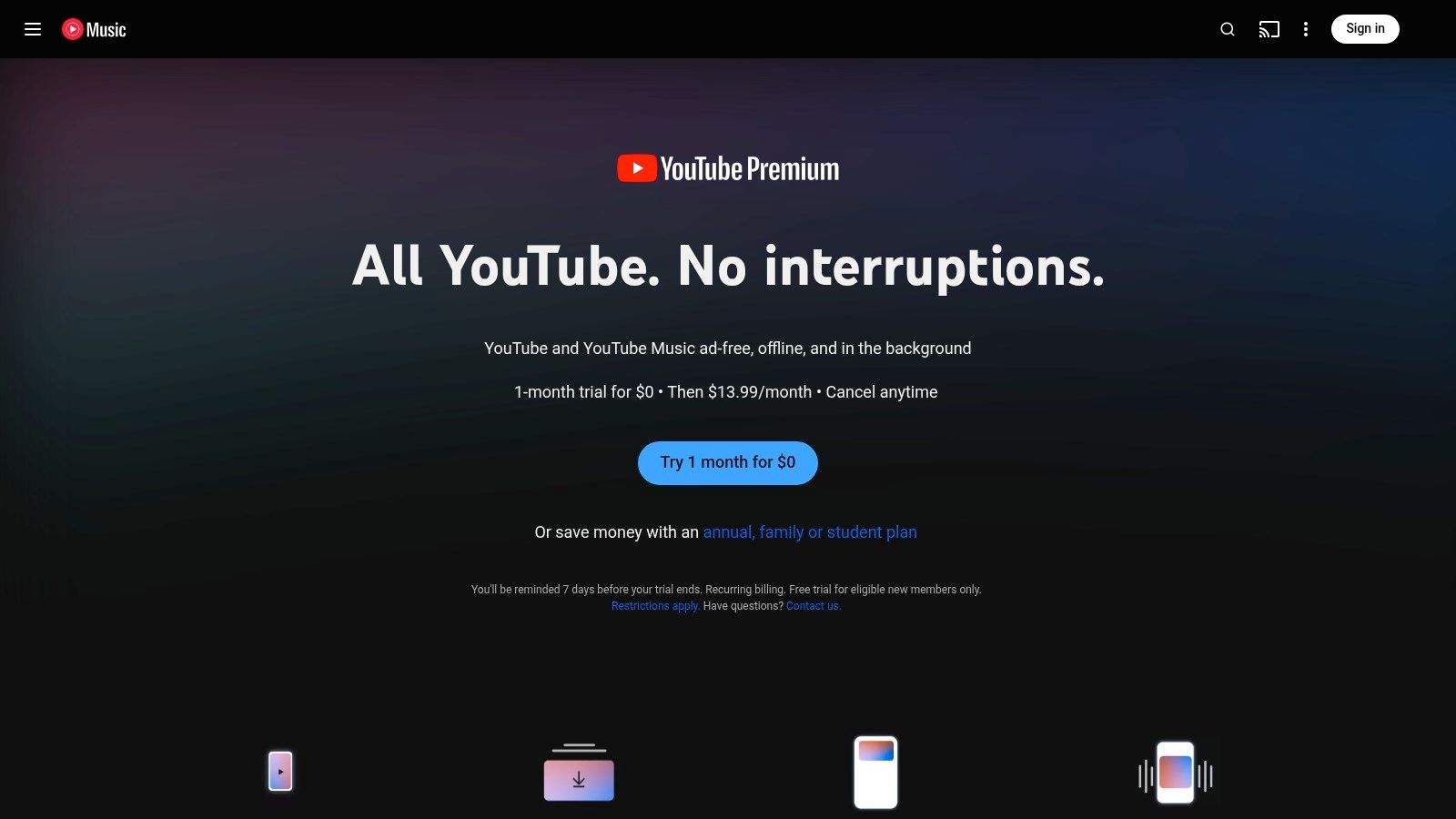
The platform's strength is its ability to bridge the gap between audio and video. With a YouTube Music Premium subscription, users can enjoy millions of songs ad-free, download tracks for offline listening, and play music in the background while using other apps. A standout feature is the simple toggle that lets you switch between a song’s audio and its official music video without interruption, offering a dynamic way to engage with music.
Key Features and User Experience
YouTube Music excels at discovery, using Google's powerful search and recommendation algorithms to surface new tracks based on your listening history across both YouTube Music and the main YouTube platform. The user interface is clean and integrates well with Google Assistant for hands-free control. The real value proposition is the option to bundle the service with YouTube Premium, which removes ads across the entire YouTube platform, not just the music app.
Pricing and Plans
YouTube Music offers a compelling pricing structure, especially when bundled. The Individual plan is standard, but the Family plan provides excellent value by including full YouTube Premium benefits for every member, making it a comprehensive entertainment package.
Here is a breakdown of the primary plans:
| Plan | Monthly Price (USD) | Key Features |
|---|---|---|
| Individual | $10.99 | Ad-free music, background play, offline downloads |
| Family | $16.99 | All Individual features for up to 6 people, separate libraries |
| Student | $5.49 | All Individual features at a discounted rate |
Pros and Cons
Pros:
- Unrivaled Content Library: Access to official tracks plus a massive collection of live versions, covers, and remixes.
- Seamless Video Integration: Effortlessly switch between audio-only and music video formats.
- Excellent Bundle Value: Combining with YouTube Premium offers a comprehensive ad-free video and music experience. You can find out more with this guide to sharing YouTube Premium.
Cons:
- Audio Quality Limitations: Lacks the high-fidelity and lossless audio options found on services like Apple Music or Tidal.
- Interface Can Feel Busy: The integration of so much video content can sometimes make the user interface feel less focused than audio-only competitors.
Website: https://music.youtube.com/premium
3. Amazon Music Unlimited
For the millions of Amazon Prime members and those heavily invested in the Alexa smart home ecosystem, Amazon Music Unlimited emerges as a powerful and often discounted best alternative to Spotify. The service provides a compelling package, combining a massive song library with high-fidelity audio options and seamless integration with Amazon's own hardware, making it a natural choice for many households. It boasts over 100 million songs, all available ad-free with a standard subscription.
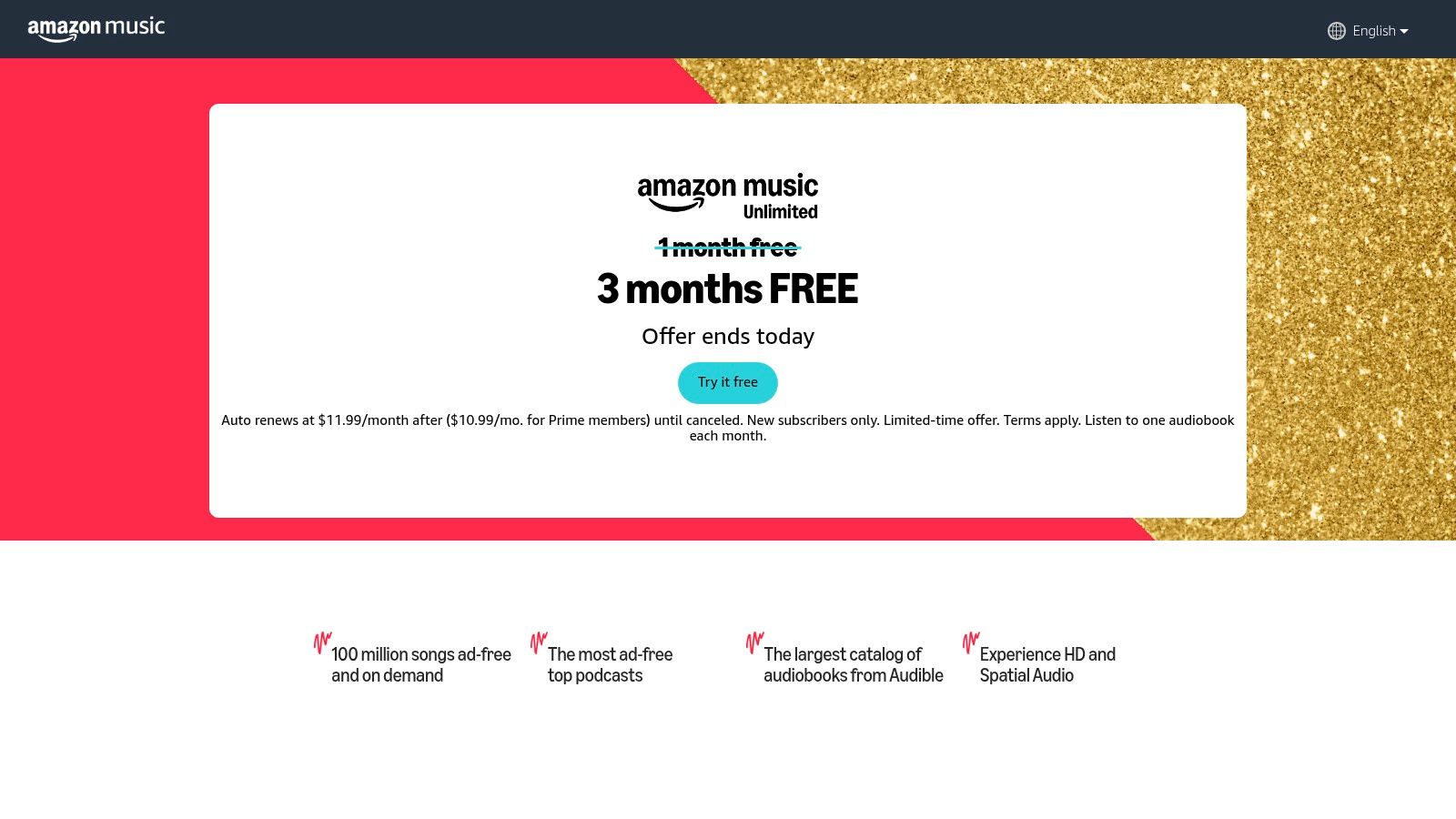
Similar to Apple Music, Amazon Music Unlimited makes high-resolution audio a core part of its standard offering, not an expensive add-on. Subscribers gain access to HD (CD-quality, 16-bit/44.1 kHz) and Ultra HD (better than CD-quality, up to 24-bit/192 kHz) tracks at no additional cost. The service also features a rapidly growing catalog of songs mixed in Spatial Audio formats like Dolby Atmos and 360 Reality Audio, providing an immersive listening experience for users with compatible devices.
Key Features and User Experience
Amazon Music's biggest strength is its deep integration with Alexa and Echo devices. Voice commands for playing specific songs, artists, or custom playlists are exceptionally fluid, and the service powers multi-room audio across Echo speakers effortlessly. The platform also includes a substantial podcast library and works across standard devices like Fire TV, Android Auto, and CarPlay. However, the user interface on its mobile and desktop apps has received mixed feedback, with some users finding music discovery and navigation less intuitive than Spotify's.
Pricing and Plans
Amazon offers very competitive pricing, with a significant discount for existing Prime members that makes it one of the most affordable high-fidelity options. There is also a unique Single Device Plan for those who only listen on a specific Echo or Fire TV device.
Here is a breakdown of the primary plans:
| Plan | Monthly Price (USD) | Key Features |
|---|---|---|
| Individual | $10.99 (Non-Prime) / $9.99 (Prime) | Full access, HD/Ultra HD & Spatial Audio, offline listening |
| Family | $16.99 | All Individual features for up to 6 people, separate libraries |
| Single Device | $5.99 | Full access on a single eligible Echo or Fire TV device |
Pros and Cons
Pros:
- Excellent Value for Prime Members: The discount makes it a highly cost-effective choice for existing Amazon customers.
- Superior Audio Quality: HD, Ultra HD, and Spatial Audio are included in the standard price.
- Unmatched Alexa Integration: The best-in-class experience for voice control and Echo device playback. To maximize this, you can learn how to share your Amazon Music subscription with family members.
Cons:
- App User Experience: The interface for music discovery and library management is often cited as less refined than its main competitors.
- Less Social Integration: Lacks the robust collaborative playlist features and community focus found on Spotify.
Website: https://music.amazon.com/lp/freemusic
4. TIDAL
For the discerning listener who prioritizes audio fidelity above all else, TIDAL is arguably the best alternative to Spotify. Originally launched with a strong focus on artist-owned content and high-resolution audio, it has carved out a niche as the premier service for audiophiles. The platform delivers a vast catalog of over 100 million songs, with a significant portion available in lossless and master-quality formats.
What truly distinguishes TIDAL is its straightforward commitment to superior sound. Unlike competitors who often gatekeep their best audio quality, TIDAL offers HiRes FLAC (up to 24-bit, 192 kHz) and immersive formats like Dolby Atmos and Sony 360 Reality Audio within its standard individual plan. This makes it an incredibly compelling choice for users with high-end headphones or audio systems who want to experience music exactly as the artist intended.
Key Features and User Experience
TIDAL’s interface is sleek, modern, and often praised for its dark, sophisticated aesthetic. Its editorial curation is a major strength, featuring in-depth articles, exclusive video content, and thoughtfully compiled playlists that feel more like a digital music magazine than a simple algorithm. A unique offering is the optional DJ Extension add-on, which allows seamless integration with popular DJ software like Serato and VirtualDJ, giving DJs direct access to TIDAL's high-quality catalog for their mixes.
Pricing and Plans
TIDAL simplified its pricing to make high-fidelity audio accessible to everyone. The main plans are designed to accommodate individuals, families, and students, with all core audio features included in the base subscription.
Here is a breakdown of the primary plans:
| Plan | Monthly Price (USD) | Key Features |
|---|---|---|
| Individual | $10.99 | Full access, HiRes FLAC, Dolby Atmos, offline listening |
| Family | $16.99 | All Individual features for up to 6 people, separate accounts |
| Student | $4.99 | All Individual features at a discounted rate for eligible students |
| DJ Extension | +$9.00 | Add-on for any plan, unlocks stem separation & DJ app integration |
Pros and Cons
Pros:
- Exceptional Sound Quality: HiRes FLAC and Dolby Atmos are included in the standard plan.
- Strong Editorial Curation: Excellent for music discovery beyond algorithms.
- DJ Integration: A powerful, optional add-on for aspiring and professional DJs.
Cons:
- Smaller Third-Party Ecosystem: May have fewer integrations with smart speakers and devices compared to Spotify or Amazon Music.
- Niche Focus: The emphasis on high-fidelity may not be a major selling point for casual listeners using standard earbuds.
Website: https://tidal.com/pricing
5. Deezer
For listeners who value personalized discovery and high-fidelity audio without complexity, Deezer stands out as a powerful and well-established best alternative to Spotify. This global streaming service has been around since 2007 and has refined its offering to focus on a massive catalog combined with its signature "Flow" feature, creating a lean-back listening experience that learns and adapts to your taste over time.
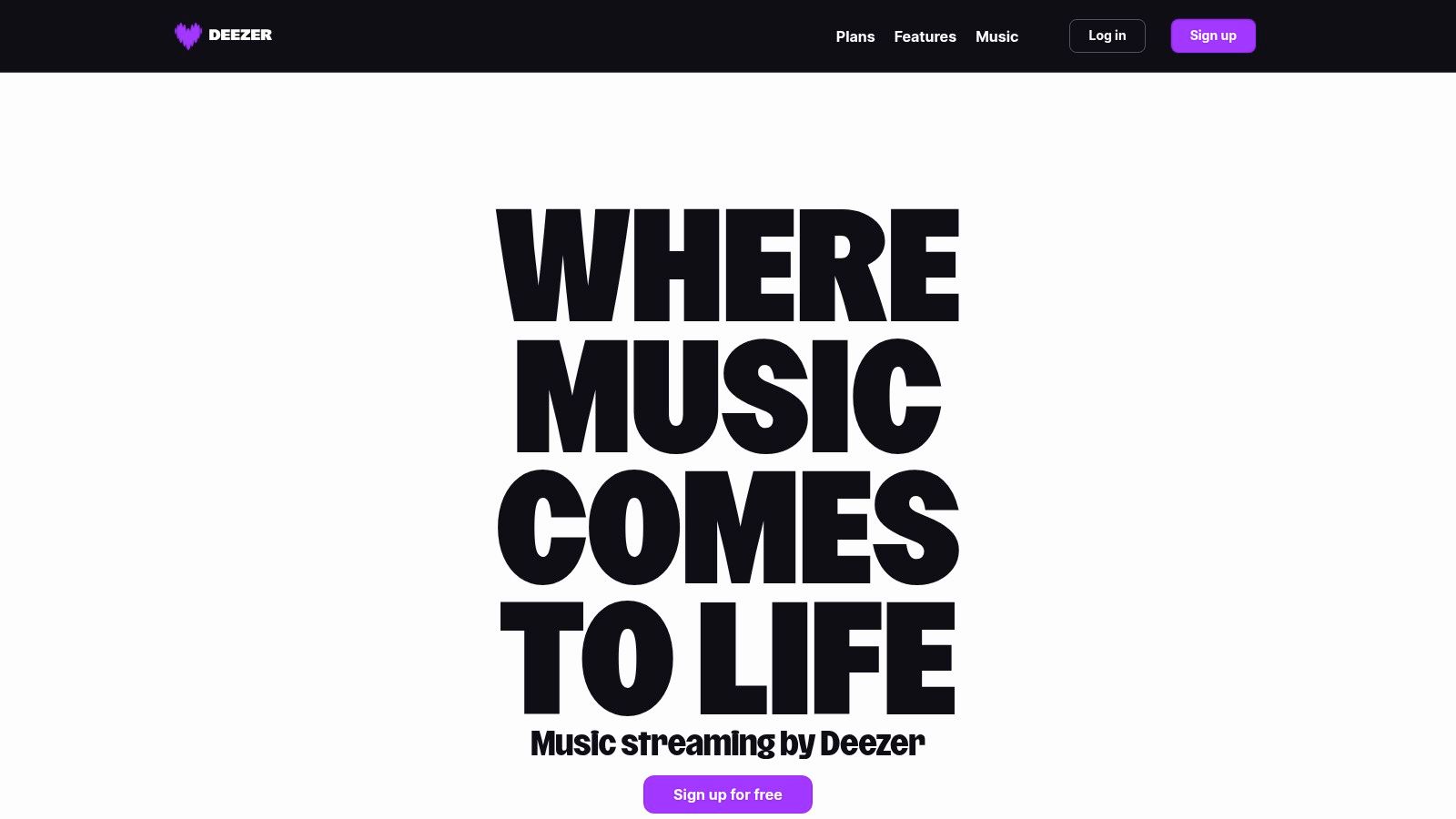
What makes Deezer particularly compelling is its straightforward approach to audio quality. In many regions, the standard Premium subscription includes access to HiFi sound, providing lossless CD-quality FLAC streams. This democratic approach to high-fidelity audio, often bundled into a single competitive price point, makes it an excellent choice for users who want better sound without paying for a separate, more expensive tier.
Key Features and User Experience
Deezer’s core strength is its "Flow" feature, an endless personalized mix that intelligently shuffles between your favorite tracks and new discoveries it thinks you’ll love. The interface is clean and user-friendly, offering easy access to a vast library of over 90 million songs, podcasts, and radio stations. Its "SongCatcher" feature, similar to Shazam, is built directly into the app, allowing you to identify music playing around you and add it to your playlists instantly.
Pricing and Plans
Deezer offers a familiar range of plans, including options for individuals, pairs, families, and students. A key advantage is its competitive annual pricing, which often provides a significant discount over monthly payments. It's important to note that pricing and the inclusion of HiFi can vary by country, so it's wise to verify the specifics for your region.
Here is a general breakdown of its common plans:
| Plan | Monthly Price (USD, approx.) | Key Features |
|---|---|---|
| Premium | $11.99 | Ad-free music, offline listening, HiFi sound in most regions |
| Duo | $15.99 | All Premium features for 2 people with separate accounts |
| Family | $19.99 | All Premium features for up to 6 individual accounts |
| Student | $5.99 | All Premium features at a discounted rate for eligible students |
Pros and Cons
Pros:
- Excellent Personalization: The "Flow" feature is highly regarded for its ability to create a seamless and personalized listening experience.
- HiFi Included with Premium: Access to lossless, CD-quality audio is often included in the standard plan, offering great value for audiophiles.
- Competitive Annual Pricing: The option to pay for a full year upfront can result in substantial savings.
Cons:
- Regional Pricing and Feature Variation: The availability of HiFi and the exact subscription costs can differ significantly between countries.
- Less Social Integration: Its collaborative and social sharing features are not as robust or widely used as Spotify's.
Website: https://www.deezer.com
6. Qobuz
For the dedicated audiophile, Qobuz is not just a streaming service; it's a statement about sound quality. It positions itself as the best alternative to Spotify for listeners who refuse to compromise on audio fidelity. The platform delivers true high-resolution FLAC streams, up to an impressive 24-bit/192 kHz, offering a listening experience that is as close to the original studio master as possible.
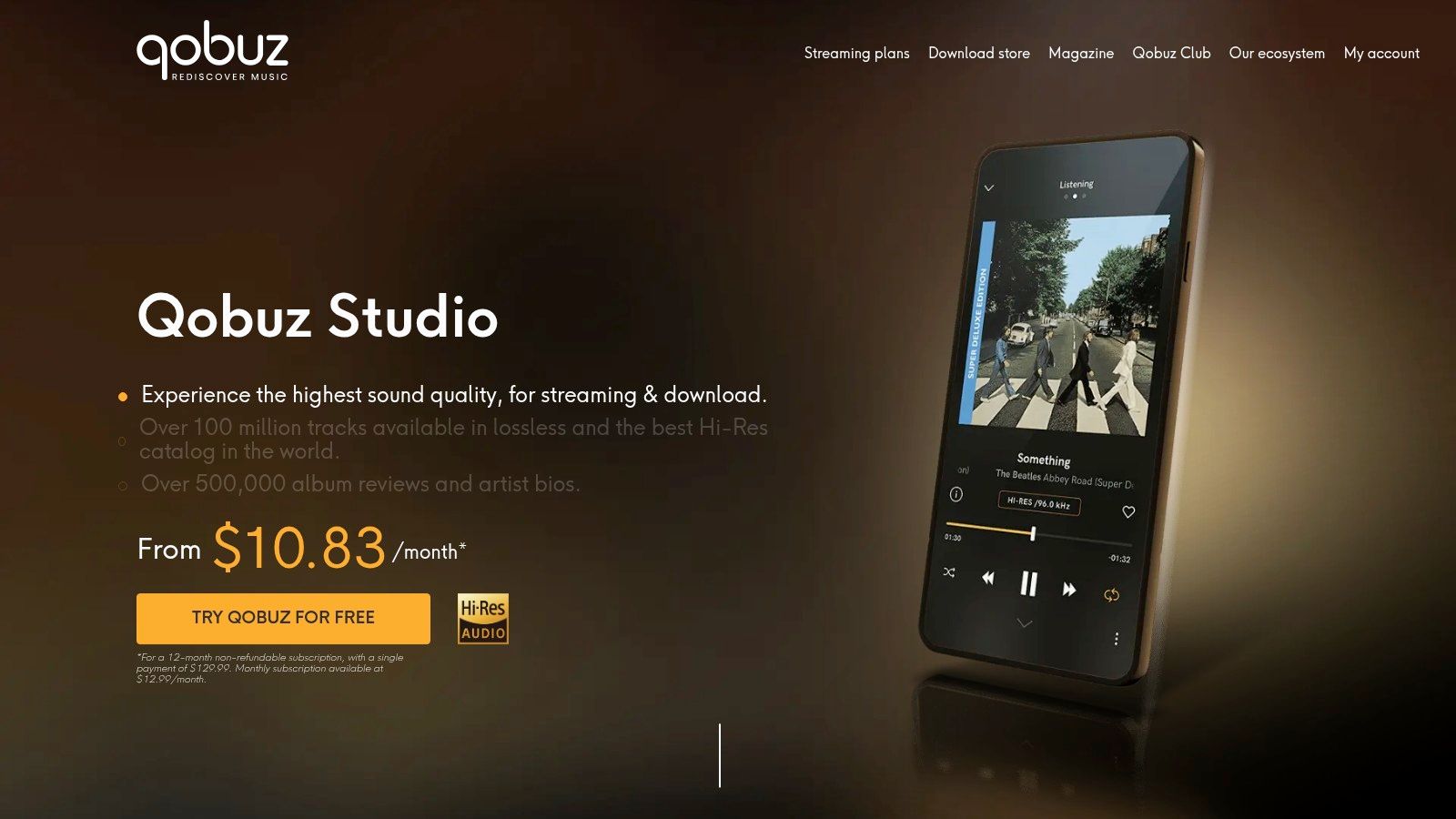
Unlike algorithm-heavy platforms, Qobuz champions a more curated, album-centric approach. Its rich editorial content, including in-depth album reviews, artist biographies, and thoughtful features, encourages deeper engagement with the music. It also uniquely integrates a download store, allowing users to purchase and permanently own their favorite albums in Hi-Res quality.
Key Features and User Experience
Qobuz's primary draw is its Studio quality streaming, which is included in all its plans. The user interface prioritizes the album as the central format, appealing to listeners who enjoy the traditional album experience. The platform's discovery is heavily influenced by human curation and editorial recommendations, which can be a refreshing change for those tired of purely algorithmic suggestions. However, some users report that the mobile app and casting stability can be less reliable than more mainstream competitors.
Pricing and Plans
Qobuz structures its pricing around providing full Hi-Res access to everyone, with discounts available for multi-user or annual plans. The Sublime plan is a unique offering, bundling streaming with significant discounts on Hi-Res album purchases from their download store.
Here is a breakdown of the primary plans:
| Plan | Monthly Price (USD) | Key Features |
|---|---|---|
| Studio | $12.99 | Full library access, Hi-Res streaming up to 24-bit/192 kHz |
| Duo | $17.99 | All Studio features for 2 people with separate accounts |
| Family | $21.90 | All Studio features for up to 6 people, separate accounts |
| Sublime | $15.00/mo (billed annually) | All Studio features plus up to 60% off Hi-Res purchases |
Pros and Cons
Pros:
- Top-Tier Audio Quality: Uncompromising Hi-Res FLAC streaming is the standard.
- Rich Editorial Content: Deepens music discovery with human-curated context and reviews.
- Integrated Download Store: Offers the option to purchase and own music in the highest quality.
Cons:
- App Experience: Some users criticize the mobile app's user experience and stability.
- Less Algorithm-Driven: Discovery feels less immediate for those accustomed to Spotify's powerful recommendation engine.
Website: https://www.qobuz.com/us-en/music/streaming/offers
7. Pandora (Plus and Premium)
For listeners who prioritize music discovery and a "lean-back" radio experience, Pandora remains a compelling best alternative to Spotify. Built on its pioneering Music Genome Project, Pandora excels at creating personalized stations that continuously adapt to your tastes. It offers a unique two-tiered approach, catering both to users who want an enhanced radio experience and those who need full on-demand control.
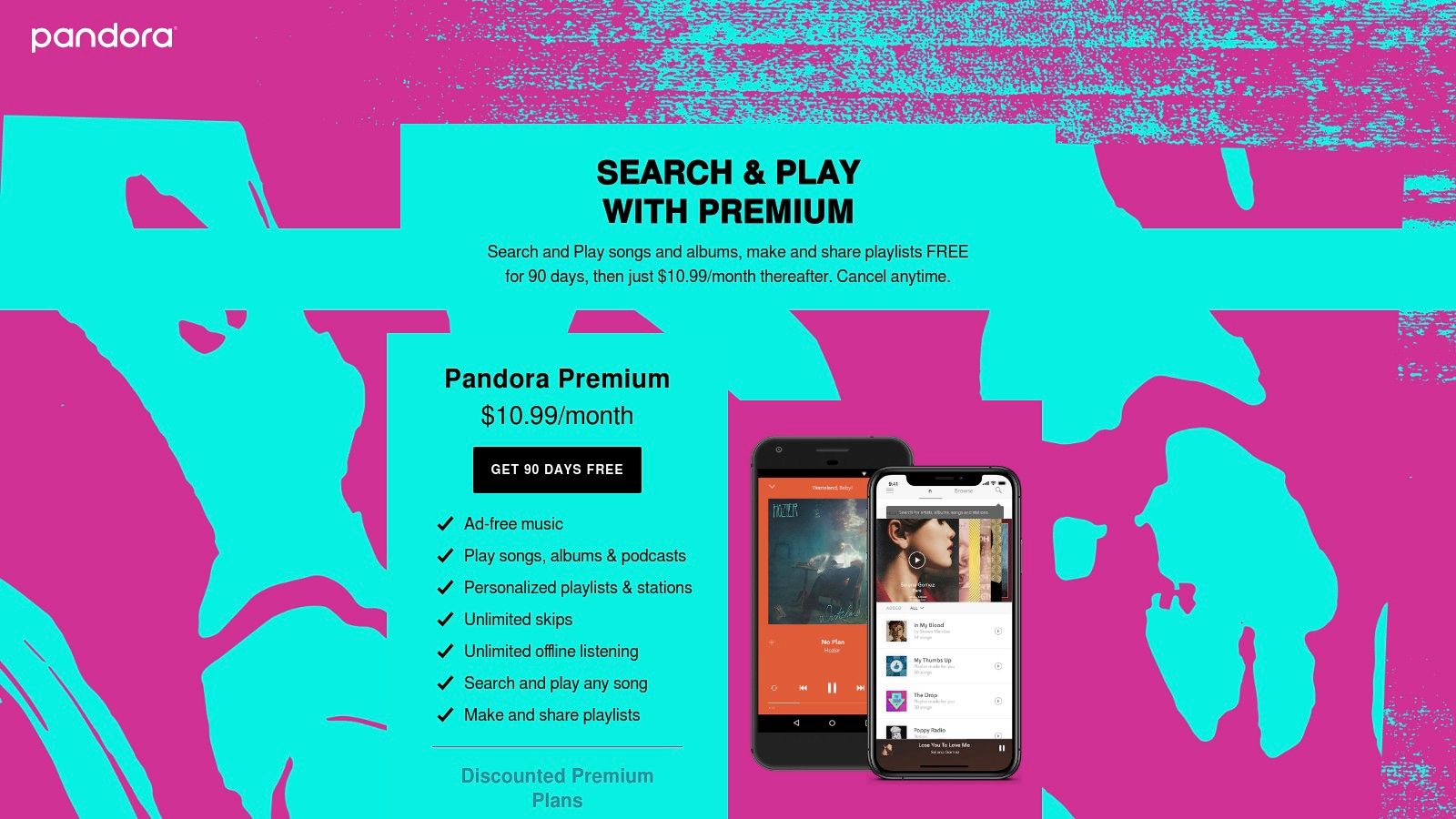
What truly sets Pandora apart is its algorithm's ability to serve up a mix of familiar favorites and new discoveries based on deep musical analysis. The simple "thumbs-up" and "thumbs-down" feedback mechanism is incredibly effective at refining stations over time. This makes it an ideal service for passive listening during work, workouts, or commutes when you want a great soundtrack without the effort of curating it yourself.
Key Features and User Experience
Pandora’s core strength is its station-based listening. The Pandora Plus tier enhances this by removing ads, allowing unlimited skips, and offering limited offline listening for your top stations. Upgrading to Pandora Premium unlocks the full on-demand experience, including searching and playing any song, creating custom playlists, and downloading content for offline access, bringing it in line with competitors like Spotify.
Pricing and Plans
Pandora’s pricing is structured to give users choice. The free tier is ad-supported, while the Plus plan offers a very affordable middle ground for users who primarily want ad-free radio. The Premium plan provides the full suite of on-demand features, with student and military discounts available.
Here is a breakdown of the primary plans:
| Plan | Monthly Price (USD) | Key Features |
|---|---|---|
| Plus | $5.99 | Ad-free personalized stations, unlimited skips, offline listening for top stations. |
| Premium | $10.99 | All Plus features plus full on-demand library, create/share playlists, offline albums. |
| Premium Family | $17.99 | All Premium features for up to 6 separate accounts, with a curated "Family Mix." |
Pros and Cons
Pros:
- Superior Music Discovery: The Music Genome Project excels at creating personalized radio stations for passive listening.
- Affordable Mid-Tier: The Pandora Plus plan is a great value for users who just want ad-free radio without paying for a full on-demand service.
- Simple Interface: The thumb-based rating system is intuitive and effective for tuning stations.
Cons:
- Limited On-Demand Features: The Premium tier's on-demand experience feels less robust and feature-rich compared to Spotify or Apple Music.
- U.S. Centric: Pandora's service is primarily available and licensed for users in the United States.
Website: https://www.pandora.com/
Top 7 Spotify Alternatives Comparison
| Service | Setup/Integration 🔄 | Resources & Compatibility ⚡ | Expected Outcomes ⭐📊 | Ideal Use Cases 💡 | Key Advantages ⭐ |
|---|---|---|---|---|---|
| Apple Music | Moderate — seamless for Apple devices; occasional Mac app UX issues | Broad device support (iOS, Android, web, CarPlay, HomePod); Apple ID required | High — Lossless & Dolby Atmos included; strong editorial curation | Apple ecosystem users, families, spatial-audio listeners | Lossless & Spatial included; tight Apple integration; Family/Apple One bundles |
| YouTube Music | Low — simple onboarding, native video/audio switching | Cross-platform (web, mobile); option to bundle with YouTube Premium | Moderate — great for video/live content; audio quality behind audiophile services | Video-centric listeners, remix/cover hunters, Google ecosystem users | Deep video/live catalog; seamless YouTube integration |
| Amazon Music Unlimited | Moderate — straightforward, best with Echo/Alexa setup | HD/Ultra HD and spatial audio; Prime discounts and Echo/Fire integration | High potential — hi-res available with appropriate tier and devices | Prime members, Alexa households, multi-room setups | HD/Ultra HD, strong Alexa support, frequent promotions |
| TIDAL | Low–Moderate — easy to use; hi-res requires capable hardware | Hi-Res FLAC up to 24‑bit/192kHz; family/student tiers; DJ add-ons | Very high — audiophile-grade quality and immersive mixes ⭐⭐⭐ | Audiophiles and listeners prioritizing studio-quality sound | Top-tier hi-res formats, strong editorial/immersive offerings |
| Deezer | Low — user-friendly with strong personalization | CD-quality FLAC (HiFi) in many regions; Flow personalization | Good — strong personalized mixes and CD-quality where supported | Users who want easy personalization and straightforward HiFi access | Flow personalization; HiFi included in several markets |
| Qobuz | Moderate — album-centric workflow; discovery less algorithmic | True hi-res streaming to 24‑bit/192kHz; purchase/download store | Excellent — studio-grade hi-res and rich editorial context | Album-focused listeners and audiophiles who value liner notes | Best-in-class hi-res streaming; extensive editorial content |
| Pandora (Plus/Premium) | Low — designed for lean-back radio experience | US-only focus; Plus and Premium tiers; station thumbs control | Strong for passive discovery; on-demand features more limited 📊 | Casual listeners preferring radio-style discovery (U.S.) | Best radio-style personalized stations; very affordable Plus tier |
Final Thoughts
Our deep dive into the vibrant world of music streaming has revealed one undeniable truth: the quest for the best alternative to Spotify is less about finding a single "winner" and more about discovering the perfect sonic partner for your unique lifestyle. The streaming landscape is no longer a one-size-fits-all market. Instead, it’s a rich ecosystem of specialized services, each catering to distinct priorities, from pristine audio fidelity to seamless smart home integration.
Throughout this guide, we've navigated the key players, moving beyond surface-level features to uncover the core value each platform offers. We saw how Apple Music excels for those deeply embedded in the Apple ecosystem, offering unparalleled integration and a massive, curated library. In contrast, YouTube Music leverages its video-centric roots to provide a treasure trove of remixes, live performances, and user-generated content that simply can't be found elsewhere, making it a haven for musical explorers.
The journey continued with Amazon Music Unlimited, a powerful contender for Prime members and Alexa users who prioritize convenience and smart home harmony. For the discerning listener, TIDAL and Qobuz emerged as the undisputed champions of high-fidelity audio, proving that streaming can indeed rival, and even surpass, CD-quality sound. Meanwhile, Deezer impressed with its innovative features like Flow and SongCatcher, and Pandora reaffirmed its dominance in the realm of algorithm-driven radio and effortless music discovery.
How to Choose Your Perfect Streaming Service
Selecting your ideal service requires a moment of self-reflection. Don't just chase the biggest library or the highest bitrate; consider how music integrates into your daily routine. To make the best choice, ask yourself these critical questions:
- What is your primary listening device? Are you an Apple loyalist, an Android user, or do you primarily listen through a smart speaker like Alexa or Google Home? Your device ecosystem can heavily influence the user experience.
- How much do you value audio quality? Are you a casual listener using standard earbuds, or an audiophile with high-end headphones and a DAC? This is the deciding factor between services like TIDAL or Qobuz and more standard options.
- Is music discovery or library access more important? Do you prefer lean-back, radio-style listening powered by algorithms (Pandora), or do you want to actively build and curate playlists from a vast catalog (Apple Music, Deezer)?
- What is your budget, and who are you sharing with? Are you a student seeking a discount, a family needing multiple profiles, or an individual looking for the best value?
Answering these questions will provide a clear roadmap. An audiophile might find their home with Qobuz, while a family deeply invested in Google products will likely find YouTube Music to be the most intuitive and cost-effective fit.
Making Your Final Decision
The beauty of today's market is the prevalence of free trials. Before committing to a year-long subscription, take your top two or three contenders for a spin. Test their mobile apps, explore their desktop clients, and see how their discovery algorithms learn your tastes. Pay attention to the small details: how intuitive is the interface? How quickly does it build a "For You" section that truly understands you?
Ultimately, the best alternative to Spotify is the one that fades into the background, seamlessly delivering the music you love while introducing you to new favorites you never knew you needed. It's the service that understands your mood, anticipates your needs, and makes your world more vibrant, one track at a time. The perfect soundtrack to your life is out there waiting.
Ready to enjoy your chosen premium music service without the full financial burden? AccountShare lets you securely and easily split the cost of family plans with friends or family, making top-tier subscriptions like TIDAL HiFi Plus or Apple Music Family more affordable than ever. Visit AccountShare to start sharing and saving today