

Alternatives to Team Viewer: Compare Top Remote Access Tools in Minutes
TeamViewer has long been a go-to for remote access and support, but its evolving subscription models and feature tiers have many users searching for a better fit. Whether you're a solo IT professional, a growing managed service provider (MSP), or a business managing a remote workforce, the remote desktop landscape is filled with powerful, secure, and often more cost-effective solutions. Rising costs, the need for specific security features, or a desire for a simpler interface are all valid reasons to explore the market for alternatives to Team Viewer.
This guide moves beyond basic feature lists to provide a deep dive into the 12 best options available. We'll analyze each platform's unique strengths, potential drawbacks, and ideal use cases. This will help you pinpoint the exact tool that aligns with your technical requirements and budget, from high-performance connections for creative professionals to integrated ITSM platforms for enterprise help desks. Understanding the various aspects of remote computer monitoring can also be a key factor when selecting a tool that meets your specific security and productivity needs.
Each entry in our comprehensive list includes a detailed breakdown of its core features, pricing structures, and real-world performance considerations. We've included screenshots for a visual reference and direct links to get you started immediately. Our goal is to equip you with the detailed information needed to make a confident decision and find the perfect remote access software for your specific situation. Let's find the right solution for you.
1. AnyDesk
AnyDesk is one of the most prominent alternatives to TeamViewer, prized for its speed and simplicity. It’s engineered for high-performance connections, using its proprietary DeskRT codec to ensure low latency and high frame rates, even on low-bandwidth networks. This makes it an ideal choice for tasks requiring a smooth, real-time feel, like remote video editing or running graphic-intensive software.
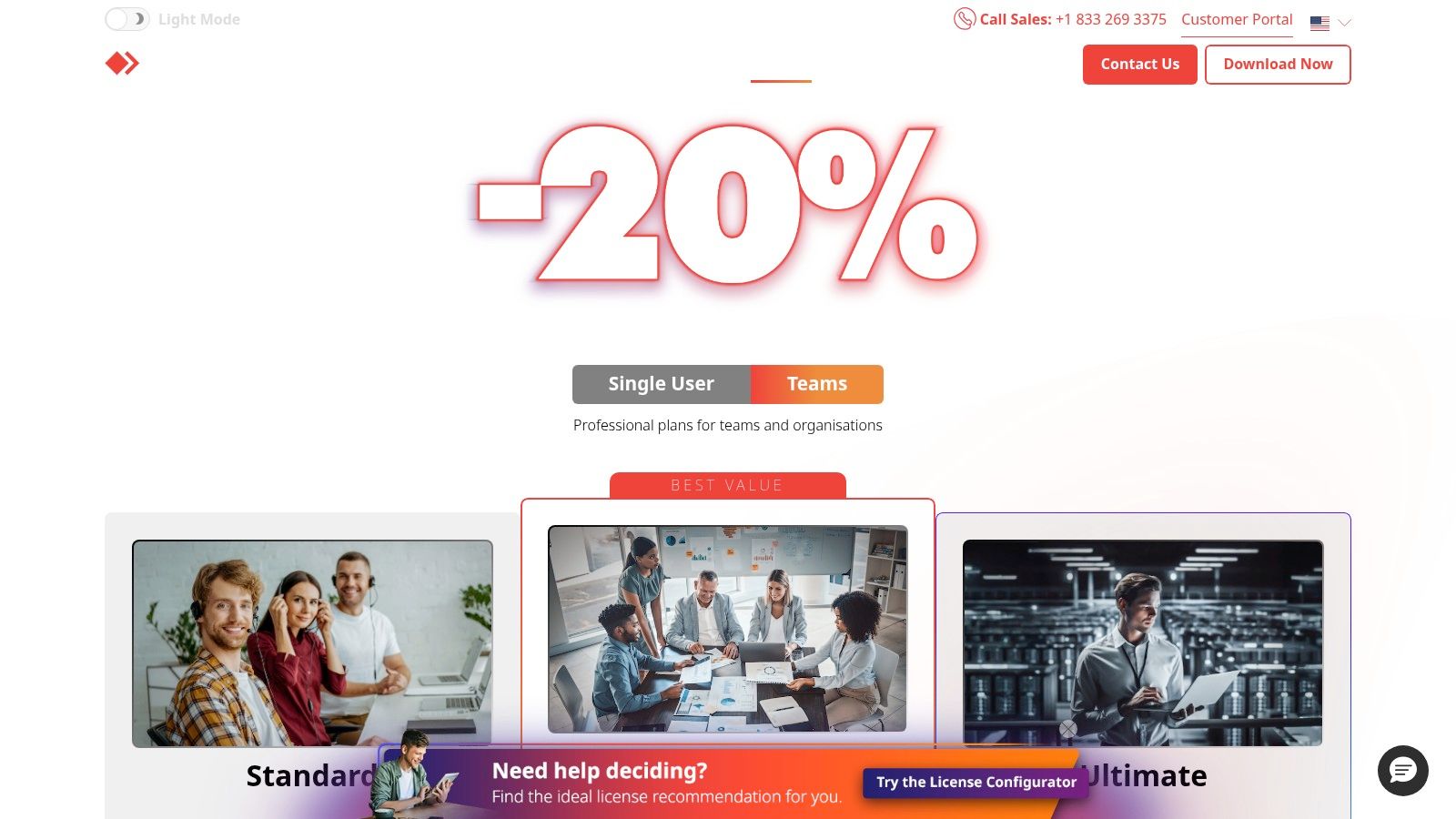
The platform supports unattended access, allowing IT professionals to manage devices without a user present, and offers robust cross-platform compatibility across Windows, macOS, Linux, and mobile devices. While the free version is excellent for personal use, businesses will find significant value in its paid tiers, which unlock features like a custom client generator, mass deployment (MSI), and advanced user management. The interface is clean and user-friendly, prioritizing quick connections over a complex feature set.
Key Considerations
- Best For: Users who need low-latency, high-performance remote control, and IT teams needing scalable management tools.
- Pricing: Starts with a free plan for personal use. Business plans are competitively priced but require annual billing.
- Limitation: Concurrent session limits can be restrictive on lower-tier plans without purchasing add-ons.
- Security: To maximize protection, always configure access permissions carefully. You can explore a comprehensive guide to secure remote access to ensure your connections are hardened against unauthorized entry.
Website: https://www.anydesk.com/en/pricing
2. Splashtop
Splashtop is a leading alternative to TeamViewer, renowned for its high-performance remote access and affordability, especially for individuals and small to medium-sized businesses. It excels in delivering smooth, high-frame-rate connections that make it ideal for resource-intensive tasks like graphic design, video editing, or CAD work. The platform's ability to seamlessly manage multi-monitor setups, displaying them one-to-one on local screens, is a significant advantage for productivity-focused users.
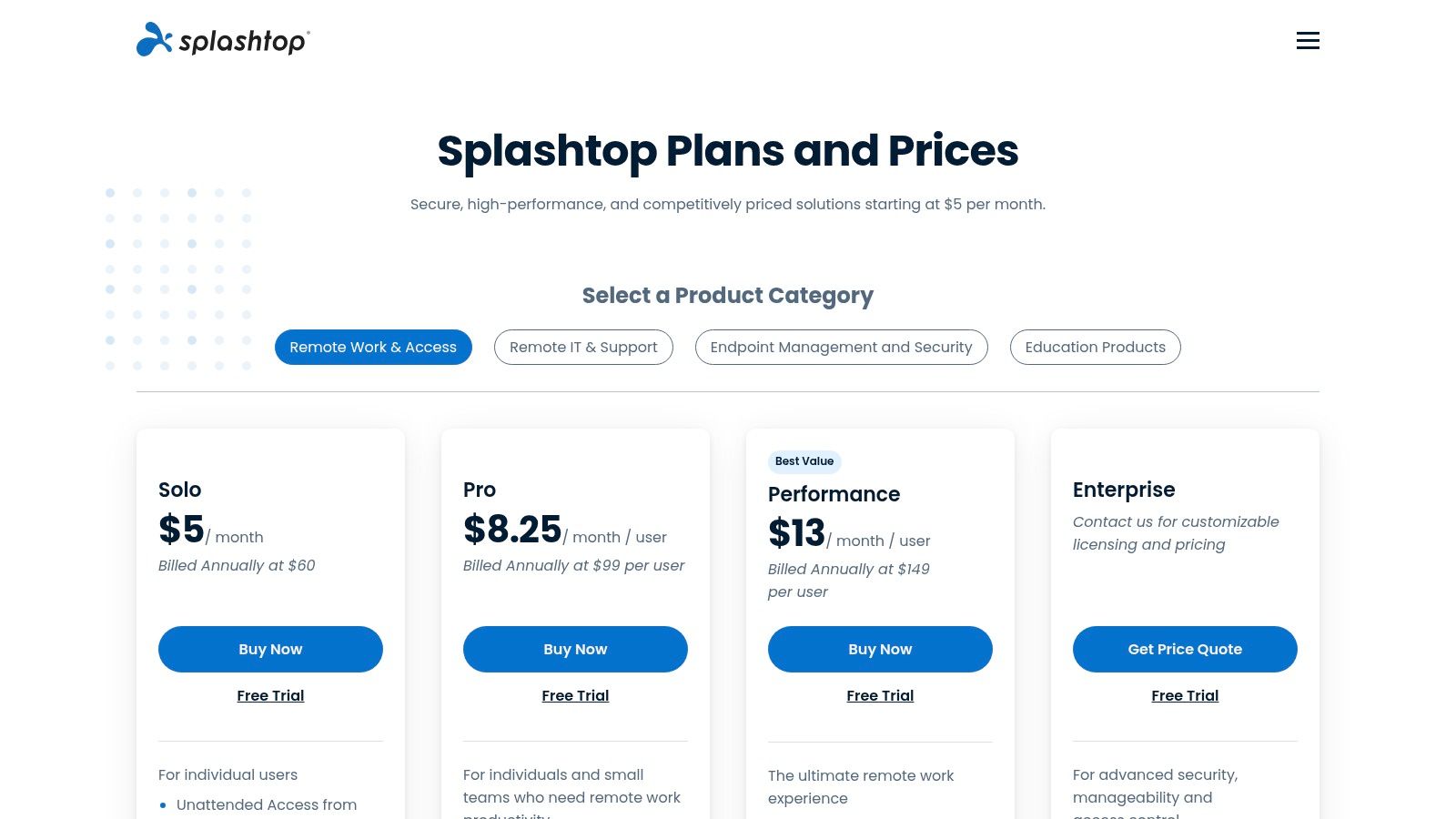
The platform is segmented into different products tailored to specific use cases, from Business Access for individuals and teams to SOS for on-demand IT support. Features like file transfer, remote print, and session recording are standard across most plans. Its straightforward deployment and user-friendly interface allow for quick setup without a steep learning curve. While its product lineup can initially seem complex, the clearly defined tiers for remote work offer excellent value, making premium remote access accessible without a hefty enterprise price tag.
Key Considerations
- Best For: Creative professionals, remote workers needing multi-monitor support, and IT teams looking for a cost-effective, high-performance solution.
- Pricing: No free plan for commercial use, but offers highly competitive paid tiers with free trials. Annual billing provides the best value.
- Limitation: Advanced enterprise features like single sign-on (SSO) and granular permissions are part of higher-tier or separate Splashtop products.
- Security: Splashtop employs robust security measures, but users should always enable two-factor authentication and review device access permissions. Implementing comprehensive remote work security solutions is crucial for protecting your digital environment.
Website: https://www.splashtop.com/pricing
3. RemotePC by IDrive
RemotePC by IDrive stands out as one of the most cost-effective alternatives to TeamViewer, especially for businesses and individuals needing to manage a large number of computers without a hefty price tag. It is built on an "always-on" access model, meaning your registered devices are perpetually ready for a remote connection, which simplifies unattended access for IT maintenance or file retrieval. Its web-based access client adds a layer of convenience, allowing you to initiate connections from any browser without installing software.
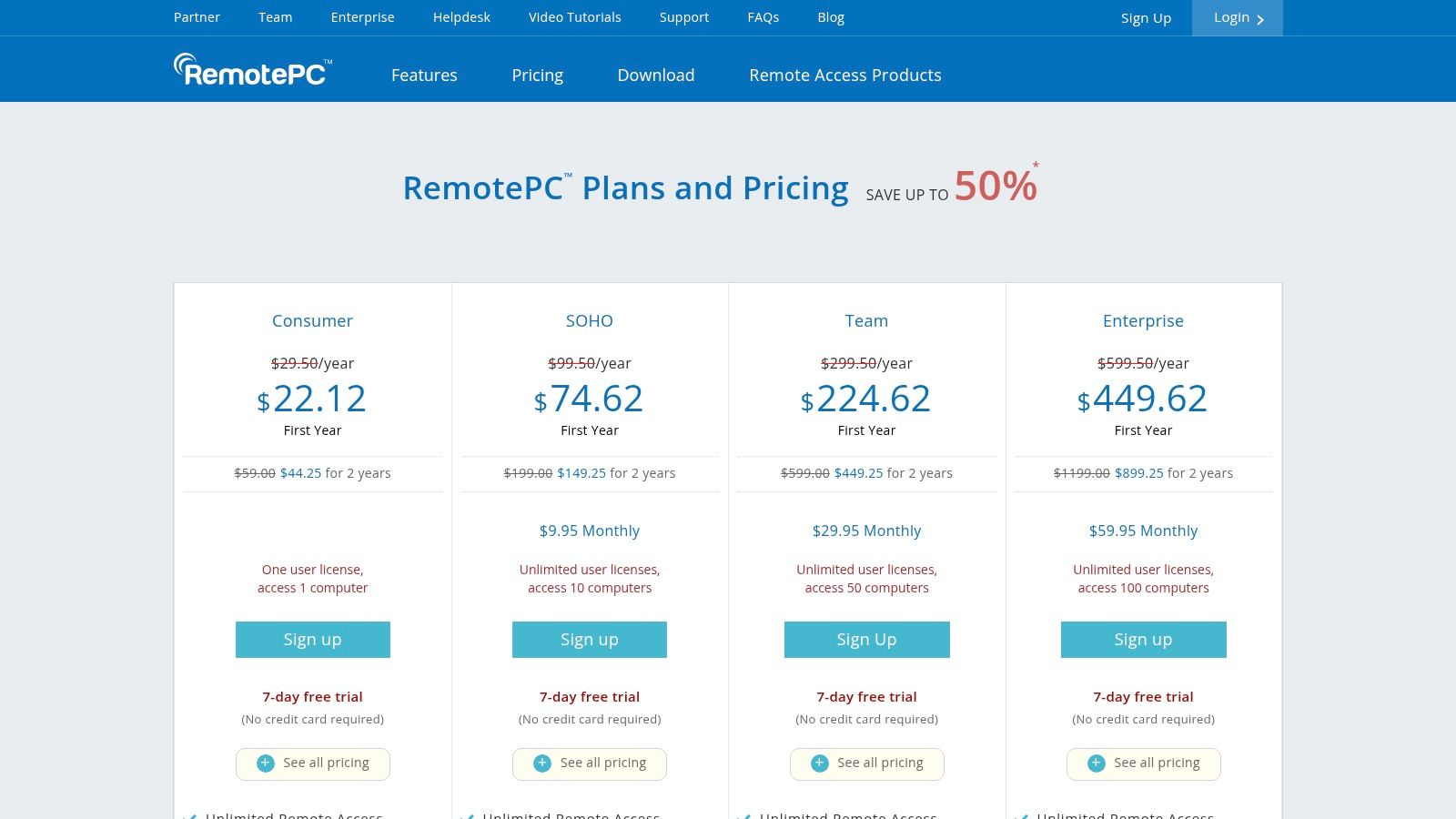
The platform offers a solid core feature set, including cross-platform support for Windows, Mac, and Linux, alongside essential tools like file transfer, remote printing, and session recording. While RemotePC is praised for its aggressive first-year promotional pricing, users should note that certain advanced functionalities, such as an RDP Connector and endpoint backup, are available as paid add-ons. This à la carte model allows for flexibility but requires careful consideration of total costs based on your specific needs.
Key Considerations
- Best For: Small to medium-sized businesses and MSPs looking for a scalable, budget-friendly solution to manage numerous endpoints.
- Pricing: Extremely competitive, with significant discounts for the first year and a 7-day free trial. Plans are based on the number of computers.
- Limitation: Be mindful of the overage fees for adding computers beyond your plan limit. Advanced features like RDP and backup increase the overall cost.
- Security: Proper management is crucial when deploying across many devices. Explore how effective software license management tools can help track usage and maintain security compliance.
Website: https://www.remotepc.com/pricing
4. Chrome Remote Desktop (Google)
For users seeking one of the simplest and most accessible alternatives to TeamViewer, Google's Chrome Remote Desktop is an excellent choice. It’s a completely free tool that leverages your Google account to provide secure, no-frills remote access and screen sharing directly from a browser. Built on Google’s robust infrastructure using WebRTC, it offers surprisingly stable connections for basic tasks without requiring complex software installation or administrative overhead.
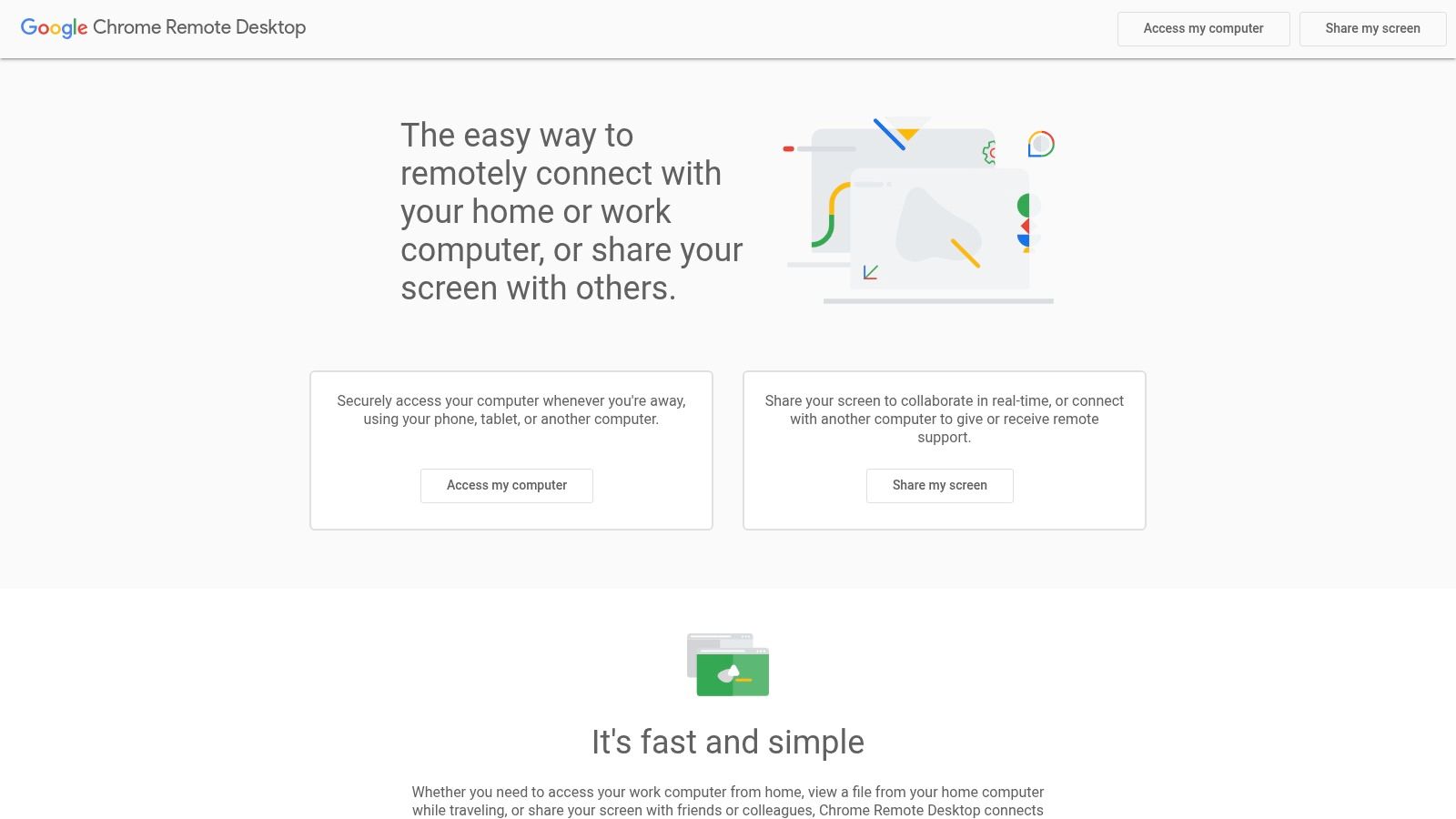
The platform is split into two primary functions: remote access for connecting to your own unattended devices and remote support for ad-hoc screen sharing with others via a one-time code. While it lacks the advanced features found in enterprise-grade tools, such as file transfer, chat, or session recording, its simplicity is its greatest strength. It works seamlessly across Windows, macOS, Linux, and mobile devices, making it perfect for quick personal use or providing tech support to family and friends.
Key Considerations
- Best For: Individuals, students, and small teams needing basic, occasional remote access or ad-hoc support without any cost.
- Pricing: Completely free for all users with a Google account.
- Limitation: It lacks advanced enterprise features like user management, detailed reporting, custom branding, or granular security policies.
- Security: Access is tied to your Google account's security, so enabling two-factor authentication is critical for protecting your devices from unauthorized connections.
Website: https://remotedesktop.google.com/
5. Microsoft Windows App (replacement for Remote Desktop app)
For organizations deeply integrated into the Microsoft ecosystem, the new Windows App is a powerful and native alternative to TeamViewer. It serves as a centralized hub for accessing Windows 365 Cloud PCs, Azure Virtual Desktop, and Microsoft Dev Box, moving beyond the classic on-premise focus of the traditional Remote Desktop client (mstsc.exe). This first-party integration provides a seamless and secure connection experience managed through familiar enterprise identity tools like Microsoft Entra ID.
The app is designed for modern remote work, offering robust features such as dynamic display resolution and multi-monitor support, which adapt smoothly to your local setup. It also improves device redirection for peripherals like USB drives and printers. While the client itself is free, the value lies in its ability to connect to Microsoft's paid cloud desktop services. It unifies access across Windows, macOS, iOS, Android, and even web browsers, making it a versatile choice for businesses standardizing on Microsoft's cloud infrastructure.
Key Considerations
- Best For: Businesses heavily invested in Microsoft cloud services like Azure Virtual Desktop and Windows 365.
- Pricing: The client app is free, but access requires subscriptions to underlying Microsoft cloud desktop services.
- Limitation: Its primary focus is on connecting to Microsoft's cloud environments. While it supports local RDP, feature parity with the classic client is still evolving, and it may not be the ideal tool for ad-hoc, non-domain connections.
- Security: Leverages enterprise-grade security through Microsoft Entra ID (formerly Azure AD), including conditional access policies and multi-factor authentication for enhanced protection.
6. Zoho Assist
Zoho Assist is a powerful cloud-based alternative to TeamViewer, particularly well-suited for IT help desks and Managed Service Providers (MSPs). Its primary differentiator is its browser-first approach, allowing technicians to launch remote support sessions directly from their web browser with minimal installation required. This design simplifies ad-hoc support, making it incredibly efficient for resolving issues for customers or employees without pre-installed software.
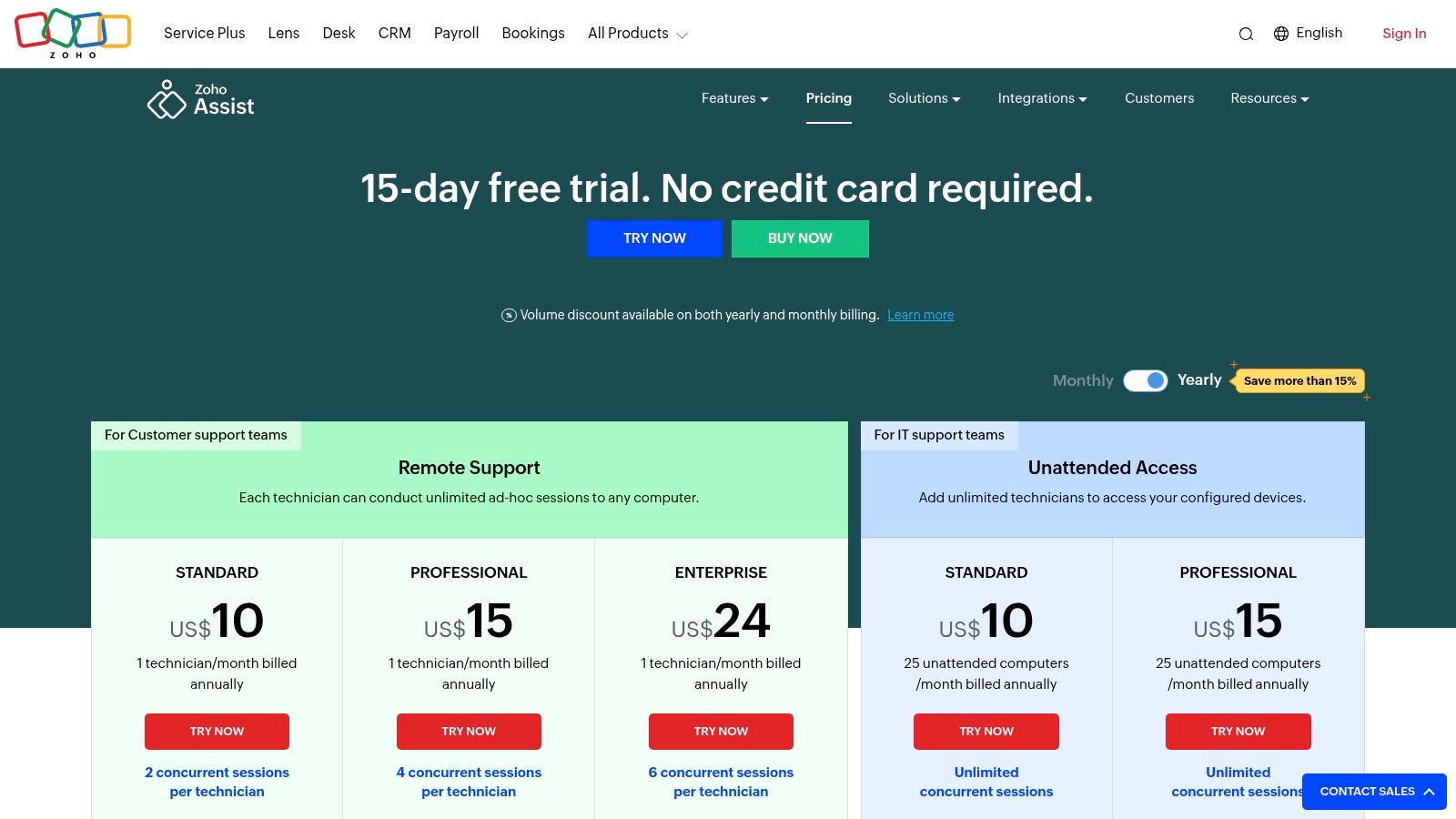
The platform thoughtfully separates its plans for on-demand remote support and unattended access, allowing businesses to pay only for the functionality they need. Standard features like file transfer, multi-monitor navigation, and session recording are included, alongside integrations with popular help desk software like Zendesk and Zoho's own ecosystem. The user interface is clean and centered around quick, secure connections, making it a strong contender for teams that prioritize operational speed and flexibility.
Key Considerations
- Best For: IT support teams, help desks, and MSPs that need a flexible, browser-based solution for both attended and unattended access.
- Pricing: Offers a free plan for personal use and a 15-day trial for paid tiers. Plans are competitively priced but specifics may vary by region.
- Limitation: Advanced features are distributed across multiple paid tiers, which can require a higher-level plan to access a complete toolset.
- Security: Utilize two-factor authentication and role-based access controls to ensure only authorized technicians can initiate sessions or manage devices.
Website: https://www.zoho.com/assist/pricing.html
7. ConnectWise ScreenConnect (ScreenConnect)
ConnectWise ScreenConnect is a powerful, technician-focused alternative to TeamViewer designed primarily for IT professionals, managed service providers (MSPs), and support teams. It excels in professional support scenarios, providing robust tools for managing a large number of unattended devices and delivering on-demand assistance. The platform is highly customizable, allowing businesses to tailor the branding and functionality to match their operational needs.
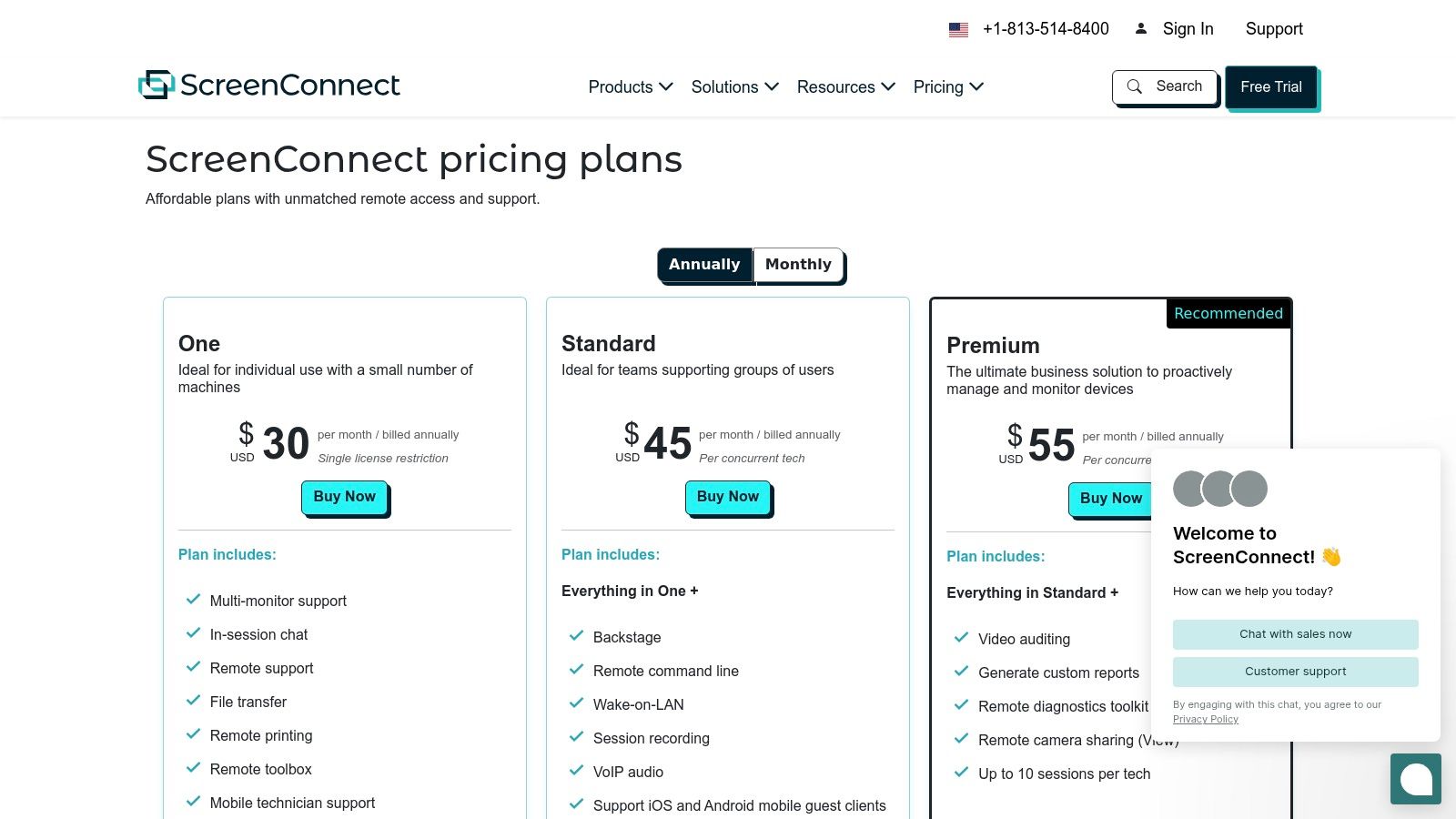
Key features include backstage access, which grants command-line access without disturbing the end-user, and comprehensive session recording for training and auditing purposes. ScreenConnect also offers remote printing, VoIP audio, and extensive integration capabilities with other IT management tools. Its clear plan delineations based on technician concurrency and agent counts make it a scalable solution, though the per-technician licensing model can become costly for larger support teams. The interface is more technical than consumer-grade tools but is highly efficient for its target audience.
Key Considerations
- Best For: MSPs, IT departments, and help desks requiring a feature-rich, customizable tool for professional remote support and unattended access.
- Pricing: Offers tiered plans based on concurrent technicians and the number of unattended agents needed. The "One" plan is a cost-effective entry point for solo professionals.
- Limitation: The base plan is limited to one concurrent session and only ten unattended agents, making it restrictive for growing teams. The interface has a steeper learning curve for non-technical users.
- Security: Features role-based security, two-factor authentication, and AES-256 encryption. Proper configuration of security roles is crucial to prevent unauthorized access.
Website: https://www.screenconnect.com/pricing
8. RealVNC (VNC Connect)
RealVNC, the original inventor of VNC technology, offers VNC Connect as a mature and highly secure alternative to TeamViewer. It is highly regarded for its robust security framework and flexible deployment options, allowing for both cloud-brokered connections and direct LAN/WAN connections. This dual-mode capability makes it an excellent choice for organizations that need to balance ease of use with stringent network security policies, such as those in industrial or academic research settings.
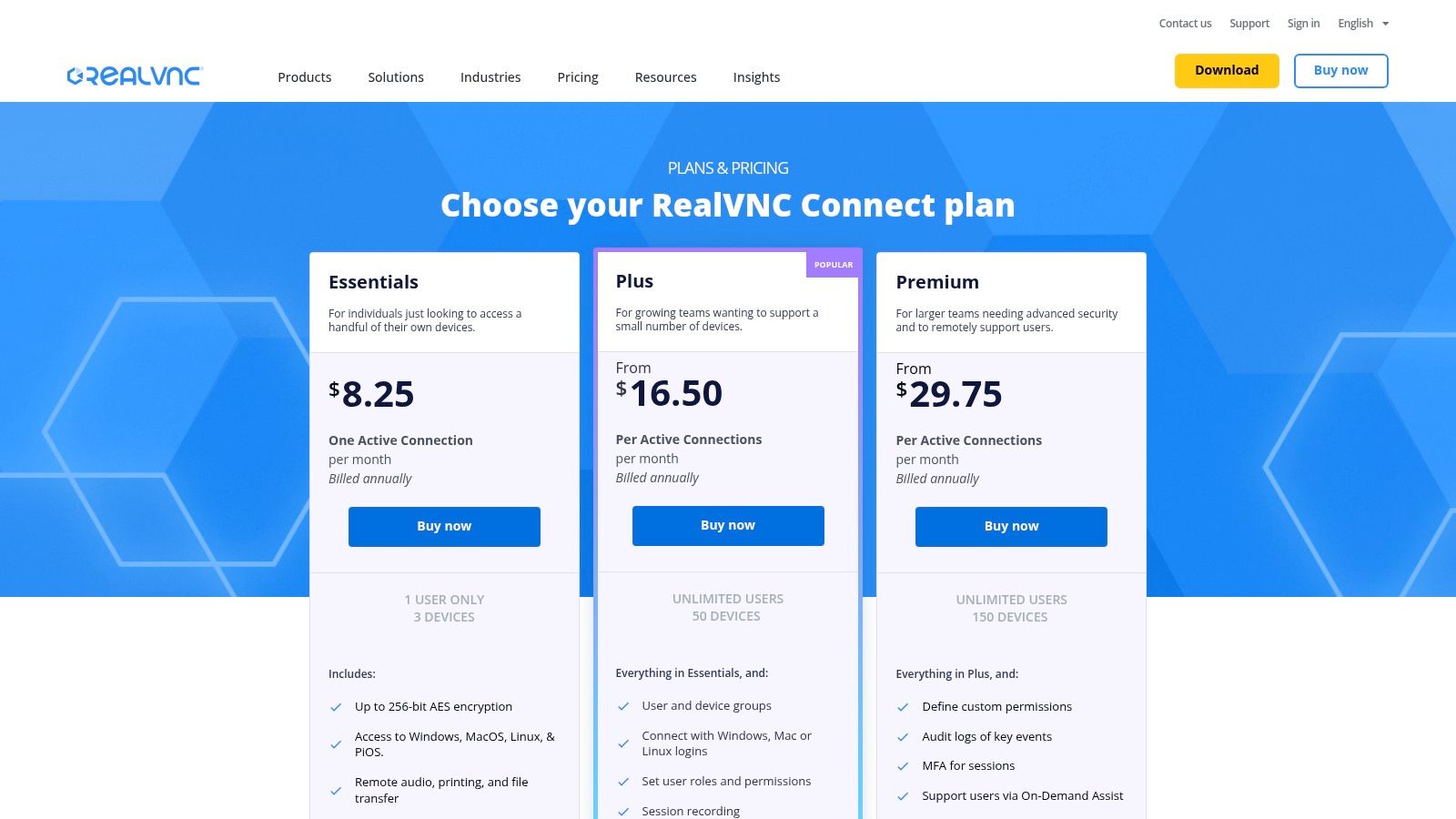
The platform supports a wide range of operating systems, including Windows, macOS, Linux, and even Raspberry Pi, making it uniquely versatile for IoT and specialized hardware management. VNC Connect provides essential enterprise features like session recording, granular user permissions, and device grouping. Its encryption is strong, using up to 256-bit AES, and its longstanding reputation as a security-focused vendor provides peace of mind for IT managers handling sensitive data or critical infrastructure.
Key Considerations
- Best For: IT teams, system administrators, and organizations needing a highly secure, versatile solution with options for both cloud and direct network connections.
- Pricing: Tiered plans are available, but all require annual billing. A 14-day free trial is offered to evaluate its features.
- Limitation: The pricing structure is based on concurrent sessions and device count, and the entry-level Essentials plan is quite restrictive with only one concurrent session and three devices.
- Security: VNC Connect's direct connection mode offers an inherently secure option for internal networks, minimizing exposure to external threats.
Website: https://www.realvnc.com/en/connect/pricing/
9. GoTo Resolve
GoTo Resolve stands out as a comprehensive alternative to TeamViewer by integrating remote support with broader IT management and help desk functionalities. As the successor to GoToAssist, it’s designed for IT professionals and managed service providers (MSPs) who need more than just remote access. The platform combines remote control, a ticketing system, and automation capabilities into a single, cohesive interface, streamlining support workflows from ticket creation to resolution.
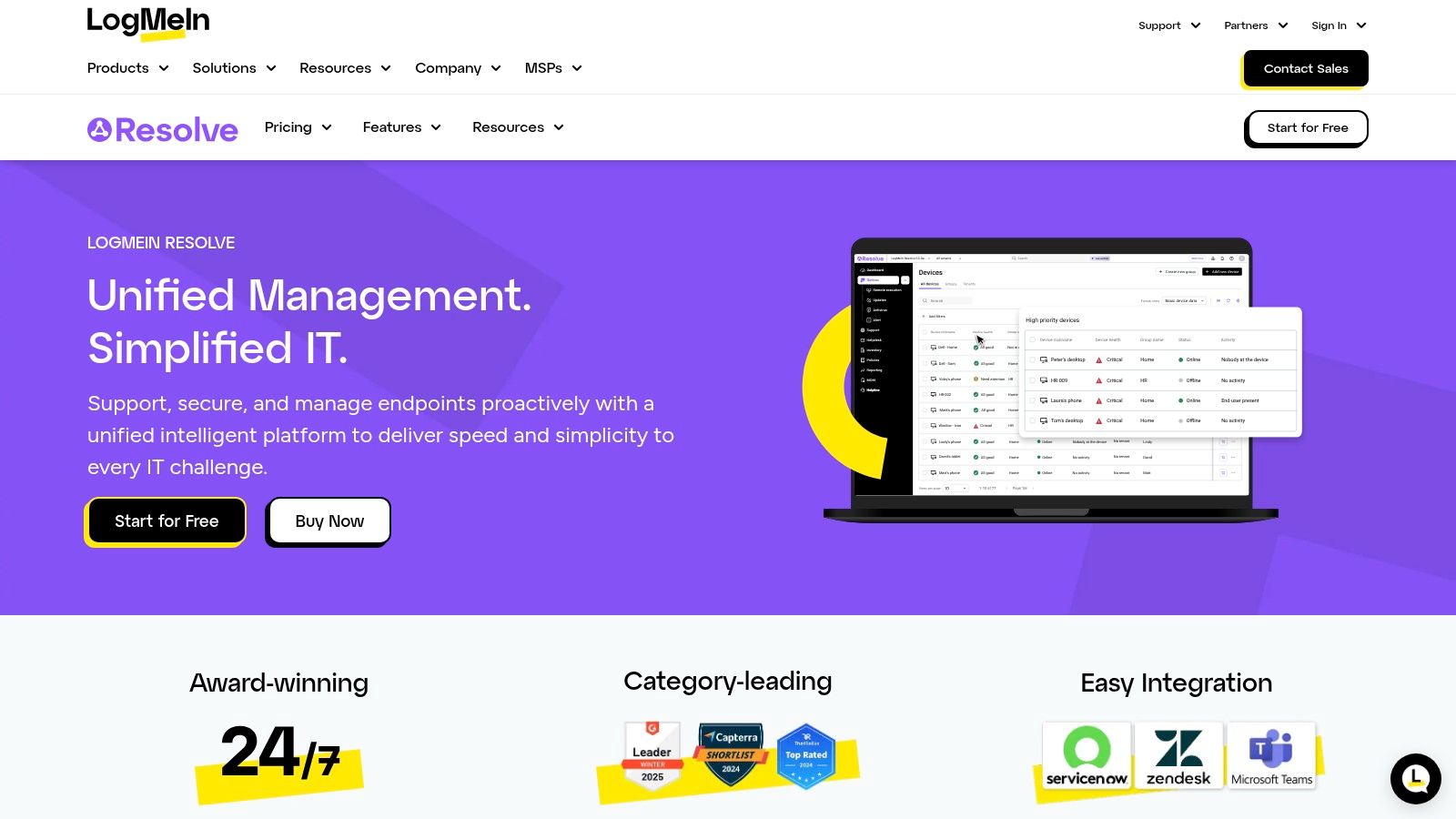
This unified approach allows technicians to manage support requests, initiate remote sessions, and deploy automated scripts without switching between different tools. Key features include background access, camera-sharing for mobile support, and powerful integrations with platforms like Slack and Teams. Its commitment to a zero-trust security model ensures that every action, especially those requiring elevated permissions, is verified, offering a robust security posture for modern IT environments.
Key Considerations
- Best For: IT departments and MSPs looking for an all-in-one platform that combines remote support with service desk and automation features.
- Pricing: Offers a free tier for basic needs. Paid plans vary, with some requiring a sales quote, and advanced features like endpoint protection are often available as add-ons.
- Limitation: The pricing structure can become complex with various add-ons, and consolidating all features may be more than what a small team strictly needing remote access requires.
- Security: The platform is built on a zero-trust architecture, but proper configuration of user roles and permissions is crucial to fully leverage its security benefits.
Website: https://www.goto.com/it-management/resolve
10. GoToMyPC
GoToMyPC is a well-established player in the remote access market, making it one of the more mature alternatives to TeamViewer. It focuses on providing straightforward and secure remote PC access primarily for individuals and small businesses. The platform prioritizes ease of use, allowing users to connect to their unattended desktops with minimal setup, making it ideal for those who need reliable access without a steep learning curve.
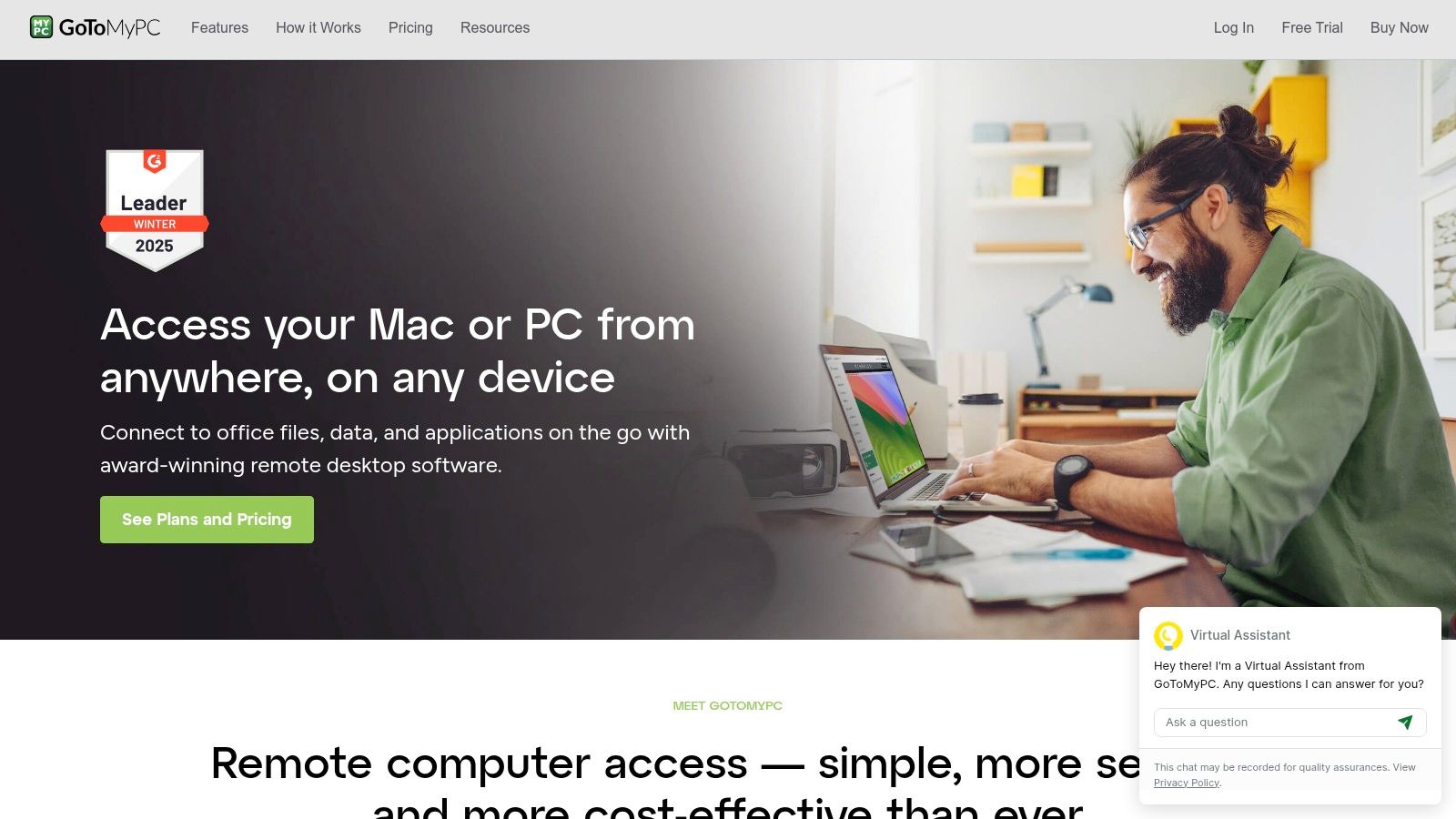
Its core strengths lie in its simplicity and security features designed for individual productivity. Users benefit from remote printing, multi-monitor support, and robust security measures like 256-bit AES encryption, screen blanking, and locking the host computer upon disconnect. The brand's reliability and mature infrastructure offer peace of mind, though it lacks the advanced IT management and automation tools found in more comprehensive remote support suites. The pricing model is also becoming less transparent, often requiring users to engage with a trial or sales process to get clear details.
Key Considerations
- Best For: Individuals, freelancers, and small businesses needing simple, secure, and reliable unattended access to their primary work computers.
- Pricing: Plans are subscription-based per computer, with pricing details often provided after signing up for a 7-day free trial.
- Limitation: It is less suited for large-scale IT support or managed services due to a lack of advanced features like mass deployment and detailed reporting.
- Security: Take advantage of the one-time password feature and ensure the "lock on disconnect" setting is enabled to maintain security after your session ends.
Website: https://get.gotomypc.com/
11. NoMachine
NoMachine stands out as a powerful alternative to TeamViewer, especially for users who prioritize high-quality multimedia streaming and broad operating system support. Built on its proprietary NX technology, the platform is engineered for exceptional remote desktop performance, delivering smooth video and crystal-clear audio with minimal latency. This makes it particularly suitable for remote work involving video editing, graphic design, or accessing media-rich files.
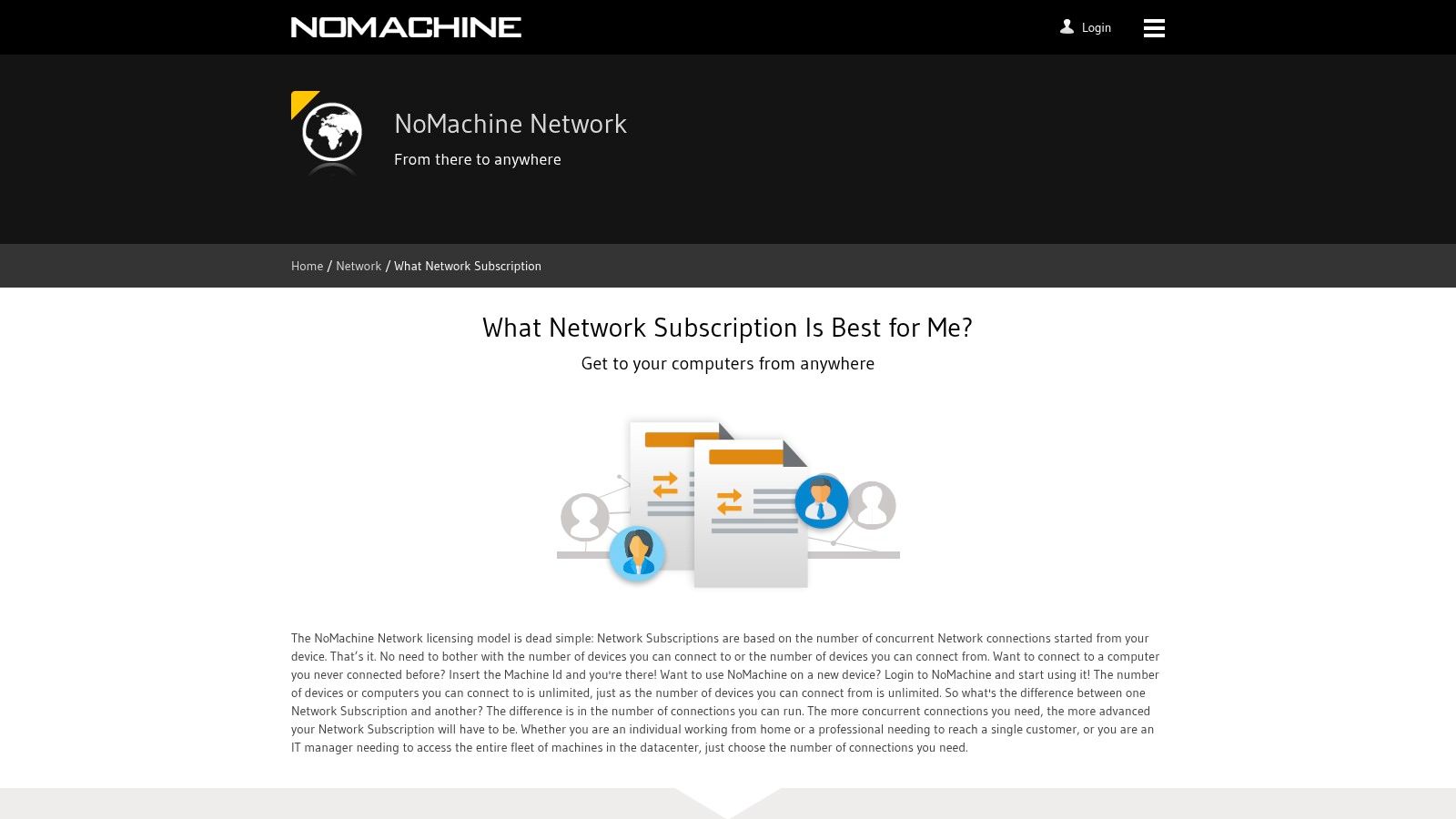
Its generous free version for personal use provides a full-featured experience, while its commercial offerings are affordably priced, starting with flexible subscription options. NoMachine's robust support for Linux and Unix environments is a key differentiator, making it a favorite among developers and system administrators. The platform also offers a suite of enterprise-grade products, including cloud and server solutions, to cater to complex organizational needs, though navigating these SKUs can be complex for new users.
Key Considerations
- Best For: Individuals and businesses needing high-performance multimedia streaming, and users requiring strong Linux/Unix support.
- Pricing: A comprehensive free version is available for non-commercial use. Commercial and enterprise plans offer scalable features with low entry pricing.
- Limitation: The enterprise product lineup can be complex to understand, with multiple SKUs for different use cases. Certain internet-based workflows may require a specific Network subscription.
- Security: Like other tools, security relies on proper configuration. Restrict access to trusted devices and use strong authentication methods to protect your remote sessions.
Website: https://www.nomachine.com/network/what-network-subscription
12. Supremo (Nanosystems)
Supremo is a lightweight and straightforward alternative to TeamViewer developed by Nanosystems, focusing on simplicity and a flexible licensing model. It stands out by offering unlimited endpoint installations, basing its pricing entirely on the number of concurrent connections needed. This makes it a highly scalable and cost-effective solution for IT professionals and MSPs who manage a large number of devices but don't require simultaneous access to all of them.
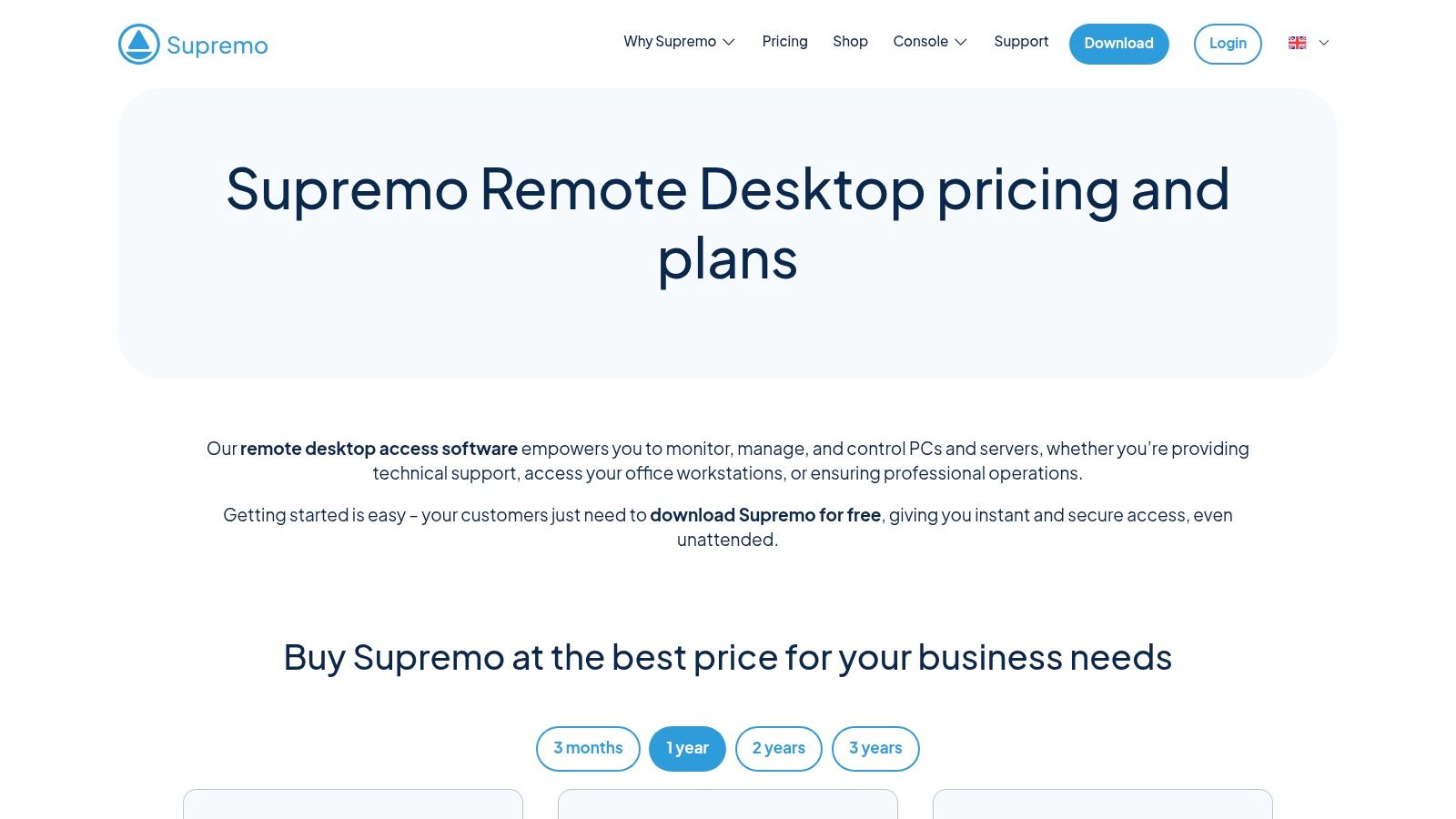
The platform supports unattended access for easy server and client management and is available across Windows, macOS, and Linux, with mobile apps for connecting on the go. Its end-user workflow is incredibly simple: the client just downloads a small executable, runs it, and shares their ID and password. While the core functionality is robust, more advanced features like remote printing and comprehensive reporting are reserved for its Business and Professional tiers.
Key Considerations
- Best For: IT professionals, support teams, and MSPs who prefer a simple, pay-per-concurrent-connection model without endpoint limits.
- Pricing: Competitively priced with plans billed annually or quarterly. Note that prices are often displayed in EUR, and taxes may vary by region.
- Limitation: The feature set may feel less extensive than some competitors unless you opt for the higher-priced Business or Professional plans.
- Security: Supremo uses AES 256-bit encryption for all connections. As a best practice, always generate a new random password for each support session.
Website: https://www.supremocontrol.com/pricing/
Top 12 TeamViewer Alternatives Comparison
| Product | Key features | UX (★) | Value/Price (💰) | Target audience (👥) | Unique selling point (✨/🏆) |
|---|---|---|---|---|---|
| AnyDesk | Low-latency remote control, unattended access, cross‑platform | ★★★★☆ | 💰 Mid (annual only) | 👥 SMBs, IT admins, power users | ✨ Fast performance, scalable admin tools |
| Splashtop | High-FPS graphics, multi-monitor, file/print support | ★★★★☆ | 💰 Affordable tiers + trials | 👥 Designers, SMBs, solo pros | ✨ Strong graphics / multi-monitor perf |
| RemotePC (IDrive) | Always-on access, web access, session recording | ★★★★ | 💰 Very aggressive promo pricing | 👥 Cost-conscious users & enterprises | ✨ Low first-year cost, scalable endpoints |
| Chrome Remote Desktop | Browser-based WebRTC, simple share/access flows | ★★★ | 💰 Free | 👥 Casual users, ad-hoc support | ✨ Extremely easy, no admin overhead |
| Microsoft Windows App | Windows 365/Azure AVD access, enterprise identity | ★★★★ | 💰 Free client (services vary) | 👥 Microsoft cloud customers, enterprises | 🏆 First-party cloud desktop integration |
| Zoho Assist | Browser-first attended & unattended support | ★★★★ | 💰 Flexible tiers + free plan | 👥 MSPs, help desks, support teams | ✨ Minimal installs; browser-centric support |
| ConnectWise ScreenConnect | Unattended agents, session recording, admin tools | ★★★★★ | 💰 Mid–High (per-concurrent/tech) | 👥 MSPs, enterprise support teams | 🏆 Robust admin & concurrency controls |
| RealVNC (VNC Connect) | LAN/direct connect, 256-bit AES, session recording | ★★★★ | 💰 Mid (annual, per-session) | 👥 Security-focused orgs, engineers | ✨ Mature vendor; secure VNC options |
| GoTo Resolve | Remote support + ticketing + automations | ★★★★★ | 💰 Mid–High (add-ons) | 👥 Help desks, MSPs seeking consolidation | 🏆 Integrated ITSM + zero-trust features |
| GoToMyPC | Unattended PC access, screen blanking, OTPs | ★★★★ | 💰 Mid (straightforward plans) | 👥 Individuals, small businesses | ✨ Simple onboarding; mature brand reliability |
| NoMachine | High-quality A/V, Linux/Unix support, free personal | ★★★★ | 💰 Low commercial entry; free personal | 👥 Home users, Linux shops, multimedia use | ✨ Generous free edition; strong A/V perf |
| Supremo (Nanosystems) | Unlimited endpoints, pay-per-concurrent licensing | ★★★★ | 💰 Competitive (EUR-focused) | 👥 IT pros, small MSPs preferring concurrency model | ✨ Simple licensing; unlimited endpoints |
Making the Right Connection: How to Choose Your Ideal Remote Tool
Navigating the landscape of remote access software can feel overwhelming, but the journey away from TeamViewer opens up a world of specialized, powerful, and often more cost-effective solutions. As we've explored, the "best" tool is not a one-size-fits-all answer; it's a direct reflection of your unique requirements, budget, and technical priorities. The search for strong alternatives to Team Viewer is less about finding a direct replacement and more about discovering a superior fit for your workflow.
The key takeaway is to shift from a generalized approach to a needs-based selection. Your decision-making process should be a deliberate checklist, weighing the critical factors that matter most to you or your organization.
Your Final Decision Checklist
Before you commit, run through these final considerations to ensure you’re making a well-informed choice:
- Primary Use Case: Are you an IT professional providing on-demand support (like with Zoho Assist or GoTo Resolve), a creative professional needing high-fidelity graphical access (like Splashtop), or an individual simply needing to access your home computer (where Chrome Remote Desktop excels)? Defining this is your most crucial step.
- Performance vs. Simplicity: Tools like AnyDesk and NoMachine are engineered for speed and low latency, making them ideal for performance-critical tasks. Conversely, simpler tools might offer a more straightforward user experience for basic file transfers and remote control, which is often more than enough.
- Security Posture: Do not compromise on security. Evaluate each platform’s commitment to end-to-end encryption, multi-factor authentication (MFA), session logging, and granular access controls. This is especially vital for businesses handling sensitive client or company data.
- Ecosystem Integration: Consider how a new tool will fit into your existing software stack. Does it integrate with ticketing systems, CRMs, or other business management platforms? A tool like ConnectWise ScreenConnect shines here, offering deep integration possibilities for Managed Service Providers (MSPs).
- Scalability and Cost: Your needs today may not be your needs tomorrow. Select a solution that can grow with you. RemotePC offers an excellent scalable model, while free tools provide a zero-cost entry point. For a more detailed breakdown, it can be helpful to consult a broad comparison of sample alternatives to see how features stack up across different price points.
The Financial Equation and Smart Savings
For many small businesses, digital nomads, and tech-savvy individuals, the primary driver for seeking an alternative is cost. The subscription models of many premium remote access tools can become a significant financial hurdle, especially for feature sets that are only occasionally used. This is where a strategic approach to software acquisition becomes a game-changer.
Innovative platforms built on the principle of group purchasing can dramatically lower this barrier to entry. By pooling resources, users can gain access to the robust, secure, and feature-rich plans of top-tier tools without shouldering the full subscription cost alone. This model democratizes access to professional-grade software, making powerful alternatives to Team Viewer like Splashtop or GoToMyPC financially viable for a much wider audience.
Ultimately, the power is now in your hands. You are no longer tethered to a single solution. By carefully assessing your needs against the diverse and capable options available, you can select a remote access tool that not only meets your technical demands but also aligns perfectly with your financial strategy, empowering you to connect, collaborate, and create more effectively than ever before.
Ready to access premium remote desktop software without the premium price tag? Discover how AccountShare can help you and your team access top-tier tools by joining a group purchase, significantly reducing your subscription costs. Find your perfect tool and share the expense at AccountShare today