

Midjourney Free Alternative: Discover 12 AI Image Generators with Free Tiers
Midjourney has set a high bar for AI image generation, delivering stunningly artistic and coherent visuals that captivate creators and businesses alike. However, its subscription-only model can be a significant hurdle for casual users, students, or anyone experimenting with generative AI on a budget. The search for a powerful Midjourney free alternative often leads to a confusing landscape of tools with varying capabilities, credit systems, and image quality. This guide cuts through the noise.
We have curated a comprehensive list of the best free and freemium AI image generators available today. Each platform is evaluated not just on its features but on its practical usability for specific creative tasks. Whether you need photorealistic images, intricate illustrations, or reliable text generation within your visuals, you'll find an option tailored to your needs. Before diving into specific platforms, mastering the art of communication with AI is key. Understanding how to prompt AI to create an image will dramatically improve your results, regardless of the tool you choose.
This resource provides a direct path to finding the right tool without the upfront cost. We offer in-depth analysis, side-by-side image comparisons, and honest assessments of each alternative's limitations. You'll get clear guidance on everything from simple browser-based tools like Microsoft Designer to more advanced platforms like Leonardo.Ai, complete with direct links and setup tips. Our goal is to equip you with the knowledge to select the perfect generator that aligns with your creative vision and budget, helping you produce high-quality AI art without a paid Midjourney subscription.
1. Adobe Firefly
Adobe Firefly emerges as a powerful and polished Midjourney free alternative, particularly for creators already invested in the Adobe ecosystem. It's a suite of generative AI models designed for creating commercially safe images, vectors, and effects, all accessible through a clean web interface and integrated directly into Creative Cloud apps like Photoshop and Adobe Express.
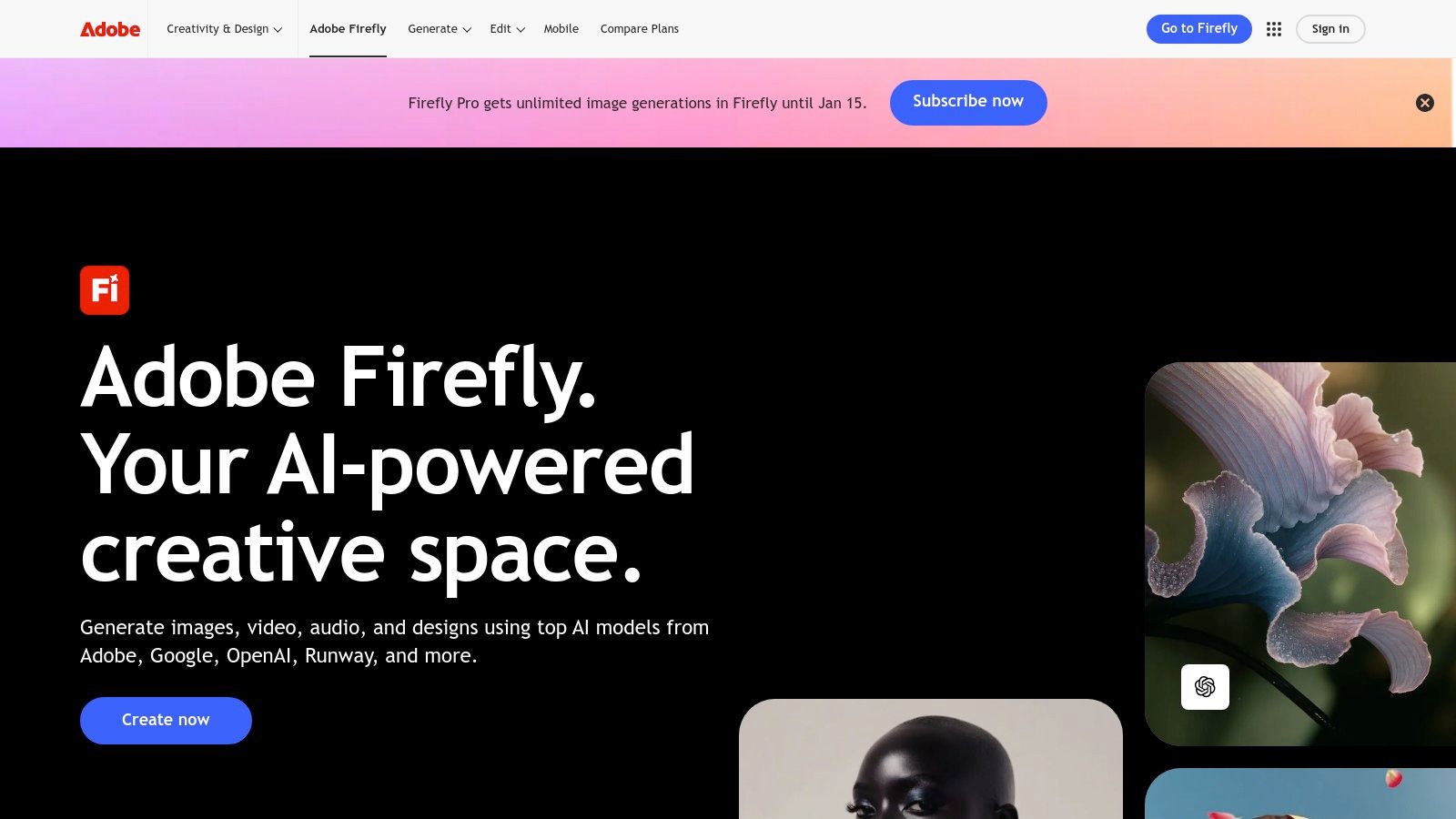
Unlike many AI art generators, Firefly is trained on Adobe Stock's licensed library and public domain content, which means its outputs are designed to be commercially safe and free of brand copyright issues. This makes it an invaluable tool for professional designers, marketers, and businesses needing to generate assets without legal risks. The platform operates on a "generative credits" system, offering a limited number of free credits each month that refresh, allowing for consistent, albeit limited, free access.
Key Features & User Experience
The user experience is exceptionally intuitive, even for those new to AI image generation. Its standout feature, Generative Fill, allows you to seamlessly add, remove, or expand parts of an image with simple text prompts directly within Photoshop or the Firefly web app.
- Free Tier Access: Provides a monthly allotment of 25 generative credits. Standard-resolution generations cost 1 credit, but using newer models or higher-quality settings can consume more.
- Creative Cloud Integration: The true power of Firefly is its deep integration. You can generate an image in the Firefly web app and then seamlessly bring it into Photoshop for further refinement.
- Commercial Safety: Outputs from the main Firefly model are intended for commercial use, a significant advantage over models with unclear training data rights.
While the free tier is generous for casual use, power users will find the credit limit restrictive. Upgrading to a paid Creative Cloud plan significantly increases your monthly credit allowance. For those looking to manage costs on Adobe and other premium tools, exploring different software access models can be beneficial. You can explore a variety of other free software options in our guide to free software alternatives.
Website: https://www.adobe.com/products/firefly
2. Microsoft Designer
Microsoft Designer stands out as a practical and integrated Midjourney free alternative for users who need more than just an image generator. Previously known as Bing Image Creator, it has evolved into a full-fledged design application powered by DALL-E 3, combining AI image creation with a suite of easy-to-use graphic design tools, perfect for crafting social media posts, presentations, and digital ads.
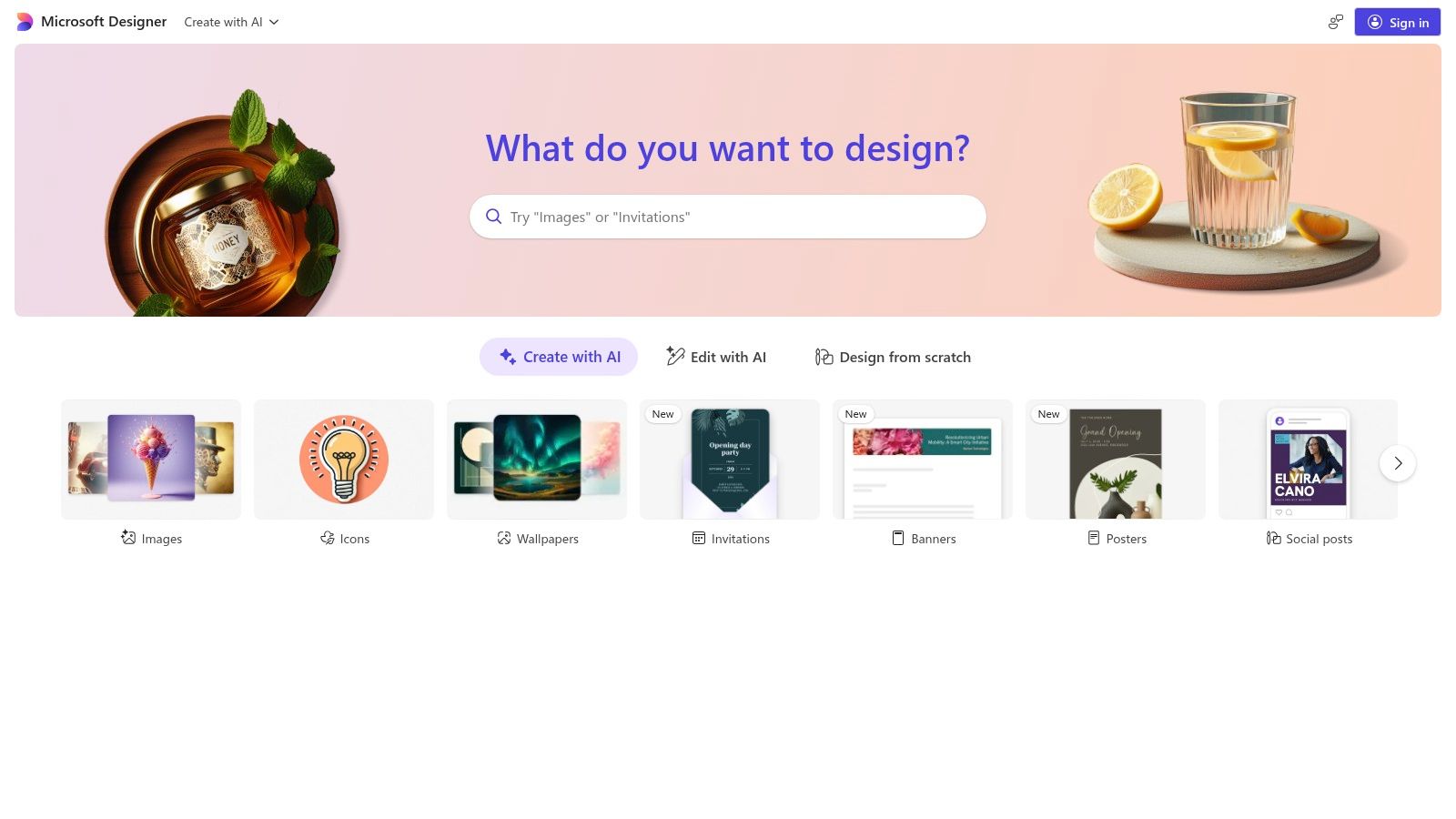
The platform operates on a "boost" credit system. Free users receive a generous number of monthly boosts for prioritized, faster image generation. Once these are used, generation continues at a slower pace without cutting off access completely. This model provides an excellent free entry point, with deeper integration and more boosts available for Microsoft 365 subscribers, making it a valuable tool for both casual creators and professionals embedded in the Microsoft ecosystem.
Key Features & User Experience
Microsoft Designer's strength lies in its simplicity and direct application. You can generate an image from a text prompt and immediately use its design suggestions and templates to turn it into a polished graphic. The experience is seamless, bridging the gap between raw AI output and a finished, shareable design.
- Free Boost Credits: Provides 100 daily boosts for rapid image generation. Standard generations continue at a slower speed after boosts are depleted.
- DALL-E 3 Integration: Leverages one of the most advanced text-to-image models available, known for its strong prompt adherence and detail.
- Design & Template Tooling: Goes beyond simple image creation by offering a built-in design editor with templates, text tools, and layout suggestions.
While the free access is robust, users who require consistent, high-speed generation may find the boost system limiting. For those exploring various budget-friendly AI solutions, understanding how Microsoft Designer fits into the broader landscape is key. You can find more details in our guide to affordable AI tools.
Website: https://designer.microsoft.com
3. Google ImageFX (Labs)
Google ImageFX enters the scene as a compelling and straightforward Midjourney free alternative, powered by Google's advanced Imagen family of models. Accessible through Google Labs, it offers a simple web interface for generating high-quality images with a strong emphasis on responsible AI practices. While access is currently limited by region and may require joining a waitlist, it provides a powerful, free-to-use tool for experimentation.
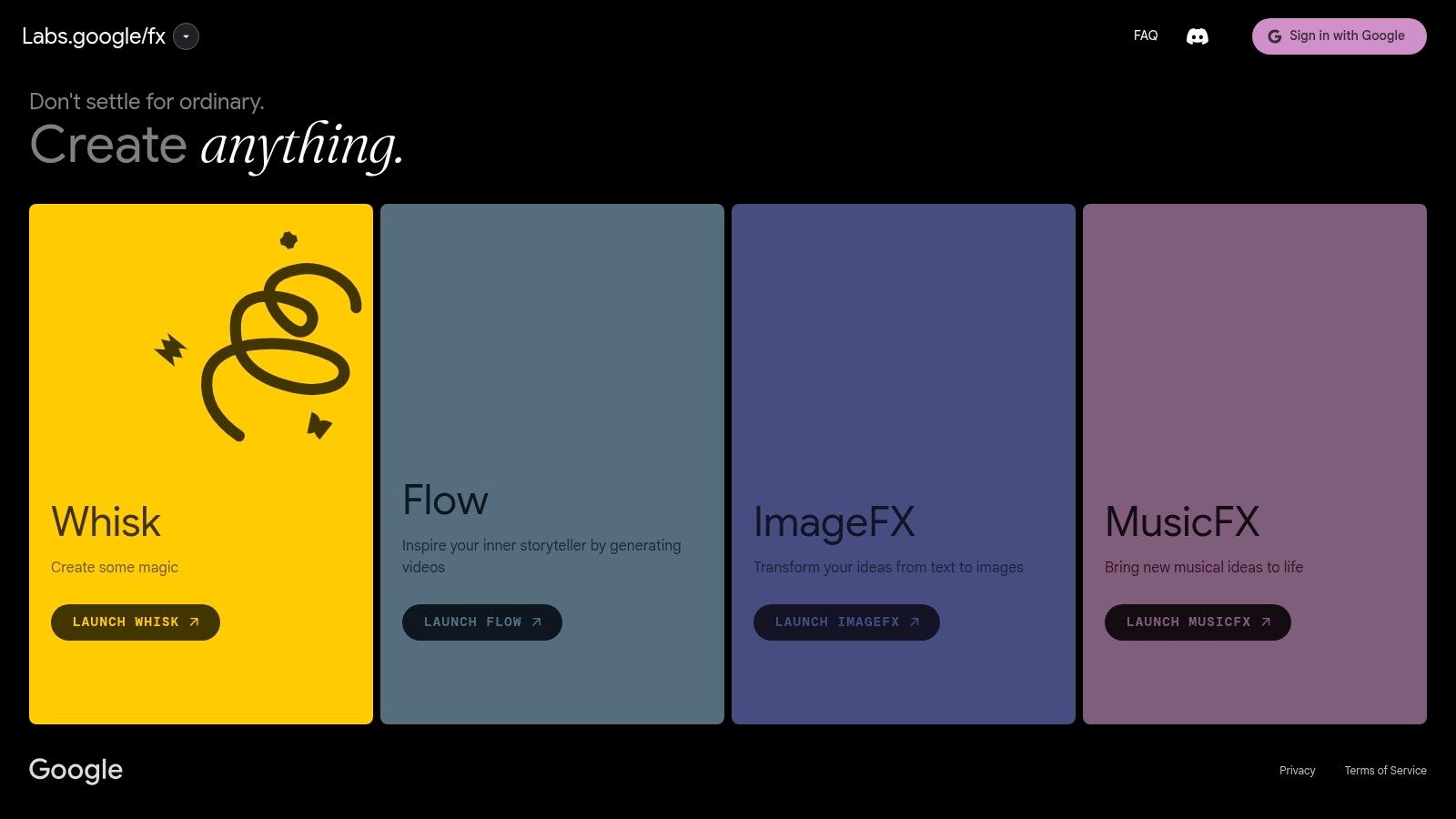
Unlike many open-source models, Google has built robust safety and attribution frameworks directly into ImageFX. All generated images are marked with SynthID, a digital watermark imperceptible to the human eye, and include IPTC metadata to clearly identify them as AI-generated. This focus on transparency makes it a trustworthy choice for users concerned with the ethical implications of generative AI.
Key Features & User Experience
The user experience is clean and minimalist, designed to get users generating images quickly without a steep learning curve. While it may lack the extensive controls found in specialized studios, its simplicity is a major benefit for newcomers and those who prioritize speed and ease of use.
- Free Access: Currently free to use for those with access in supported regions, though this is subject to Google's experimental product policies.
- SynthID Watermarking: Provides a layer of responsible attribution, making it clear that the image was generated by AI, which is crucial for ethical use.
- Imagen 2 Model: Leverages one of Google's most capable text-to-image models, known for its ability to understand complex prompts and generate photorealistic results.
While its regional and account-based availability can be a limitation, ImageFX represents a significant and accessible offering from a major tech player. For businesses exploring how to integrate AI, you can find more options in our guide to the best AI tools for small business.
Website: https://labs.google/fx
4. Ideogram
Ideogram has quickly become a go-to Midjourney free alternative for users who need to generate images that include coherent and well-formed text. While many AI generators struggle with typography, Ideogram's "Magic Prompt" feature excels at creating logos, posters, and memes where text is a central, legible element, making it a unique and powerful tool.
The platform is built around a fast and user-friendly web interface that feels more like a social feed, where you can browse, like, and remix creations from the community. Ideogram offers a free tier that provides a daily allowance of slow-generation credits, which is sufficient for casual experimentation and small projects. For more intensive use, paid plans offer faster "priority" generations and more credits.
Key Features & User Experience
The user experience is straightforward, with a simple prompt bar and style toggles. The platform's standout feature is its reliable text rendering, which consistently outperforms many competitors, making complex graphic design concepts much easier to realize.
- Free Tier Access: Provides 10 prompts (40 images) per day with slow generation. This is a great way to test the platform's capabilities without any commitment.
- Superior Text Rendering: The "Magic Prompt" feature automatically enhances your input to produce more creative and detailed images, with a special emphasis on getting typography right.
- Remix and Edit Tools: Like an image you see in the community feed? The remix feature allows you to use it as a starting point for your own generation, providing an intuitive way to learn and iterate.
While the free tier is generous, the "slow" generation queue can sometimes take a few minutes, which might be a drawback for users needing immediate results. The credit system, with its mix of slow and priority generations on paid tiers, can also be slightly confusing initially.
Website: https://ideogram.ai
5. Leonardo.Ai
Leonardo.Ai presents itself as a comprehensive creative suite and a strong Midjourney free alternative for users who desire deep control over their AI generations. More than just a text-to-image generator, it's a full-featured platform with tools for training custom models, maintaining character consistency, and even generating video, all wrapped in a user-friendly interface.
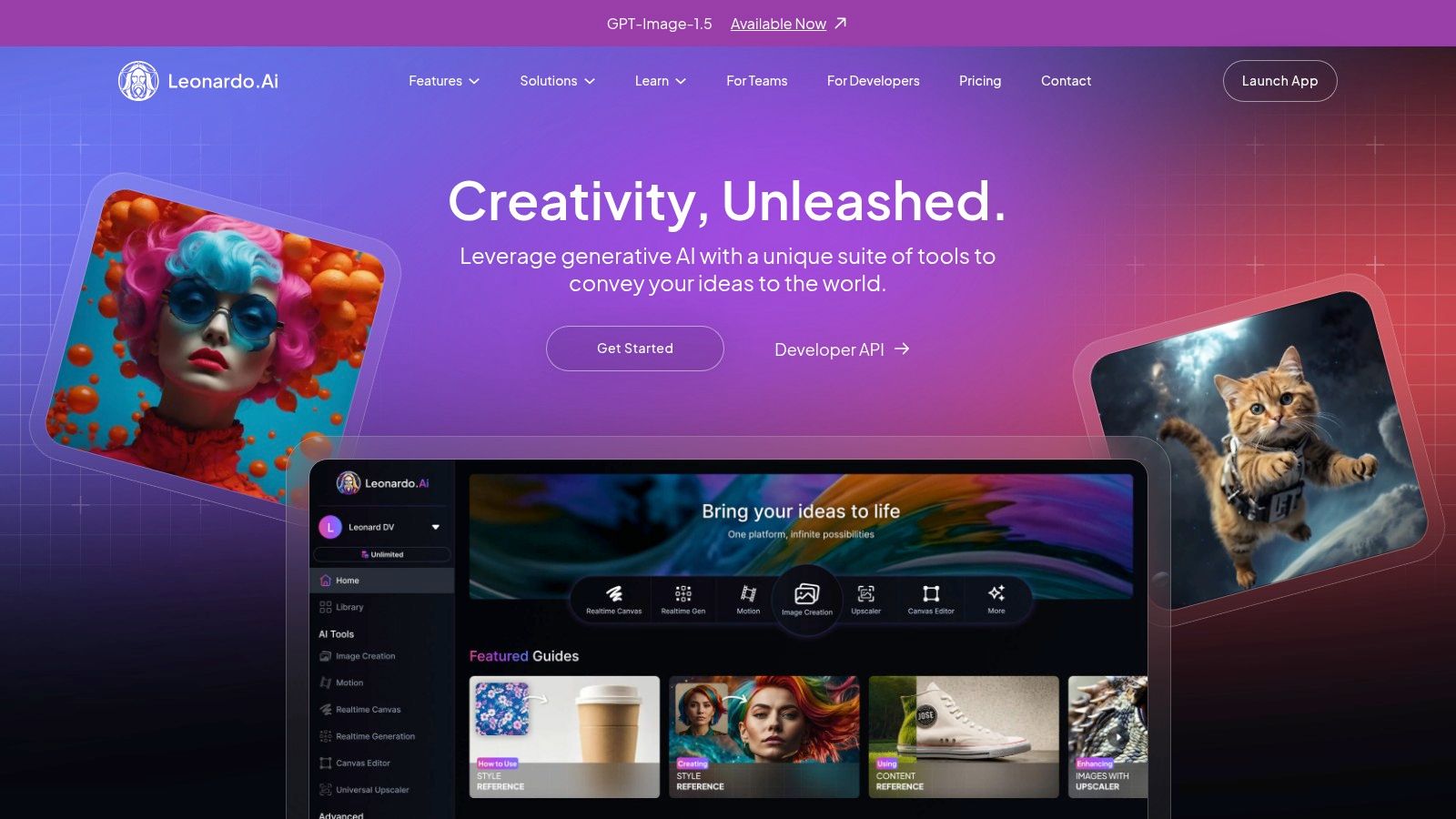
This platform stands out by offering a production-oriented toolset suitable for both individual creators and collaborative teams. Its free plan provides a daily allotment of "fast" tokens that reset every 24 hours, allowing consistent, no-cost access for experimentation and smaller projects. For professional users and teams, features like shared workspaces and pooled tokens make it a powerful collaborative hub.
Key Features & User Experience
Leonardo.Ai’s interface is designed to give creators granular control, from selecting specific fine-tuned models to adjusting advanced settings. Its key strength lies in its ecosystem, which includes a library of both first-party and community-trained models, providing a vast range of artistic styles right out of the box.
- Free Tier Access: Generous daily allowance of 150 fast tokens for generating images, with the option to upscale, unzoom, and use other advanced features.
- Custom Model Training: Users can train their own AI models on their personal datasets, allowing for unique and consistent artistic styles or character depictions.
- Multi-Model Hub: Access to a wide variety of models, including Leonardo’s own powerful "Phoenix" and "Vision XL," alongside popular open-source options like Stable Diffusion.
- Team & Collaboration Tools: Paid tiers offer team workspaces where members can share assets and utilize a pooled token balance, streamlining creative workflows.
While the free daily tokens are great for regular use, they are finite. Paid plans offer more tokens and introduce a "Relaxed Generation" mode for unlimited, albeit slower, image creation. However, this relaxed mode is often limited to Leonardo's proprietary models, and queues can be longer during peak hours.
Website: https://leonardo.ai
6. Playground (Playground.com)
Playground positions itself as a streamlined and accessible Midjourney free alternative that combines AI image generation with a user-friendly design editor. It’s a web-based platform that offers access to its own Playground v3 model and even OpenAI’s GPT-4o image generation capabilities, making it a versatile tool for both creative exploration and specific design tasks directly in the browser.
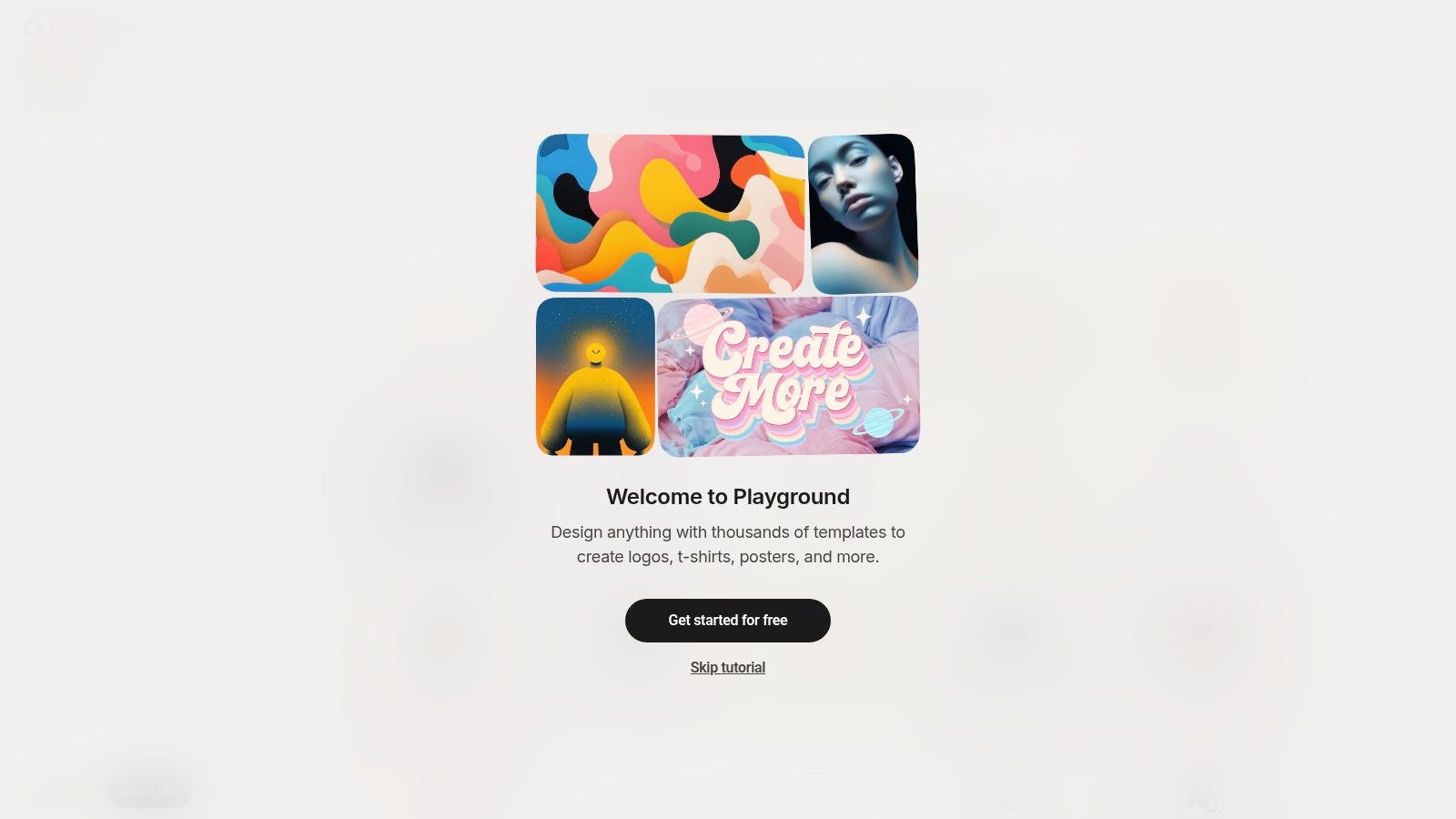
The platform operates on a credit system, with a free tier that provides a daily allowance of image generations. What makes Playground stand out is its flexible pricing structure. Beyond the standard monthly and annual subscriptions, it offers a "Day Pass" for users who need a burst of high-volume usage for a short period, as well as à-la-carte credit top-ups. This flexibility caters to a wide range of users, from casual hobbyists to professionals with occasional, intensive project needs.
Key Features & User Experience
The user interface is clean and straightforward, making it easy for beginners to start generating images without a steep learning curve. The integrated editor allows for in-painting, out-painting, and other modifications, adding a layer of creative control often missing from simpler generation tools.
- Free Tier Access: Generous daily limits for image creation, although users may experience delays during peak usage times. Usage caps are specific to the model being used.
- Multiple Models: Access to Playground’s own models as well as the option to use powerful alternatives like GPT-4o, providing variety in style and capability.
- Flexible Purchasing: The availability of a Day Pass and on-demand credit purchases is a significant advantage, allowing users to pay only for what they need without a long-term commitment.
While the free plan is excellent for experimentation, the model-specific usage caps and potential for peak-time delays can be a limitation for consistent professional work. However, its straightforward browser UI and flexible purchasing options make it an attractive and low-risk choice for many creators.
Website: https://playground.com/design
7. NightCafe Creator
NightCafe Creator is a well-established and community-focused Midjourney free alternative that appeals to both beginners and hobbyists. It operates on a credit-based system, providing a user-friendly on-ramp to AI art creation with daily free credits and options to purchase more or subscribe for a larger monthly allowance. The platform is less of a pure utility and more of a social art community, built around sharing, discovery, and friendly competition.
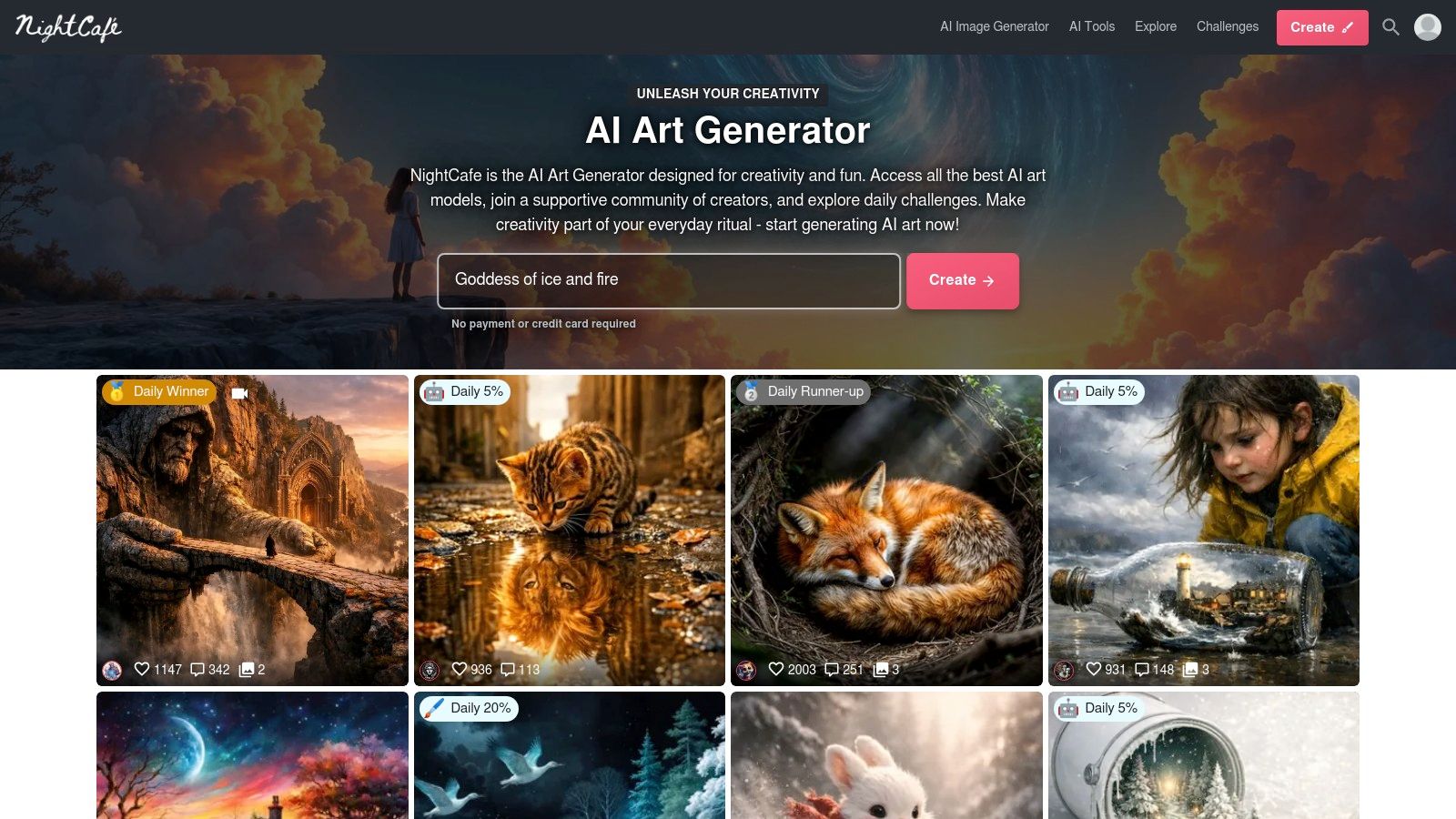
What sets NightCafe apart is its emphasis on community engagement. Users can enter daily challenges, browse an extensive feed of creations from other artists, and even "evolve" existing images to build upon them. This social aspect makes it an excellent environment for learning prompt engineering, as users can openly view the prompts and settings behind any public image. It supports various models, including SDXL and numerous community-fine-tuned styles, offering a diverse creative palette.
Key Features & User Experience
The interface is accessible, with straightforward controls and presets that help newcomers get started quickly. While the free credits are a great way to experiment, users should be mindful that advanced models like SDXL or higher-resolution outputs consume credits at a faster rate, which can feel limiting for high-volume creation without a subscription.
- Free Tier Access: Provides 5 free credits daily upon login and more for participating in community activities. Extra credit packs and PRO subscriptions are available.
- Strong Community Features: Daily prompt challenges, leaderboards, and an active Discord community make it a hub for social discovery and learning.
- Multiple Model Support: Access to Stable Diffusion XL, DALL-E 2, and a wide array of community-trained style models provides significant creative flexibility.
For those who enjoy the social and learning aspects of AI art, NightCafe offers a compelling free entry point. Its recurring credit system ensures you can always come back to create, making it a reliable tool for casual experimentation and artistic exploration.
Website: https://nightcafe.studio
8. Lexica
Lexica offers a unique two-in-one experience as a Midjourney free alternative, functioning both as an AI image generator and a massive, searchable gallery of existing AI-generated art. It's an exceptional resource for inspiration, allowing users to browse millions of images alongside the exact prompts used to create them, which is invaluable for learning the art of prompt engineering. This focus on discovery makes it a go-to platform for new users trying to understand how different keywords and styles influence an AI model.
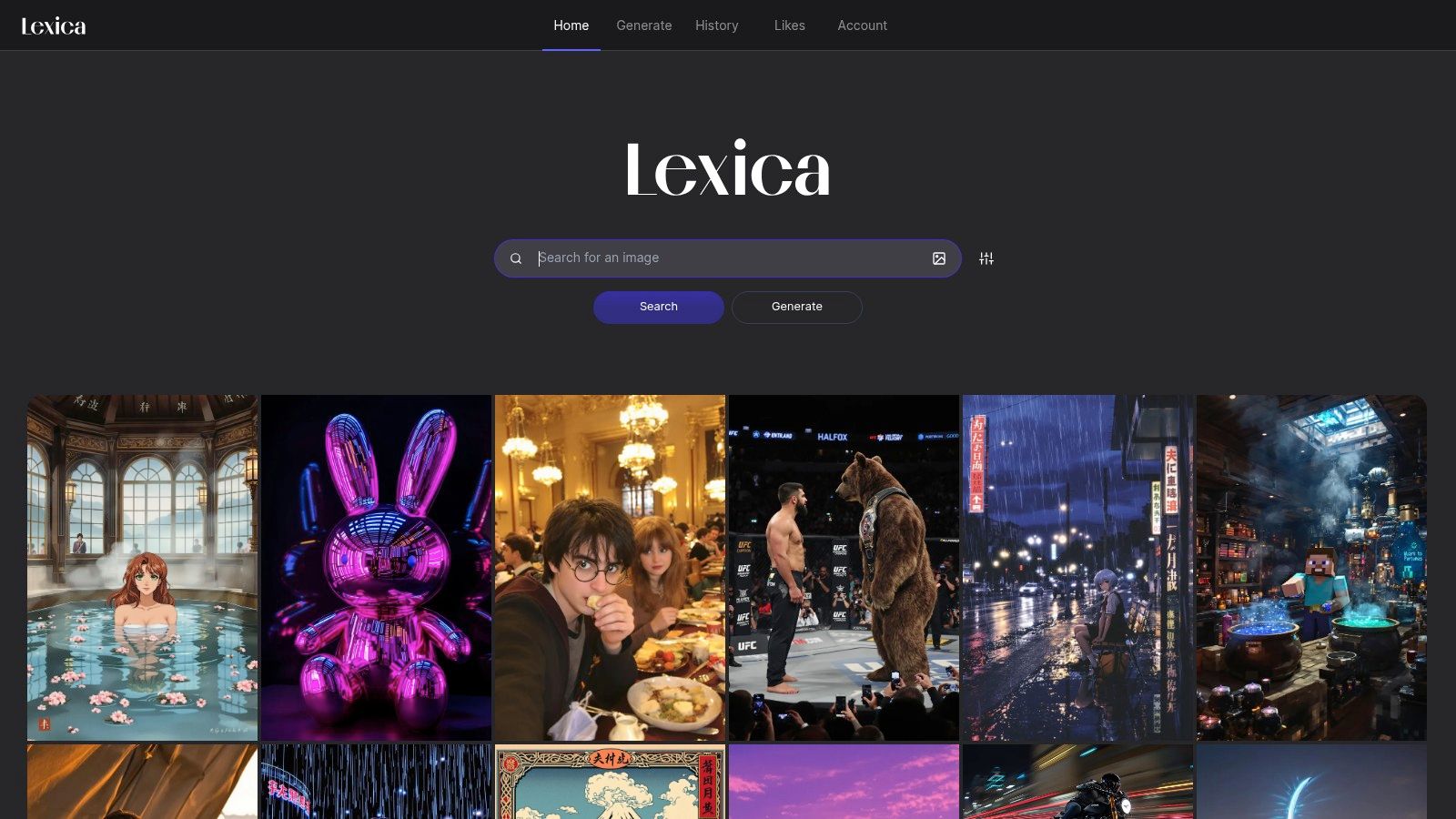
While Lexica previously offered a generous free tier, its current model primarily focuses on paid plans for active generation. However, its searchable database remains an unparalleled free tool for creative exploration. Users can find a style they like, copy the prompt, and adapt it for use in other free generators. The platform's generator, available through paid plans, provides fast and slow queues, aspect ratio controls, and clear commercial licensing terms, making it a viable option for those who decide to upgrade.
Key Features & User Experience
Lexica’s interface is split between its powerful search engine and the generator itself. The search function is its primary draw, enabling you to deconstruct successful images to improve your own creations. This makes it an educational tool as much as a creative one.
- Massive Prompt Library: Search millions of images and their corresponding prompts for free, accelerating the learning curve for new AI artists.
- Generator Controls: Paid tiers offer control over image dimensions, negative prompts, and access to different generation speeds.
- Clear Licensing: Commercial usage rights are explicitly granted with paid subscriptions, providing clarity for professional projects.
The main limitation is the lack of an ongoing free generation plan, positioning Lexica more as a freemium tool and prompt library than a direct free generator. Additionally, true privacy for your generated images is reserved for the highest-priced subscription tier, which is a key consideration for commercial users.
Website: https://lexica.art
9. OpenArt
OpenArt positions itself as a comprehensive creative suite, making it a versatile Midjourney free alternative for users who need more than just static image generation. It consolidates access to over 100 different AI models for images, video, and audio, alongside advanced features like custom model training and consistent character creation, all within a single unified platform.
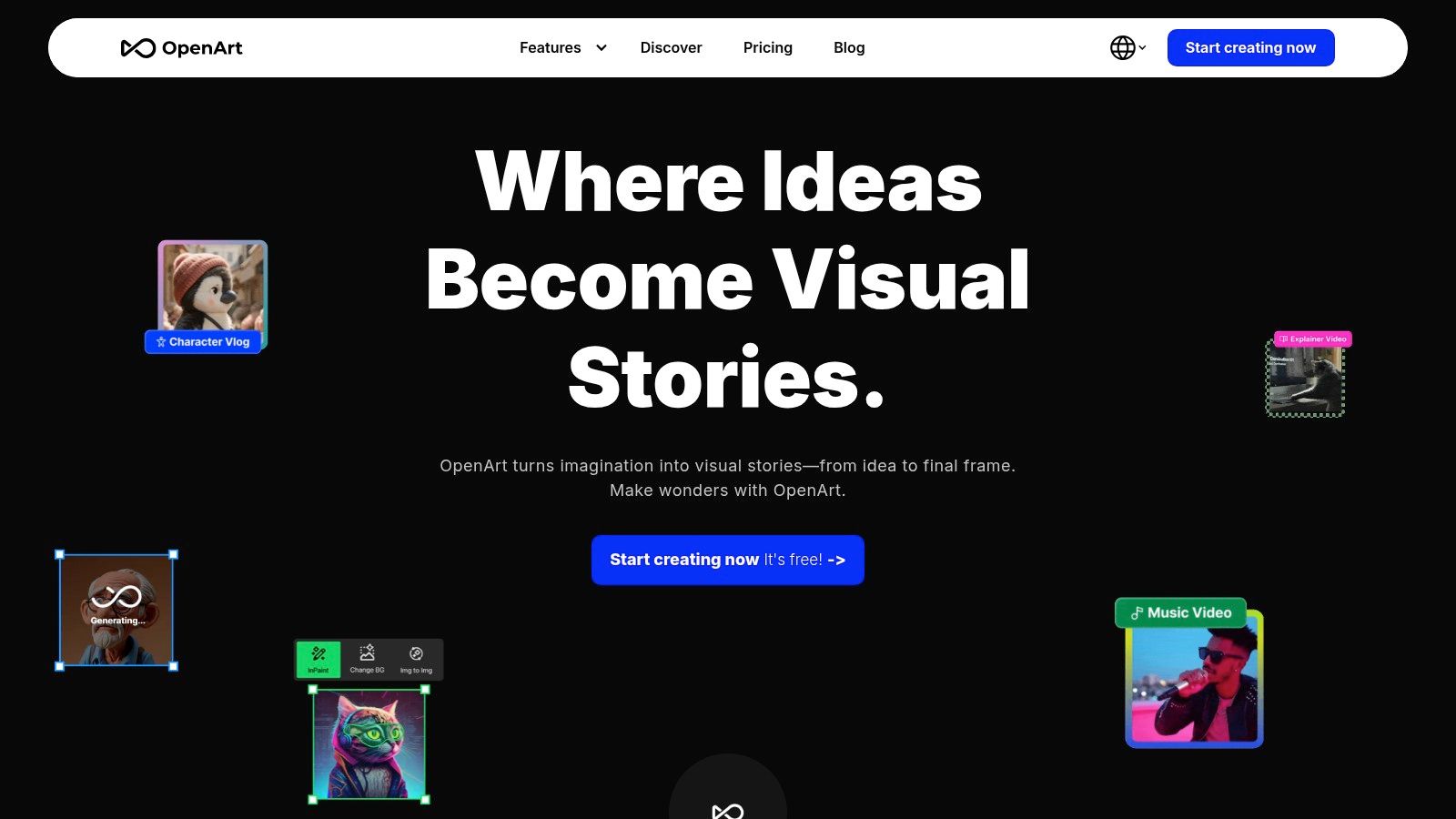
This platform stands out by offering an all-in-one workspace that scales from individual creators to collaborative teams. Its model library includes popular options like Stable Diffusion and DALL-E 3, allowing users to experiment with different artistic styles without switching services. The free tier provides a one-time allocation of trial credits to explore these features, but sustained use, especially for credit-intensive tasks like model training or video generation, will necessitate a paid subscription.
Key Features & User Experience
The user experience is geared towards workflow efficiency, with tools organized logically for both beginners and advanced users. The platform’s ability to train custom models on your own art style or create consistent characters across multiple images is a significant draw for artists and storytellers.
- Free Tier Access: Offers a one-time set of trial credits upon sign-up to test various features. Unlike services with monthly refreshes, these credits do not replenish.
- Broad Model Access: Gain access to 100+ fine-tuned models for diverse outputs, from photorealism to anime, all in one place.
- Team Collaboration: Paid team plans allow for pooled credits and shared assets, making it a viable option for small studios or creative groups needing a centralized AI toolkit.
While the one-time free credit allocation is a limitation, it provides a solid opportunity to evaluate if the platform's extensive features justify an upgrade. For those managing multiple creative subscriptions, a shared access model can help distribute costs effectively.
Website: https://openart.ai
10. FLUX Playground (Black Forest Labs)
FLUX Playground from Black Forest Labs offers a direct, no-frills way to test the powerful FLUX.1 models, making it a compelling Midjourney free alternative for those curious about cutting-edge AI. This web-based platform is the official testing ground for the FLUX model family, providing a focused environment to evaluate their unique image generation capabilities before committing to API usage or paid plans.
The platform stands out by giving users a clean, uncluttered space to experiment. It's not a full-featured design suite but a pure-play AI art generator focused on demonstrating the model's raw power. Upon signing up, users are typically granted a set of free starter credits, which allows for a decent number of initial generations to get a feel for the model's style, prompt adherence, and overall output quality.
Key Features & User Experience
The user experience is straightforward, targeting developers and AI enthusiasts who want to evaluate the model without navigating complex tools. You simply enter a prompt, select a model variant, and generate. The interface is clean, fast, and highly responsive, emphasizing speed and efficiency.
- Free Starter Credits: New users receive an initial allocation of free credits (currently 50) to generate images and test the model's capabilities.
- Direct Model Access: Provides direct access to the latest FLUX models, allowing you to test their performance firsthand, which is ideal for developers considering API integration.
- Simple Interface: The playground is designed for one purpose: generating images. It avoids the feature bloat of other platforms, making it incredibly easy to use.
While the free credits are a great starting point, they are finite. Once depleted, you'll need to purchase more or integrate via the API for continued use. This makes it less of a long-term free solution and more of a "try-before-you-buy" platform for a highly capable model.
Website: https://playground.bfl.ai
11. Mage.space
Mage.space offers a powerful and accessible online studio built primarily around Stable Diffusion models, presenting itself as a robust Midjourney free alternative for users who want deep technical control. The platform provides a generous free tier that allows for unlimited image generations, making it a standout choice for experimentation and high-volume creation without an initial financial commitment.
This platform is more than a simple text-to-image generator; it’s a full-featured creative suite. It supports advanced techniques like LoRA for style fine-tuning, ControlNet for precise pose and composition control, inpainting, and upscaling. The interface balances accessibility for newcomers with the complex tools that power users demand, all within a browser-based environment. While the free plan is fantastic, paid tiers unlock faster processing, concurrent generations, and access to more advanced models like FLUX.
Key Features & User Experience
The user experience is straightforward, with a prominent prompt bar and a sidebar full of advanced settings for those who wish to dive deeper. The community feed is a great source of inspiration, showcasing what is possible on the platform and sharing prompts that others can build upon.
- Generous Free Tier: Offers unlimited image generations, though users may experience queues during peak hours. Free access includes a wide selection of Stable Diffusion models.
- Advanced Control Features: Full support for ControlNet, LoRA model integration, inpainting, and upscaling provides granular control over outputs, rivaling local installations.
- Pro Tiers for Power Users: Paid plans remove queues, increase generation speed, enable private creations, and allow for custom model imports, catering to professional and enthusiast needs.
While the free access is a major draw, the periodic changes to pricing and tier features mean users should check the site for the latest offerings. Nevertheless, its blend of accessibility and advanced functionality makes Mage.space a top-tier destination for exploring Stable Diffusion's full potential.
Website: https://www.mage.space
12. Craiyon
Craiyon, formerly known as DALL·E mini, stands as one of the original and most accessible web-based AI art generators, making it a noteworthy Midjourney free alternative for quick ideation. It gained viral popularity for its ability to generate humorous and often surreal images from simple text prompts, offering a straightforward entry point into AI art creation without the need for sign-ups or complex interfaces.
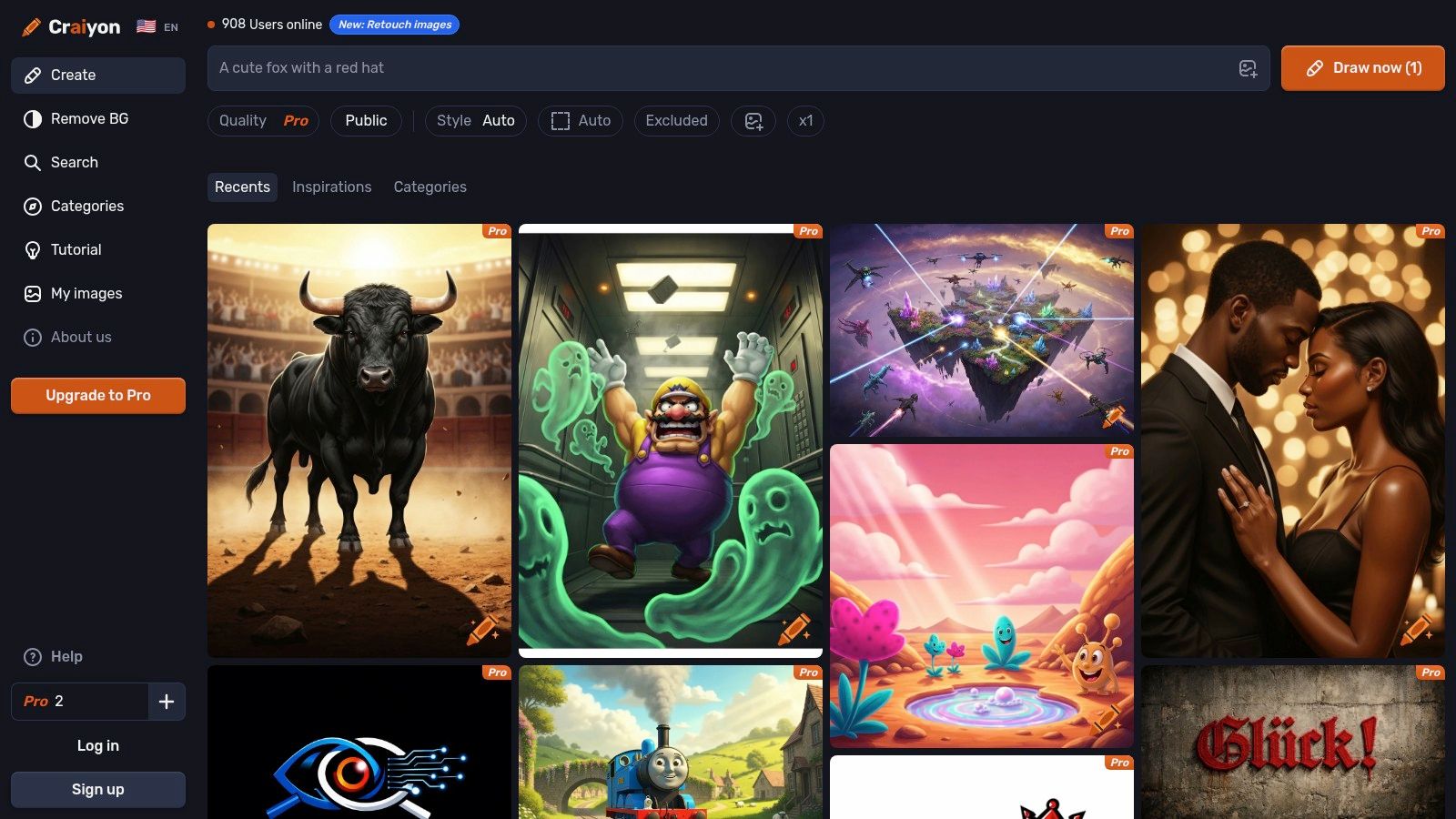
Its primary appeal is its truly unlimited free tier for base-quality images. While the results may lack the photorealism and artistic polish of Midjourney, Craiyon is an excellent tool for brainstorming, creating memes, or visualizing basic concepts without worrying about credit limits. The platform is supported by ads, with paid plans available for users who need faster generation times, higher-quality outputs, and watermark-free downloads.
Key Features & User Experience
The user experience is incredibly simple: a single text box and a "Draw" button. This makes it perfect for absolute beginners who want to experiment with AI image generation without any friction. The platform generates a grid of nine images per prompt, giving users a variety of interpretations to choose from.
- Unlimited Free Generations: Users can generate an endless number of base-quality images without any hard daily caps, which is a major advantage for casual experimentation.
- Simple Interface: The website is extremely intuitive, with no complex settings or parameters to configure, making it ideal for first-time users.
- Paid Tiers for Enhanced Quality: For those needing better results, paid subscriptions offer access to higher-quality models, faster processing, private generations, and the removal of watermarks.
While the base quality is noticeably lower than premium tools, Craiyon serves a valuable purpose as a no-cost, unlimited playground for exploring ideas. The best results often come from simple, direct prompts.
Website: https://www.craiyon.com
12 Free Midjourney Alternatives: Feature Comparison
| Product | Core features | UX / Quality (★) | Price / Value (💰) | Target (👥) | Unique selling point (✨ / 🏆) |
|---|---|---|---|---|---|
| Adobe Firefly | Text-to-image, Generative Fill, Photoshop/Express integration | ★★★★☆ — brand-safe, reliable | 💰 Free (credit-limited); paid generative credits | 👥 Creators, brands, agencies | ✨ Commercial licensing clarity; Photoshop integration 🏆 |
| Microsoft Designer | AI image + templates, M365 integration, monthly credits | ★★★★☆ — fast, template-driven | 💰 Free w/ credits; expanded with Microsoft 365 | 👥 Social creators, office users | ✨ Ready-to-publish templates |
| Google ImageFX (Labs) | Imagen-family outputs, SynthID watermarking, safety filters | ★★★★☆ — high-quality, safety-first | 💰 Free in supported regions | 👥 Experimenters, safety-conscious users | ✨ SynthID watermark & IPTC metadata 🏆 |
| Ideogram | Strong text rendering, remix/edit, API & priority credits | ★★★★☆ — excellent text handling | 💰 Free tier + paid priority credits | 👥 Designers, logo/text-heavy creators | ✨ Best-in-class text-in-image |
| Leonardo.Ai | Image/video studio, model training, team workspaces | ★★★★☆ — deep creator controls | 💰 Free daily tokens; paid Relaxed/unlimited modes | 👥 Creators, teams, game devs | ✨ Character consistency & Relaxed Generation 🏆 |
| Playground (Playground.com) | Playground editor, GPT‑4o image option, day pass | ★★★☆☆ — flexible, model-dependent | 💰 Free + Pro / Day Pass & credit top-ups | 👥 Casual pros, trial users | ✨ Day Pass & per-model top-ups |
| NightCafe Creator | Credit system, SDXL support, community challenges | ★★★☆☆ — hobbyist-friendly | 💰 Daily free credits; PRO subscriptions | 👥 Hobbyists, prompt learners | ✨ Strong community & discovery |
| Lexica | Generator + massive prompt/image search, licensing | ★★★★☆ — search-accelerated workflow | 💰 Paid plans for speed & commercial use | 👥 Prompt engineers, pros | ✨ Massive prompt library; clear licensing |
| OpenArt | 100+ models, character/custom training, team pooling | ★★★★☆ — all-in-one creative suite | 💰 Free trial credits; tiered subscriptions | 👥 Teams & multi-model creators | ✨ Broad model access + pooled credits 🏆 |
| FLUX Playground | FLUX.1 playground, presets, model variants | ★★★☆☆ — focused evaluation tool | 💰 Free starter credits; API/top-ups for scale | 👥 Developers, researchers | ✨ Direct FLUX model access |
| Mage.space | SD/FLUX, LoRA, ControlNet, inpainting, upscaling | ★★★★☆ — power-user controls | 💰 Generous free use; memberships for speed | 👥 Power users, tinkerers | ✨ Advanced ControlNet/LoRA support |
| Craiyon | Unlimited base-quality free generations, simple UI | ★★☆☆☆ — basic ideation quality | 💰 Truly free base; paid for HD & privacy | 👥 Casual users, quick ideation | ✨ Unlimited free base generations |
Final Thoughts
Navigating the vibrant and ever-expanding universe of AI image generation reveals a powerful truth: creativity is no longer locked behind a steep paywall. While Midjourney has rightfully earned its place as a powerhouse for its stylistic consistency and high-fidelity output, the search for a Midjourney free alternative is more fruitful than ever. This comprehensive exploration has shown that a wealth of capable, innovative, and often entirely free tools are ready to bring your visual ideas to life.
From the commercially safe and ethically trained Adobe Firefly to the intuitive, integrated experience of Microsoft Designer, the options for high-quality, accessible image creation are abundant. We've seen how newcomers like Ideogram are pushing the boundaries of in-image typography, a common pain point for many models, while established platforms like Leonardo.Ai offer a complete creative suite with custom model training and a robust community. Each tool occupies a unique niche, catering to different workflows, skill levels, and artistic goals.
Your Path Forward: Choosing the Right Alternative
The key takeaway is that the "best" alternative is entirely subjective and depends on your specific needs. There is no one-size-fits-all answer. Your decision-making process should be guided by a clear understanding of your project requirements.
-
For Beginners and Casual Users: Tools like Craiyon, Microsoft Designer, and Adobe Firefly offer the gentlest learning curve. Their straightforward interfaces and generous free tiers are perfect for experimentation and getting comfortable with prompt engineering without any initial investment.
-
For Artists and Designers Seeking Control: Leonardo.Ai, Playground, and NightCafe Creator provide a deeper level of customization. Features like model training, negative prompts, fine-tuned control sliders, and access to a variety of Stable Diffusion models empower you to develop a unique artistic style.
-
For Rapid Prototyping and Idea Generation: Lexica and OpenArt excel in this area. Their massive, searchable galleries of existing AI-generated images and their corresponding prompts allow you to quickly find inspiration and iterate on concepts without starting from scratch.
-
For Exploring the Cutting Edge: Platforms like FLUX Playground and Google ImageFX give you a glimpse into the next wave of image generation technology. While they may be in experimental phases, they offer unique capabilities and a chance to work with the latest model architectures.
Final Considerations for Implementation
Before you commit to a platform, remember to consider the licensing and usage rights associated with the images you create. Tools like Adobe Firefly are designed for commercial safety, while others operating on open-source models may have more complex usage stipulations. Furthermore, while this article focuses specifically on AI image generators, the creative landscape is much broader. A broader landscape of Top AI content generation tools exists for various needs, from writing assistance to video creation, which can complement your visual workflow.
Ultimately, the journey to finding the perfect Midjourney free alternative is one of exploration. Don't be afraid to experiment. Spend a day trying three or four different platforms. Use the same prompt across each one to directly compare their stylistic interpretations and output quality. You will quickly develop an intuition for which tool aligns best with your creative vision. The era of democratized digital art is here, and you have a full palette of powerful, free tools at your fingertips.
Still craving the unique aesthetic and power of a premium tool like Midjourney without the full subscription cost? AccountShare offers a smart, secure, and affordable way to access top-tier AI tools by splitting the cost with a trusted group. Find your ideal Midjourney free alternative for daily tasks, but use AccountShare to access the industry's best for those projects that demand it.